Key Takeaways
- To check an e-challan by vehicle number, you must enter the last 5 digits of your chassis or engine number.
- CCTV camera photo proof is available for automated violations like speeding and red-light jumps.
- If money is deducted but status shows pending, use the Check Pending Transaction tool before paying again.
- A 'Challan Not Found' message can mean server syncing delays, a transfer to Virtual Court, or a scam SMS.
- Official receipts can be re-downloaded at any time using the MoRTH echallan portal.
The official echallan parivahan portal enables motorists to search pending traffic violations, review photographic camera evidence, verify stuck transactions, and clear fines online. Developed by the National Informatics Centre (NIC) for the Ministry of Road Transport and Highways (MoRTH), the system links directly to central vehicle and licence databases. You can run a quick check challan status by vehicle number to see pending dues before inspecting violation details on the central website.
| Portal Service | Official Web Address | Required Details | Standard Processing Time |
|---|
| Check Status & Evidence | echallan.parivahan.gov.in | Vehicle No. + 5 Chassis/Engine digits, or Challan No. | Instant |
| Reconcile Stuck Payments | echallan.parivahan.gov.in | Challan Number or Vehicle Number | Immediate PGI API check |
| Download Receipts | echallan.parivahan.gov.in | Challan Number, Vehicle Number, or DL Number | Instant PDF generation |
| File Support Ticket | echallan.parivahan.gov.in/gsticket/ | Challan No., Bank UTR, PGI Transaction ID | 24 to 72 business hours |
How to Check Traffic Challan Online Parivahan and View Photo Evidence
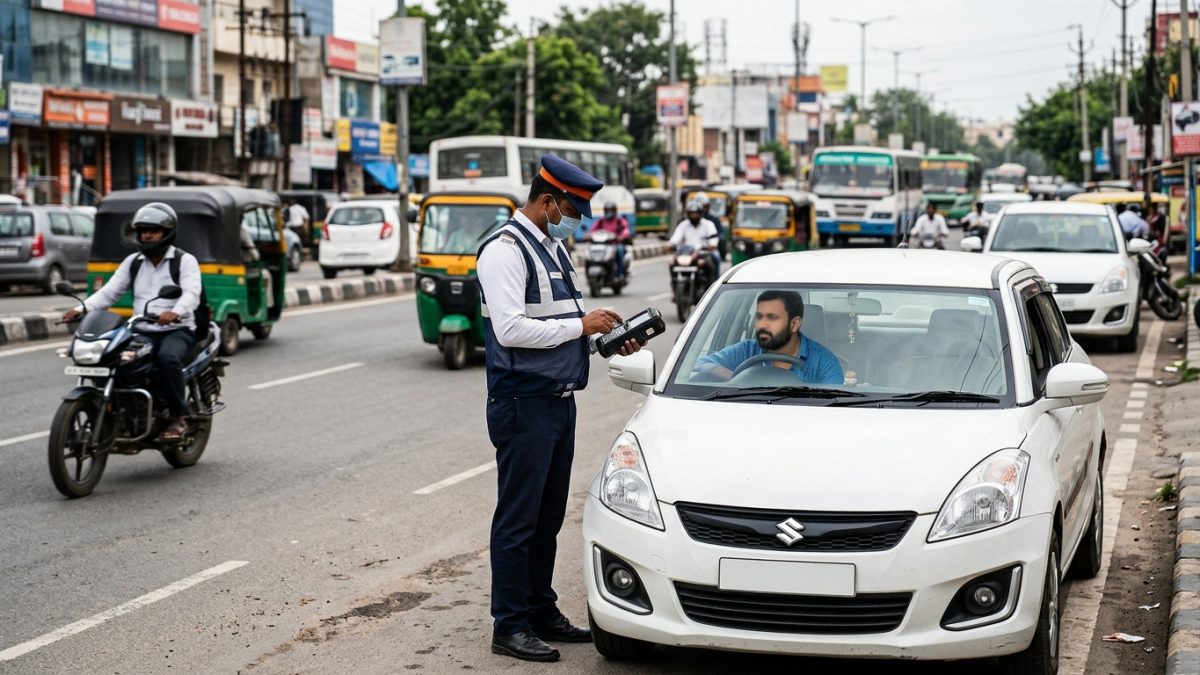
Camera-based traffic monitoring systems—such as Automatic Number Plate Recognition (ANPR), Red Light Violation Detection (RLVD), and AI helmet cameras—automatically log photographic evidence. Drivers can view the captured snapshot directly on the portal to confirm whether their vehicle was correctly identified.
- Open the violation search page: Visit the official search interface at echallan.parivahan.gov.in/index/accused-challan.
- Enter your vehicle or challan details: Select Challan Number, Vehicle Number, or Driving Licence (DL) Number. When searching by vehicle number, enter the last 5 characters of your Chassis or Engine Number.
- Complete the Captcha: Enter the security letters shown on the screen and click Get Detail.
- Locate the specific challan: Review the results table showing the offence date, violation section, and compounding amount.
- Open the photographic evidence: Click the Camera / View Image icon or the Challan Details link under the violation row.
- Inspect the camera snapshot: Review the pop-up modal displaying the full-frame road capture, cropped registration plate, GPS coordinates, junction name, and timestamp.
Manual roadside challans issued by traffic officers may not show camera images unless the officer captured and uploaded a field photo via their handheld POS terminal.
Why Does Echallan Parivahan Show 'Challan Not Found'?
Receiving an SMS alert about a traffic fine only to see a 'Challan Not Found' error on the portal is a frequent issue. Several technical and administrative factors cause this mismatch.
| Underlying Cause | Why It Happens | Resolution Window | Action Required |
|---|
| Database Sync Delays | State police cameras batch-upload data to the NIC server | 24 to 72 hours | Wait 2 to 3 days and search the portal again |
| Sent to Virtual Court | Compounding period expired (60–90 days) or court offence | Permanent on portal | Check vcourts.gov.in to resolve |
| Independent State Systems | State operates an internal server (e.g., Delhi, Telangana) | Varies by state | Check regional traffic police portals |
| SMS Phishing Scams | Fraudsters send fake SMS notices with malicious links | Immediate invalidity | Verify genuine .gov.in URLs; report via 1930 |
If you suspect an incorrect violation notice or disputed camera capture, you can explore how to dispute traffic challan online through official grievance channels.
Server Delays and State Police Syncing
Automated speed traps and intersection cameras capture thousands of records daily. State traffic police servers often batch-process these events, meaning records take between 24 and 72 hours to reflect on the central echallan parivahan platform. If you just received an alert, give the system up to three days to synchronise.
Furthermore, some regions use local traffic management portals before consolidating data with the central NIC platform. For example, Hyderabad and Telangana offences often show on echallan.tspolice.gov.in first, while notices in the capital may appear initially on the Delhi Traffic Police Notice Portal.
Case Transferred to Virtual Court
Under central compounding rules, vehicle owners typically have a set timeframe (often 60 to 90 days, depending on local administration) to settle penalties online. If a fine remains unpaid past this window, or if it involves a non-compoundable offence, the challan status changes to 'Sent to Court'. Once transferred, you cannot pay it on Parivahan and must visit vcourts.gov.in to view summons and settle proceedings. Read our breakdown on how to check virtual court challan status for a step-by-step walkthrough.
Spotting Fake Challan SMS Scams
Cybercriminals frequently send deceptive SMS messages pretending to be regional RTOs or traffic police. These messages claim an urgent unpaid fine exists and provide links ending in domains like .apk, .vip, .cc, or .top.
MoRTH and state traffic police send official links exclusively hosted on genuine government domains ending with .gov.in or .nic.in. Never install third-party APK files.
When you type a fabricated challan number from a fraudulent text message into the authentic government portal, the system returns a 'Challan Not Found' notice. If you encounter scam messages, report them to the National Cyber Crime Reporting Portal at cybercrime.gov.in or dial 1930.
Many drivers wonder why the portal asks for more than just a car or bike registration number. NIC requires the last 5 digits of either the Chassis Number or Engine Number when searching by vehicle registration mark.
- Privacy Protection: Prevents third parties and automated bots from viewing private travel timestamps, camera images, and violation logs without physical access to the vehicle documents.
- Preventing Search Mismatches: Ensures high-volume queries match the correct backend record in the VAHAN database.
- Exemption for Direct Searches: If you search directly by a 12-digit to 16-digit Challan Number, or by your Driving Licence Number, no chassis or engine details are requested.
You can locate these 5 characters easily on your physical Registration Certificate (RC), vehicle insurance policy document, or via our quick search for RC details and vehicle owner information.
Resolving Pending Transactions When Money Is Deducted
A common issue during online payments is a broken session: your bank account or UPI app debits the penalty amount, but the echallan parivahan gov in check status screen still shows 'Pending' or 'Unpaid'. Do not make an immediate second payment, as doing so can trigger a duplicate deduction.
- Open the pending transaction module: Go to the homepage at echallan.parivahan.gov.in.
- Navigate to Check Pending Transaction: From the top menu, select Check Online Services, then click Check Pending Transaction.
- Input your identifier: Enter your Challan Number or Vehicle Number along with the Captcha, then click Get Details.
- Trigger gateway reconciliation: Locate the stuck transaction row and click the Verify or Check Status button.
- Review the updated status: The system sends an instant API request to the payment gateway interface (PGI):
- If the bank confirms the transfer, the status updates to Paid and the receipt becomes active.
- If the bank reports a transaction failure, the status changes to Failed.
Failed debits automatically reverse to your source bank account within 3 to 7 working days under standard banking settlement guidelines.
Escalating Payment Failures Past 72 Hours
If your transaction balance remains unconfirmed after 72 hours and money has not been credited back to your bank, escalate the issue through official NIC grievance channels:
- File an online complaint ticket: Visit the official e-challan grievance portal at echallan.parivahan.gov.in/gsticket/.
- Required ticket information: Submit the Challan Number, Vehicle Registration Number, Bank Reference Number (UTR), Payment Gateway Transaction ID, and the exact date of payment.
- Helpdesk Email: Send an escalation email with your payment screenshots to helpdesk-echallan@gov.in.
- Phone Helplines: Call the national support desk at 0120-4925505 or 0120-2459171 (available from 6:00 AM to 10:00 PM).
Echallan Receipt Download Parivahan: Step-by-Step Methods
An official digital receipt serves as legal proof of fine settlement if you are stopped by traffic enforcement or during ownership transfers. You can download this document using two straightforward routes on the portal.
- Visit the official portal: Access echallan.parivahan.gov.in.
- Select Download Payment Receipt: Click the dedicated link under the Check Online Services dropdown menu.
- Choose your search criteria: Pick Challan Number, Vehicle Number (including the last 5 digits of your chassis or engine), or DL Number.
- Submit Captcha: Solve the security letters and click Get Detail.
- Print or save PDF: Locate the settled offence and click the Receipt icon in the actions column to save the official PDF slip.
Method 2: Via Challan Status Records
- Open Challan Status: Head to echallan.parivahan.gov.in/index/accused-challan.
- Retrieve violation records: Enter your Challan, Vehicle, or DL details and complete the verification.
- Access settled payments: In the records grid, locate offences displaying the status Paid / Disposed.
- Download: Click the clickable Receipt link in the payment column to export your document.
Traffic Violation Penalties Under the Motor Vehicles Act
Central compounding penalties operate under the Motor Vehicles Act. While states retain discretionary powers to revise certain local compounding rates, the baseline penalties provide clear benchmarks nationwide. As of October 2026, standard statutory fines across key violation categories include the following:
| Offence Description | MV Act Section | Central Statutory Fine | Additional Penalties |
|---|
| Riding without a Helmet | Section 194D | ₹1,000 | 3-month licence disqualification risk |
| Driving without a Seatbelt | Section 194B | ₹1,000 | None |
| Overspeeding (LMVs / Cars) | Section 183(1) | ₹1,000 – ₹2,000 | Subsequent offences escalate |
| Overspeeding (Medium / Heavy Goods) | Section 183(2) | ₹2,000 – ₹4,000 | Licence impounding risk |
| Jumping Red Light / Dangerous Driving | Section 184 | ₹1,000 – ₹5,000 | Potential court summons |
| Mobile Phone Usage while Driving | Section 184(c) | ₹1,000 – ₹5,000 | Points/court referral in metro hubs |
| Driving without Valid Insurance | Section 196 | ₹2,000 (1st offence) | ₹4,000 / imprisonment on repeat |
| Driving without a Driving Licence | Section 181 | ₹5,000 | Vehicle impounding liability |
| PUC Certificate Violation | Section 190(2) | Up to ₹10,000 | Possible licence suspension |
To understand the complete statutory enforcement provisions and legal compounding schedules, read our comprehensive summary on Motor Vehicle Act fines and penalties. You can also review current judicial directions on vehicle impounding in our detailed guide to e-challan payment rules and deadlines.
Conclusion
Regularly monitoring your vehicle on echallan parivahan ensures that automated camera citations do not slip past compounding deadlines and head to court. Always use the live bank reconciliation tool if a transaction stalls, and keep your downloadable digital receipts stored safely for future verification.
Before you travel or begin clearing pending fines, make sure to check challan status by vehicle number on VahanX to stay on top of dues across all your registered vehicles.