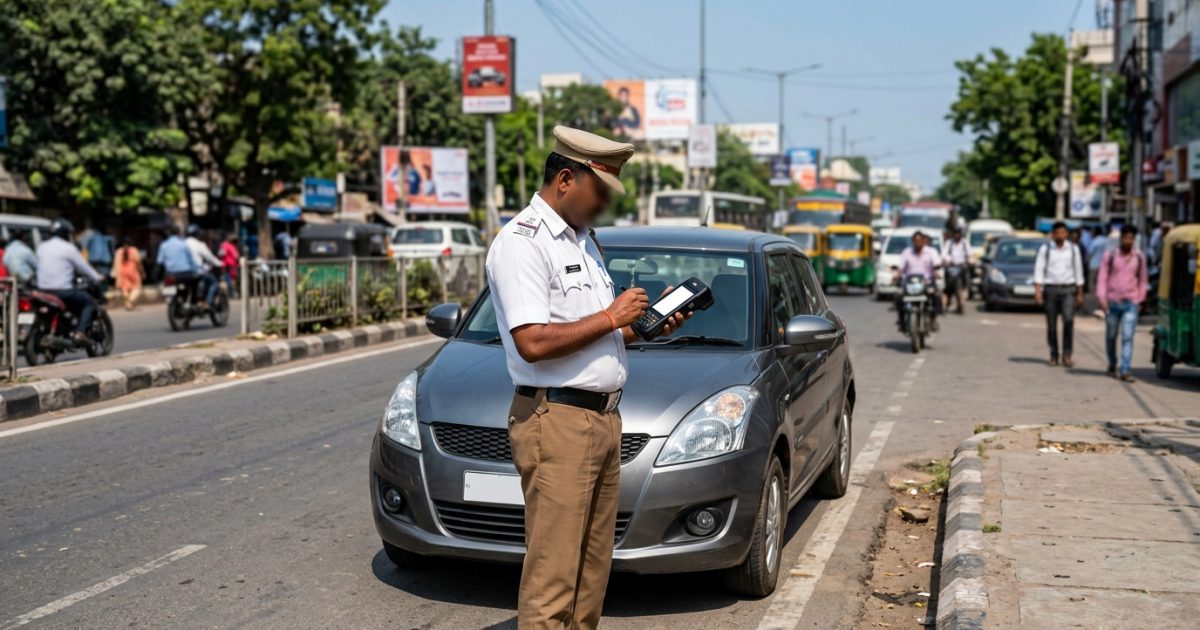
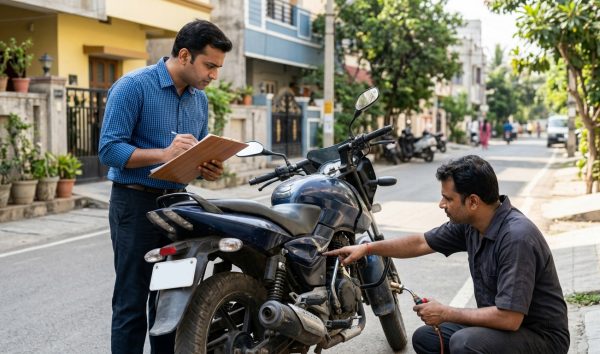
A virtual court challan check allows you to track and settle traffic fines after your e-challan moves past the police compounding phase and enters the judicial system. When your status reads ‘Sent to Court’, you can search your case by vehicle registration number on the official Virtual Courts portal, plead guilty to pay the fine digitally, or contest the violation online without stepping into a physical courtroom.
Before proceeding, verify your pending notices through a quick check challan status by vehicle number on VahanX to see if your violation has transferred to a virtual bench or remains with the traffic department.
Key Takeaways
- ‘Sent to Court’ means your traffic violation has moved from police compounding to summary judicial proceedings.
- You can check, plead guilty, and pay your judicial fine entirely online via vcourts.gov.in.
- Standard payment gateways on Parivahan, Paytm, or mParivahan are deactivated once the case enters court jurisdiction.
- Ignoring a virtual court summons can lead to vehicle blacklisting on Vahan, DL suspension, and physical court warrants.
- Payment disposal receipts from the virtual court portal protect you legally while Parivahan syncs your status.
| Feature | Details (As of October 2026) |
|---|
| Official Portal | vcourts.gov.in |
| Governing Body | e-Committee, Supreme Court of India & NIC |
| Statutory Law | Motor Vehicles Act, 1988 & Section 231 BNSS |
| Search Parameters | Vehicle Number, Challan Number, CNR, Mobile Number |
| Payment Modes | UPI, Net Banking, Debit/Credit Cards via ePay |
| Sync Lag to Parivahan | 24 to 72 hours (up to 7 days in some states) |
What Happens When Your E Challan Status is Sent to Court?
When you track your e-challan status on the Parivahan portal and see ‘Sent to Court’, police compounding has officially ended. The traffic enforcement authority has closed its direct administrative window and forwarded your case sheet to the judiciary for summary adjudication under the Motor Vehicles Act, 1988.
This shift occurs because the standard 60-to-90-day compounding window expired without payment, or because the offence requires mandatory judicial intervention. At this point, the penalty ceases to be an administrative police penalty and becomes a proposed judicial fine determined by a magistrate.
Warning: You cannot pay ‘Sent to Court’ fines through apps like PhonePe, Paytm, or mParivahan because the police payment gateway has been revoked for that violation.
The Legal Framework Behind Virtual Courts
The digital bench operates under the guidance of the e-Committee, Supreme Court of India, with technical infrastructure built by the National Informatics Centre (NIC). It resolves petty offences without requiring the presence of the offender or a judge in a traditional courtroom.
Summary legal proceedings for petty traffic offences follow Section 231 of the Bharatiya Nagarik Suraksha Sanhita, 2023 (formerly Section 206 of the Code of Criminal Procedure, 1973). This allows the Judicial Magistrate First Class (JMFC) or Metropolitan Magistrate (MM) to assess electronic camera evidence and issue a digital summons with a proposed fine.
Parivahan e-Challan vs Virtual Court Challan: Key Differences
Understanding the distinction between an administrative traffic fine and a judicial case helps you choose the correct portal and action. Treating a court notice like a standard police ticket can lead to missed deadlines and legal escalations.
| Comparison Aspect | Parivahan e-Challan | Virtual Court Challan |
|---|
| Official Portal | echallan.parivahan.gov.in | vcourts.gov.in |
| Current Stage | Pre-litigation (Police / RTO) | Judicial proceeding before Magistrate |
| Primary Identifier | Challan Number | CNR Number & Case Number |
| Plea Requirement | Direct compounding; no plea needed | Mandatory formal plea (Guilty or Contest) |
| Adjudicating Body | City Traffic Police / State RTO | Judicial Magistrate / Metropolitan Magistrate |
| Payment Options | Standard e-challan gateway | State judicial treasury ePay gateway |
On Parivahan, you simply settle the administrative charge to clear the violation from your record. In a virtual court, however, you must enter a formal legal plea before the digital bench will accept payment or dismiss the matter.
How to Complete a Virtual Court Challan Check Online
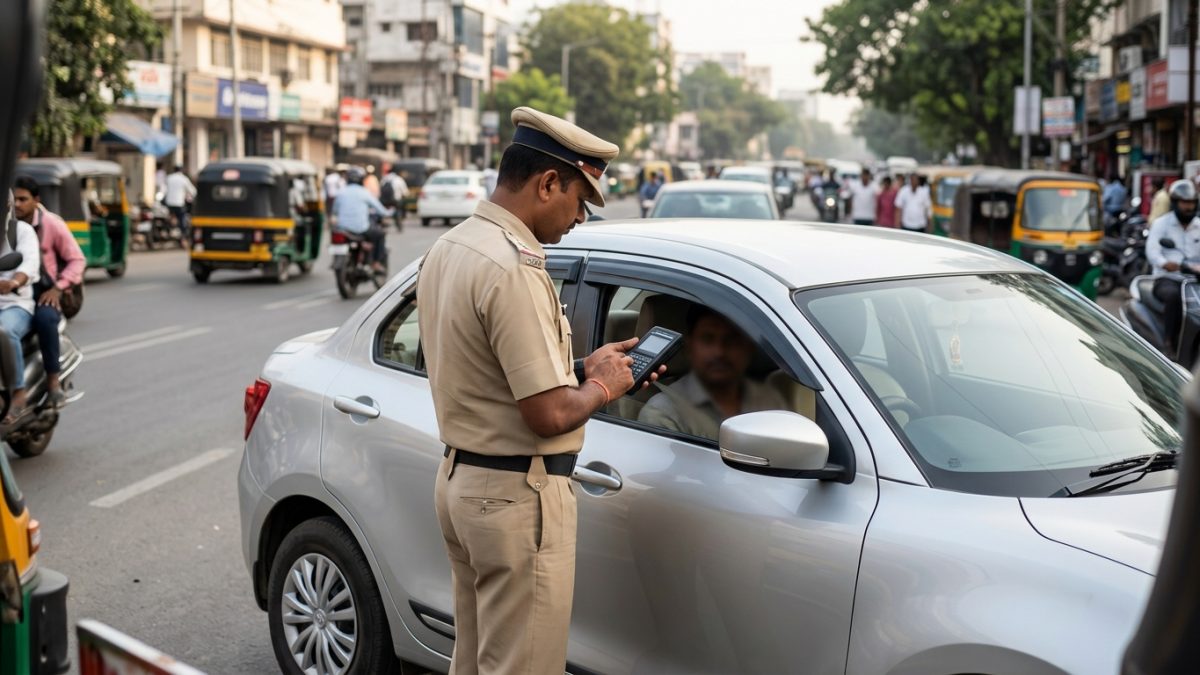
Executing a virtual court challan check by vehicle number is straightforward on the central judiciary portal. You do not need a lawyer or an existing user account to look up your pending proceedings.
- Access the official portal: Open your web browser and navigate directly to vcourts.gov.in.
- Select your jurisdiction: Click on your specific state and departmental branch from the main menu, such as Delhi (Traffic Department) or Maharashtra (Traffic Department).
- Choose search parameter: Select the search tab labeled ‘Search by Challan / Vehicle No.’ from the available options.
- Enter registration details: Input your complete vehicle registration number without spaces or special symbols, followed by the security Captcha code.
- Submit and review: Click ‘Submit’ to view all summary proceedings, violation dates, and case numbers pending against your vehicle.
Tip: If searching by vehicle number shows no results but Parivahan says ‘Sent to Court’, search using the 16-character alphanumeric CNR Number received via official court SMS.
Alternative Search Parameters
If you do not have your vehicle number handy, the portal provides three alternative ways to locate your case file. You can search by your registered mobile number, the party name listed on the registration certificate, or the original traffic challan number.
Searching by mobile number will return all summonses linked to that specific contact across different vehicles. If you recently updated your contact information, check your records against your official details through the RC details portal on VahanX.
Challan Sent to Court: How to Pay Online via vcourts.gov.in
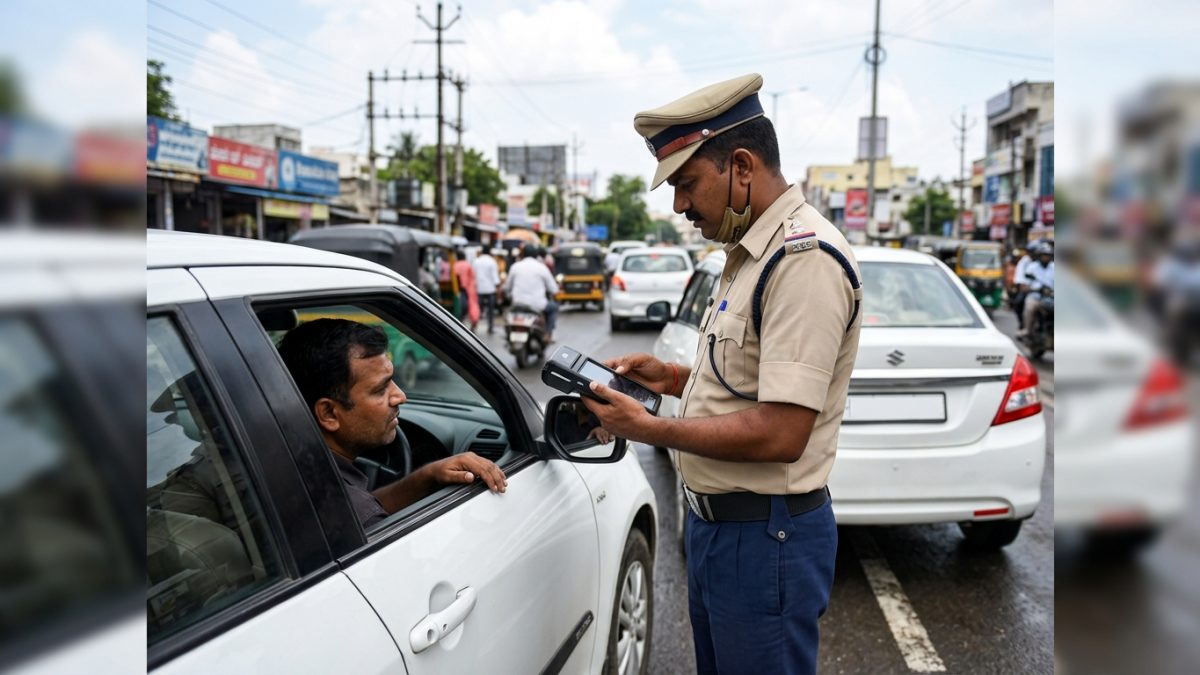
Once you locate your case during your virtual court challan check online, you can resolve the matter immediately. The digital bench allows you to plead guilty and clear the judicial fine through a secure payment link.
- Open case details: Click the ‘View’ button next to the listed challan on vcourts.gov.in to review the violation section, photographic evidence, and proposed judicial fine.
- Select your plea: Choose ‘Option A: I wish to pay the proposed fine’ to accept the magistrate’s proposed penalty and plead guilty to the petty offence.
- Authenticate via OTP: Click the OTP button to send a verification code to the mobile number registered with your vehicle’s RC.
- Verify alternative details if needed: If your mobile number has changed, choose ‘Option C’ and enter the last 4 digits of your vehicle’s Engine and Chassis numbers to update your contact details temporarily.
- Accept terms and conditions: Check the legal declaration confirming that you admit the offence and submit to the magistrate’s proposed penalty.
- Process the digital transaction: Click ‘Accept & Pay’ to navigate to the judicial treasury gateway, such as SBI ePay or GRAS, and pay using UPI, debit card, or net banking.
- Save the disposal order: Download and print the digital court receipt showing the transaction reference and formal disposal order.
Note: Always verify that the proposed fine matches statutory limits before clicking accept, as judicial disposal is final once payment completes.
How to Contest a Challan in Virtual Court
You are not legally obligated to plead guilty if you believe the traffic fine was issued erroneously. Common grounds for challenging a summons include cloned registration plates, mismatched vehicle models in camera footage, or incorrect speed limit tagging.
To contest your notice, select ‘Option B: I wish to contest the case’ during your portal review. If your contact details on record are outdated, select ‘Option D’ to verify your identity using the last 4 digits of your Engine and Chassis numbers.
- Submit your dispute: Click the contest option and complete mobile OTP authentication on the portal.
- Receive regular court assignment: The system registers your plea of not guilty and assigns your file to the jurisdictional regular magistrate court.
- Note your hearing details: Save the computer-generated acknowledgement slip, which includes your assigned territorial court and the Next Date of Hearing (NDH).
- Attend proceedings: Appear before the magistrate on the scheduled date, either physically or via Cisco Webex if your territory supports Digital Traffic Courts.
In jurisdictions like Delhi, the Delhi District Courts manage digital traffic rooms where hearings occur virtually via videoconferencing links. If your dispute is upheld, the presiding magistrate dismisses the summary case without any financial penalty.
Virtual Court Traffic Fine Receipt Download and Status Sync
After completing your transaction on the judicial portal, saving proof of payment is vital. The disposal acknowledgement acts as your legal protection if local traffic enforcement stops you before centralized databases refresh.
Downloading Your Court Receipt
Immediately after your bank transaction confirms, the portal redirects to a payment summary page. Click ‘Print Receipt’ to download the official court disposal document in PDF format. This receipt displays your Case Number, CNR Number, transaction reference, payment timestamp, and the judicial order closing the case.
If your browser closes accidentally before downloading, re-enter vcourts.gov.in, search for your vehicle number again, and look under the ‘Disposed Cases’ tab. You can reprint your disposal receipt at any time using your CNR or registration details.
Parivahan Synchronization Timeline
While the virtual court updates your status to ‘Disposed’ instantly, the update is not immediately visible on echallan.parivahan.gov.in. Batch synchronization between judicial databases and MoRTH servers typically takes 24 to 72 hours, and occasionally up to 7 business days.
Keep a digital copy of your disposal slip on your smartphone. Under Indian motor vehicle compliance rules, an official court disposal receipt is legally binding and supersedes a lingering ‘Pending’ status on police handheld terminals.
Penalties and Risks: What Happens If You Ignore a Summons?
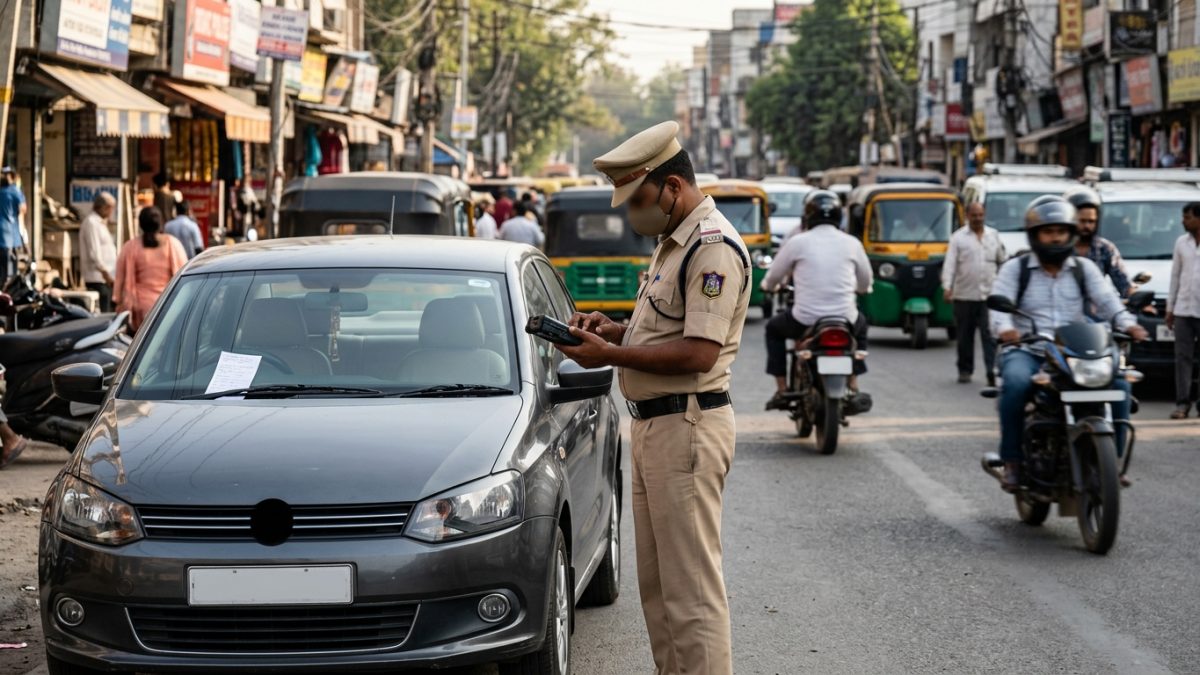
Ignoring a virtual court notice can lead to serious legal and administrative repercussions. Because the notice is an official judicial summons, inaction is treated as contempt of legal procedure under summary trial provisions.
| Offence under MV Act | Statutory Fine Amount | Additional Administrative Penalty |
|---|
| Riding without Helmet | ₹1,000 | 3-month driving licence disqualification |
| Driving without Seatbelt | ₹1,000 | Immediate point notation |
| Jumping Red Light | ₹1,000 to ₹5,000 | Suspension for repeat violations |
| Over-speeding (LMV) | ₹1,000 to ₹2,000 | Licence impoundment risk |
| Dangerous Driving | ₹1,000 to ₹5,000 | Court appearance mandate / Seizure |
To understand the comprehensive fee structures across violations, review the breakdown of traffic rules and fines in India. If you leave these matters unresolved, the system enforces automated administrative blocks.
Vahan Blacklisting and Licence Restrictions
When a virtual court summons lapses without action, the magistrate closes the virtual file and refers the matter to a regular physical court. Concurrently, the case flags the vehicle as untraced or non-compliant on the centralized Vahan and Sarathi databases.
- PUCC Denials: Testing stations cannot issue or renew your Pollution Under Control Certificate while judicial locks remain active.
- Fitness Stoppage: Commercial and transport vehicles are blocked from renewing mandatory annual fitness certifications.
- RC Ownership Transfers: You cannot transfer ownership or complete hypothecation termination while selling your vehicle.
- Licence Suspension: Under Section 19 of the Motor Vehicles Act, licensing bodies can suspend your driving licence; check your standing using our driving licence status portal.
If the physical court takes over, the regular magistrate may issue bailable and non-bailable warrants for non-appearance. In such scenarios, your case can no longer be resolved on vcourts.gov.in; you must attend a physical hearing or wait for a National Lok Adalat session.
Troubleshooting Common Virtual Court Portal Errors
Motorists frequently encounter technical and synchronization hurdles when attempting to check or clear court challans online. Knowing how to resolve these issues saves time and prevents unnecessary visits to the court complex.
Error 1: Challan Sent to Court, but No Record Found on vcourts
If Parivahan marks your ticket as sent to court but vcourts.gov.in returns no record, the data batch is likely still processing. It typically takes 7 to 14 days for police servers to complete the digital handoff to judicial servers. Check back weekly, and ensure you selected the correct sub-jurisdiction, such as Delhi Notice Branch instead of Delhi Traffic Department.
Error 2: No OTP Received Due to Outdated Mobile Records
When you do not receive the verification OTP, your vehicle registration record likely contains an old phone number. Do not attempt direct payment under Option A. Instead, select Option C on the case window, enter the last four digits of your Chassis and Engine numbers, and enter your current mobile number to complete authentication.
Error 3: Payment Deducted but Challan Still Marked Pending
A bank gateway timeout can drop the callback connection to the court treasury system. Do not pay twice. Wait 24 to 48 hours for automated banking reconciliation, then access the eCourts ePay platform to verify the transaction reference number before taking further action.
Error 4: Case Marked ‘Transferred to Regular Court’
If the virtual window lapses or the magistrate requires an in-person hearing, the file leaves the virtual bench entirely. Locate your CNR number and track your hearing schedule on the national eCourts digital services platform. You can then represent yourself in territorial court or settle compoundable notices through a Lok Adalat challan token during quarterly sessions.
State-Wise Coverage of Virtual Traffic Courts
As of October 2026, more than 22 states and Union Territories have integrated their traffic enforcement systems with the virtual court network. However, procedural workflows vary slightly by region.
| State / UT | Jurisdiction Name on Portal | Special Features & Infrastructure |
|---|
| Delhi | Delhi Traffic Dept / Notice Branch | Dual departments, Digital Traffic Courts via Webex |
| Maharashtra | Maharashtra Traffic Department | Full coverage across Mumbai, Pune, Nagpur commissionerates |
| Kerala | Kerala Traffic / Motor Vehicles Dept | Integrated AI camera challans with automated court filing |
| Uttar Pradesh | UP Traffic Department | Extensive coverage across all major district commissionerates |
| Tamil Nadu | Tamil Nadu Traffic Department | Integrated metropolitan and highway enforcement benches |
| Karnataka | Karnataka Traffic Department | Automated city surveillance integration in Bengaluru |
If you reside in a state or union territory without an integrated virtual traffic court bench, you cannot settle sent-to-court challans on vcourts.gov.in. In those regions, you must visit the local traffic police compounding counter or appear before the designated Judicial Magistrate court.
How Judicial Fines Differ from Lok Adalat Reductions
Many drivers assume that pleading guilty on the virtual court portal automatically lowers their statutory fine. This is a common misconception. Virtual Court magistrates generally enforce the standard statutory penalties specified under the Motor Vehicles Act.
Significant fine reductions typically happen only during National Lok Adalats, which convene quarterly across India to resolve compoundable matters by mutual compromise. If you wish to clear your penalties immediately and keep your vehicle paperwork unblocked, paying the proposed fine through the virtual court remains the fastest legal route.
Before settling, verify whether your vehicle has additional administrative dues or standard tickets through our check challan online portal to make sure your vehicle record is completely clear.
Conclusion
Performing a timely virtual court challan check is the easiest way to prevent minor traffic tickets from escalating into serious legal headaches. By using the official vcourts.gov.in system, you can review camera evidence, submit a formal plea, and settle judicial fines from home without visiting a courtroom.
If your e-challan has transitioned to court custody, do not delay. Run a challan check by vehicle number today, verify your judicial case details, and download your disposal receipt to keep your driving record and vehicle documentation spotless.