Key Takeaways
- State police portals log ANPR and CCTV violations faster than the central database.
- A central parivahan echallan sync delay typically lasts between 24 hours and 7 days.
- Unpaid fines can trigger a complete freeze on RTO permits, transfers, and PUC issuance.
- Always inspect both local enforcement portals and the central database before RTO visits.
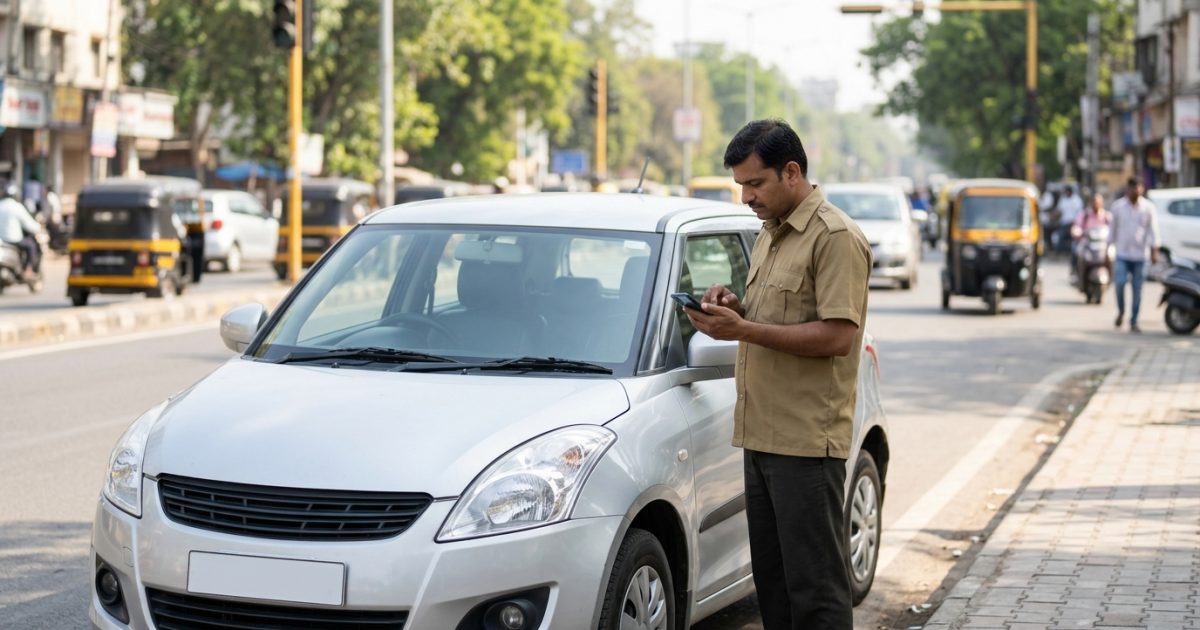
A traffic challan check online allows vehicle owners to review and settle road traffic penalties digitally. Because local enforcement systems process camera feeds before pushing records to central databases, checking both your local state police portal and Parivahan ensures no hidden penalties block critical vehicle transactions. You can run a quick check challan status by vehicle number to track active notices before visiting an RTO.
| Feature | State Police Portals | Central Parivahan (MoRTH) |
|---|
| Primary Source | Local ANPR, city CCTV, handheld POS | NIC National Server (VAHAN / SARATHI) |
| Update Speed | Real-time to 24 hours | 24 hours to 7 working days |
| Service Impact | City-level enforcement, impound alerts | Blocks nationwide RTO transactions & PUC |
| Payment Gateway | State Treasury / Cyber Treasury | eChallan Bharatkosh / State PG |
Why Pending Fines Differ Across Enforcement Portals
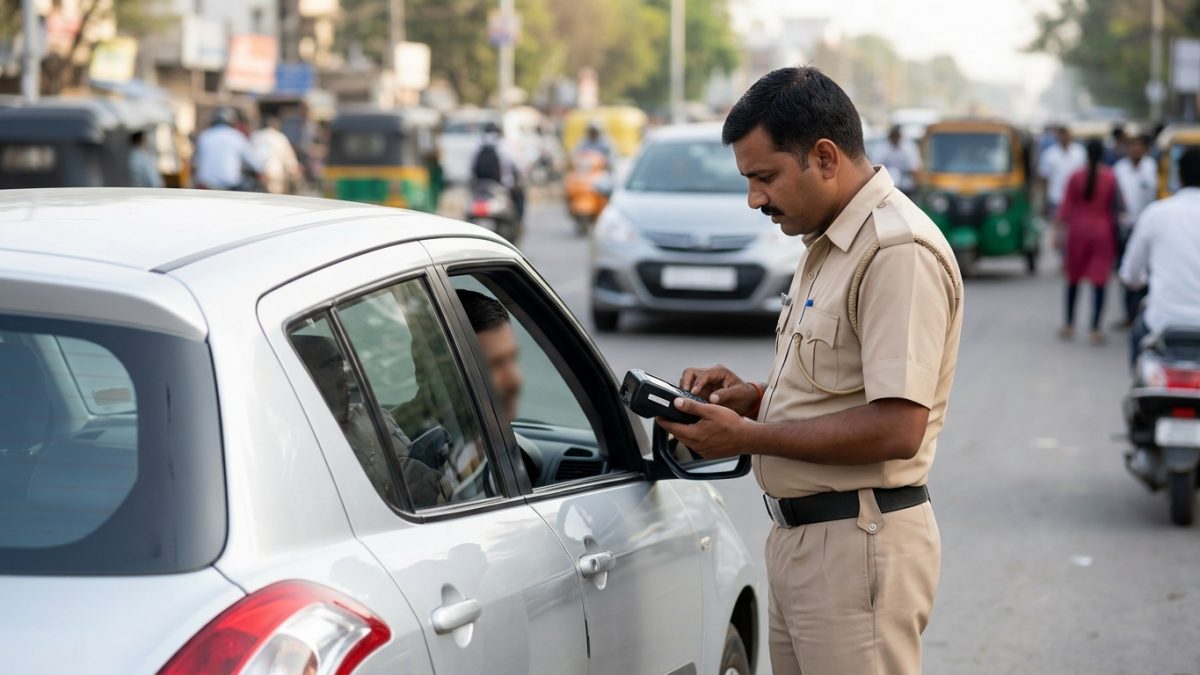
India uses a dual-database architecture for recording and prosecuting traffic violations. While the Ministry of Road Transport and Highways (MoRTH) manages central vehicle records on VAHAN 4.0 and SARATHI 4.0, individual state police commissionerates maintain dedicated traffic monitoring setups.
Metropolitan traffic departments operate proprietary Automated Number Plate Recognition (ANPR) systems and Integrated Traffic Management Systems (ITMS). Cities like Delhi, Mumbai, Hyderabad, and Bengaluru route speed gun and signal-jumping snapshots through local servers first.
Because local feeds update before batch data transmits to the National Informatics Centre (NIC), a violation often appears immediately on a state server while remaining invisible on the central portal. You can confirm your active registration status via RC details and owner name verification to see if your records reflect current state data.
Batch vs Real-Time Processing Delays
Camera captures do not stream instantly to the central government network. Local state servers compile violations into batched API bundles that sync with NIC servers at scheduled intervals, such as every 24 hours or weekly.
This batch system causes an unavoidable parivahan echallan sync delay lasting from 24 hours up to 7 working days. During this window, an owner searching the central website may see zero records despite having an active infraction logged locally.
Never rely on a single portal if you have driven through metro areas with high-density speed cameras; state servers record those fines days before central sync occurs.
Manual Verification and Staging Queues
Automated number plate cameras frequently capture imperfect frames caused by mud, high glare, or non-standard fonts. State police departments route these images into manual staging queues where personnel confirm vehicle registration numbers.
Until a human operator validates the number plate and approves the file, the challan stays inside a local police staging database. It only transfers to public APIs once cleared by the commissionerate.
Reconciliation Lags and Virtual Court Escalation
Settlement reconciliation requires distinct timeframes depending on where you settle the fine. Paying through a state treasury or a third-party UPI application may take 24 to 72 hours to update on central databases.
Furthermore, if an owner leaves an offence unpaid past the standard 60-day compounding window, authorities transfer the record to Virtual Courts at vcourts.gov.in. At that stage, central systems may show the fine as "Sent to Court" while the state traffic police challan check portal continues listing it under uncompounded offences.
Supreme Court Enforcement Directives on Pending Challans
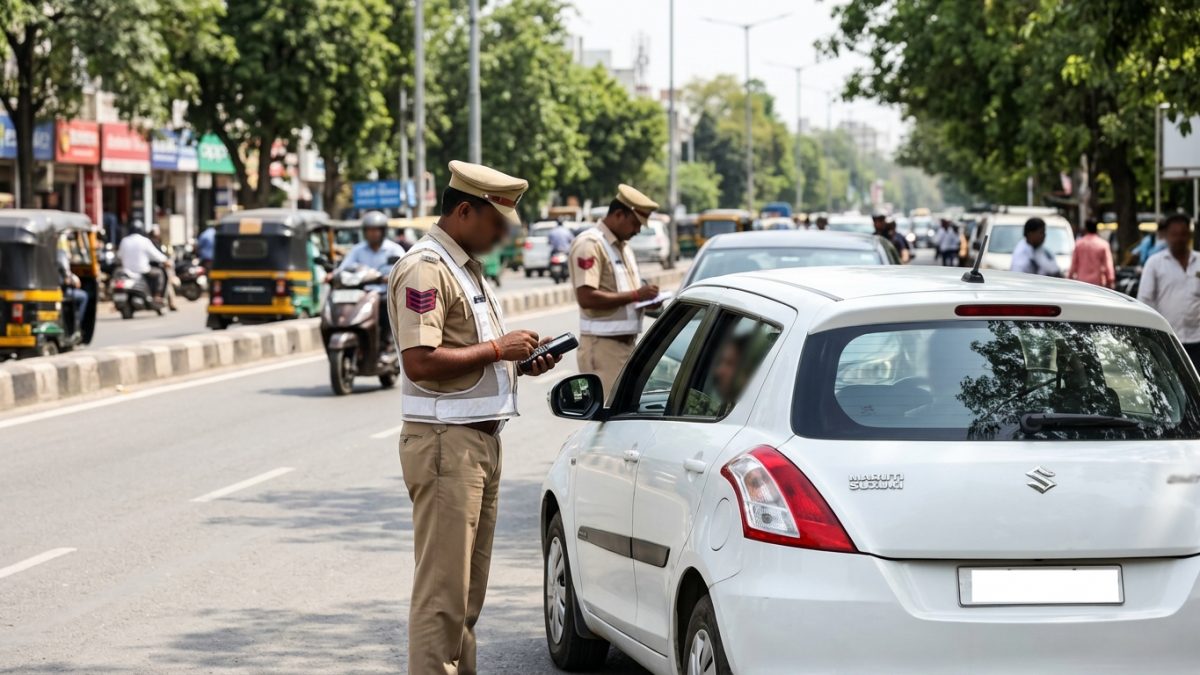
Unsettled traffic penalties are no longer treated as casual oversights. As of October 2026, enforcement mandates stemming from Supreme Court directives (Bench of Justices J.B. Pardiwala and K.V. Viswanathan, issued September 28, 2026, and reported October 1, 2026) have established strict operational blocks across India.
The Supreme Court observed that out of ₹49,194.05 crore worth of e-challans generated across the country, over ₹23,019 crore (roughly 47%) remained completely unpaid. Consequently, the Court ordered all States and Union Territories to enforce nationwide service restrictions against non-compliant vehicles.
| Restricted RTO Service | Impact of Unpaid Challans | Governing Directives |
|---|
| Vehicle Ownership Transfer | Blocked on VAHAN for both buyer and seller | Supreme Court Order (Sept/Oct 2026) |
| PUC Certificate | Centrally withheld at testing centres | Supreme Court Order (Sept/Oct 2026) |
| Fitness Certificate (FC) | Denied for commercial and transport vehicles | Supreme Court Order (Sept/Oct 2026) |
| RC Renewal / Address Change | Application submission frozen on Parivahan | Supreme Court Order (Sept/Oct 2026) |
| Driving Licence Services | Renewal or upgrade suspended for repeat offenders | Supreme Court Order (Sept/Oct 2026) |
These directives instruct regional police departments to impound flagged vehicles during random on-road checks. If you plan to sell a vehicle or draft paperwork, settling outstanding violations prevents transaction freezes. For sale documentation details, refer to our vehicle sale agreement guide.
An undetected penalty on a state server can instantly freeze your vehicle ownership transfer at the RTO counter, even if Parivahan showed no dues earlier that morning.
How to Run a Traffic Challan Check Online via Parivahan
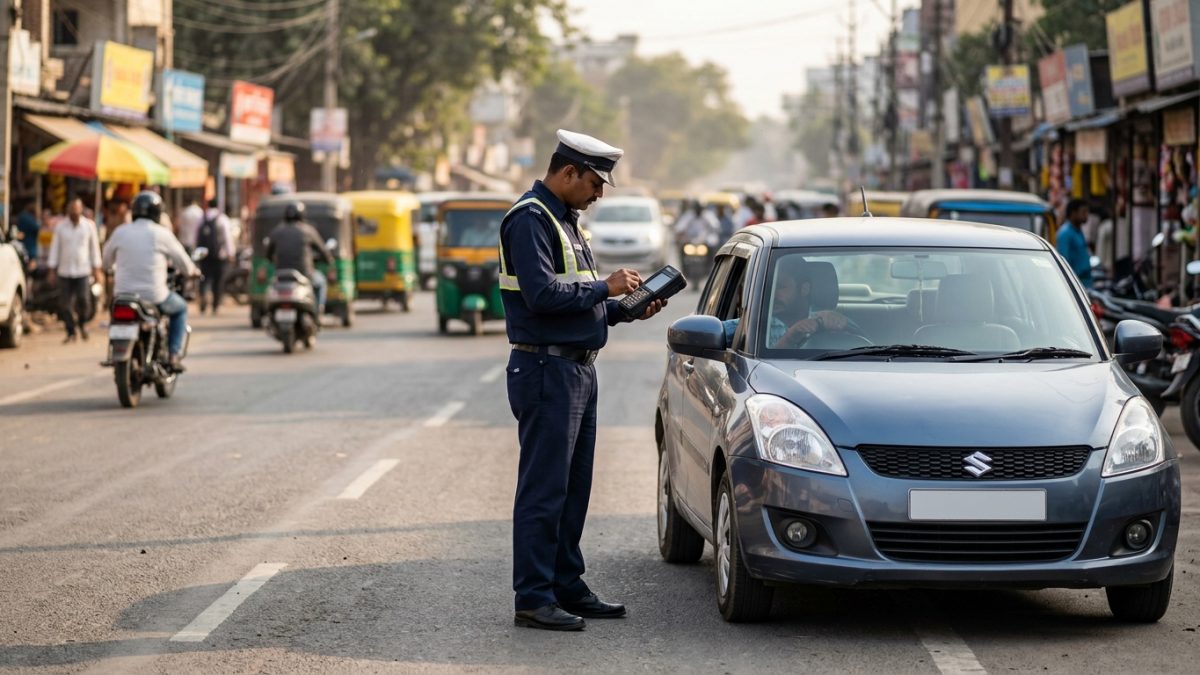
The central MoRTH eChallan portal consolidates violations tracked by national highway patrol teams and state police units integrated into the NIC grid. Follow these steps to verify your nationwide records.
- Open the official portal: Navigate your browser to the central database at echallan.parivahan.gov.in.
- Select check status: Click on the "Check Challan Status" button visible on the main service menu.
- Enter identity credentials: Choose to search via Challan Number, Vehicle Number, or Driving Licence Number. Searching by vehicle number requires the last 5 characters of your Chassis Number or Engine Number.
- Complete security verification: Enter the displayed captcha text and click on "Get Details".
- Inspect violation details: Review the active table showing violation date, penalised section, photographic evidence, and payment status.
- Clear or contest: Select "Pay Online" to settle the compound amount immediately, or choose "Raise Grievance" if the record displays incorrect vehicle details.
If you experience transaction interruptions during online payment, consult our walkthrough on traffic challan failed payments and refund timelines to avoid double charges.
Checking State Police Portals: State-by-State Differences
Because city commissionerates run independent camera systems, you should run a state traffic police challan check on the official portal of the territory where your vehicle was driven. Below are the steps and URLs for major jurisdictions.
| State / Union Territory | Official Enforcement Portal | Required Search Credentials |
|---|
| Maharashtra | mahatrafficechallan.gov.in | Vehicle Number + Last 4 digits of Engine/Chassis |
| Telangana | echallan.tspolice.gov.in | Registration Number + Captcha |
| Delhi | traffic.delhipolice.gov.in | Vehicle Number or Notice Number |
| Karnataka | ksp.karnataka.gov.in / btp.gov.in | Registration Number |
| Tamil Nadu | eservices.tnpolice.gov.in | Vehicle Number / Driving Licence Number |
| Kerala | echallan.keralapolice.gov.in | Vehicle Number + Registered Mobile OTP |
| West Bengal (Kolkata) | kolkatatrafficpolice.net | Vehicle Number + Chassis Number |
1. Delhi Traffic Police
Drivers in the National Capital Region must use the traffic.delhipolice.gov.in portal to complete a delhi traffic challan check online. Delhi relies on high-speed corridor cameras that log bus lane violations and red-light offences directly to this local database.
Enter your registration number to access violation photos. Notice files older than 60 days will direct you to the Delhi Virtual Police Court system for resolution.
2. Maharashtra and Mumbai Traffic Police
For vehicles registered or driven in Mumbai, Thane, Navi Mumbai, or Pune, execute a maha traffic challan check online using mahatrafficechallan.gov.in or the MumTraffic mobile application.
You must enter your vehicle number along with the last four digits of your Chassis or Engine number. The portal shows camera-based evidence captured by city junctions and the Maharashtra Highway Safety Patrol.
3. Telangana Police
The Telangana Police maintains an autonomous e-challan database covering Hyderabad, Cyberabad, Rachakonda, and state districts at echallan.tspolice.gov.in.
Enter your registration number to review pending entries. Telangana frequently retains historical fine records that may not reflect on central servers, making this portal essential prior to visiting the RTO.
4. Karnataka and Bengaluru Traffic Police
Urban violations captured by the Bengaluru Traffic Police (BTP) appear through ksp.karnataka.gov.in, the BTP website, and the BTP ASTraM application. The high-density ANPR camera grid inside Bengaluru posts traffic infractions here immediately upon algorithmic confirmation.
Always clear local state police fines before applying for an RTO No Objection Certificate (NOC), as state databases directly feed the officer's desktop verification software.
Why Fines Appear on State Portals but Not on Parivahan
Drivers frequently encounter a challan not showing on parivahan despite receiving an SMS alert or locating the infraction on a local police portal. This occurs due to structural data boundaries.
- Isolated ITMS Infrastructure: City commissionerates operate standalone physical servers that do not transmit live queries continuously to central servers.
- Handheld POS Machine Offline Modes: Roadside officers using handheld terminals occasionally work in offline sync modes, uploading entries to the district station server at the end of a patrol shift.
- Different Document Indexes: Some state portals index offences under driver licence profiles rather than vehicle registration numbers. Drivers should also check their driving licence status and details to uncover fines tied to their licence ID.
- API Reconciliation Drops: Periodic network timeouts between state cyber treasury gateways and NIC servers can delay status updates for days.
These structural splits mean an infraction remains valid and legally enforceable even if central systems show an empty history.
Preventing Common Challan Payment Pitfalls and Scams
With electronic penalties becoming universal, malicious actors routinely exploit driver confusion. Understanding how government portals communicate protects you from monetary loss.
Phishing SMS and Fraudulent APK Links
Cybercriminals send deceptive SMS alerts claiming that your vehicle has pending violations, attaching a link to an unauthorized website or a downloadable file. These links mimic official portals to harvest banking credentials.
- Authentic updates arrive strictly from government headers such as VAHAN, ECHALN, or PARIVH.
- Government platforms use only .gov.in or .nic.in domains; never pay fines on arbitrary dot-com or dot-xyz URLs.
- Official portals will never ask you to install third-party files to review a penalty.
The Double Payment Trap
When drivers discover an active fine across multiple platforms, they often attempt payments across different portals simultaneously. If you settle a notice on a state portal, the central database may continue to display "Pending" for up to 72 hours.
Submitting a second payment on Parivahan creates a double debit. Always allow up to 3 business days for payment reconciliation between systems before attempting another transaction.
How to Dispute an Erroneous Fine
Faulty ANPR captures can inadvertently assign violations to the wrong vehicle owner due to obscured characters or duplicate fake plates. In such instances, avoid paying the penalty immediately.
- Collect supporting records: Gather your RC copy, time-stamped fastag logs, or geotagged garage photos proving your car was elsewhere.
- Access central grievance: Visit echallan.parivahan.gov.in and select the "Raise Grievance" tab.
- Submit formal ticket: Enter the challan number, upload photographic evidence, and detail the plate mismatch for supervisory review.
Why Dual Portal Verification Is Essential Before RTO Visits
Regional Transport Offices across all states reference both VAHAN 4.0 and local enforcement records when verifying vehicle files. Even if your central dashboard displays zero pending penalties, an RTO clerk can reject your application if local police logs report unsettled entries.
This verification requirement affects several key vehicle processes:
- Ownership Transfer (Form 29 and 30): Both buyer and seller face application halts if any fine remains unsettled.
- No Objection Certificate (Form 28): Interstate vehicle movement requires a clean history across local and national records. If you are relocating, review our guide on RC transfer to another state and Parivahan NOC steps.
- Hypothecation Termination: Banks and RTOs will not sign off on HP removals while active legal liabilities exist on the chassis record.
- Commercial Fitness Renewals: Transport vehicles are turned away from inspection tracks until all compounding fees are cleared.
To avoid wasted visits, identify your local authority using our directory of RTO office addresses and codes, and confirm that both platforms show your vehicle clear of pending dues.
Conclusion
Running a comprehensive traffic challan check online across both state traffic police portals and central Parivahan protects you from surprise penalties, court transfers, and administrative halts. Take a few minutes to check pending traffic fines online through our dedicated tool at VahanX challan search to ensure your vehicle history remains spotless before your next RTO transaction.