Key Takeaways
- Download official receipts via Parivahan using your Challan Number or Vehicle Number.
- Entering vehicle registration requires the last 5 digits of your chassis or engine number.
- Digital receipts serve as valid legal proof under CMVR Rule 139 and IT Act.
- If payment fails to reflect, verify pending status instead of paying again immediately.
- Lok Adalat and Virtual Court receipts must be retrieved from the eCourts portal.
| Feature | Details |
|---|
| Official Portal | echallan.parivahan.gov.in |
| Required Details | Challan Number or Vehicle No. + Chassis/Engine (Last 5 Digits) |
| Output Format | Downloadable / Printable Official PDF |
| Reconciliation Time | 24 to 48 hours for pending payments |
| Legal Validity | Valid across India under CMVR Rule 139 and IT Act Section 4 |
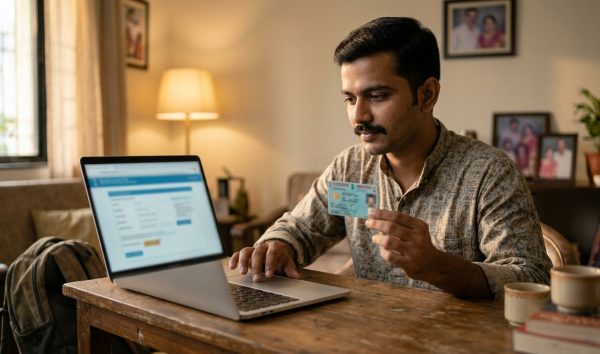
To complete a challan receipt download online, visit the official Parivahan eChallan portal, choose the Download Payment Receipt option, enter your challan number or vehicle registration details along with the last 5 digits of your chassis or engine number, solve the captcha, and click the receipt icon to save your official PDF slip.
Before requesting duplicate documents or heading for fitness inspections, you can run an instant check challan lookup on your vehicle to confirm whether any unresolved enforcement notices remain on your registration profile. As of October 2026, traffic departments across all Indian states enforce automated digital logging, meaning unresolved penalties directly suspend vehicle administrative privileges.
Why You Need a Paid Traffic Challan Receipt
Paying a traffic fine is only half the compliance process. Downloading and storing the official paid traffic challan receipt PDF ensures that your payment is permanently reconciled in the central government database.
Under the Motor Vehicles (Amendment) Act, 2019, payment compounding legally concludes criminal and traffic proceedings for that citation. The official payment slip serves as conclusive evidence of closure, protecting motorists against duplicate demands during routine roadside checks.
Unlocking Core RTO Services
An uncleared citation flags your record across the national Vahan portal, blocking several mandatory administrative processes. If you need any of the following vehicle services, keeping verified payment slips is essential:
- RC Transfer: Buyer and seller title transfers pause if the system detects an unverified pending fine.
- Fitness Certificate (FC) Renewal: Commercial transport vehicles cannot obtain fitness approvals without settling all outstanding enforcement records.
- Hypothecation Termination: Banks and RTOs halt loan closure endorsements until your record shows zero active notices.
- No Objection Certificate (NOC): Inter-state vehicle transfers require an untainted history across all state enforcement jurisdictions.
Always verify your vehicle registration profile on our RC details portal after settling penalties to verify that administrative holds are cleared by your regional transport authority.
Preventing On-Road Harassment and Duplicate Fines
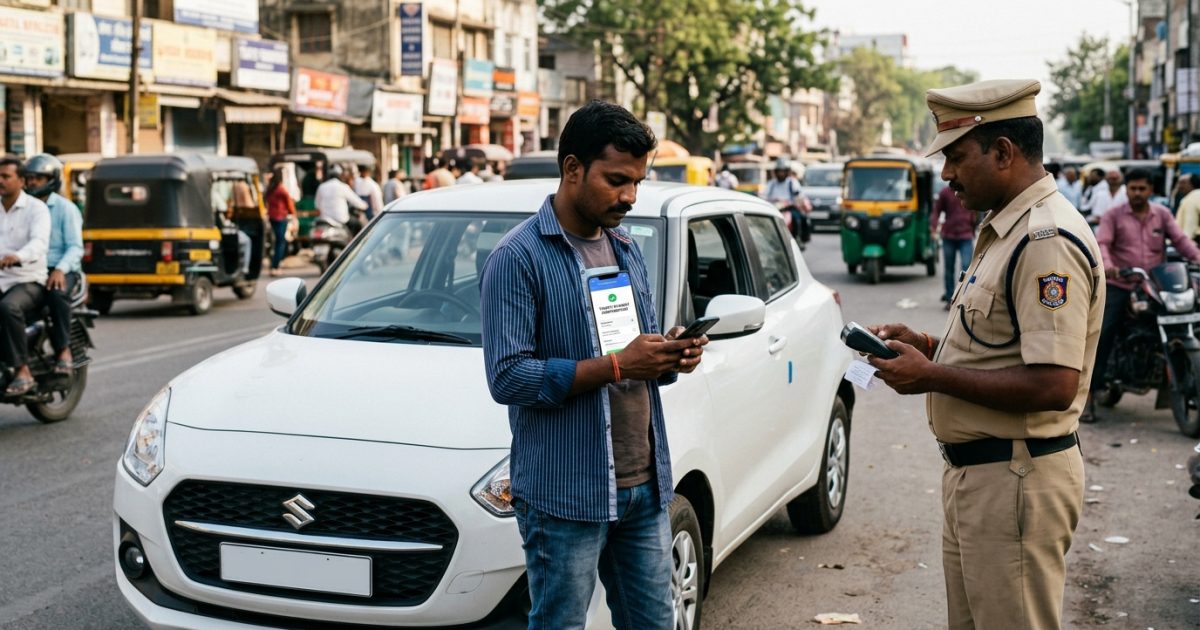
Network latency between roadside traffic interceptors and the centralized database occasionally delays instant synchronization. Carrying an electronic copy of your payment receipt on your smartphone prevents traffic officers from issuing duplicate spot citations for an infraction you have already cleared.
How to Download Challan Receipt on Parivahan Portal
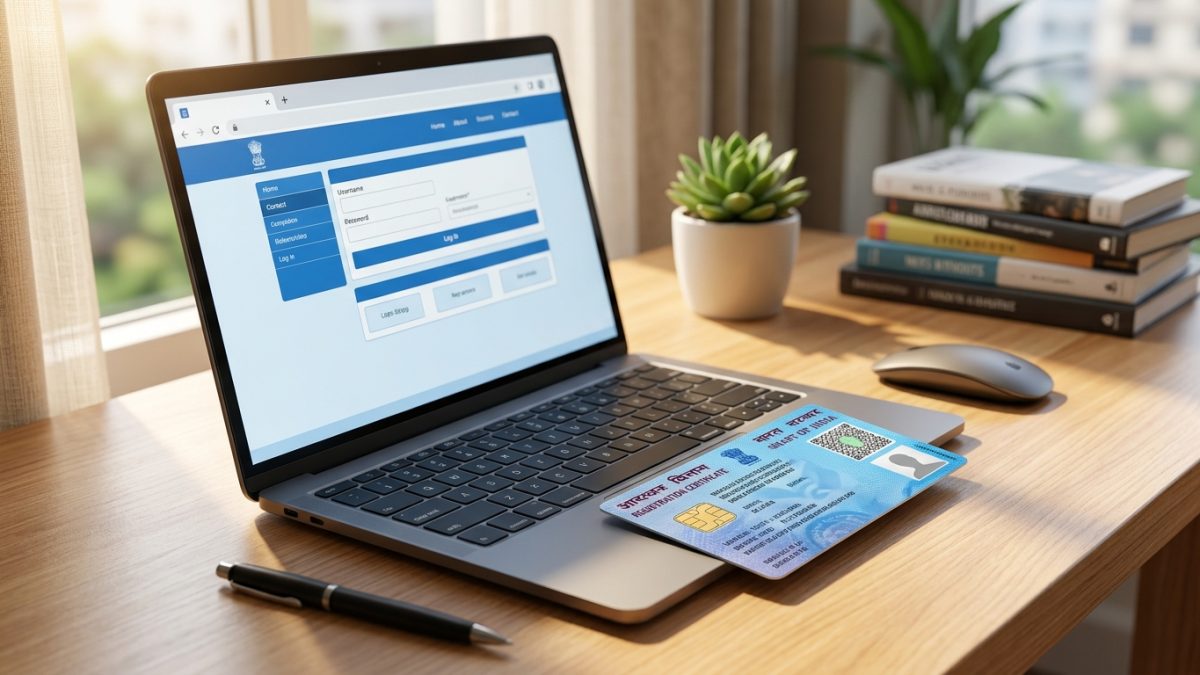
The Ministry of Road Transport and Highways (MoRTH) provides two direct pathways on the NextGen eChallan platform to retrieve payment slips. Follow these standardized steps to complete your download challan receipt parivahan request.
Method 1: Direct Download Payment Receipt Service
- Open the official portal: Navigate to the central MoRTH portal at echallan.parivahan.gov.in on your web browser.
- Select receipt download: Locate and click on the "Download Payment Receipt" tab from the homepage service options or the online services dropdown menu.
- Enter your search identifier: Choose between your 17-to-20 character Challan Number, your Vehicle Number, or your Driving Licence (DL) Number.
- Provide security verification: If searching by vehicle number, enter the last 5 characters of your chassis number or engine number, followed by the visual captcha code.
- Generate the PDF slip: Click on "Get Detail" to pull up your cleared citations, then tap the green "Receipt" icon to download the official PDF document.
Method 2: Retrieve Via Check Challan Status
If you need to view your overall enforcement history alongside settled citations, use the accused status interface:
- Visit the status portal: Open echallan.parivahan.gov.in/index/accused-challan.
- Input search parameters: Provide your Challan Number, Vehicle Details, or DL credentials along with the captcha.
- Review the citation table: Locate the specific cleared record where the payment status displays "Payment Successful" or "Paid".
- Print or save: Under the receipt column, select the "Print" / "Receipt" button to view the official slip and print a physical copy.
For more details on reviewing all pending, court-forwarded, and settled traffic records in one place, review our detailed guide on checking e-challan status online.
Can You Complete Challan Receipt Download by Vehicle Number Alone?
Many motorists attempt a challan receipt download by vehicle number without auxiliary documents, only to encounter portal validation errors. The official Parivahan system strictly mandates a two-factor security parameter.
To protect citizen privacy and block unauthorized access to personal driving histories, MoRTH mandates entering either the last 5 digits of your Chassis Number or Engine Number alongside the Vehicle Registration Number. Without these alpha-numeric characters, the central server will not release your fine documentation.
| Search Method | Required Inputs | Access Level | Portal Compatibility |
|---|
| Challan Number | 17-20 Alphanumeric Challan ID + Captcha | Single citation receipt | Central Parivahan & State Portals |
| Vehicle Number | Reg Number + Last 5 digits Chassis/Engine | Full cleared citation history | Central Parivahan Portal |
| Driving Licence | Valid DL Number + Captcha | Individual driver citations | Central Parivahan Portal |
| Third-Party Lookups | Vehicle Number only | Basic notice preview only | Aggregator apps (No official PDF) |
You can locate your chassis and engine credentials on your physical Registration Certificate (RC smart card) or your motor insurance policy document. If you do not have your RC handy, verify your active driver credentials via our driving licence status search to pull your connected details.
Payment Made but Receipt Not Generating: Step-by-Step Fix
One of the most frustrating issues vehicle owners face is paying a traffic fine through UPI, net banking, or debit card, only for the portal screen to freeze without producing a receipt. This usually stems from a temporary communication timeout between the merchant bank and the government treasury gateway like CyberTreasury or SBI ePay.
Do Not Make a Duplicate Payment
If money was debited from your bank account, avoid initiating another payment immediately. Making repetitive payments leads to double debits that require formal reconciliation routines.
How to Reconcile Pending Payments on Parivahan
- Access transaction verification: Open echallan.parivahan.gov.in and select the "Check Pending Transaction" or "Check Failed Transaction" tab.
- Input transaction details: Type in your Challan Number or Vehicle Registration Number.
- Initiate server verification: Click "Get Details", then click the "Verify" button situated alongside your pending transaction record.
- Trigger gateway sync: The portal will initiate an instant API check with the payment gateway. If the funds reached the treasury, the status automatically updates to "Paid".
- Download your slip: Once updated, the system unlocks your official receipt for instant download.
Standard bank-to-treasury payment reconciliation can take between 24 and 48 hours. If the status updates to failed, your deducted amount is refunded back to your bank account within 5 to 7 working days.
Escalating Failed Payment Issues
If your payment status remains stuck beyond 48 hours without producing a receipt, escalate the matter using official support channels:
- Raise Grievance: Click the "Raise Grievance" option on the NextGen eChallan portal and submit your bank reference number.
- Official Email Support: Email your transaction details and account debit statement to helpdesk-echallan@gov.in.
- Helpline: Contact the central technical desk directly at 0120-4925505 during business hours.
- Protect Against Scams: Never send payments to unofficial numbers or SMS links; read our guide on spotting fake challan scam links to keep your banking details safe.
How to Retrieve Duplicate Receipts for Old or Court-Settled Fines
Locating a duplicate challan receipt download for a fine settled months ago or disposed of during a legal settlement requires knowing which judicial authority handled the compounding.
Retrieving Virtual Court (eCourts) Payment Receipts
When an unresolved traffic notice is sent to a magistrate under the Virtual Courts framework, it can no longer be processed on the standard Parivahan interface. All records transfer to the judiciary's digital portal.
- Visit the Virtual Courts portal: Go to the official judiciary website at vcourts.gov.in.
- Select state and jurisdiction: Choose your respective state and the designated traffic virtual court bench.
- Locate your case record: Search by Mobile Number, Challan Number, CNR Number, or Vehicle Registration Number.
- Fetch payment record: If you paid your penalty through the ePay portal at pay.ecourts.gov.in, select "View / Download Acknowledgement".
- Print the order slip: Download the judicial compounding slip, which carries the digital disposal endorsement from the presiding Judicial Magistrate.
Physical Lok Adalat Settlement Receipts
If you resolved multiple contested traffic penalties at a National or State Lok Adalat, your settlement documentation follows a physical workflow:
- Court Order Token: The signed, stamped settlement token provided by the District Legal Services Authority (DLSA) is your primary legal compounding proof.
- Database Synchronization Window: Local traffic police records take between 2 to 4 weeks to reflect physical Lok Adalat settlements on Parivahan.
- Manual Record Clearing: If your vehicle record still shows an active court flag after a month, take your physical Lok Adalat order slip to the local traffic police headquarters or your designated RTO office to execute a manual database clearance.
State-Specific Portals for Traffic Challan Receipt Download
While the central NextGen Parivahan system operates across most Indian states and Union Territories, several major metropolitan police departments manage independent fine management servers. Check the table below to find where your receipt is stored:
| State / Region | Official Portal URL | Search Method | Receipt Download Workflow |
|---|
| Pan-India (NextGen) | echallan.parivahan.gov.in | Challan No. or Vehicle No. + Chassis/Engine | Direct receipt generation via central treasury |
| Maharashtra | mahatrafficechallan.gov.in | Vehicle Number + Last 4 digits Engine/Chassis | MahaTraffic receipts via payment history tab |
| Telangana | echallan.tspolice.gov.in | Vehicle Registration Number | Instant receipt generation via TS Police database |
| Delhi | traffic.delhipolice.gov.in | Notice Number or Vehicle Registration | Separate tabs for camera notices vs field fines |
| Karnataka | karnatakaone.gov.in | Registration / Traffic Notice Number | Dual-synced through BTP and Karnataka One |
Even when paying through independent state police web pages, the transaction status eventually synchronizes with the central MoRTH server, ensuring your nationwide driving profile remains clean.
Before storing your receipt or presenting it to an RTO motor vehicle inspector, verify that the downloaded document contains all legally mandatory details.
1. Citation and Violation Details
The document must clearly state your unique 17-to-20 character enforcement number, the exact date and timestamp of the violation, and the name of the enforcement circle or police branch that issued the fine. It should list specific sections of the Motor Vehicles Act, such as Section 194D for helmet violations or Section 184 for dangerous driving.
2. Identity and Vehicle Particulars
Ensure your vehicle registration mark matches your RC card. The downloaded document should present your masked chassis number alongside the recorded violator or owner name.
3. Banking and Treasury Signatures
A legally defensible slip must show the Department Transaction ID, Bank Reference Number, Payment Gateway Reference, date of settlement, and the total compounded sum in both numbers and words.
Valid NIC receipts include an official automated system disclaimer stating that the receipt is generated electronically without human intervention, meaning physical ink signatures or rubber stamps are not required.
Legal Validity of Digital Challan Receipts
Many drivers wonder whether carrying a digital slip on a smartphone satisfies regulatory requirements during physical inspections by enforcement squads.
Under Section 4 of the Information Technology Act, 2000, electronic records generated by statutory bodies hold equivalent legal standing to paper documents. Furthermore, Rule 139 of the Central Motor Vehicles Rules (CMVR) recognizes digital vehicle credentials presented via authorized applications like DigiLocker and mParivahan.
As of October 2026, traffic officers cannot demand physical paper receipts if you present a digitally downloaded PDF containing a verifiable department transaction reference and QR code. Keeping soft copies organized in your cloud storage ensures immediate access whenever required during transit.
Conclusion
Completing your challan receipt download ensures your vehicle record remains clean across nationwide enforcement and transport databases. Keep both digital and physical copies of your paid slips handy to avoid clearance delays during RC transfers, hypothecation terminations, and routine on-road verifications.
Before planning your next vehicle transaction or long-distance journey, run a quick status check on our pending challan verification tool to confirm that all historical fines are fully cleared.