To verify your e challan status online, visit the official Parivahan portal at echallan.parivahan.gov.in and click Check Challan Status. Enter your vehicle registration number along with the last five digits of your chassis or engine number to view all unpaid, under-verification, or disposed traffic penalties instantly.
Keeping track of your traffic fines helps you clear penalties before statutory deadlines expire. You can quickly use the VahanX challan search tool to track pending violations and prevent RTO blacklisting on your registration certificate.
Key Takeaways
- Check challan records using challan numbers, driving licence details, or vehicle registration data.
- Entering the last five digits of your chassis or engine number is mandatory for security.
- A Disposed status confirms that payment is reconciled and the legal offence is closed.
- Transactions showing Under Verification require 24 to 72 hours for government treasury reconciliation.
- Unpaid fines are pushed to Virtual Courts after 60 to 90 days of non-payment.
| Feature | Details (As of October 2026) |
|---|
| Official Central Portal | echallan.parivahan.gov.in |
| Required Search Credentials | Challan Number, DL Number, or RC Number + Chassis/Engine Digits |
| Virtual Court Portal | vcourts.gov.in |
| Payment Reconciliation Window | 24 to 72 business hours |
| Legal Referral Period | 60 to 90 days (45 days in Delhi NCT) |
How to Check e Challan Status Online on Parivahan

The Ministry of Road Transport and Highways manages traffic enforcement records through the NextGen eChallan clearinghouse. Motorists across integrated Indian states can perform an e challan status check via the central portal to view accurate violation notices.
Option A: Echallan Status by Vehicle Number
- Open the portal: Navigate to the official website at echallan.parivahan.gov.in and select the Check Challan Status tab from the homepage.
- Choose Vehicle Number: Select the vehicle number radio button and input your complete registration number without spaces or special characters.
- Enter security digits: Enter the last five characters of either your chassis number or engine number as listed on your registration card.
- Solve the captcha: Type the displayed alphanumeric captcha verification code into the input field and click Get Detail.
- Review the citation list: Check the table below the search bar to inspect individual offence dates, exact locations, fine amounts, and administrative actions.
Tip: Always have your physical registration certificate handy. Government servers reject vehicle-based queries that lack matching chassis or engine numbers to protect motorist privacy.
Option B: Check Challan Status Using Challan Number
- Locate notice details: Retrieve the unique alphanumeric reference code sent to your registered mobile number via official police SMS alerts.
- Input reference number: Select the Challan Number option on the Parivahan inquiry screen and paste your citation string.
- Submit inquiry: Complete the security captcha verification and click Get Detail to open the singular violation profile.
Option C: Online Challan Check Status by Driving Licence
- Select DL inquiry: Choose the DL Number option on the government verification portal.
- Provide credentials: Enter your permanent driving licence number along with your date of birth as registered on Sarathi Parivahan.
- View personal violations: Complete the security check to view driver-specific penalties issued against your licence record.
Checking Traffic Challan Status Across State Police Portals
While the central NextGen database covers most Indian states, several police commissionerates operate independent surveillance infrastructure. These local servers periodically synchronise records with central databases, but real-time municipal violations often register first on local systems.
| Enforcement Authority | Portal Name | Lookup Parameter |
|---|
| Telangana Police | echallan.tspolice.gov.in | Vehicle Registration Number |
| Bangalore Traffic Police | karnatakaone.gov.in / btp.gov.in | Vehicle Number |
| Delhi Traffic Police | traffic.delhipolice.gov.in | Vehicle Number or Notice ID |
| Kolkata Traffic Police | kolkatatrafficpolice.net | Vehicle Number + Chassis Digits |
- Telangana Motorists: Visit the Telangana Police e-Challan portal, enter your vehicle registration number, answer the arithmetic security question, and click Go to view pending municipal notices.
- Karnataka Motorists: Access Bangalore Traffic Police portals or Karnataka One, enter your vehicle number, and review automated surveillance camera deductions.
- Delhi Motorists: Use the Delhi Police notice portal to view high-speed camera violations before they transfer to electronic judicial platforms.
Decoding Challan Status: What Disposed, Pending, and Failed Mean
Understanding the exact legal terminology on the screen prevents motorists from paying twice or missing court summons. Each label represents a distinct phase within the automated enforcement pipeline.
| Displayed Status | Practical Meaning | Mandatory Action |
|---|
| Pending / Unpaid | Notice registered; fine amount has not reached the government. | Pay the penalty online before the statutory compounding window closes. |
| Disposed / Paid | Penalty successfully reconciled; violation file closed. | Download and archive your digital transaction receipt. |
| Under Verification | Money debited from bank; treasury reconciliation incomplete. | Wait 24 to 72 hours; avoid initiating a second payment. |
| Sent to Court | Compounding deadline expired or non-compoundable offence. | Settle the fine through the Virtual Court portal or physical court. |
| Pending at V-Court | Case referred to electronic summary judicial magistrate. | Plead guilty or contest the charge at vcourts.gov.in. |
| Failed Transaction | Bank gateway dropped connection; funds reverted. | Verify your bank account balance and re-attempt payment. |
Challan Status Disposed Meaning
A Disposed notice indicates that your violation record is formally closed across all transport systems. The payment has settled in state treasury ledgers, and any administrative holds linked specifically to that notice are permanently revoked. Once marked disposed, the violation no longer poses legal risks.
Pending and Under Verification Status
An Unpaid status means the transport department is awaiting payment. If your screen shows Under Verification or Transaction Pending, your bank has debited the money, but state servers have not matched the transaction. Do not retry immediate checkout to avoid duplicate debits.
Warning: Never pay a fine through unverified third-party links received over WhatsApp or SMS. Always verify the source using trusted portals to avoid payment fraud.
Why Challan Status Stays Pending After Payment and How to Fix It
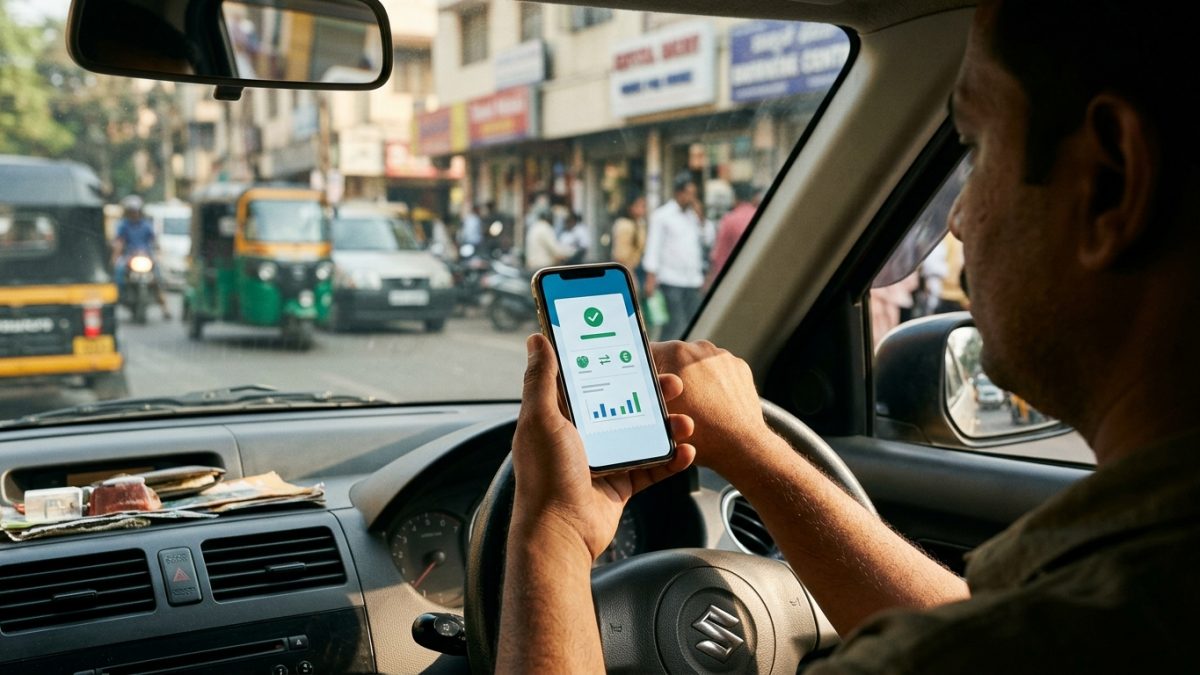
Payment reconciliations often encounter administrative delays when transferring funds from commercial banks to state treasuries. SBI ePay, Treasury Pay, and Bharatkosh process transaction logs in scheduled batches rather than instantaneous clearing feeds.
Primary Causes of Verification Delays
- Treasury Settlement Windows: Government gateways take 24 to 72 business hours to validate transaction references against automated vehicle clearing databases.
- Third-Party Aggregators: Paying via consumer wallet apps introduces an extra intermediary layer between your bank and central government servers.
- Network Dropouts: Browsers closed prematurely before the redirect link sends the success token back to the central server leave transactions in limbo.
Step-by-Step Fix for Pending Transactions on Parivahan
- Access payment check: Visit the Parivahan eChallan portal and open the Check Pending Transaction tab from the navigation menu.
- Input identification: Enter your Challan Number or complete Vehicle Number along with the security captcha.
- Trigger verification: Click the Check Status or Verify button to force Parivahan servers to query the banking aggregator directly.
- Review updated outcome: If your bank approved the debit, the record automatically updates to Success and exposes the receipt button.
- Lodge grievance: If the status remains pending after 72 business hours, navigate to the portal Grievance tab and submit a ticket attaching your bank UTR number.
How to Resolve a 'Sent to Court' Challan Online
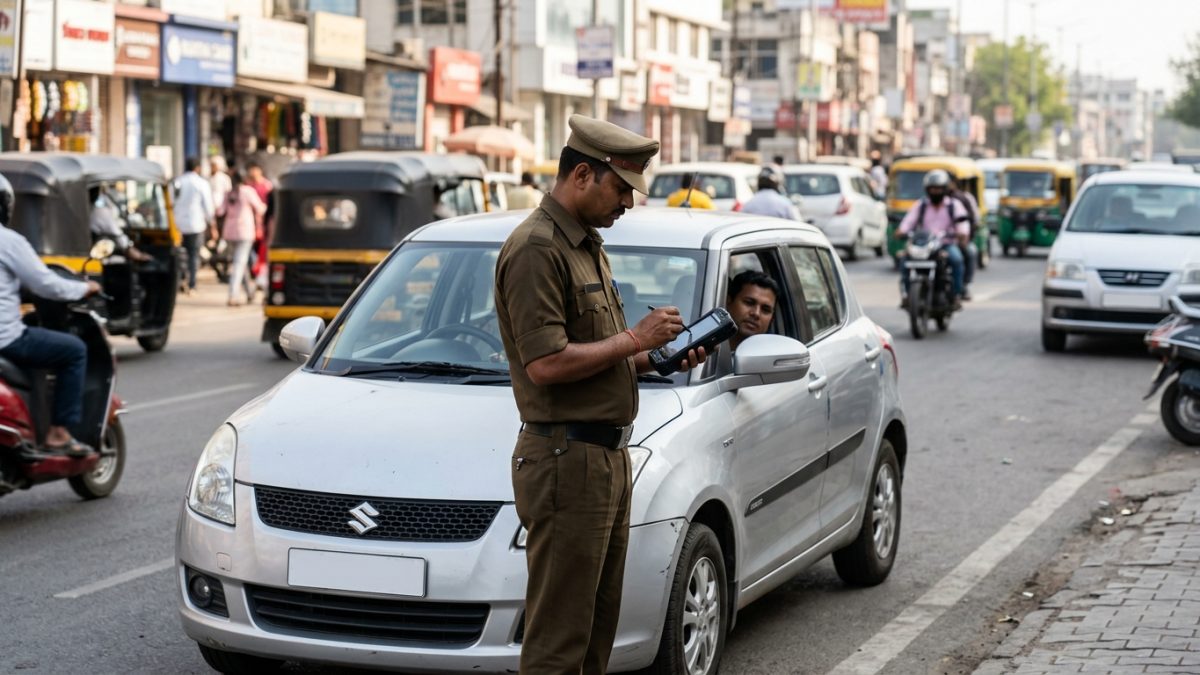
If your traffic fine remains unpaid past statutory compounding windows (usually 60 to 90 days across India, and 45 days within Delhi NCT), the system transfers the offence to the judicial wing. At this stage, standard settlement buttons on Parivahan are disabled.
The Virtual Courts (vcourts.gov.in) System
Administered by the Supreme Court e-Committee and the National Informatics Centre, the Virtual Courts system resolves petty traffic violations digitally without physical courthouse appearances. It operates actively across high court jurisdictions including Delhi, Maharashtra, Tamil Nadu, Uttar Pradesh, and Karnataka.
- Open Virtual Courts: Navigate to vcourts.gov.in on any mobile or desktop web browser.
- Select jurisdiction: Choose your state and relevant department, such as Delhi Traffic Department or Maharashtra Virtual Court.
- Search citation: Look up your case using your mobile number, vehicle number, challan reference, or CNR number.
- Review magistrate order: View the digital summary case displaying the registered driver name, exact offence, and recommended fine amount.
- Choose legal resolution: Select one of the two statutory courses of action:
- Option 1: Plead Guilty & Pay Fine: Verify your identity via SMS OTP, proceed to the integrated state gateway, and clear the fine. The status immediately updates to Disposed, and you receive an electronic disposal slip.
- Option 2: Plead Not Guilty & Contest: If you dispute the camera citation, select contest. The file transfers to a physical regular judicial magistrate court for formal trial proceedings.
Important: Non-compoundable offences like severe drunk driving under Section 185 of the Motor Vehicles Act cannot be settled via Virtual Courts. Motorists must appear before regular magistrate courts or attend quarterly National Lok Adalats.
How to Download Payment Receipts After Checking Status
Maintaining valid digital proof of fine clearance protects you against wrongful impoundment during routine police inspections. You can download official receipts directly from the clearinghouse.
- Visit central receipts: Open the central eChallan portal and select Download Payment Receipt or use the Check Challan Status search screen.
- Query your vehicle: Enter your vehicle registration details and chassis digits to bring up the historical violations archive.
- Locate cleared fine: Find the settled citation line item, confirming that the payment status column displays Paid or Disposed.
- Download document: Click the green Receipt button situated in the action column.
- Save PDF file: Save the computer-generated MoRTH receipt featuring the government treasury transaction ID, payment timestamp, and statutory offence breakdown.
Legal Consequences of Ignoring Pending e Challans
Ignoring electronic traffic challans leads to automated administrative penalties that restrict your vehicle usage and personal driving privileges under the Motor Vehicles Act.
| Enforcement Action | Trigger Point | Direct Impact on Vehicle Owner |
|---|
| Vahan Blacklisting | Unpaid fines past 60–90 days | Blocks RC renewal, ownership transfer, hypothecation removal, and fitness checks. |
| Sarathi DL Suspension | Repeated moving violations | Automated 3-month licence suspension recommendation under Section 19. |
| On-Road Impoundment | Multiple notices / fines over ₹5,000 | Automatic Number Plate Recognition (ANPR) cameras trigger spot impoundment. |
| Magistrate Summons | Ignored Virtual Court notice | Bailable or non-bailable warrants issued by jurisdictional traffic courts. |
Unresolved fines directly freeze transactions on the central Vahan database. Motorists cannot obtain a No Objection Certificate (NOC) for selling their vehicle, renew commercial fitness certificates, or complete an RC owner verification until all cleared receipts are matched on the ledger. Drivers accumulating frequent red-light or speeding violations also risk direct driving licence restrictions under Sarathi DL services.
Understanding your recent citation history before planning ownership modifications or visiting your local RTO office prevents procedural delays and administrative rejections.
How to Verify Fake Challan Links and Protect Your Money
Cybercriminals frequently exploit traffic enforcement systems by sending fraudulent SMS alerts containing malicious application links. Legitimate government notifications always adhere to standard patterns.
- Check the Domain: Official central communications route exclusively through portals ending in gov.in or nic.in.
- Examine the Sender ID: State police communications arrive from verified government communication handles rather than standard ten-digit personal mobile numbers.
- Confirm on Official Portals: Whenever you receive a fine alert via message, never tap included shortened links. Instead, navigate manually to the central Parivahan site to perform an independent lookup.
- Cross-Check Vehicle Details: Phishing notices rarely verify whether the chassis number matches the registration plate. If a portal displays fine records without requesting secondary verification, close the browser immediately.
Make it a routine practice to run a periodic e challan status check on VahanX to monitor your registration records and avoid falling prey to third-party phishing networks.
Conclusion
Regularly monitoring your e challan status protects you from unexpected RTO service blocks, surprise Virtual Court summons, and costly late penalties. Verifying whether your payment reflects as Disposed ensures your central Vahan vehicle records stay completely clear.
Whenever you clear a traffic penalty, download your official treasury receipt right away and check your status on official portals if a transaction shows under verification. Stay proactive by tracking pending notices early and resolving camera-generated fines before statutory deadlines expire.