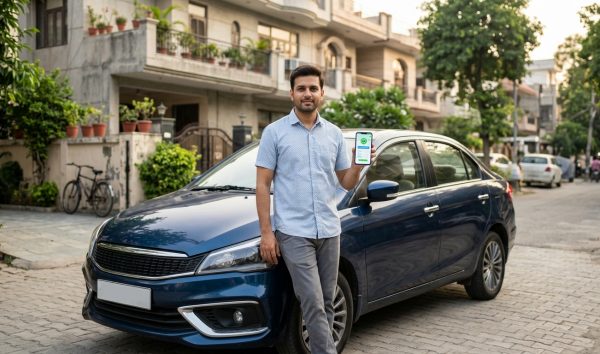
To run an instant car insurance check online, visit the official Parivahan Sewa portal or open the NextGen mParivahan app and enter your car registration number. Within seconds, the system displays your active insurance policy number, the insurer name, and the exact policy expiry date. You can also perform an instant RC search to verify insurance validity directly on VahanX.
Key Takeaways
- Check policy validity instantly using only your vehicle registration number on Parivahan.
- Digital documents in mParivahan or DigiLocker hold full legal validity under Rule 139 CMVR.
- Driving without active third-party insurance carries a fine of ₹2,000 for the first offence.
- Renewed motor policies typically sync to the central VAHAN database within 24 to 48 hours.
- IIB serves as an official secondary database if Parivahan servers undergo technical maintenance.
| Verification Method | Platform / Authority | Required Details | Average Retrieval Time |
|---|
| Parivahan Sewa Portal | MoRTH / NIC Web Portal | Vehicle Number, Mobile OTP | 1 to 2 Minutes |
| NextGen mParivahan | NIC Mobile App (iOS / Android) | Vehicle Number, MPIN | Under 30 Seconds |
| IIB V-Seva Retrieval | Insurance Information Bureau | Vehicle Number, Name, Mobile | 1 to 3 Minutes |
| VahanX RC Search | Vehicle Information Portal | Vehicle Registration Mark | Instant |
Legal Mandate: Third-Party Insurance Rules & Fines in India
Under Section 146 of the Motor Vehicles Act, 1988, every motor vehicle operating on public roads across India must carry valid third-party liability coverage. While Own-Damage (OD) insurance remains optional by law, the third-party component is strictly mandatory to safeguard accident victims against bodily injury, loss of life, or property damage. If you let your policy lapse, you violate central statutory obligations, exposing yourself to steep fines and vehicle impoundment.
Driving an uninsured car attracts significant penalties under Section 196 of the Motor Vehicles Act. As of October 2026, the central baseline penalty structure remains rigorously enforced by state police departments and regional transport offices across all states. You can track your pending traffic penalties online anytime through our e-challan status tracker.
| Offence Level | Statutory Fine Amount | Imprisonment Term | Enforcement Power |
|---|
| First-Time Offence | ₹2,000 | Up to 3 months, or both | Traffic police may impound vehicle |
| Subsequent Offence | ₹4,000 | Up to 3 months, or both | Vehicle impoundment until valid cover produced |
Warning: Traffic officers hold statutory authority to seize and impound your vehicle immediately if you cannot furnish authentic proof of third-party motor insurance during roadside checks.
While many states allow compounding of minor administrative traffic violations, driving without active motor liability insurance cannot be reduced below the central statutory baseline. Motorists should also review third party car insurance rules and price slabs to understand the full scope of statutory liability coverage and avoid punitive citations.
Parivahan Car Insurance Check: Step-by-Step Portal Guide
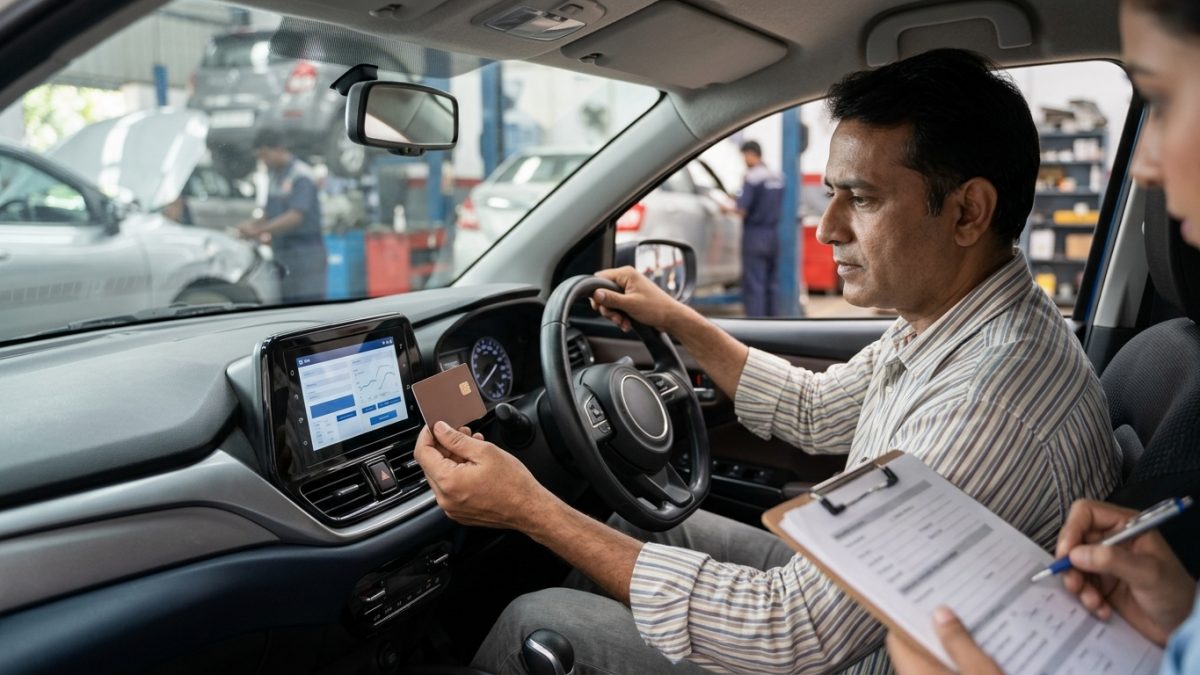
The Ministry of Road Transport and Highways maintains the central National Register containing millions of digitized vehicle profiles. Running a parivahan car insurance check is the most direct way to examine your vehicle record directly from central government databases. You only need an active Indian mobile number capable of receiving one-time passwords (OTP) to view your full vehicle ledger.
- Open the official portal: Navigate your browser to the central Parivahan Sewa portal managed by MoRTH.
- Navigate to informational services: From the top menu, click on Informational Services and choose the Know Your Vehicle Details option from the dropdown menu.
- Complete citizen sign-in: Enter your registered 10-digit mobile number and click Next. If you are a first-time user, complete the quick Citizen Registration flow before entering the OTP to log in.
- Enter car registration details: Type your vehicle registration mark without spaces or hyphens (for example, DL01AB1234) into the designated vehicle search field.
- Solve the security captcha: Enter the dynamic captcha characters correctly and click the Search Vehicle button.
- Inspect insurance record: Scroll down the comprehensive RC status card to find the Insurance Details block, which outlines the issuing insurance company, policy number, and the Insurance Upto date.
Tip: Ensure you type your car registration number without spaces, hyphens, or special characters. Even a tiny formatting typo will prevent the Parivahan database from loading your vehicle data.
mParivahan Insurance Validity Check: How to Use the Mobile App
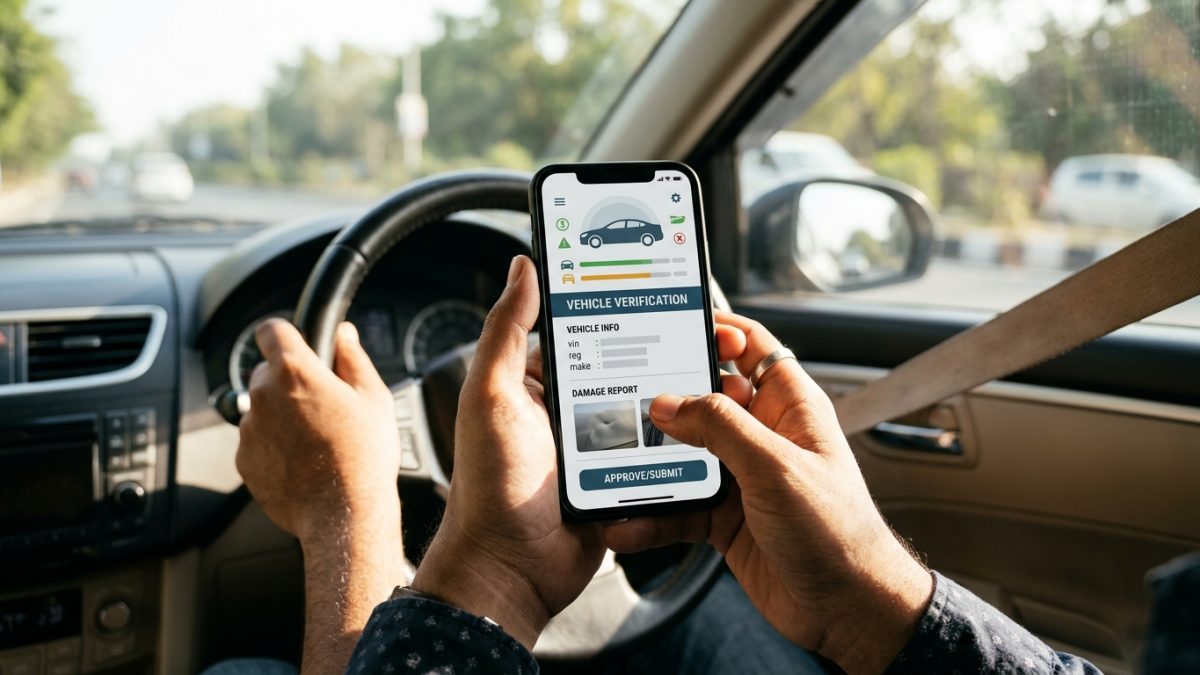
The NextGen mParivahan application, engineered by the National Informatics Centre (NIC), serves as the official mobile companion for Indian motorists. Performing an mParivahan insurance validity check is both quick and accessible when you are away from a desktop computer or standing next to your vehicle during an inspection.
- Launch the application: Download and open the NextGen mParivahan app from the official Google Play Store or Apple App Store.
- Log in to your account: Choose your preferred language, submit your registered mobile number, and enter your secure 6-digit MPIN.
- Search vehicle registration: Select the RC Dashboard tab and enter your car registration number in the central search bar.
- Review preliminary status: Tap the search icon to load high-level vehicle parameters, including the Insurance Valid Upto field.
- Add to Virtual RC: For exhaustive documentation, tap Add to Virtual RC and verify ownership by submitting the last 5 digits of your car chassis number and engine number.
- Generate verifiable QR code: Open your created Virtual RC to see the complete policy certificate number, insurer name, and the digitally signed verification QR code.
Having your Virtual RC stored inside the app eliminates the need to carry laminated paper certificates in your glove compartment. In addition, you can readily retrieve the exact calendar date of expiry whenever you plan your upcoming motor coverage renewal.
IIB Car Insurance Status Check: Using the National Insurance Bureau
The Insurance Information Bureau of India (IIB) was established under the aegis of the Insurance Regulatory and Development Authority of India (IRDAI). It functions as a centralised electronic repository of all motor insurance records issued across India since 1 April 2010. Performing an iib car insurance status check is particularly valuable if Parivahan servers are undergoing scheduled technical maintenance, or if you need to trace the third-party insurer of another vehicle following a road collision.
- Visit the IIB platform: Go to the official Insurance Information Bureau portal in your browser.
- Access V-Seva retrieval: Locate the Quick Links section on the homepage and click on the V-Seva link to open the Accident Vehicle Information Retrieval System.
- Enter car details: Enter your car registration number in alphanumeric format without spaces, special marks, or dashes.
- Provide user details: Fill in the visitor name, active mobile number, and email address. If you are conducting a routine check for your personal car, select the current calendar date in the accident date field.
- Submit the query: Complete the security captcha challenge and click Submit to display the matching motor insurance record.
| Feature / Parameter | Parivahan Sewa Portal | Insurance Information Bureau (IIB) |
|---|
| Data Scope | Complete RC, Fitness, PUC, Insurance | Motor Insurance Coverage Only |
| Access Requirement | Citizen OTP Login | Basic Captcha & Contact Entry |
| Historical Records | Focuses on active & immediate past RC data | Repository maintained since 1 April 2010 |
| Primary User Objective | RC compliance, traffic police checks | Third-party accident claims, fallback search |
How to Check Car Insurance Policy Number Online if Papers Are Lost
Misplacing your vehicle insurance paperwork or losing the downloaded policy schedule from your smartphone is a common problem. Fortunately, you can check car insurance policy number online through multiple legitimate electronic avenues without paying any fees or applying for duplicate hard copies at regional transport offices.
- Parivahan vehicle portal: Access the Know Your Vehicle Details service on Parivahan to view your full active policy number listed under the vehicle profile.
- Insurer or aggregator dashboard: Log into the official app or web portal of your insurance provider or aggregator using your registered mobile number to download your complete policy schedule.
- Email inbox search: Search your personal email accounts using terms like Cover Note, Policy Schedule, Motor Certificate, or your car registration mark to find original PDF receipts.
- NextGen mParivahan Virtual RC: Link your car to your Virtual RC dashboard using your chassis digits to inspect the exact policy number and issuing company name.
Tip: If you are unsure about previous claims or bonus accruals while retrieving your policy number, inspect your no-claim bonus slabs and discount eligibility to ensure seamless renewal terms.
Troubleshooting Vahan Car Insurance Status Sync Delays After Renewal
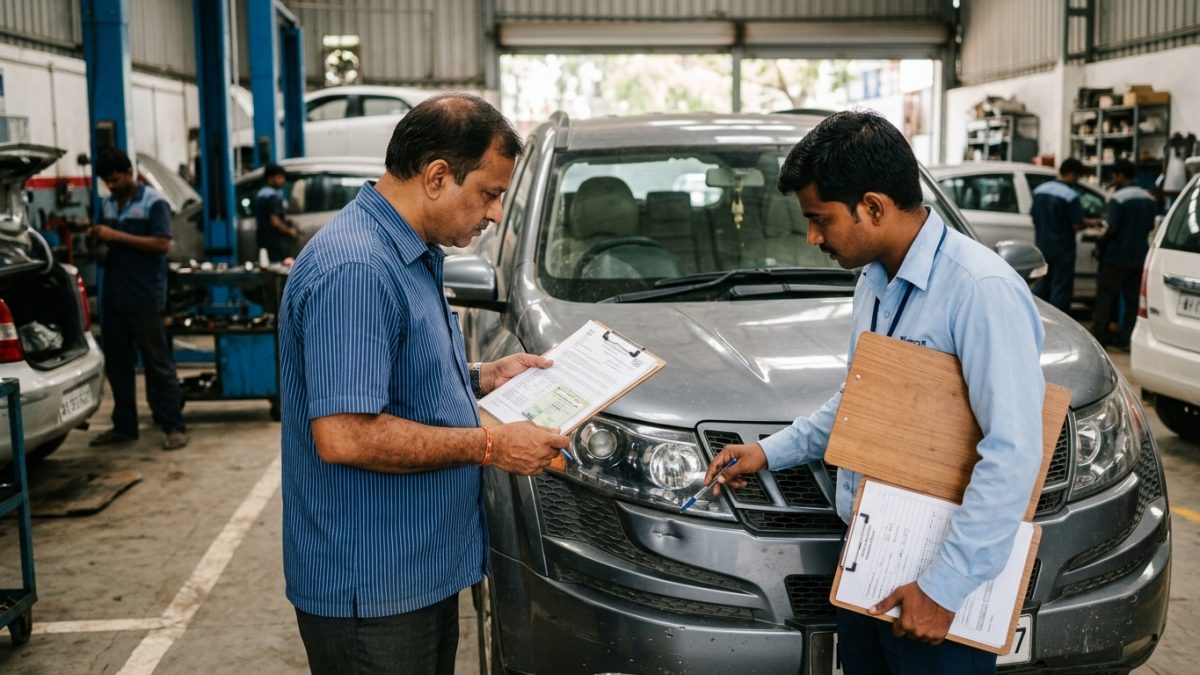
A frequent source of anxiety for motorists is finding that their vahan car insurance status displays an Expired badge even after paying their renewal premium. Understanding the underlying data pipeline between insurance companies and the central National Register helps you troubleshoot these discrepancies effectively.
How the Data Sync Pipeline Operates
When you renew your car insurance policy, your general insurer does not instantly write data into Parivahan. Instead, the insurance company pushes the newly minted policy details through an automated API to the IIB and VAHAN servers. Under standard service agreements, API reconciliation occurs within 24 to 48 hours. However, during month-end renewal surges, public holidays, or batch file synchronization cycles, updates may take between 3 and 7 working days to reflect on the portal.
Primary Causes of Sync Failures
- Typographical errors in identifiers: An error in a single character of your chassis number, engine number, or registration mark in the insurer database completely prevents VAHAN from mapping your policy to your RC record.
- Future effective policy date: If you renewed your car policy 20 days prior to the expiration of your existing plan, the new policy remains inactive on VAHAN until the previous policy reaches its formal midnight lapse date.
- Standalone Own-Damage confusion: If you purchased a standalone Own-Damage (OD) policy while your multi-year third-party cover runs with a separate company, VAHAN only reflects the third-party policy timeline.
- Unmapped temporary numbers: For brand new vehicles, policies initially issued against engine or chassis numbers might fail to link if the insurer never updated the permanent registration mark after RTO assignment.
- Download the policy schedule: Save the newly issued Policy Schedule PDF and Form 51 (Certificate of Insurance) to your smartphone immediately.
- Audit vehicle parameters: Verify every alphanumeric character of the chassis number, engine number, and registration code on the policy document against your physical RC.
- Submit a synchronization ticket: If your record remains unlinked after 7 working days, email your insurer motor support team requesting an immediate push of policy data to the VAHAN and IIB portals.
- Carry digital or physical backup: Keep the insurer signed Form 51 certificate inside your vehicle or stored offline on your phone until the central portal synchronises.
If your policy has lapsed completely beyond statutory grace boundaries before renewing, make sure you review our practical guide on how to renew expired car insurance online to avoid inspection complications and coverage rejections.
Traffic Police Verification Rules: DigiLocker, mParivahan & Rule 139 CMVR
Many vehicle owners wonder whether traffic police can verify car insurance validity without demanding hard-copy documents during transit. Under Indian law, you are legally entitled to present your vehicle credentials entirely in digital format.
As outlined in the MoRTH Notification G.S.R. 1081(E) dated 2 November 2018 and the official Standard Operating Procedure issued on 17 December 2018, Rule 139 of the Central Motor Vehicles Rules (CMVR), 1989 was amended to provide equal statutory status to digital vehicular documents. This digital validity is firmly backed by Section 4 of the Information Technology Act, 2000, as confirmed by government press releases on electronic document acceptance standards.
| Document Presentation Format | Legal Acceptance Under Rule 139 | Enforcement Action Permitted |
|---|
| DigiLocker Linked Document | Fully Valid and Legally Protected | Police cannot demand paper originals |
| NextGen mParivahan Virtual RC | Fully Valid and Legally Protected | Accepted via handheld e-Challan scanners |
| Official Physical Policy Copy | Fully Valid | Standard physical inspection |
| Phone Gallery Screenshot / Photo | Not Valid under Rule 139 CMVR | Challan can be issued for non-production |
| Unverified WhatsApp PDF Download | Not Valid under Rule 139 CMVR | Officer may demand live electronic verification |
Crucial Rule: A photograph, screenshot, or unverified PDF stored in your mobile gallery is not protected under Rule 139 of the CMVR. Always pull your policy live via DigiLocker or NextGen mParivahan to avoid avoidable fines.
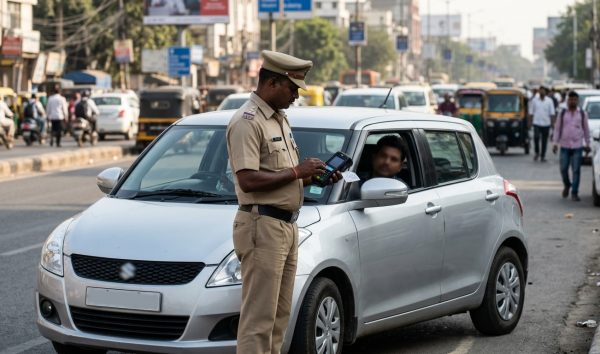
Modern enforcement wings rely on the handheld e-Challan terminal app. When an officer inputs your vehicle registration mark or scans your number plate via automated cameras, the central system queries VAHAN in real time. If your insurer has synced the record, the officer terminal instantly verifies that your vehicle is covered, eliminating the need to show any physical paperwork.
Always verify your credentials periodically using a quick online RC check to ensure your insurer has updated your validity date, keeping you protected against road penalties across India.
Conclusion
Completing a regular car insurance check online ensures that your vehicle remains compliant with Indian motor vehicle laws while shielding you from steep fines under Section 196 of the Motor Vehicles Act. Whether you prefer the Parivahan Sewa portal, the NextGen mParivahan app, or the IIB V-Seva database, you can confirm your coverage validity and policy number in just a few clicks.
Before taking your car out on public roads, perform an instant online RC verification to ensure your insurer details and expiry dates are updated accurately across all national transport databases.