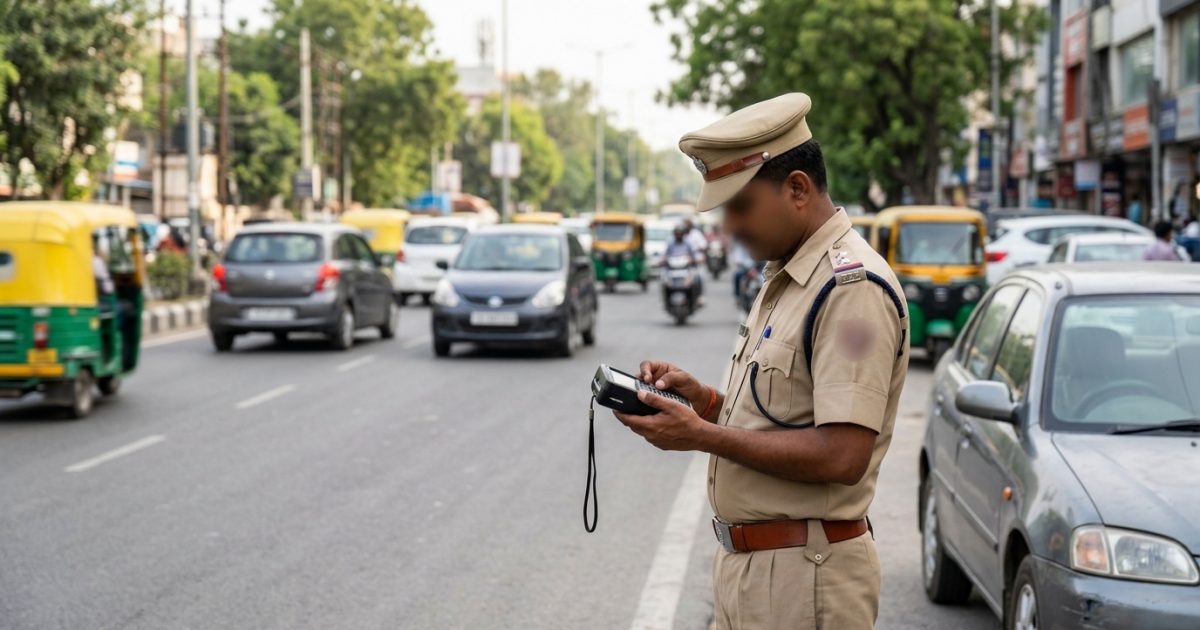
To raise a wrong challan dispute online, check your violation photo on the official Parivahan e-Challan website, navigate to the Grievance system at echallan.parivahan.gov.in/gsticket, verify your registration with an OTP, select the relevant dispute category, and upload documentary evidence such as your RC copy or FASTag logs to cancel the false fine administratively without court proceedings.
Before paying any sudden penalty alert, always verify your vehicle records first. You can run a check challan status by vehicle number to review whether an automated camera has captured your vehicle or mistakenly flagged your registration number due to an optical scanning glitch.
Key Takeaways
- You can dispute false traffic fines online within 30 to 60 days of issue.
- Valid evidence includes your vehicle RC, genuine vehicle photos, and FASTag logs.
- Once paid, challans cannot be disputed administratively through the grievance portal.
- Uncontested challans move automatically to Virtual Courts for formal judicial action.
- Cloned number plate issues require a mandatory police FIR to secure cancellation.
| Feature | Details |
|---|
| Primary Portal | echallan.parivahan.gov.in/gsticket/ |
| Grievance Fee | ₹0 (Completely Free) |
| Administrative Window | 30 to 60 days from issuance |
| Key Proof Required | RC copy, photo of genuine vehicle, FASTag/GPS logs |
| Resolution Time | Typically 7 to 30 working days |
| Next Stage If Unresolved | Virtual Court (vcourts.gov.in) / Regular Court |
Why False Traffic Challans Are Issued by ANPR Cameras
Under Section 136A of the Motor Vehicles (Amendment) Act, 2019, traffic enforcement across Indian highways and cities is driven by automated technology. State police and transport authorities deploy Automatic Number Plate Recognition (ANPR) cameras, Speed Detection Systems (SDS), Red Light Violation Detection (RLVD), and high-resolution CCTV systems.
While automated monitoring increases transparency, algorithmic systems frequently generate errors. These errors lead to vehicle owners receiving penalties for offences they never committed.
Common Causes of Erroneous E-Challans
- OCR and Machine Vision Misreading: Optical Character Recognition software regularly confuses visually similar characters on vehicle plates. Letters and numbers like '8' and 'B', '0' and 'D' or 'O', '1' and 'I', and '5' and 'S' are frequently swapped, especially when plates use non-standard fonts, broken plates, or are covered in road dirt.
- Vehicle Class and Offence Mismatch: Software logic sometimes pairs an offence with the wrong category of vehicle. Four-wheeler car drivers occasionally receive challans for "riding without a helmet" because an automated camera mismatched the number plate of a nearby two-wheeler.
- Cloned or Tampered Plates: Unscrupulous motorists intentionally duplicate legitimate registration numbers to evade toll charges and traffic surveillance. When a cloned vehicle commits an infraction, the automated notice hits the innocent owner's mobile number.
- Ghost and Duplicate Violations: Adjacent cameras positioned closely on the same highway can register multiple infractions within seconds or minutes for a single journey, creating duplicate penalties for one continuous stretch of driving.
| Offence Description | MV Act Section | Standard Statutory Penalty |
|---|
| Driving without Seatbelt | Section 194B | ₹1,000 |
| Riding without Helmet | Section 194D | ₹1,000 (DL suspension up to 3 months) |
| Over-Speeding (LMV) | Section 183 | ₹1,000 to ₹2,000 |
| Dangerous Driving / Red Light Jumping | Section 184 | ₹1,000 to ₹5,000 (first offence) |
| Driving without Valid PUC | Section 190(2) | Up to ₹10,000 |
| Wrong-Side Driving | Section 184 / RRR | ₹1,000 to ₹5,000 |
Penalties listed above reflect the standard Central Motor Vehicles Act framework as of September 2026. Specific compounding fine amounts can vary depending on state notifications issued under Section 200 of the Act. For a detailed breakdown of all statutory penalties, check our complete guide on the traffic fine list under the Motor Vehicle Act.
Warning: Never settle a fine if you plan to contest it. Paying an e-challan online represents a legal compounding of the offence under Section 200 of the MV Act, which acts as an admission of guilt and closes the window for administrative cancellation.
Step-by-Step Process for Wrong Challan Dispute Online on Parivahan
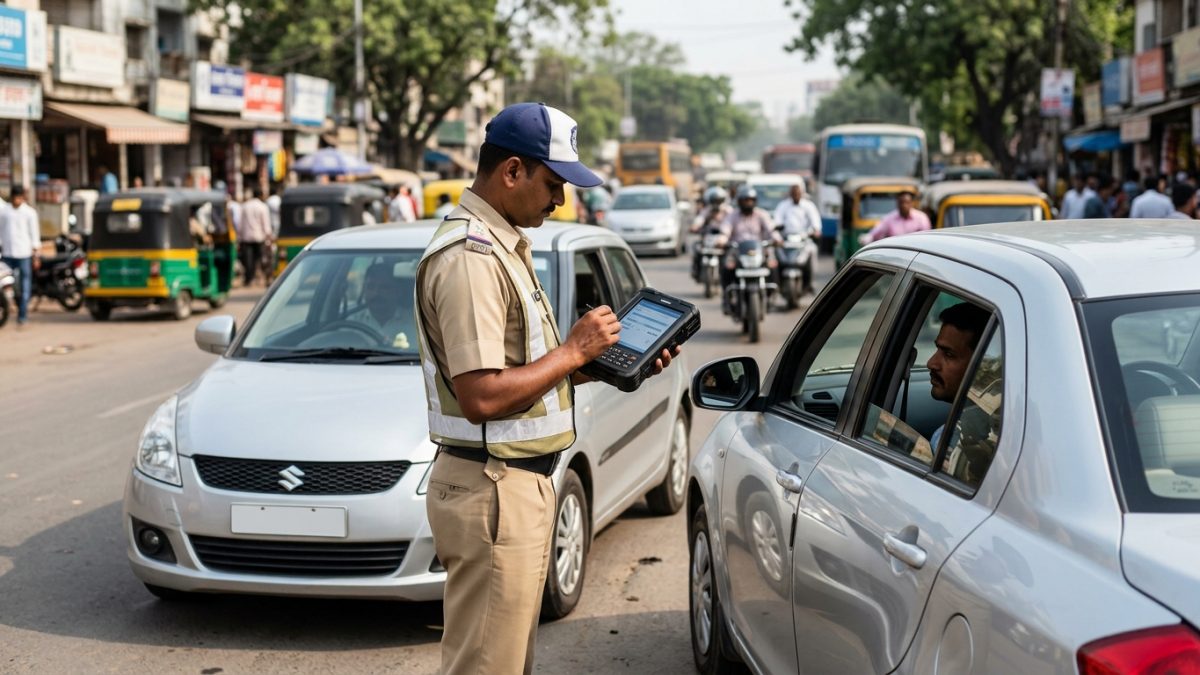
The Ministry of Road Transport and Highways (MoRTH) provides a central system to submit an echallan parivahan grievance without visiting an RTO or a police station. Follow this step-by-step procedure to file your grievance correctly:
- Verify the violation evidence: Open the official portal at echallan.parivahan.gov.in and click on "Check Challan Status". Enter your Challan Number, Vehicle Registration Number, or Driving Licence Number along with the captcha. Review the camera photograph attached to the violation notice to examine vehicle make, model, colour, and location.
- Access the grievance system: Head directly to the grievance submission module at echallan.parivahan.gov.in/gsticket/.
- Complete the grievance entry form: Enter your Challan Number or Vehicle Number and complete the captcha challenge. Authenticate your ownership by requesting and entering an OTP sent to your Vahan-registered mobile number. Fill in your name, active email ID, state, and the city where the challan was recorded.
- Select grievance category: Choose the issue type that best matches your situation, such as "Wrong Vehicle Number", "Incorrect Offence Captured", "Vehicle Not at Location", or "Cloned Number Plate".
- Describe the discrepancy: In the text box, write a brief, factual description of the error. For example: "The camera photograph shows a silver commercial van, whereas my registered vehicle is a red private sedan. Registration plate characters appear to be misread by the automated OCR system."
- Upload corroborating documents: Upload clear, legible copies of supporting proof in PDF, JPG, or PNG format (ensure each file is under 2 MB).
- Submit and store your reference: Click submit to generate your dispute ticket. Record the system-generated Ticket ID to monitor your issue until resolution.
Tip: Keep your explanation polite, concise, and focused on facts. Automated grievance desks reject emotional complaints or arguments like "I was in an emergency" or "I did not see the road sign". Only factual, verifiable errors qualify for administrative cancellation.
State-Specific Portals for E-Challan Grievances
While the central Parivahan portal handles disputes for most Indian states, certain metropolitan traffic departments manage local enforcement cameras through their own dedicated digital infrastructure. If your violation occurred in one of these jurisdictions, filing directly through the state portal ensures faster handling.
| State / Union Territory | Authority / System | Online Grievance Channel |
|---|
| Delhi NCT | Delhi Traffic Police Notice Branch | traffic.delhipolice.gov.in/raise-complaint |
| Maharashtra (Statewide & Mumbai) | MahaTraffic e-Challan System | mahatrafficechallan.gov.in/MH-Echallan-Grievance/ |
| Karnataka (Bengaluru) | Bangalore Traffic Police / Parivahan | echallan.parivahan.gov.in / BTP Traffic Centre |
| Uttar Pradesh & Haryana | State Police / Central Parivahan | echallan.parivahan.gov.in/gsticket/ |
| Kerala & Tamil Nadu | State Police Automation System | echallan.parivahan.gov.in/gsticket/ |
Disputing False Notices in Delhi NCT
If you receive an erroneous traffic notice from the Delhi Traffic Police, visit their Notice Enforcement branch at traffic.delhipolice.gov.in/notice or use the dedicated complaint portal at traffic.delhipolice.gov.in/raise-complaint.
Select "Raise Complaint" and select the relevant reason: Wrong Vehicle Number, Wrong Offence Captured, or Number is mine but not vehicle. You can also send written representations along with proof to their official grievance desk at grievance.traffic@delhipolice.gov.in. Delhi motorists typically have a 45 to 60-day window before uncontested notices transfer to the Virtual Court.
Handling False Challans in Maharashtra
Violations issued within Mumbai or across Maharashtra state highways operate through the MahaTraffic system. Motorists can submit an online contest through mahatrafficechallan.gov.in/MH-Echallan-Grievance/ or use the MahaTraffic mobile application.
You must enter your Challan Number or vehicle details, explain the mismatch, and upload proof. For technical delays or unaddressed tickets, you can escalate via email to helpdesk@mahatrafficechallan.gov.in.
Documents and Evidence Required to Contest an Incorrect Traffic Challan
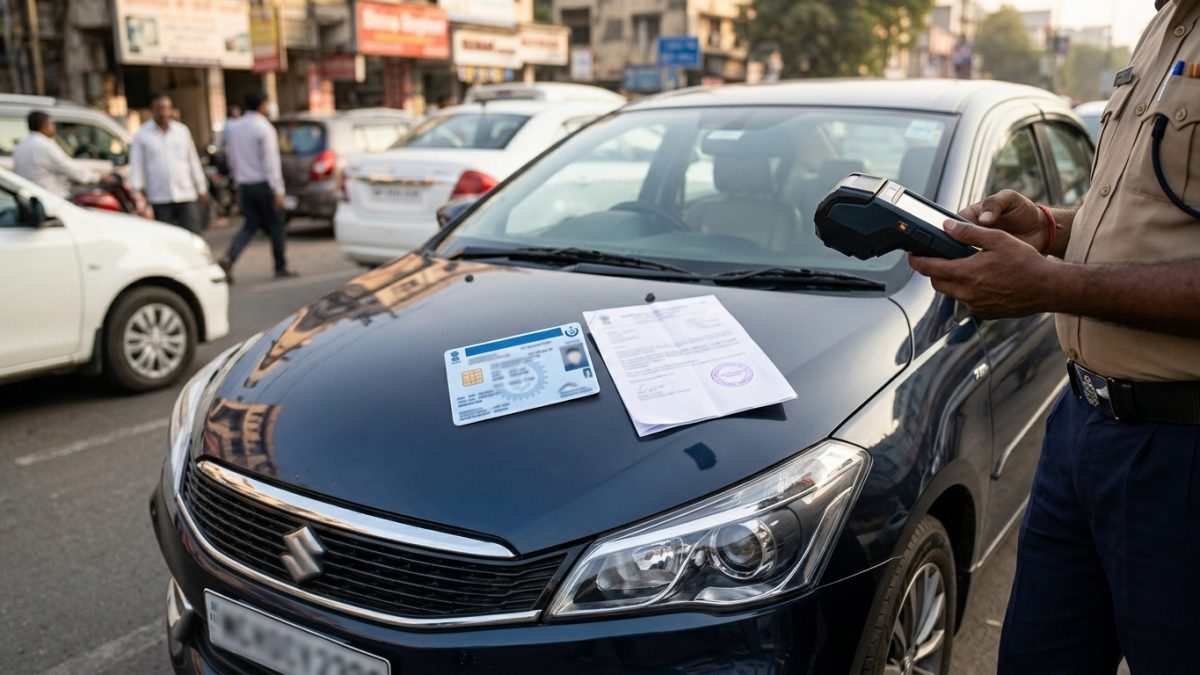
To successfully cancel an erroneous fine, you must provide verifiable proof that contradicts the camera's capture. Submitting strong evidence prevents your ticket from being summarily rejected by enforcement reviewers.
- Registration Certificate (RC): Your vehicle RC confirms make, model, fuel type, seating capacity, and registered colour. Comparing your RC against the camera capture allows officers to confirm optical misreading immediately. You can view your registered details using our RC details and vehicle owner search before submitting your claim.
- Photographs of Your Genuine Vehicle: High-resolution photographs showing your vehicle's front, rear, and standard High Security Registration Plates (HSRP) help demonstrate aesthetic and physical differences from the offending vehicle.
- Location Alibis (Vehicle Not at the Scene): If an ANPR camera claims your vehicle committed an offence in another city while it was parked at home, provide credible location data:
- FASTag Toll Logs: Download your statement from the NPCI or your issuing bank app to show your car passed through distant toll plazas at that exact time.
- GPS / Telematics Records: Timestamped tracking data, dashcam footage, or Google Maps Timeline exports showing geographic coordinates.
- Parking or Service Slips: Commercial parking tickets, society entry registers, or authorized workshop repair job cards proving the car was elsewhere.
- Police Complaint / General Diary (GD) Entry: If another vehicle is operating with a cloned copy of your plate, you must file an FIR or a local police GD entry. Administrative officers require formal police complaints before dropping repetitive fines generated by cloned plates.
Important: If you suspect someone is using a cloned number plate with your registration details, do not stop at raising online tickets. File an official police complaint immediately to protect yourself from liability in serious criminal or hit-and-run incidents involving that vehicle.
How to Check Your Traffic Challan Dispute Status
Once you register a dispute ticket on the Parivahan portal, processing typically takes between 7 and 30 business days. You can track progress online through these steps:
- Open the ticket tracking page: Visit the official grievance desk at echallan.parivahan.gov.in/gsticket/.
- Switch to the status module: Click on the "Ticket Status" tab located beside the Grievance Entry form.
- Provide your complaint reference: Enter the Ticket ID generated during submission (or your Challan Number) along with the verification captcha.
- Review the updated status: Click on "Check Status" to see the current progress of your case.
| Ticket Status Term | What It Means | Action Required by Owner |
|---|
| Pending | Grievance submitted; queueing for review | No action; wait for assigned officer to inspect |
| Under Investigation | Case forwarded to local traffic control room | Keep supporting documents ready if contacted |
| Approved / Cancelled | Discrepancy accepted; fine revoked on Vahan | Download resolution receipt; keep for records |
| Rejected | Reviewer determined violation is valid | Choose to accept or contest in Virtual Court |
Critical Deadlines: Administrative Window vs Virtual Courts
Timing plays a crucial role when dealing with automated traffic fines. Traffic challans function initially as administrative notices rather than immediate judicial summonses. Understanding the dispute lifecycle prevents unintended escalation.
The 30 to 60-Day Administrative Notice Window
During the first 30 to 60 days following the violation date, the e-challan remains entirely under the administrative control of the state traffic police and transport department. During this period, the police grievance cell possesses the statutory power to modify, cancel, or withdraw the notice directly through the Parivahan portal.
Automatic Transfer to Virtual Courts
If an e-challan remains unpaid and uncontested beyond the state notice window (typically 45 to 60 days), the database batches the challan and transfers it automatically to the Virtual Court system at vcourts.gov.in. The Virtual Court platform was developed under the guidance of the Supreme Court of India's e-Committee to settle petty traffic offences digitally.
Once an automated fine moves to the Virtual Court database, the administrative Parivahan grievance system can no longer cancel it. Any challenge after this stage must take place inside the judicial framework.
What to Do If Your Complaint Against a Wrong Challan Is Rejected
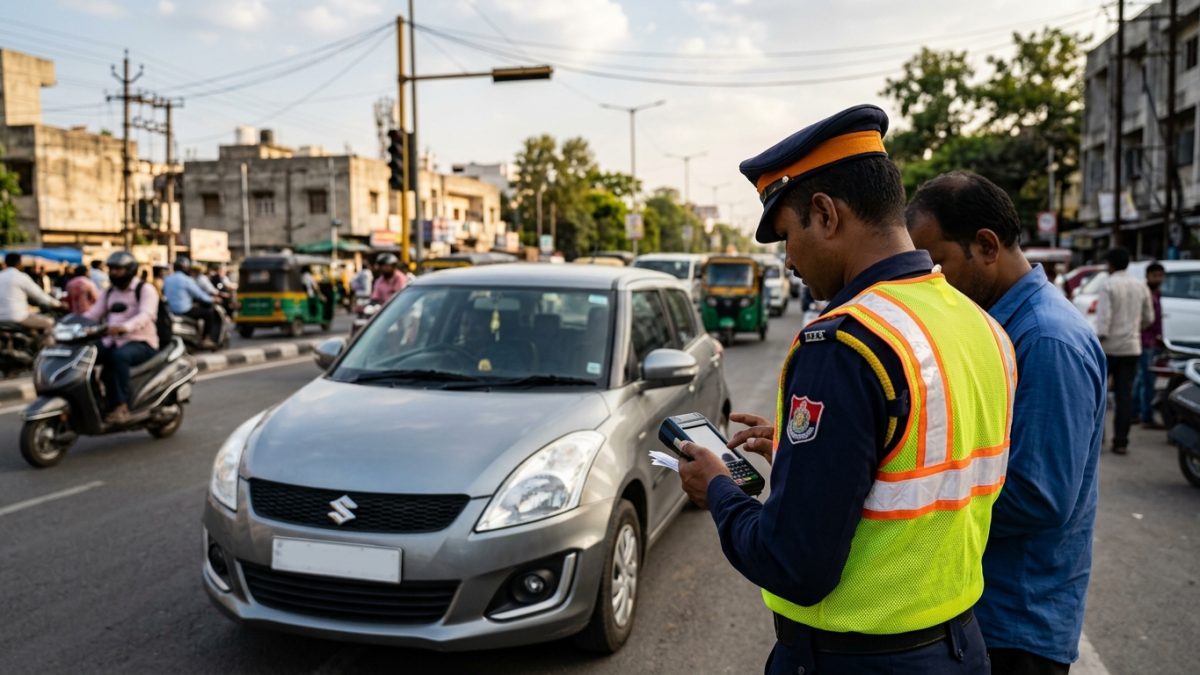
If the traffic review cell rejects your administrative dispute, or if the notice period has elapsed and transferred your case to the judiciary, you still have legitimate legal remedies to avoid paying an incorrect fine.
- Contest the notice in Virtual Court: When your challan appears on vcourts.gov.in, do not select "Pay Fine / Plead Guilty". Instead, select the option to Contest the Case. The Virtual Court will refer the case to the regular jurisdictional judicial magistrate or special traffic court, where you can present your physical proof during a summary hearing.
- Present your case at the National Lok Adalat: You can take false camera challans to the quarterly National Lok Adalat organized by the National Legal Services Authority (NALSA) at your district court. Magistrates presiding over Lok Adalat benches examine clear ANPR errors, camera misidentifications, and cloned plate records to dismiss or settle false challans swiftly. Read our comprehensive guide on Lok Adalat challan settlement and booking tokens for complete procedural guidance.
- Escalate to the District Traffic DCP or SP: Submit a formal written representation to the Deputy Commissioner of Police (DCP - Traffic) or Superintendent of Police in the jurisdiction where the ticket originated. Attach your vehicle RC, physical photos, previous grievance rejection slip, and location alibis requesting an administrative review of camera errors.
Common Mistakes to Avoid When Challenging a False Fine
Many vehicle owners inadvertently lose valid disputes due to simple procedural mistakes. Avoid these errors to keep your challenge viable:
- Paying the penalty first: Many drivers pay erroneous fines thinking they can claim a refund later. The Motor Vehicles Act contains no automated mechanism to reverse payments made via online compounding. Pay only if you acknowledge the offence.
- Ignoring duplicate or cloned fines: If an unauthorized car is driving around with your registration number, automated cameras will issue recurring fines across various jurisdictions. Ignoring the initial notice can lead to the transport department blacklisting your RC on Vahan.
- Falling for SMS and WhatsApp phishing scams: Cybercriminals frequently send spoofed messages warning that your vehicle has an unpaid fine, along with dangerous APK download links or fraudulent payment gateways. Official notifications always direct you to domains ending in .gov.in.
- Filing without tangible evidence: An unsubstantiated claim that "I was not driving that day" will be rejected immediately. Always attach concrete alibi records, FASTag reports, or clear photos highlighting visual vehicle mismatches.
Regularly reviewing your vehicle's legal status protects you from surprise penalties and allows you to catch camera misreadings early. Perform a routine e-challan status check to make sure your vehicle record stays completely clear of erroneous fines and administrative blocks.
Conclusion
Filing a wrong challan dispute online allows you to hold automated ANPR camera systems accountable, correct optical scanning errors, and cancel wrongful traffic penalties without stepping inside a courtroom. As long as you submit clear photographic discrepancies, RC records, or location alibis within the initial 30 to 60-day notice window, traffic enforcement departments can drop erroneous entries directly on the Parivahan portal.
Never ignore automated notifications or settle fines you did not incur. Verify your vehicle status through official channels, retain supporting travel records, and lodge a formal dispute promptly whenever an automated camera makes an error.