Key Takeaways
- Clear traffic fines via Parivahan, state traffic police websites, or UPI apps.
- Fintech apps show payment proof, but only treasury receipts are legally valid.
- Never repay immediately if money debits without the status updating to paid.
- Court-referred challans cannot be settled on regular consumer UPI applications.
- Unpaid fines lead to VAHAN vehicle blacklisting and virtual court summons.
| Payment Channel | Supported Methods | Settlement Time | Official Receipt Source |
|---|
| Parivahan eChallan | UPI, Net Banking, Debit/Credit Card | Instant to 24 hours | echallan.parivahan.gov.in |
| UPI Apps (PhonePe, Paytm, GPay) | UPI PIN, Linked Bank Account, Wallets | Few minutes to 48 hours | Third-party app acknowledgement |
| State Police Portals | UPI, State Payment Gateways, Cards | Instant to batch sync | Respective State Police Portal |
| Virtual Courts (vcourts.gov.in) | ePay Gateway (UPI, Cards, Net Banking) | Instant upon disposal | Court Disposal Order PDF |
Completing your traffic challan payment online requires entering your vehicle or notice number on the central Parivahan platform, your state traffic police portal, or a standard UPI app. Once verified, you authorise the fine settlement via UPI, debit card, or net banking and instantly download your legally binding treasury receipt.
Before you clear any pending dues, verify your active notices through the VahanX challan search tool to confirm whether your fines sit on regional servers or have moved to virtual courts. Addressing notices promptly prevents vehicle registration blacklisting and legal summons under the Motor Vehicles Act.
Understanding the Online Traffic Challan Payment Ecosystem
India operates a dual-layer enforcement network for electronic traffic notices. The central Ministry of Road Transport and Highways (MoRTH), supported by the National Informatics Centre (NIC), runs the central eChallan portal. This central framework synchronises seamlessly with the national VAHAN registry for vehicles and the SARATHI database for driving licences.
Over 27 states and union territories link their automated enforcement devices directly to this central repository. However, metropolitan areas like Mumbai, Bengaluru, Hyderabad, and Delhi maintain standalone local enforcement networks alongside the central portal. Automatic Number Plate Recognition (ANPR) cameras first push violation records onto local police servers before batch-syncing them with Parivahan.
Notice: Always check both central and state portals if you suspect a violation. Local ANPR cameras often record fines on state police servers days before synchronising with Parivahan.
How to Complete Traffic Challan Payment on Central Parivahan
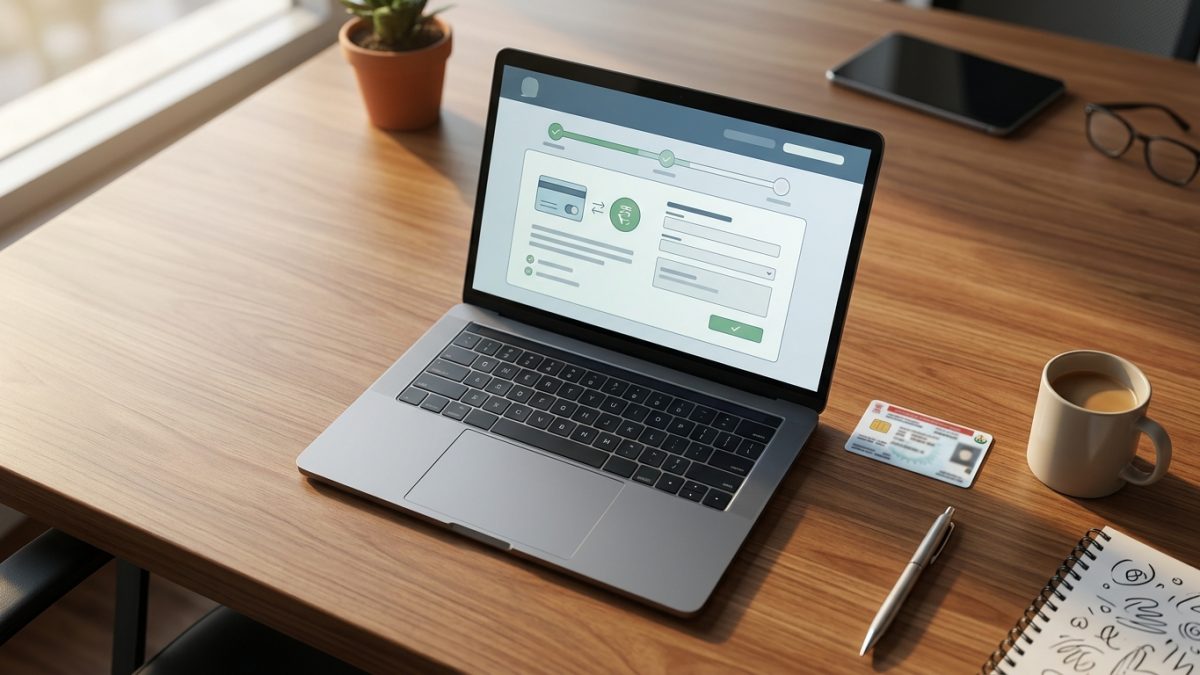
The central Parivahan portal serves as the primary gateway for clearing fines issued across the majority of Indian states. Using this central hub updates your vehicle profile directly on the VAHAN database, ensuring immediate clearance for ownership transfers or fitness renewals. You can also explore our detailed walkthrough on Echallan Parivahan check status and receipts for deeper portal navigation.
- Open the official portal: Access echallan.parivahan.gov.in and select the option to check challan status and pay online.
- Enter your identifier: Search using your Challan Number, Vehicle Number, or Driving Licence Number. Entering a vehicle number requires the last five characters of your Chassis or Engine number.
- Verify security credentials: Enter the Captcha code and complete the one-time password (OTP) verification sent to the mobile number registered in your VAHAN database.
- Review offence evidence: Inspect the listed violation, including the digital camera snapshot, date, location, violation section, and calculated penalty.
- Select payment mode: Click Pay Now, choose your preferred gateway, select UPI, and either enter your Virtual Payment Address (VPA) or scan the dynamic QR code.
- Authorise deduction: Open your smartphone payment app, enter your secure UPI PIN, and wait for the browser to redirect to the official confirmation screen.
Using UPI Apps: PhonePe, Paytm, and Google Pay
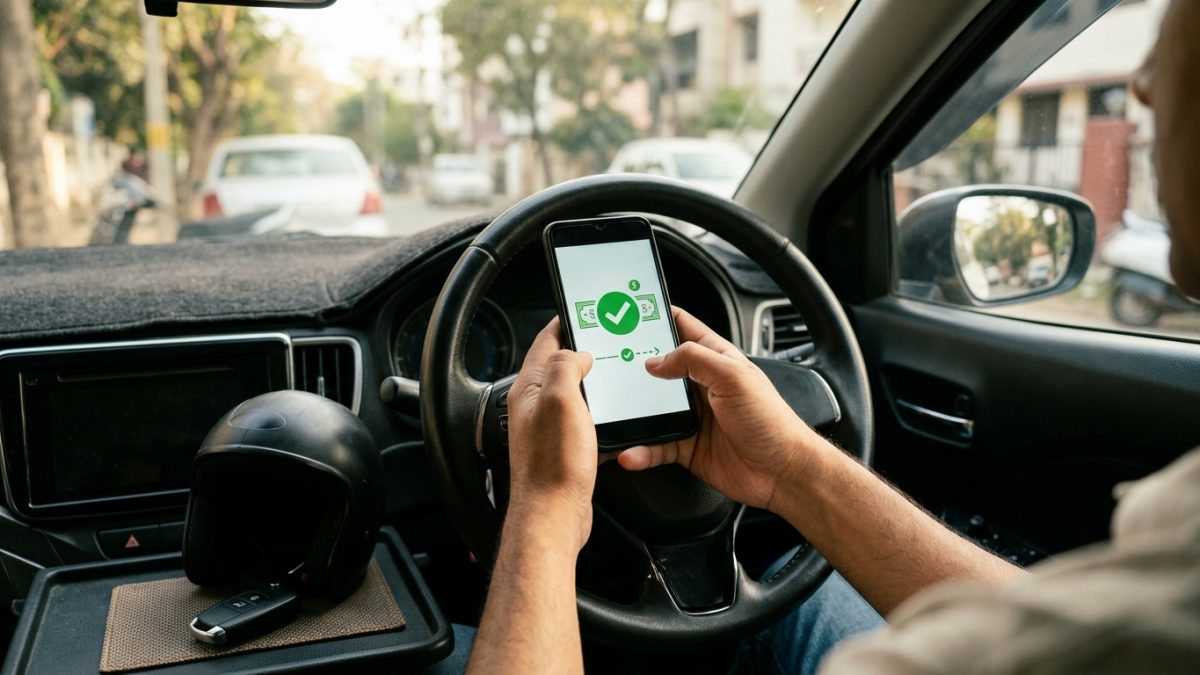
Consumer fintech platforms function as payment aggregators integrated with state police gateways and the Bharat Bill Payment System (BBPS). Conducting a traffic challan payment upi transaction on these applications provides a convenient alternative when you do not have your Chassis number on hand. Bank account transfers via UPI generally incur zero convenience fees, whereas credit card gateways may levy convenience charges plus 18% GST.
How to Pay Traffic Challan on Paytm
- Open Bill Payments: Launch the Paytm mobile application and scroll to the Bill Payments or Utilities category.
- Select Challan: Tap on the Challan icon to view the supported municipal and state traffic authorities.
- Pick the issuing authority: Select your regional department, such as Maharashtra Traffic Police or Parivahan.
- Fetch outstanding fines: Enter your vehicle registration number without hyphens or spaces and tap proceed.
- Clear the dues: Select your preferred payment source, such as Paytm UPI or net banking, enter your PIN, and retain the transaction ID.
Clearing Fines on PhonePe and Google Pay
- Navigate to utilities: Open PhonePe and select Challan under the Recharge & Pay Bills category, or open Google Pay and search for Traffic Challan under Pay Bills.
- Identify the jurisdiction: Choose your specific traffic department from the listed state entities.
- Query your vehicle: Provide your vehicle number or Challan ID to retrieve the pending notice details.
- Authorise the transfer: Confirm the outstanding fine amount and complete the settlement through your primary bank account via UPI PIN.
Warning: Third-party mobile apps provide payment acknowledgement, but traffic authorities and RTOs require the official state treasury or NIC receipt to verify compliance.
State Traffic Challan Payment Portal Directory
Several major state police departments run their own independent infrastructure to process regional citations quickly. If your fine originated in a metro area, checking the dedicated state traffic challan payment portal is the fastest route to settlement.
Settling directly through your local portal ensures that traffic surveillance systems update your vehicle records immediately. If you plan to sell your vehicle, clearing regional notices prevents ownership transfer roadblocks at the RTO. You can verify your registration status anytime through our VahanX RC search utility.
Settling Pending Notices via Virtual Courts
When a notice remains unpaid past the statutory settlement window, the regional police department transfers the record to the judicial wing. Under the e-Committee of the Supreme Court of India, virtual courts manage petty, compoundable traffic offences digitally without requiring physical courtroom presence.
- Access the judicial portal: Navigate to the official virtual court portal at vcourts.gov.in.
- Select your state and court: Choose the state and designated Virtual Traffic Court handling your jurisdiction.
- Search the case file: Locate your record by entering your Mobile Number, Challan Number, Vehicle Number, or Case CNR Number.
- Review the summons: Inspect the proposed judicial penalty and the specific charges filed under the Motor Vehicles Act.
- Plead guilty and pay: Choose the option to plead guilty, agree to the judicial assessment, and proceed to the integrated ePay gateway at pay.ecourts.gov.in.
- Download disposal order: Settle the fine using UPI, debit card, or net banking, and immediately save the electronically signed Court Disposal Order.
Legal Tip: Once a notice status changes to 'Sent to Court', regular UPI apps and police portals cannot accept payment. You must resolve it via vcourts.gov.in.
Resolving Failed Transactions and Money Deductions
A common hurdle during online traffic challan payment is when funds debit from your bank account while the portal marks the fine unpaid. This discrepancy happens during network handshakes between aggregator gateways (such as SBIePay or PayU) and state government treasury servers. If this happens, review our guide on challan payment failed but money deducted for step-by-step resolution workflows.
- Do not pay twice: Avoid attempting an immediate second payment. Processing duplicate transactions initiates an extensive manual refund reconciliation process.
- Wait 24 to 72 hours: Banking gateways and government treasury servers conduct automated batch reconciliations to settle unconfirmed payments within 1 to 3 business days.
- Use Check Pending Transaction: Visit echallan.parivahan.gov.in, click on the Check Pending Transaction tab, and enter your details to force an instant server status query.
- Monitor automated bank refunds: If the gateway fails to deliver funds to the state treasury, your bank reverses the transaction under RBI guidelines within T+1 to T+5 working days.
- Submit an official grievance: If the challan remains unpaid after 72 hours without a bank refund, open the Grievance tab on the Parivahan portal. Submit a ticket with your 12-digit UPI UTR reference, Challan ID, and a copy of your bank debit statement.
Traffic Fine Payment Receipt Download Process
Carrying legal proof of settlement is essential during routine traffic police checks, annual fitness certifications, and vehicle ownership transfers. Third-party mobile receipts from fintech apps do not satisfy statutory RTO verifications.
- Access the verification screen: Visit the official eChallan portal at echallan.parivahan.gov.in and select Check Challan Status.
- Fetch resolved records: Enter your Challan Number or Vehicle Number and complete the Captcha authentication.
- Locate the settlement row: Scroll down to the violation table and check the Payment Status column for a Payment Successful confirmation.
- Download the PDF: Click on the Receipt icon adjacent to the paid status.
- Archive the document: Verify that the downloaded treasury receipt contains the state government emblem, Transaction Reference, Treasury Code, and accurate vehicle details.
| Receipt Type | Issuing Entity | Legal Acceptance | Primary Use Case |
|---|
| Parivahan Treasury Receipt | MoRTH / NIC | Universally Valid across India | RTO NOC, ownership transfer, fitness renewal |
| State Police Web Receipt | State Traffic Police / Treasury | Valid in issuing State & RTOs | Routine on-road traffic police verification |
| Virtual Court Disposal Order | e-Courts / Presiding Judge | Absolute judicial closure | Quashing court summons and legal warrants |
| Fintech App Transaction Slip | PhonePe / Paytm / GPay | Banking proof of debit only | Tracking personal expenses and payment disputes |
Deadlines and Penalties for Unpaid Challans
Ignoring a traffic citation triggers cascading administrative and judicial penalties. As of September 2026, standard traffic notices must be settled within 60 days of issuance across most Indian states, while Delhi maintains a tighter 45-day settlement window.
- VAHAN Database Blacklisting: Once the payment deadline expires, the automated system marks the vehicle registration as non-compliant. This block prevents you from applying for a No Objection Certificate (NOC), renewing commercial fitness permits, or transferring vehicle ownership.
- Licence Renewal Suspension: Outstanding fines linked directly to your driving licence number can stall driving licence renewals and address update requests on the SARATHI portal.
- Virtual Court Prosecution: Unsettled compoundable offences transition automatically into judicial cases on the Virtual Court portal, increasing total costs.
- Physical Court Summons: Continued refusal to resolve virtual court notices results in magistrates issuing bailable or non-bailable warrants delivered by local police to your registered home address.
Always run an immediate check on pending traffic challan payment online through VahanX before buying a pre-owned vehicle or heading out on long highway trips to avoid unexpected enforcement stops.
Conclusion
Clearing your pending fines promptly through an authorised channel prevents judicial summons and avoids administrative holds on your vehicle records. Completing your traffic challan payment online via official platforms like Parivahan or state portals guarantees that your records update across all national RTO registries.
Whenever you clear a citation, make it a habit to download and save the official government treasury receipt to protect yourself against technical sync errors and roadside disputes.