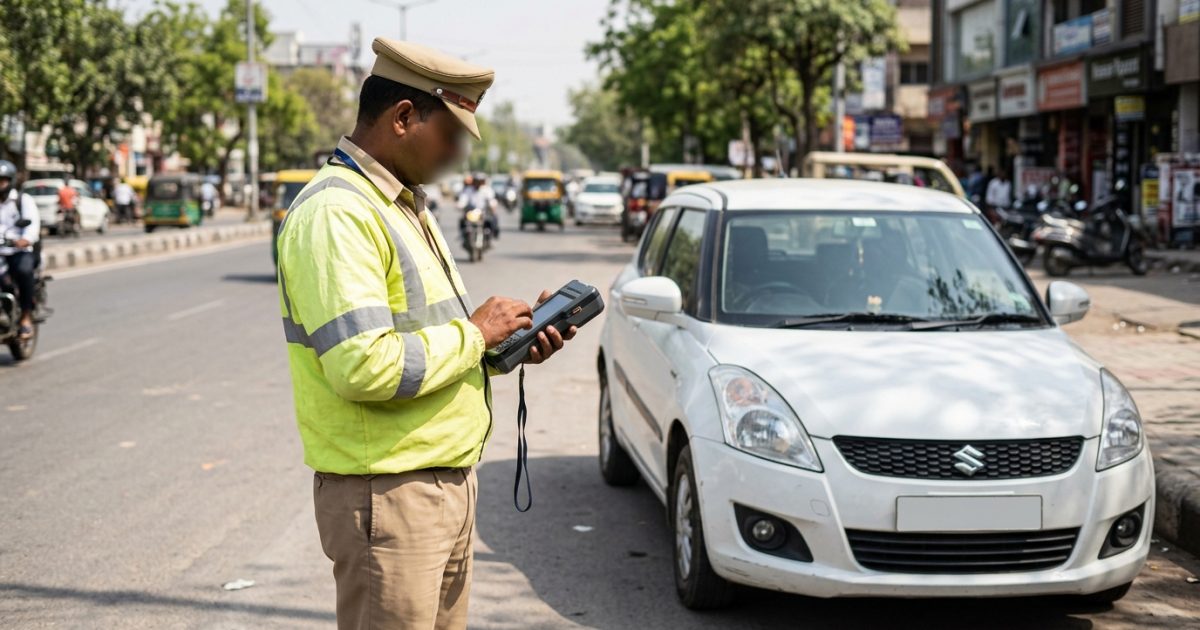
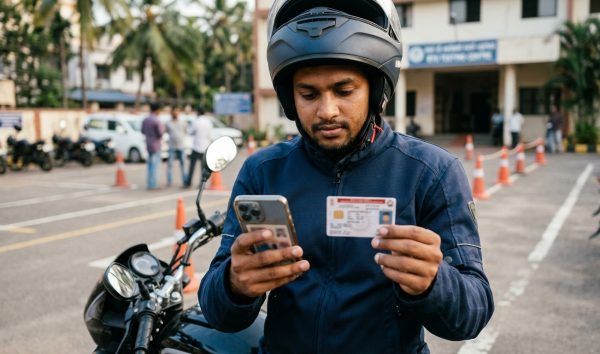
To check your traffic fine on the official echallan parivahan portal, visit echallan.parivahan.gov.in, click "Check Challan Status", and select Vehicle Number, Challan Number, or Driving Licence Number. For vehicle searches, enter the registration number along with the last 5 digits of your chassis or engine number to access the full offence history, CCTV proof, and payment links.
You can also quickly check pending challans on your vehicle through VahanX to verify outstanding traffic enforcement tickets across India before logging into central government gateways.
Key Takeaways
- Check challan status on echallan.parivahan.gov.in using your vehicle, challan, or driving licence number.
- Entering the last 5 digits of your engine or chassis number is mandatory for vehicle-based searches.
- Most compoundable e-challans must be settled online within a 60-day statutory window.
- Unpaid or non-compoundable notices move to Virtual Courts or physical jurisdictional courts.
- Verify debited but pending payments through the dedicated pending transaction dashboard before paying twice.
| Feature | Details |
|---|
| Official Portal | echallan.parivahan.gov.in |
| Managing Authority | NIC / MoRTH (Central Government) |
| Search Parameters | Vehicle No., Challan No., or DL No. |
| Mandatory Security Input | Last 5 digits of Chassis or Engine No. (for vehicle search) |
| Payment Modes Supported | Debit/Credit Card, Net Banking, UPI (State/SBI Gateway) |
| Receipt Download Available | Yes, instant digital PDF with QR code |
How to Check Status on Echallan Parivahan Portal
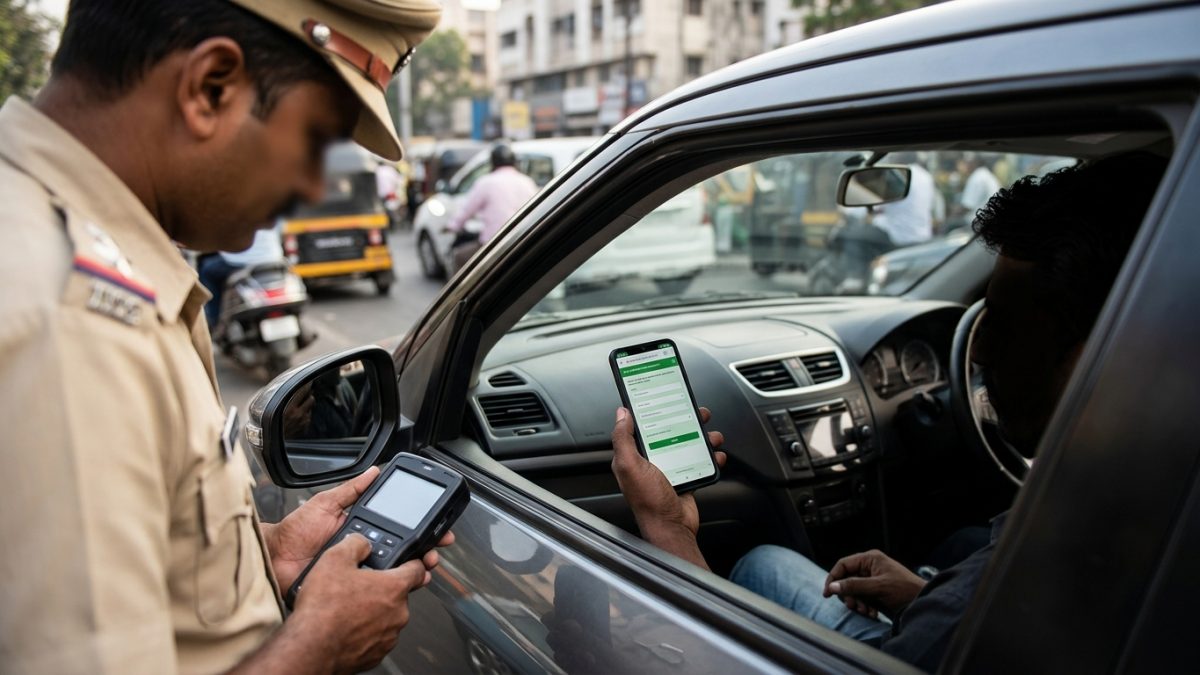
The Ministry of Road Transport and Highways (MoRTH), in collaboration with the National Informatics Centre (NIC), operates the NextGen echallan parivahan gov in system. It connects state traffic police divisions, transport offices, and the judiciary into one central enforcement network.
To perform an echallan parivahan check status query, go to the official portal's e-Challan Accused Status Search page. You can look up your notices using three distinct methods.
Method 1: Parivahan Challan Status by Vehicle Number
This is the most common method used by car and two-wheeler owners to look up all pending and disposed notices issued against a registered vehicle.
- Navigate to the portal: Open echallan.parivahan.gov.in and select the Check Challan Status card from the main page.
- Select Vehicle Number: Click the radio button labelled Vehicle Number.
- Input vehicle registration: Type your complete vehicle number without spaces or special characters (for example, DL01AB1234).
- Enter chassis or engine digits: Provide either the last 5 characters of your chassis number or the last 5 characters of your engine number. If you do not have your physical RC handy, you can check RC and vehicle owner details to confirm these numbers.
- Solve the Captcha: Type the verification letters shown on screen and click Get Detail.
Common Mistake: Entering the entire chassis number will cause an input error. Enter strictly the final 5 alphanumeric digits as printed on your registration certificate.
Method 2: Using Your Challan Number
If you received a direct SMS alert on your registered mobile number or were handed a physical traffic ticket by an enforcement officer, use the challan number search.
- Choose Challan Number: Click on the Challan Number radio option on the accused lookup page.
- Enter challan details: Type the unique alphanumeric challan number precisely as received in your official SMS alert.
- Complete verification: Enter the on-screen Captcha code and tap Get Detail.
This search bypasses the requirement for engine or chassis details because the unique challan number is already a private identifier tied to that specific offence.
Method 3: Check Challan by DL Number Parivahan
When an enforcement officer pulls you over in person, the notice may be issued directly against your personal driving licence rather than your vehicle registration. Drivers can run a check challan by dl number parivahan search to inspect personal driving penalties.
- Select DL Number: Click the DL Number option on the status page.
- Enter licence information: Type your complete Driving Licence number. You can verify your exact licence format via our driving licence status check tool.
- Fetch records: Type the Captcha and click Get Detail to view your active driving infractions.
Why Parivahan Requires Chassis or Engine Number
Many motorists ask why a parivahan traffic fine check cannot be completed with just a vehicle registration number. The transport ministry requires secondary physical authentication for critical security and legal reasons.
- Preventing Public Snooping: Vehicle number plates are publicly visible on roads and parking lots. Without an extra authentication layer, anyone could track your daily driving routes, timestamps, and camera violation locations.
- Owner Identity Authentication: Chassis and engine serials are stamped on the vehicle's metal structure and printed on private registration documents. Entering these 5 digits proves lawful access to the vehicle.
- Halting Automated Web Scraping: Requiring chassis or engine digits stops unauthorised commercial scrapers from collecting bulk enforcement data from the central Vahan database.
Security Tip: You can find your chassis and engine numbers on your physical RC card, within the mParivahan mobile app, or inside your DigiLocker digital document vault.
Echallan Parivahan Payment Receipt Download Process
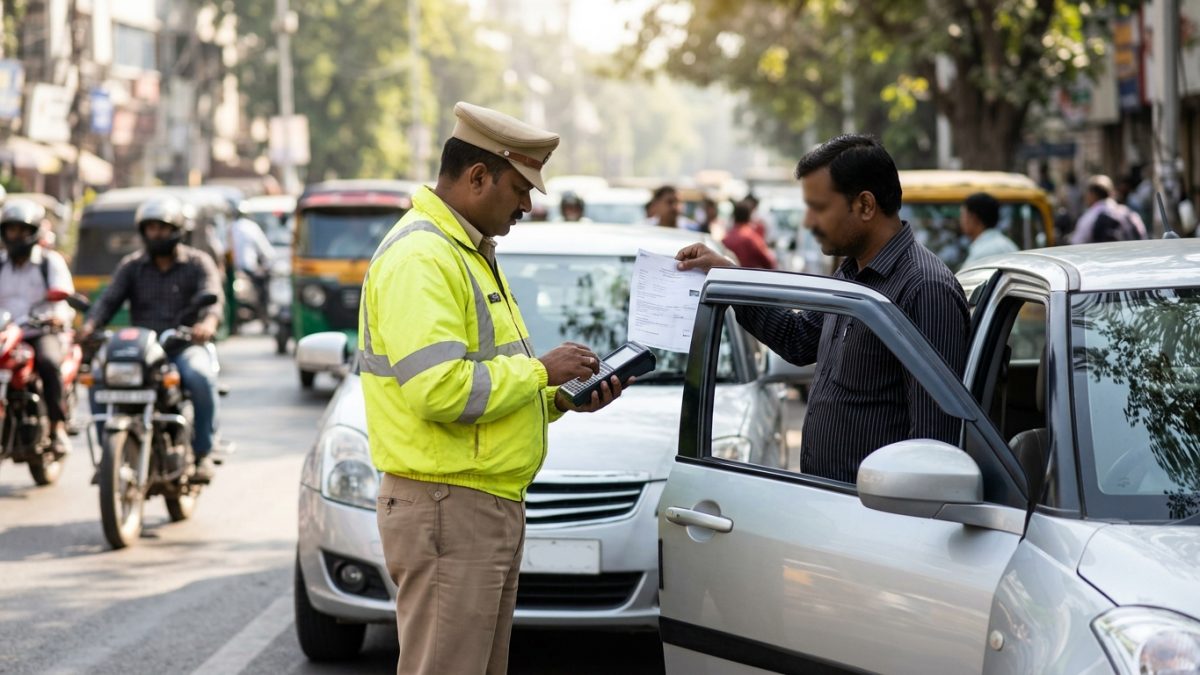
Whenever you clear a traffic penalty, securing a legal transaction receipt is vital. The official echallan parivahan payment receipt serves as conclusive proof of compounding under the Motor Vehicles Act.
- Access status records: Visit echallan.parivahan.gov.in and pull up your violation records using your vehicle or challan number.
- Locate the settled entry: Navigate to the challan row displaying the status marked as Paid or Disposed.
- Click the receipt icon: In the Payment column, click the small printer symbol (Receipt button).
- Save or print: A modal window opens displaying the official MoRTH receipt. Tap Print or choose Save as PDF to keep a permanent digital copy.
An official Parivahan payment receipt contains your vehicle number, unique challan number, transaction ID, state police or transport department logo, exact offence section, compounded fine amount, and a digital QR verification code.
Echallan Parivahan Transaction Status: Fixing Pending Payments
One of the most frustrating problems drivers face is money leaving their bank account while the challan status continues to show unpaid. You can check and resolve this via the echallan parivahan transaction status tool without paying twice.
- Open pending transactions: Navigate to the e-Challan Pending Transaction Check page.
- Input identification: Select either Challan Number or Vehicle Number and enter the required details.
- Query the gateway: Enter the Captcha code and click Get Details to force the system to reconcile with the treasury payment gateway.
Warning: If your bank account was debited but the screen says pending, wait at least 30 to 60 minutes before re-checking. Do not initiate an immediate second payment.
| Gateway Outcome | What It Means | Action Required |
|---|
| Success | Bank confirmed payment clearance | The challan is disposed; click the receipt button to save your PDF |
| Pending / In-Process | Bank gateway reconciliation is underway | Wait 15 to 45 minutes and re-check the pending transaction screen |
| Failed | Transaction was declined or timed out | Funds will auto-refund to your account; click Pay Now to retry |
For detailed steps on banking chargebacks and double debits, read our guide on challan payment failed but money deducted fixes.
Understanding Challan Statuses: What 'Sent to Court' Means
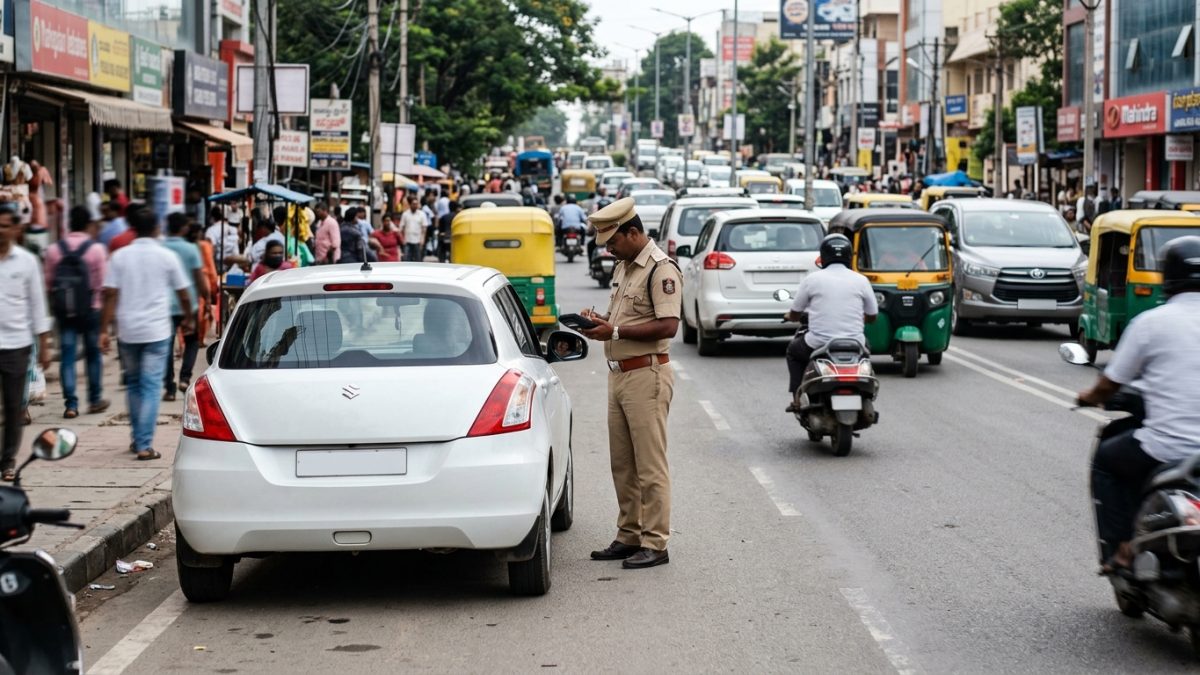
When tracking your notices on the parivahan sewa e challan portal, you will encounter different status indicators. The most serious status is Sent to Court.
Why Challans Move to Court
Under Section 208 of the Motor Vehicles Act, 1988, traffic authorities transfer violation dockets to the judiciary when:
- The standard online compounding window (typically 60 days from issuance, or 45 days in specific regions like Delhi) has elapsed without settlement.
- The offence is classified as non-compoundable (such as severe drunk driving or dangerous driving resulting in property damage).
- The motorist officially contested the violation on the enforcement portal.
Settling Virtual Court Challans
Once a challan is transferred to the judiciary, the standard payment gateway on the Parivahan portal is locked. If your state operates Virtual Courts, the status will show Sent to Virtual Court.
- Visit the court portal: Go to the official Supreme Court of India Virtual Courts Portal.
- Select state and department: Choose your state (e.g., Delhi, Maharashtra, Tamil Nadu, Uttar Pradesh, Karnataka, Kerala, or Haryana) and the relevant traffic department court.
- Search the case docket: Locate your case by entering your mobile number, challan number, or vehicle registration number.
- Choose your plea: You can choose to plead guilty, accept the fine adjudicated by the magistrate, and pay online. Alternatively, you can elect to contest the matter, which routes the case to a regular physical court.
To understand statutory deadlines in depth, explore the traffic challan 45-day rules applicable across major metropolitan jurisdictions as of September 2026.
Common Traffic Fines Under the Motor Vehicles Act
Traffic cameras and on-ground enforcement officers issue automated notices based on the nationwide fine schedule established under the Motor Vehicles (Amendment) Act. Individual state transport notifications may adjust specific compoundable amounts.
| Offence | MV Act Section | Fine Amount (as of September 2026) | Other Penalties |
|---|
| Riding without Helmet | Section 194D | ₹1,000 | 3-month Driving Licence suspension |
| Driving without Seatbelt | Section 194B | ₹1,000 | Compounded on portal |
| Over-speeding (LMV / Cars) | Section 183 | ₹1,000 to ₹2,000 | Subsequent offences may lead to impoundment |
| Over-speeding (Commercial/HGMV) | Section 183 | ₹2,000 to ₹4,000 | Licence suspension review |
| Jumping Red Light | Section 184 | ₹1,000 to ₹5,000 | Licence suspension up to 3 months |
| Driving without Third-Party Insurance | Section 196 | ₹2,000 (1st offence) | ₹4,000 for repeat offence; up to 3 months jail |
| Driving without Valid Licence | Section 181 | ₹5,000 | Vehicle impoundment possible |
| Using Mobile Phone While Driving | Section 184 | ₹1,000 to ₹5,000 | Repeat violations sent directly to court |
| Obstructing Emergency Vehicles | Section 194E | ₹10,000 | Up to 6 months imprisonment |
| Drunk Driving | Section 185 | Up to ₹10,000 | Non-compoundable online; requires court appearance |
Note: Always confirm exact fine amounts on the central portal or your state traffic advisory, as compounding fees can vary slightly based on state-level notifications.
State Portals vs National Parivahan Sewa E Challan System
While the central MoRTH platform maintains the master database for vehicle records across India, some states operate their own dedicated traffic enforcement portals alongside the national system.
- Delhi: Operates in tight synchronisation with the central portal and Delhi Virtual Courts. Notices can also be verified through the Delhi Traffic Police web portal.
- Telangana: Runs the dedicated state portal (echallan.tspolice.gov.in) for Hyderabad and state-wide traffic police offences, which regularly syncs records to the central database.
- Karnataka (Bengaluru): Manages local city infractions through the Bengaluru Traffic Police portal and KarnatakaOne, alongside central national integration.
- Tamil Nadu & Kerala: Fully routed through the central MoRTH e-Challan infrastructure, while maintaining local police payment counters for physical stops.
Regardless of local interfaces, all major vehicle-related penalties ultimately reflect on the central transport registry, influencing your vehicle's administrative clearance.
Consequences of Unpaid Challans: Blacklisting and RTO Lockouts
Ignoring an echallan parivahan notice does not make it disappear. When traffic fines remain unresolved beyond the stipulated settlement window, the regional transport authority initiates administrative lockouts on the Vahan and Sarathi databases.
When an enforcement ticket escalates, the RTO flags the vehicle registration or the driver's licence as "Blocked" or "Untraced". This prevents you from executing essential vehicle services:
- Transfer of Ownership: You cannot legally sell or transfer the vehicle to another buyer while pending challans are attached.
- Loan Clearance & Hypothecation: Banks and RTOs will not issue a No Objection Certificate (NOC) or process hypothecation termination.
- Fitness Certificate Renewal: Commercial and transport vehicles cannot pass mandatory fitness tests or secure permit renewals.
- Licence Renewal: If the challan is tied to a personal DL, the Sarathi system will block renewals, duplicate licence requests, or address changes.
If you suspect an e-challan was issued incorrectly—such as due to a misread licence plate on automated cameras or cloned registration tags—raise a dispute immediately via the "Grievance" section on the official portal before the ticket is transferred to court.
Make it a regular habit to check pending challans on your vehicle periodically to catch automated camera fines early and avoid compounding legal penalties.
Conclusion
Managing your traffic penalties through the official echallan parivahan portal ensures your vehicle records remain clean, prevents judicial summons, and protects you from administrative RTO blacklisting. With your vehicle registration and the last 5 digits of your chassis or engine number, you can track fines, complete secure compounding payments, and download valid receipts within minutes.
Do not wait for unpaid notices to escalate into court warrants or vehicle transfer blocks. Take a moment today to run a quick status check on your vehicle, resolve any pending fines through official channels, and keep your digital payment receipts saved for your records.