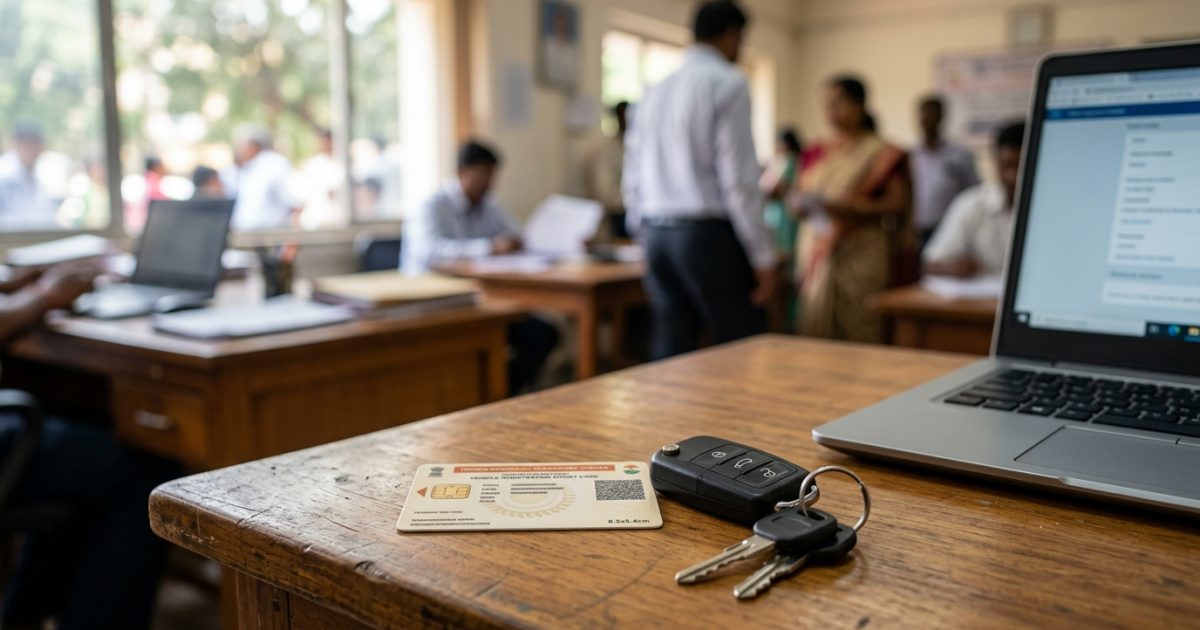
To complete an rc status check online, visit the official Parivahan Sewa portal at parivahan.gov.in, navigate to Vehicle Related Services, and select your state. Click on Know Your Application Status, enter your application or vehicle registration number, and submit the captcha to view your verification, smart card printing, and postal dispatch status instantly.
Tracking your registration certificate is essential whether you bought a brand-new vehicle, applied for an RC transfer, or requested a duplicate card. You can also verify your existing vehicle particulars anytime by using the VahanX vehicle owner details search tool to verify registered owner data, insurance validity, and fitness records.
Key Takeaways
- Check registration progress online using either your application number or permanent vehicle registration number.
- The entire lifecycle from RTO scrutiny to Speed Post delivery typically takes between 15 to 45 calendar days.
- A 13-character Speed Post consignment number ending in 'IN' is generated once your card is dispatched.
- Digital copies of registration certificates stored in DigiLocker or mParivahan hold full statutory validity across India.
- If your file shows as pending at the RTO level, verify the public remarks column for document objections.
| Feature | Details |
|---|
| Official Portal | Parivahan Sewa (vahan.parivahan.gov.in) |
| Tracking Identifiers | Application Number or Vehicle Registration Number |
| Delivery Partner | India Post (Speed Post) |
| Average Total Timeline | 15 to 45 calendar days |
| Central Regulatory Act | Section 39, Motor Vehicles Act, 1988 |
How to Complete an RC Status Check Online on Parivahan
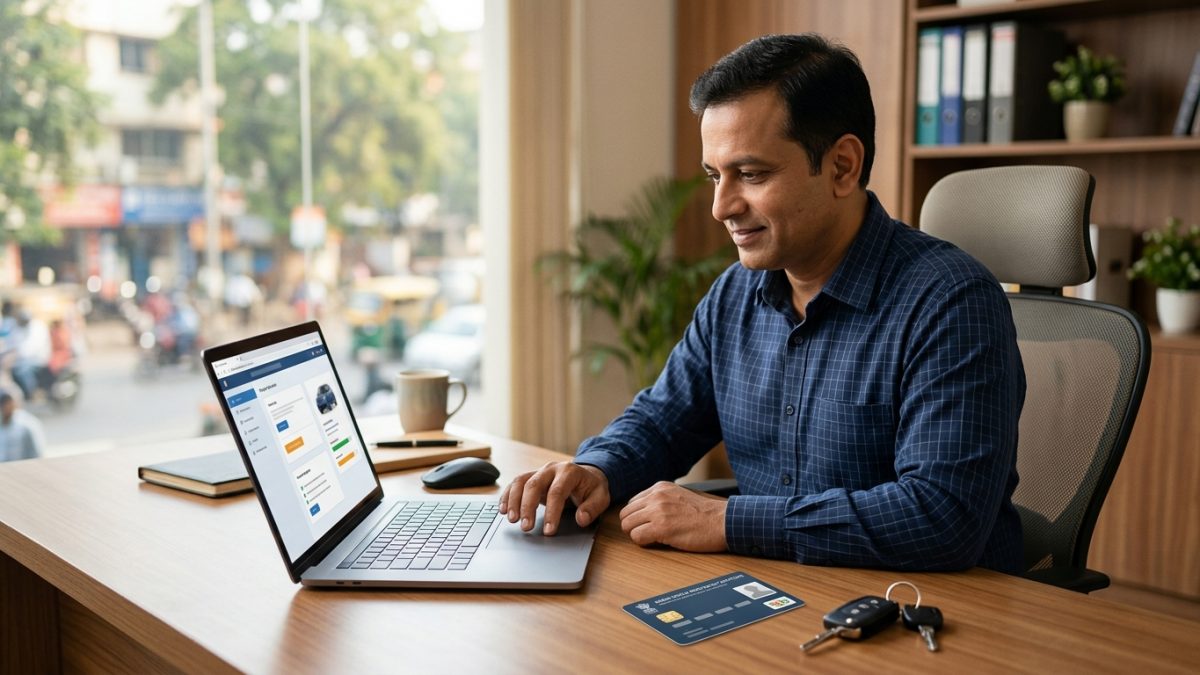
The Ministry of Road Transport and Highways (MoRTH) manages vehicle records through the centralized VAHAN 4.0 database. Under Section 39 of the Motor Vehicles Act, 1988, driving an unregistered vehicle in any public space is illegal. Knowing your exact parivahan rc application status helps you avoid driving without legal credentials.
Step-by-Step Status Verification
- Navigate to the official portal: Open your browser and go to the official Parivahan website at parivahan.gov.in.
- Access Vehicle Services: From the top menu bar, select Online Services and click on Vehicle Related Services.
- Select your state: Pick the state where your vehicle is being registered from the dropdown list.
- Choose your local RTO: Enter your vehicle registration number, or select your registering RTO directly from the menu, and click Proceed.
- Open the status checker: Go to the Status / Information Services tab in the navigation bar and click on Know Your Application Status.
- Submit application details: Select the search parameter as Application No. or Vehicle Registration No., type your identifier, solve the security captcha, and click Submit.
Always keep your payment acknowledgement slip safe after applying. It contains your unique state-prefixed application number required to track counter updates.
Understanding the Application Lifecycle Display
Once you click submit, the portal generates a detailed counter history. This tracking dashboard shows your vehicle chassis number, engine number, owner name, and the specific transaction requested, such as new registration or ownership transfer.
You will also see individual counter movements detailing scrutiny, document verification, inspection, and the designated approving officer's digital sign-off. If your registration is complete, the dashboard shows the card printing status alongside the dispatch barcode.
Understanding Registration Fees and Processing Timelines
Official fees for registration certificate issuance and renewal are governed by Rule 81 of the Central Motor Vehicles Rules (CMVR), 1989. While central rules set baseline costs, individual states levy additional postal surcharges, smart card fees, or local facilitation levies.
| Vehicle Category / Transaction | Central Fee | Card Printing Fee | Postal Dispatch Fee |
|---|
| Two-Wheeler (New / Renewal) | ₹300 | ₹200 | State-specific (typically ₹50) |
| Private Four-Wheeler (LMV) | ₹600 | ₹200 | State-specific (typically ₹50) |
| Duplicate RC (Two-Wheeler) | ₹150 | ₹200 | State-specific (typically ₹50) |
| Duplicate RC (Four-Wheeler) | ₹300 | ₹200 | State-specific (typically ₹50) |
As of September 2026, standard postal dispatch charges generally stand at ₹50 for Speed Post. Certain municipal jurisdictions, such as Delhi, charge doorstep delivery or facilitation fees ranging between ₹50 and ₹120.
Statutory and Practical Processing Milelines
Obtaining an RC involves several sequential stages. Delays at any single stage can influence the overall delivery date:
- RTO Scrutiny and Verification: Takes 3 to 15 working days from submission by you or the vehicle dealer.
- RC Card Printing: Takes 3 to 7 working days following digital approval by the Registering Authority.
- Speed Post Transit: Takes 3 to 7 working days from the moment the RTO hands over the packaged consignment to India Post.
- Cumulative Window: A standard application concludes within 15 to 45 calendar days under normal working conditions.
Digital copies of your registration certificate stored in DigiLocker or mParivahan hold identical legal validity to a physical card under Rule 139 of the CMVR, 1989.
If you are waiting for physical delivery, read our guide on how to complete an mParivahan virtual RC download so you can legally operate your motor vehicle without fear of roadside penalties.
Track RC Delivery Status and Speed Post Consignment

Once your registering authority approves your file and prints the document, you can perform rc smart card dispatch tracking directly through the postal network. The physical card is delivered strictly via India Post Speed Post to ensure secure delivery to the registered address.
Locating Your Speed Post RC Tracking Number
To find your speed post rc tracking number, check the Parivahan portal under the RC Print / SMART CARD Status or DISPATCH RC Status field. When the RTO packages the document, the portal displays a line reading DISPATCH RC Generated [ApplNo/Barcode: XXXXXXXXXXXXIN].
This 13-character identifier begins with two letters, contains nine numerical digits, and ends with the suffix 'IN' (such as EM123456789IN). MoRTH also sends this tracking number via SMS to the mobile number registered on your application.
How to Trace Your Parcel on India Post
- Visit India Post: Open the official India Post tracking portal at indiapost.gov.in.
- Enter tracking details: In the Track 'N' Trace tool, ensure Consignment Number is selected.
- Provide the barcode: Type your 13-character Speed Post consignment number into the box.
- Solve the evaluation: Enter the numeric captcha security code and click Search.
| Tracking Status Event | Operational Meaning | Next Action Required |
|---|
| Item Booked / Manifested | RTO has logged the parcel with the postal sorting hub. | Wait 24 to 48 hours for transit updates. |
| In Transit / Bagged | Parcel is moving between national or regional distribution hubs. | No action needed; transit is underway. |
| Out for Delivery | Local beat postman has taken the parcel out for delivery. | Ensure someone is available at the address with ID proof. |
| Item Delivered | Consignment successfully handed over and signed for. | Inspect the RC card for correct name and chassis details. |
Make sure your house address has clear door markings. If a delivery attempt fails because of an incomplete address, India Post returns the parcel directly to the issuing RTO.
Why Is Your Vehicle Application Pending at RTO Level?
Seeing a message stating vehicle application pending at rto level is a common occurrence during departmental processing. This notification simply means your file is currently progressing through the administrative verification workflow at your local transport office.
Common Causes of Administrative Hold-ups
Applications can remain pending at specific internal stages for multiple reasons:
- Document Scrutiny Backlogs: Verification clerks must match submitted Form 20, Form 21 (sale certificate), Form 22 (roadworthiness), and invoice details against national registers. Blurred scans or address variations cause the clerk to put the file on hold.
- Financier Hypothecation Delays: If your vehicle is financed through a bank or NBFC, the lender must provide digital Form 34 approval via the Vahan financier portal. Until the financier confirms the hypothecation, the RTO cannot finalize the file.
- Approval Queue Bottlenecks: Once clerical scrutiny is cleared, the file enters the digital approval queue of the Assistant Regional Transport Officer (ARTO) or Motor Vehicle Inspector (MVI) for digital signature.
- Card Printing Material Shortages: The application may be fully approved, but printing is delayed due to equipment maintenance, printer ribbon shortages, or regional delays in procuring blank cards.
Resolving Document Objections and Raising Grievances
If your rc status check by application number indicates that your file has halted, you must take active steps to identify and resolve the underlying issue.
Identifying and Rectifying Public Remarks
When an RTO official finds a discrepancy in your application, they add an internal note. You can view this note by checking the Public Remark column on your Parivahan tracking dashboard.
Typical remarks state specific deficiencies such as Address proof mismatch or Upload clear Form 21. To fix this without an unnecessary RTO trip, navigate to Status / Information Services on Parivahan, click on Documents to be uploaded, and upload fresh, legible PDF documents.
Official Support and Escalation Channels
If your application has been stuck for more than 15 to 20 working days without any explanatory public remark, you can escalate the matter through official channels:
- Contact the Central Helpdesk: Email the national Vahan support desk at helpdesk-vahan@gov.in or call their helpline at +91-120-4925505 between 06:00 AM and 10:00 PM.
- Submit a Central Grievance: Register a formal complaint on the Centralised Public Grievance Redress and Monitoring System (CPGRAMS) portal at pgportal.gov.in.
- Use State Grievance Portals: If your case exceeds 30 calendar days, lodge a ticket through your state citizen portal, such as Jan Sunwai in Uttar Pradesh or Aaple Sarkar in Maharashtra.
- In-Person RTO Visit: If online avenues do not resolve the delay, visit your local transport office in person. Find the office address using our RTO office details locator, and carry your application receipt, identity proof, and original vehicle documents to the public counter.
For newly purchased vehicles, contact your dealership liaison agent first. Dealers manage dealer-point registration and are accountable for submitting original paper files to the RTO counter.
State-Specific Portals and PVC Card Transition Rules
While the majority of Indian states operate on the unified VAHAN 4.0 architecture, specific regional variations exist regarding portals and card formats.
Non-Vahan State Portals
Telangana and Andhra Pradesh do not utilize the national VAHAN 4.0 database for standard citizen registration services. Vehicle owners in these two states must check their registration and dispatch status through their independent transport portals: tgtransport.net for Telangana and aptransport.org for Andhra Pradesh.
Shift to Non-Chip PVC and Paper e-RCs
Historically, states issued registration certificates embedded with microchips. Following MoRTH advisories addressing semiconductor supply disruptions, numerous states transitioned to issuing tamper-evident PVC cards carrying a scannable QR code instead of an electronic chip.
States including Karnataka, Kerala, Punjab, and Maharashtra have adopted QR-coded cards or digital paper e-RCs to expedite printing timelines. In Delhi, transport operations run on a faceless model where QR-coded cards are automatically routed to the applicant's Aadhaar-linked postal address.
If you recently renewed your vehicle registration after 15 years, you can review the statutory testing procedures outlined in our guide on RC renewal online process and fees to ensure your registration records remain up to date.
Conclusion
Performing an regular rc status check online ensures you stay fully updated on your vehicle's verification, card generation, and postal delivery milestones. Once your application clears scrutiny, monitor your India Post tracking number to receive your physical card without delivery failures.
If you want to confirm that your official vehicle records, tax validity, and hypothecation details are accurately updated in the central registry, verify your credentials immediately on our VahanX vehicle owner details search page.