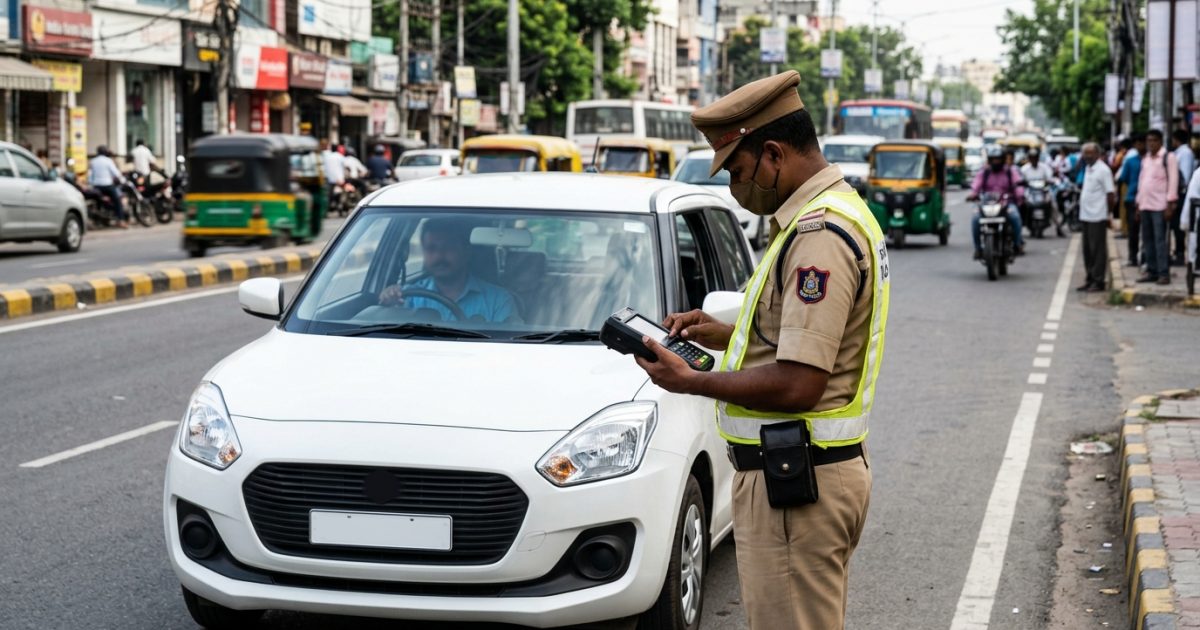
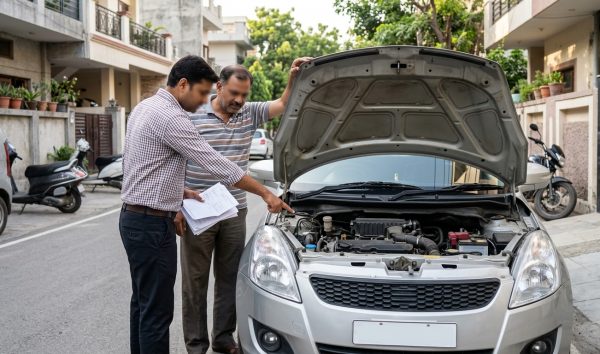
To complete a challan check by vehicle number, visit the official MoRTH NextGen portal or run a rapid lookup on VahanX challan search. Enter your vehicle registration number along with the last 5 digits of your chassis or engine number to view traffic challan details online and clear pending fines.
Key Takeaways
- A challan check by vehicle number requires the last 5 alphanumeric digits of your chassis or engine number.
- The Supreme Court mandate of September 2026 empowers authorities to impound vehicles carrying uncleared e-challan liabilities.
- Automated ANPR and radar camera violations generally reflect online between 24 and 72 hours after recording.
- Unpaid compounding fines migrate to virtual court benches after 60 days, disabling standard online settlement.
- Disputing faulty OCR readings or misidentified vehicle plates is free through the Parivahan grievance system.
| Feature | Requirement / Rule | Government Authority | Online Platform |
|---|
| Primary Input | Registration Number (RC) | MoRTH / State Traffic Police | echallan.parivahan.gov.in |
| Security Verification | Last 5 digits Chassis/Engine | NIC / Central Vahan Database | Parivahan NextGen eChallan |
| Standard Update Window | 24 to 72 hours | ITMS / Control Command Centre | State Traffic Feeds |
| Compounding Window | 60 days from issuance | Enforcement Directorate / Police | Parivahan / Virtual Courts |
Prerequisites to Check E Challan by RC Number
Performing a traffic challan check online requires specific vehicle identifiers to safeguard owner privacy. The central NextGen e-challan system managed by the Ministry of Road Transport and Highways (MoRTH) prevents open plate scraping by requiring supplementary proof of ownership.
Before you begin your search, keep these essential details accessible:
- Vehicle Registration Number: The permanent alphanumeric index of your vehicle (for example, DL01AB1234).
- Chassis Number: Specifically, the last 5 alphanumeric characters stamped on the vehicle chassis frame.
- Engine Number: The final 5 digits etched onto the vehicle powertrain block.
- Challan Number: A 16-to-24 character identifier generated when an enforcement officer issues a citation manually.
If you do not have your physical registration card at hand, check your vehicle insurance policy document or retrieve your digital certificate via DigiLocker. You can also view your verified vehicle credentials on VahanX RC search to confirm your engine and chassis sequences instantly.
Tip: Always double-check whether your RC displays a 17-character VIN; the Parivahan portal exclusively asks for the final 5 characters, ignoring any spaces or special characters.
How to Do a Challan Check by Vehicle Number on Parivahan
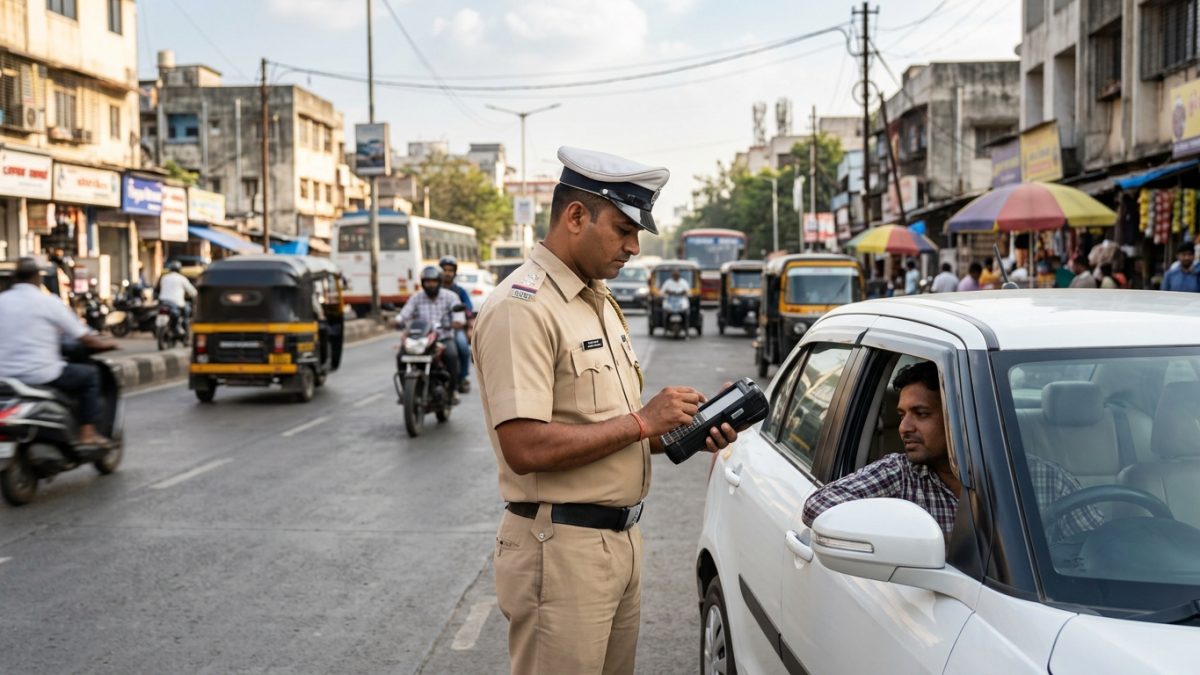
The centralized MoRTH platform allows motorists to inspect automated camera citations, overspeed notices, and physical police receipts across all integrated states. Follow these steps to complete your parivahan vehicle challan check without visiting an RTO office.
- Navigate to the portal: Open your browser and go to the official URL at echallan.parivahan.gov.in. Under the primary navigation bar, locate the 'Check Online Services' menu and click on 'Check Challan Status'.
- Select your search credential: Click the radio button labeled 'Vehicle Number'. Enter your full vehicle registration number without hyphens or spaces.
- Enter security digits: Choose whether to supply your chassis number or engine number. Enter the last 5 alphanumeric digits in the designated input box.
- Submit the captcha: Type the displayed alphanumeric captcha accurately and click on the green 'Get Detail' button to pull records from the central server.
- Examine the violation summary: The dashboard will retrieve the list of citations showing the offense section, date, exact timestamp, location, and the fine amount.
- Inspect photographic proof: Click the camera icon located next to the challan row to view traffic challan details online, including ANPR photos showing your vehicle plate at the violation spot.
- Complete the settlement: If the challan status reflects 'Pending', click 'Pay Now', authenticate through an SMS OTP sent to your registered mobile number, and settle the fine via UPI, debit card, or net banking.
Warning: If your bank account is debited but the status remains pending, do not pay again immediately. Click the 'Check Pending Transaction' tab on the portal to reconcile payment status.
Why Parivahan Demands Chassis or Engine Numbers
Many motorists wonder why a simple registration plate search is insufficient on the central portal. The requirement to check challan online with chassis number credentials was integrated by the National Informatics Centre (NIC) for critical legal and security reasons.
Registration plates are publicly exposed to anyone on the road. Permitting unrestricted lookups using only a plate number creates significant risks:
- Surveillance and Privacy Risks: Automated Red Light Violation Detection (RLVD) and Over-Speed Violation Detection (OSVD) cameras capture clear snapshots of vehicles, often showing occupants inside the cabin. Unrestricted access would expose private travel logs.
- Extortion and Financial Fraud: Cyber syndicates have previously scraped pending fine amounts to send fake SMS payment notices masquerading as state police departments.
- Commercial Exploitation: Bulk data miners attempt to collect vehicle violation records to calculate unauthorized risk profiles without owner consent.
By mandating the final 5 digits of the chassis or engine number, the system verifies that the person checking the fine has legitimate access to the vehicle documents.
| Offense (MV Act) | Standard Fine | Camera Detection Type | Settlement Window |
|---|
| Section 183 (Over-speeding) | ₹1,000 - ₹2,000 | OSVD Radar Cameras | 60 Days Compounding |
| Section 194B (Seatbelt Violation) | ₹1,000 | ANPR / ITMS High-Res | 60 Days Compounding |
| Section 194D (Helmet Violation) | ₹1,000 + DL Action | RLVD / Surveillance | 60 Days Compounding |
| Section 184 (Dangerous Driving) | ₹1,000 - ₹5,000 | CCTV Junction Feeds | Virtual Court Referral |
Checking Bike vs Car Challans: Category Differences
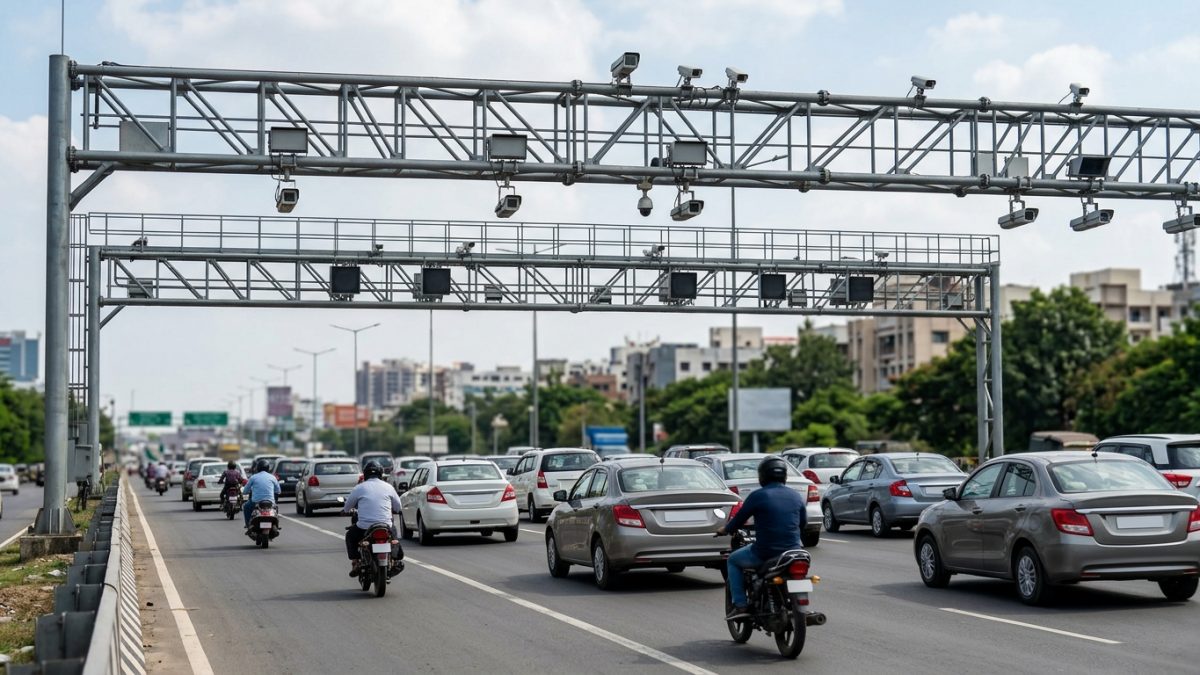
Whether you require a car challan check by registration number or want to know how to check bike challan online, the underlying database structure remains uniform across all vehicle classes. MoRTH maintains a unified registry linking two-wheelers, private motor cars, light commercial carriers, and heavy transport trucks.
Two-Wheeler Challan Lookups
Motorcycles and scooters represent the highest volume of automated optical citations across metropolitan centers. Common automated bike citations encompass riding without a helmet (Section 194D), pillion helmet non-compliance, triple riding, and stop-line cross-overs. The search procedure on Parivahan or state systems is identical: provide the two-wheeler plate number and engine or chassis ending.
Four-Wheeler and Commercial Lookups
Car and commercial vehicle inquiries frequently surface overspeeding citations along access-controlled expressways and red-light jumping at arterial junctions. For commercial cabs or transport carriers, tracking pending fines is mandatory prior to clearing annual fitness evaluations or updating permit certificates at local administrative counters.
Note: Commercial fleet operators can view multiple notices simultaneously by inputting their fleet manager credentials on the Vahan transport enterprise dashboard.
State Traffic Portals vs Central NextGen System
While the central MoRTH platform covers the majority of Indian states and union territories, regional traffic enforcement units maintain dedicated servers for localized management. Understanding where your fine is logged ensures prompt settlement.
Central System Integrations
States including Uttar Pradesh, Rajasthan, Bihar, Punjab, Haryana, Himachal Pradesh, Assam, and Odisha route the vast majority of their camera and handheld citations through the central NextGen portal. Checking your status on Parivahan automatically retrieves records for these regions.
Standalone Municipal and State Portals
Certain regions deploy independent digital frontends that interface with central servers on varying schedules:
- Delhi: Automated notices can be checked and settled directly via the Delhi Police traffic notice portal (`traffic.delhipolice.gov.in/notice/pay-notice`) or transferred benches of the Delhi Virtual Court.
- Maharashtra: Highway police and Mumbai Traffic Police route traffic enforcement through `mahatrafficechallan.gov.in` alongside central feeds.
- Telangana: The Hyderabad, Cyberabad, and Rachakonda commissionerates utilize `echallan.tspolice.gov.in`. This portal allows a pending traffic fine check by vehicle number directly using just the plate number without entering chassis credentials.
| State / Jurisdiction | Primary Portal URL | Chassis Required? | Dispute Facility |
|---|
| Pan-India (Default) | echallan.parivahan.gov.in | Yes (Last 5 digits) | gsticket System |
| Telangana | echallan.tspolice.gov.in | No (Plate only) | Online Redressal Tab |
| Delhi State | traffic.delhipolice.gov.in | Notice / Plate dependent | Virtual Court Notice |
| Maharashtra | mahatrafficechallan.gov.in | Yes (Chassis/Engine) | Grievance Redressal |
Supreme Court Directives: Blacklisting and Impounding Fines
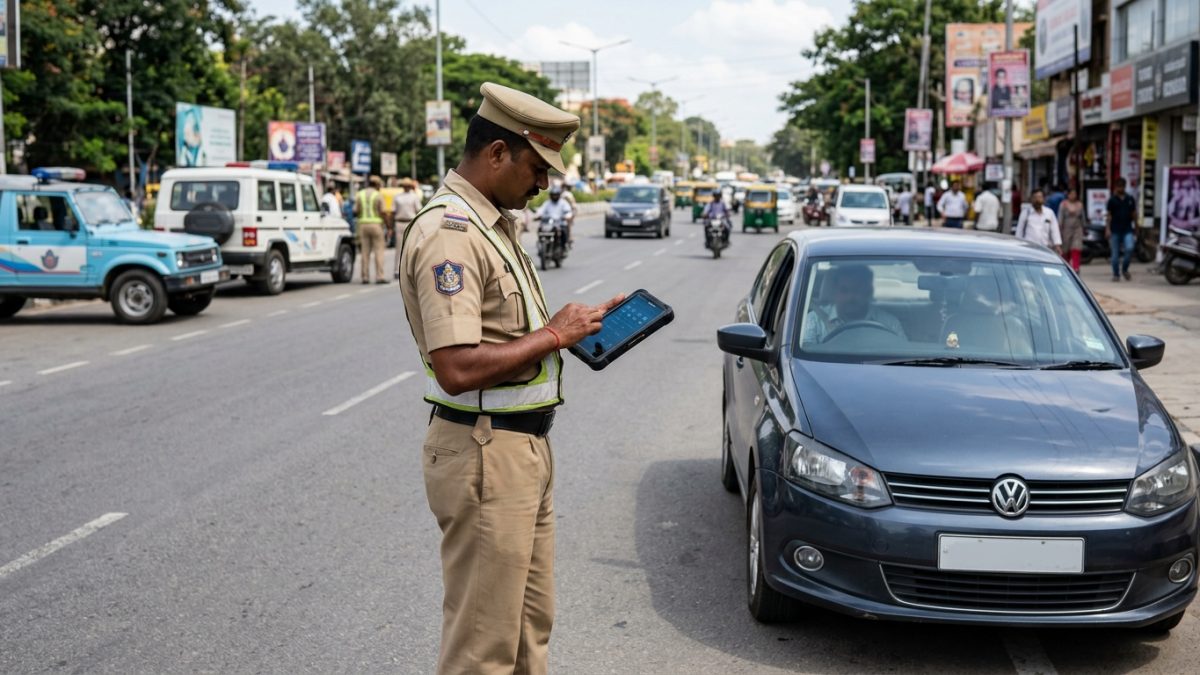
Ignoring an unpaid traffic fine is no longer a minor oversight. On 28 September 2026, the Supreme Court of India issued landmark directives during proceedings in S. Rajaseekaran v. Union of India to enforce national road discipline.
The Court highlighted that uncollected e-challan dues across India exceeded ₹49,194.05 crore, undermining the deterrent purpose of the Motor Vehicles Act. In response, the Bench established stringent enforcement protocols applicable nationwide:
- Impounding Powers: Traffic police and regional transport authorities have been instructed to conduct random checks on public roads and impound vehicles with accumulated, unpaid citations on the spot.
- Vahan System Blacklisting: Vehicles with persistent unpaid notices past the compounding period are flagged as blacklisted on vahan.parivahan.gov.in.
- Blockade on RTO Services: A blacklisted vehicle cannot undergo ownership transfer, hypothecation termination, RC renewal, address change, duplicate RC processing, or commercial fitness endorsement.
- PUC Suspension: The system automatically blocks the issuance of Pollution Under Control (PUC) certificates for vehicles carrying unresolved judicial court notices.
If you encounter administrative blocks on your registration card due to unpaid enforcement actions, locate your regional office via VahanX RTO office details to inspect local compounding logs.
Virtual Courts: What Happens After 60 Days
When an automated camera citation is logged, it resides in the compounding phase for 60 days. During this window, you can settle the fine at the standard compounding rates established under the Motor Vehicles Act.
If the fine remains unsettled beyond 60 days, the administrative authority forwards the digital case file to the judicial branch under the Virtual Court framework (vcourts.gov.in). Once transferred, the standard 'Pay Now' button on the Parivahan portal is deactivated, showing the status 'Sent to Court'.
- Locate the Case: Access the official virtual court portal at `vcourts.gov.in` and select the appropriate state and departmental bench.
- Search Proceedings: Search using your registration number, challan number, or judicial CNR tracking code.
- Review the Summons: View the magistrate's electronic summons detailing the formal charge and proposed judicial fine amount.
- Choose Your Plea: You can choose 'Plead Guilty' to accept the charge and remit the fine through the court treasury gateway. If you dispute the offense, choose 'Contest / Challenge' to transfer the matter to a physical regular court bench for a formal trial.
Warning: Disregarding a Virtual Court summons can lead to the issuance of non-bailable warrants or permanent vehicle movement restrictions enforced via highway toll readers.
How to Dispute a Faulty or Misidentified E-Challan
Automated optical camera systems rely on high-speed Optical Character Recognition (OCR) to read registration plates. Occasionally, muddy plates, unusual fonts, or defective camera angles cause a ticket to be issued to an innocent vehicle owner.
If you discover an e-challan issued for your vehicle number for an offense committed in a city you never visited, do not rush to pay the fine. Paying a citation constitutes a legal admission of guilt, preventing subsequent refunds.
To contest an erroneous violation:
- Document the Discrepancy: Open the photo proof on the portal. Compare the vehicle in the photograph with your vehicle. For example, check if the camera captured a motorcycle while your registered vehicle is a hatchback.
- Submit a Grievance: Visit the official MoRTH grievance portal at echallan.parivahan.gov.in/gsticket/.
- Upload Clear Evidence: Select the grievance category 'Wrong Vehicle Identification' or 'Incorrect Number Plate Reading'. Upload copies of your RC smart card alongside front and rear photographs of your vehicle.
- Follow Up: For further guidance, read the complete walk-through on how to dispute traffic challan online to ensure your record is formally cleared by the traffic commissionerate.
Conclusion
Running a regular challan check by vehicle number is essential to catch automated traffic fines before they transition to Virtual Courts or trigger vehicle blacklisting. Take two minutes today to review your status on VahanX challan search, verify your photographic evidence, and resolve any pending citations to keep your vehicle fully compliant on Indian roads.