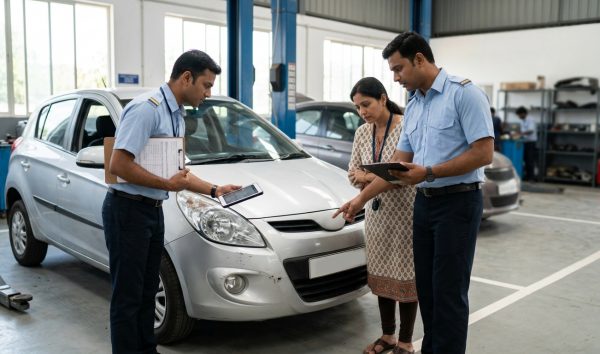
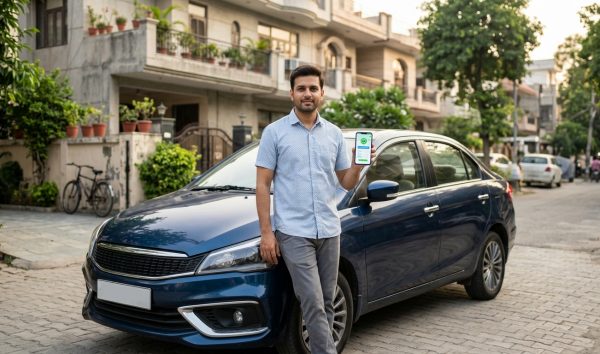
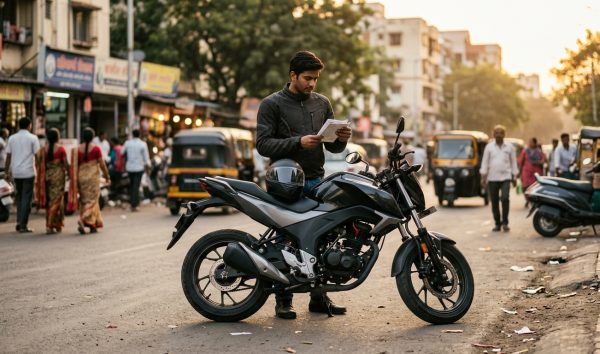
A car insurance check allows vehicle owners and prospective second-hand car buyers to verify active policy validity, insurer name, and expiry date instantly using only a vehicle registration number. Under Indian motor vehicle regulations, maintaining active cover is mandatory to operate any vehicle on public roads.
You can quickly confirm your policy status through official portals or check your vehicle insurance expiry date on VahanX to ensure your policy has updated on central databases and protect yourself against unexpected e-challans.
Key Takeaways
- Car insurance validity can be checked online via Parivahan, NextGen mParivahan, and DigiLocker.
- Driving without valid insurance attracts a ₹2,000 fine for a first offence and ₹4,000 for repeat offences.
- Policy renewals take between 2 to 7 working days to sync from insurers to the VAHAN database.
- Advance renewals only display an updated expiry date on VAHAN once the active policy tenure concludes.
- Used car buyers must transfer insurance within 14 days of vehicle ownership transfer under Section 157.
| Verification Channel | Required Details | Data Displayed | Typical Sync Speed |
|---|
| Parivahan Sewa Portal | Vehicle Number, Mobile OTP | Insurer Name, Expiry Date, Masked Policy Number | 2 to 7 working days |
| NextGen mParivahan | Vehicle Number (or Chassis/Engine for Virtual RC) | Active Status, Expiry Date, Full Policy Details | 24 to 48 hours (API partners) |
| DigiLocker Service | Aadhaar/Mobile OTP, Registration & Chassis No. | Digital RC, Linked Insurer, Full Policy Document | Real-time fetch from VAHAN |
| VahanX RC Search | Registration Number | Insurance Expiry, PUCC, Fitness, Owner Details | Instant Lookup |
1. Legal Framework and Penalties for Lapsed Car Insurance
Under Section 146 of the Motor Vehicles Act, 1988, every motor vehicle operating in a public place in India must have a valid third-party liability insurance policy. While Own Damage (OD) or comprehensive coverage remains optional, third-party coverage is non-negotiable under Indian law.
The Motor Vehicles Amendment Act 2019 substantially increased the penalties under Section 196 for driving an uninsured vehicle. Automated systems now enforce these provisions actively across major urban centres.
| Offence Category | Fine Amount (As of September 2026) | Imprisonment Term | Additional Enforcement Action |
|---|
| First Offence | ₹2,000 | Up to 3 months | Possible vehicle impoundment (Section 207) |
| Second / Subsequent Offence | ₹4,000 | Up to 3 months | Mandatory court summons and vehicle impoundment |
Traffic authorities in metropolitan areas such as Delhi NCR, Mumbai, Bengaluru, and Hyderabad now utilise Automatic Number Plate Recognition (ANPR) and Integrated Traffic Management System (ITMS) cameras. These systems automatically cross-reference vehicle registration marks against the central VAHAN repository.
If your policy has expired, an automated notice is issued without requiring a physical traffic stop. You can check for any pending notices using our e-challan status search tool before driving across state borders or intercity expressways.
Warning: Under Section 207 of the Motor Vehicles Act, traffic police officers have the legal authority to impound an uninsured vehicle on the spot until a valid policy and payment receipts are presented.
2. Parivahan Insurance Check: Step-by-Step Portal Verification

The Ministry of Road Transport and Highways (MoRTH) manages the national vehicle register through the central VAHAN architecture. The primary public gateway to access these records is the official Parivahan Sewa portal.
Car owners can perform a vahan insurance check directly on the web without paying any fee. Follow these steps to check your policy status:
- Visit the official website: Open your web browser and navigate to the Parivahan Sewa home page at parivahan.gov.in.
- Navigate to vehicle lookup: On the top navigation menu, hover over Informational Services and select Know Your Vehicle Details.
- Complete citizen login: Enter your registered Indian mobile number and verify it using the One-Time Password (OTP). New visitors must register using a mobile number and email ID.
- Enter vehicle registration: Input your car registration number without spaces (e.g., DL01AB1234) and enter the captcha code displayed on the screen.
- Submit the search query: Click the Search Vehicle button to fetch the records from the VAHAN database.
The portal screen displays your car details alongside key regulatory dates. You will see the Insurance Company Name, a partially masked Policy Number, and the Insurance Valid Upto date.
This screen also shows your Pollution Under Control Certificate (PUCC) validity, road tax status, and national permit parameters, giving you a full compliance overview in one place.
3. How to Run an mParivahan Car Insurance Check on Mobile
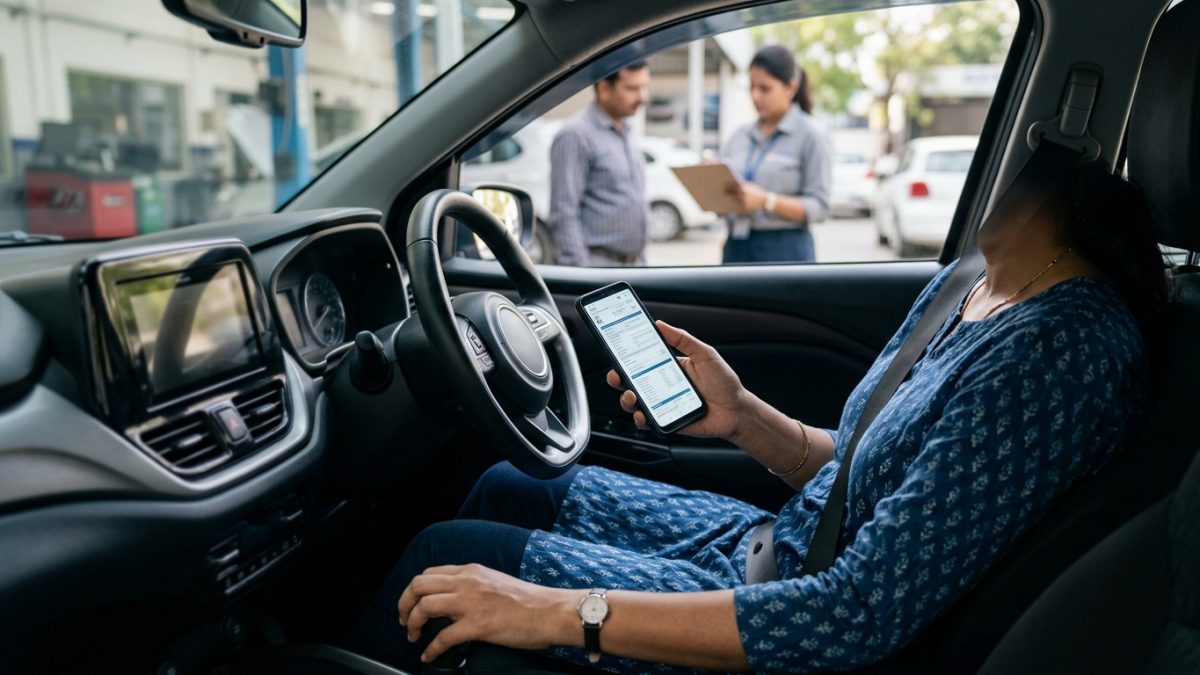
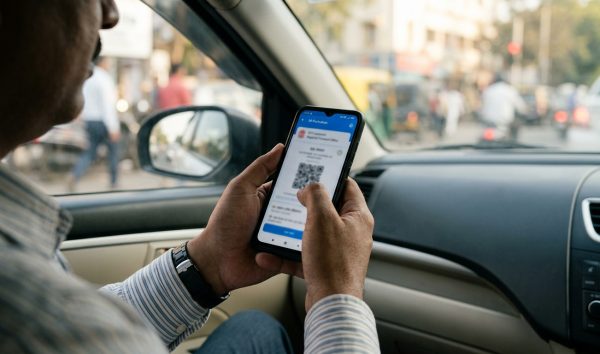
For motorists on the move, the NextGen mParivahan mobile application—developed by the National Informatics Centre (NIC)—provides immediate access to vehicle compliance records on both Android and iOS devices.
An mparivahan car insurance check can be conducted using two different modes: a quick search for public validity or a Virtual RC check for complete policy documentation.
Quick Public Validity Search
If you only need to confirm whether a policy is active and when it expires, use the public search workflow:
- Launch the app: Open NextGen mParivahan and sign in with your 6-digit MPIN.
- Enter registration number: Type the vehicle number in the top search bar and tap the search icon.
- Review the summary card: The application displays the vehicle status, fuel type, and the exact Insurance Valid Upto date.
Tip: The public lookup masks sensitive ownership data and the full policy number. If you need the complete policy number for insurance renewal or claims, add the car to your dashboard as a Virtual RC.
Full Virtual RC Verification
Registered car owners can generate a Virtual RC to unmask the policy number and view full policy details:
- Add vehicle to dashboard: Tap the Add to My Dashboard / Create Virtual RC option on the search results screen.
- Enter engine and chassis digits: Enter the last 5 digits of your Chassis Number and the last 5 digits of your Engine Number as printed on your physical RC card.
- Authenticate via OTP: Enter the verification code sent to the owner mobile number registered with the RTO.
- Inspect Virtual RC: Open the Virtual RC from your dashboard to view the unmasked insurance company name, full policy number, and expiry date.
To explore the setup in detail, read our step-by-step guide on mParivahan Virtual RC download for your smartphone.
4. Checking Policy Validity via DigiLocker
DigiLocker, developed by the Ministry of Electronics and Information Technology (MeitY), provides another legally valid method for checking your vehicle insurance. Digital certificates fetched on DigiLocker hold equal legal standing to physical documents under Rule 139 of the Central Motor Vehicles Rules (CMVR).
- Access DigiLocker: Log in to the DigiLocker app or web portal using your Aadhaar credentials and mobile OTP.
- Select issuing authority: Go to Issued Documents, click on Search Documents, and choose Ministry of Road Transport and Highways.
- Fetch digital RC: Select Registration of Vehicles, input your car registration number and chassis number, and tap Get Document. The synced RC document shows current insurance validity extracted from VAHAN.
- Fetch original policy schedule: Alternatively, search under the Banking, Financial Services and Insurance section for your general insurer (such as New India Assurance, ICICI Lombard, or HDFC ERGO) and enter your policy number to download the original PDF schedule.
5. VAHAN Insurance Check: Data Integration and Update Timelines
Vehicle owners often wonder why a newly renewed policy does not immediately appear on the Parivahan portal. The synchronization process involves multiple institutional gateways between insurance carriers and government servers.
General insurance companies transmit motor policy issuance data through the Insurance Information Bureau of India (IIB) or via direct API connections established with MoRTH under guidelines from the Insurance Regulatory and Development Authority of India (IRDAI).
| Provider Type | Transmission Pipeline | Average VAHAN Sync Time | Delay Risk Level |
|---|
| Digital-first / Private Insurers | Direct Webhooks / Instant APIs | 24 to 48 hours | Low |
| Standard Private Insurers | Daily Batch Uploads via IIB | 2 to 5 working days | Moderate |
| Public Sector Insurers | Weekly Centralized Batch Upload | 5 to 10 working days | Moderate to High |
| Offline Dealer Issuances | Manual Policy Entry & Broker Sync | 7 to 15 working days | High |
A frequent point of confusion is the effective policy start date rule. If you renew your car insurance two weeks before the existing policy expires, the updated policy date will not appear on VAHAN right away.
The central system only reflects the extended validity date once the preceding policy tenure concludes and the new cover officially takes effect. During this transitional period, your current policy continues to show as valid up to its original expiry date.
Note: Under official MoRTH advisories, carrying a printed or digital copy of your renewed policy schedule protects you from traffic challans while your updated details sync to the central VAHAN servers.
6. Checking Car Insurance Validity When Buying a Used Car
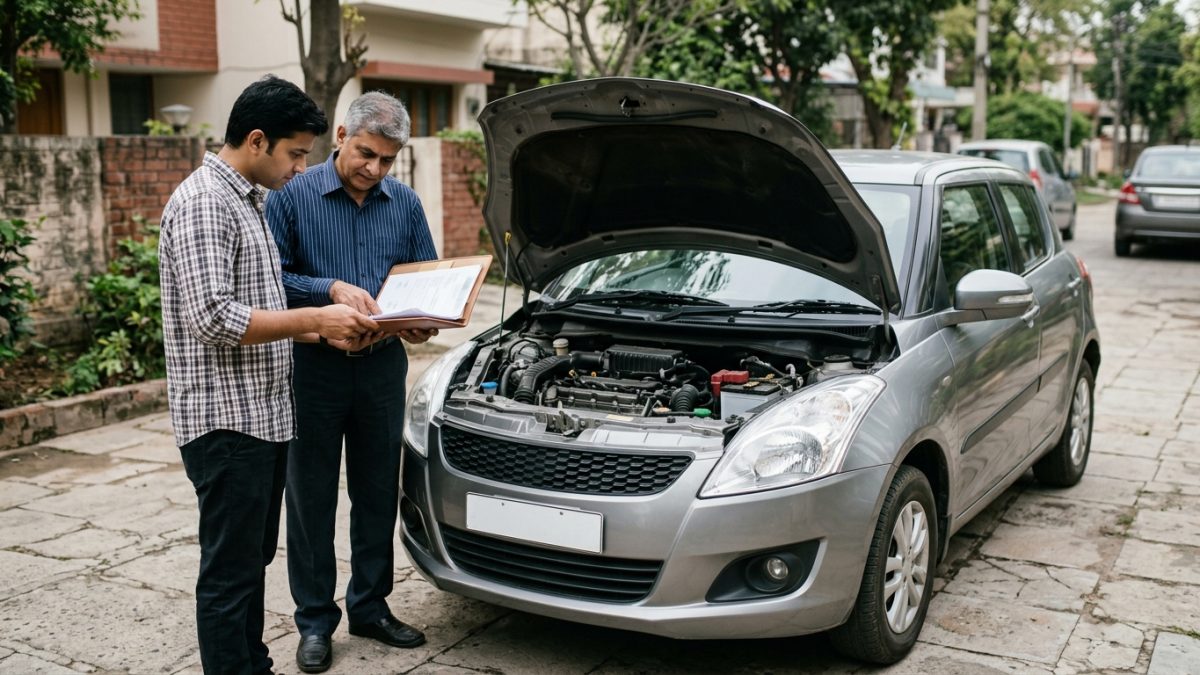
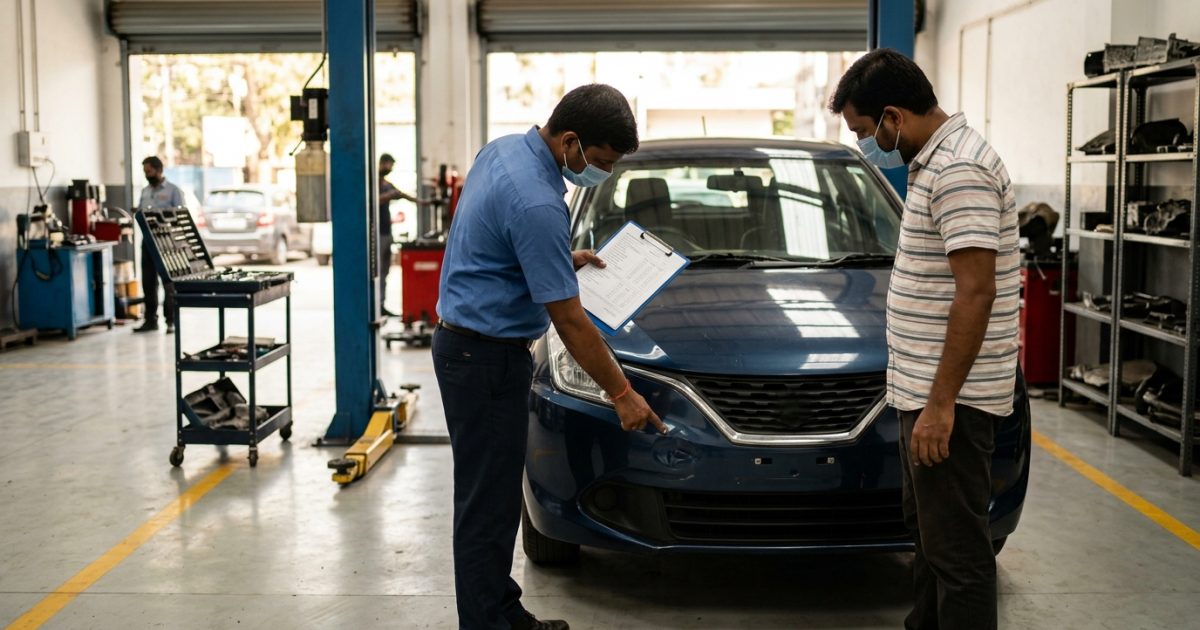
Performing a car insurance validity check is essential when purchasing a pre-owned vehicle. Buying a car with an expired or disputed policy can lead to unexpected liabilities, unpaid fines, and transfer rejections at the regional transport office.
Under Section 157 of the Motor Vehicles Act, third-party liability insurance automatically transfers to the buyer upon vehicle ownership transfer. However, this statutory protection comes with strict operational conditions:
- 14-day notification window: The buyer must formally apply to the general insurer within 14 days from the date of RC transfer to endorse the policy into their name.
- Own damage exclusion: While third-party liability transfers automatically by statute, own-damage (OD) coverage does not protect the new buyer in an accident unless the insurer endorses the transfer and any No Claim Bonus (NCB) premium differences are settled.
- Past claim history: Checking policy records helps you confirm whether previous structural damage claims were filed on the vehicle.
Always verify the RC and insurance details together before paying a deposit. For detailed guidance on updating your coverage post-purchase, check our walkthrough on car insurance renewal rules.
7. Troubleshooting: Why Is Your Policy Not Showing on VAHAN?
If more than 7 working days have passed since policy renewal and your records still show as expired or unlinked on Parivahan, several common data mismatches may be responsible.
| Root Cause | Underlying Error | Resolution Pathway |
|---|
| Chassis/Engine Typo | One incorrect digit entered during policy proposal | Request policy endorsement from insurer to correct chassis/engine number |
| Vehicle Number Formatting | Spaces, hyphens, or zero omission in registration mark | Ask insurer to re-push record with the exact RTO formatting |
| IIB Gateway Processing Lag | Policy held in staging server during technical sync | Email insurer support desk with VAHAN screenshot to prompt an API push |
| Unlinked Commercial Endorsement | Class change or seating capacity mismatch on RC | Submit physical RC copy and policy schedule to RTO records desk |
If your policy details remain missing after 10 working days, contact your insurance company's grievance redressal desk. Share your Policy Schedule, physical Registration Certificate, and a screenshot of the Parivahan portal record.
The insurer's technical operations team can then trigger an out-of-cycle API update or submit a manual correction request to the IIB gateway to link your policy with the central VAHAN database.
8. Step-by-Step Summary for Checking Policy Expiry Date
Checking your policy expiration date takes just a couple of minutes once you have your vehicle details to hand. Here is a quick reference checklist to confirm your car is fully covered before hitting the road:
- Locate your registration number: Have your vehicle license plate number ready, or find it on your registration card.
- Select a lookup method: Use the web-based Parivahan Sewa portal, open the NextGen mParivahan app, or run an instant check via our RC status verification page.
- Review expiry dates: Confirm that the Insurance Valid Upto date shows a future date.
- Check companion documents: Verify that your PUCC and road tax validity dates are also current to prevent automated ANPR camera challans.
- Save a digital copy: Download your updated Virtual RC or digital policy schedule to your smartphone so you can present it to traffic officials during roadside checks.
Conclusion
Running a regular car insurance check online protects you from severe traffic penalties, vehicle impoundment, and unexpected financial liabilities following a road accident. Whether you prefer checking via the Parivahan web portal, the NextGen mParivahan mobile app, or DigiLocker, verifying your policy status takes only a couple of minutes.
If you have recently renewed your policy or are in the process of purchasing a pre-owned car, always check your vehicle details on VahanX RC search to ensure your insurer has successfully synchronized your coverage with the central VAHAN registry.