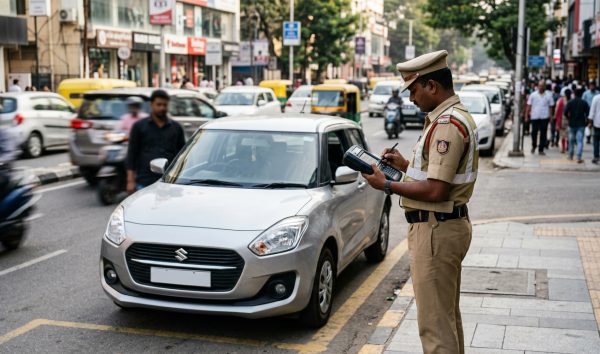
To update mobile number in parivahan, visit the official Vahan portal for vehicle RC or the Sarathi portal for driving licences, enter your registration or licence details, and authenticate using Aadhaar OTP e-KYC. The online seeding process links your new phone number instantly without visiting an RTO office.
Before you begin the process, ensure your registration records are accurate by running a quick check through the RC details and vehicle owner search. Having your exact chassis and engine numbers handy will ensure your submission goes through smoothly.
Key Takeaways
- Updating your mobile number on Vahan and Sarathi is completely free of cost.
- Aadhaar OTP authentication is mandatory to complete the update without visiting an RTO.
- Unlinked mobile numbers lead to missed e-challan notices and virtual court summons.
- Sarathi requires your driving licence number in the standardized 16-character format.
- Telangana maintains a separate state transport portal for mobile updates.
| Service Category | Portal Gateway | Verification Method | Official Fee |
|---|
| Vehicle Registration (RC) | vahan.parivahan.gov.in/mobileupdate/ | Aadhaar OTP + Mobile OTP | ₹0 (Free) |
| Driving Licence (DL / LL) | sarathi.parivahan.gov.in/sarathiservice/ | Aadhaar OTP + Mobile OTP | ₹0 (Free) |
| Telangana Transport | transport.telangana.gov.in | Chassis / DL + SMS OTP | ₹0 (Free) |
| Offline RTO Route | Jurisdictional RTO Counter | Physical Identity Documents | ₹0 (State rules apply) |
Why You Must Update Mobile Number in Parivahan Portals
Under Ministry of Road Transport and Highways (MoRTH) Notification S.O. 4353(E), dated September 16, 2022, 58 citizen-centric transport services operate completely online. These faceless RTO services rely strictly on Aadhaar-based electronic verification to protect vehicle records from unauthorized modifications.
If your mobile number is outdated, you cannot receive One-Time Passwords (OTPs) needed for critical digital services. This blocks transactions like ownership transfers, hypothecation terminations, address changes, duplicate registration certificates, and fitness renewals.
A dormant phone number also blinds you to traffic enforcement actions. Automated speed cameras and traffic monitoring systems immediately push automated violation SMS alerts to the contact registered on the Vahan portal.
Warning: If an e-challan alert is sent to an inactive or dealership phone number, the 60-to-90-day settlement window may lapse without your knowledge, transferring the case directly to Virtual Court.
Once a pending traffic fine moves to a Virtual Court, jurisdictional magistrates issue summons. Continued non-appearance causes regional transport authorities to blacklist the vehicle on Vahan, preventing insurance renewals, PUC issuance, and RC transfers. You can check your outstanding fines anytime using the online challan status search.
Documents and Details Required Before You Begin
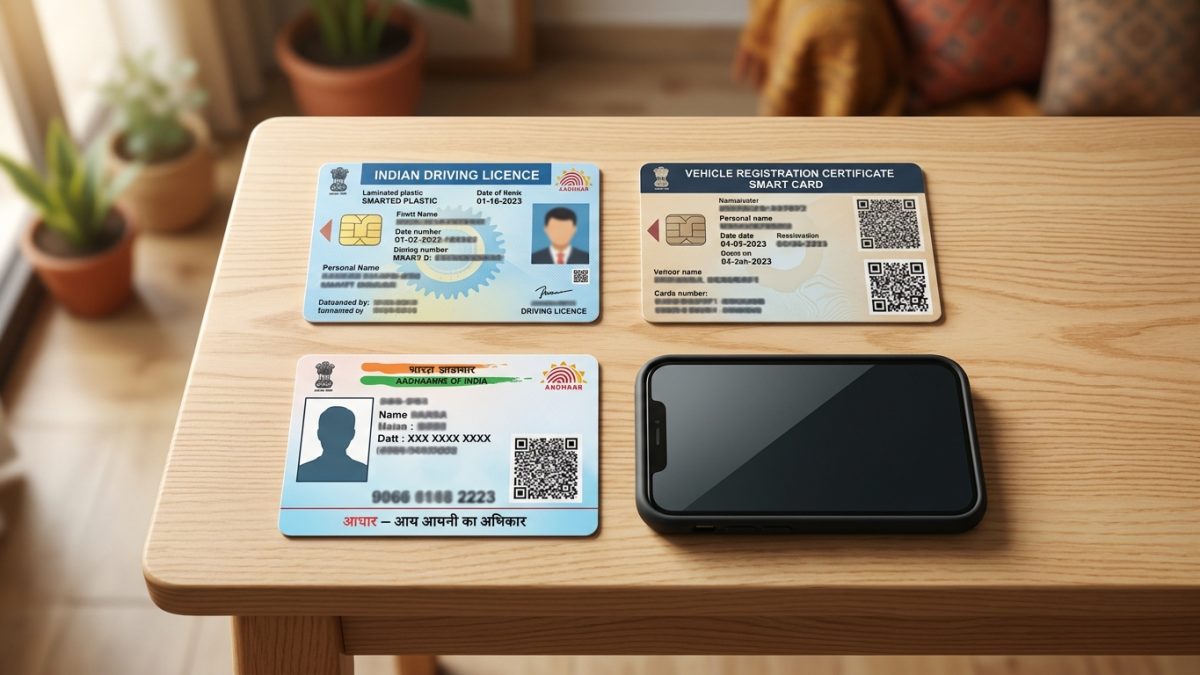
Executing an online parivahan mobile number update requires specific data points from your vehicle and identity documents. Gathering these details beforehand prevents session timeouts on the national transport gateway.
| Requirement | RC Mobile Update (Vahan) | DL Mobile Update (Sarathi) |
|---|
| Primary Identifier | Vehicle Registration Number | Driving Licence Number (16 digits) |
| Security Credentials | Full Chassis and Engine Number | Date of Birth (as per DL record) |
| Validity Details | Registration Date & Fitness Expiry | Licence Issuing State and RTO |
| Identity Proof | Owner Aadhaar Number or VID | Aadhaar Number or VID |
| Authentication Method | UIDAI Registered Mobile (for OTP) | UIDAI Registered Mobile (for OTP) |
To carry out an rc mobile number update aadhaar authentication, your active SIM card must match the number registered with UIDAI. If your Aadhaar holds an obsolete phone number, the verification code will not reach you.
Driving licence holders should inspect their physical card to confirm their recorded date of birth. Any mismatch between transport records and identity documents halts the automated verification flow immediately.
Tip: If you hold an older paper or laminated driving licence, check your digitized record format beforehand using the online driving licence status search to avoid input errors.
How to Update Mobile Number in RC Online (Vahan Portal)
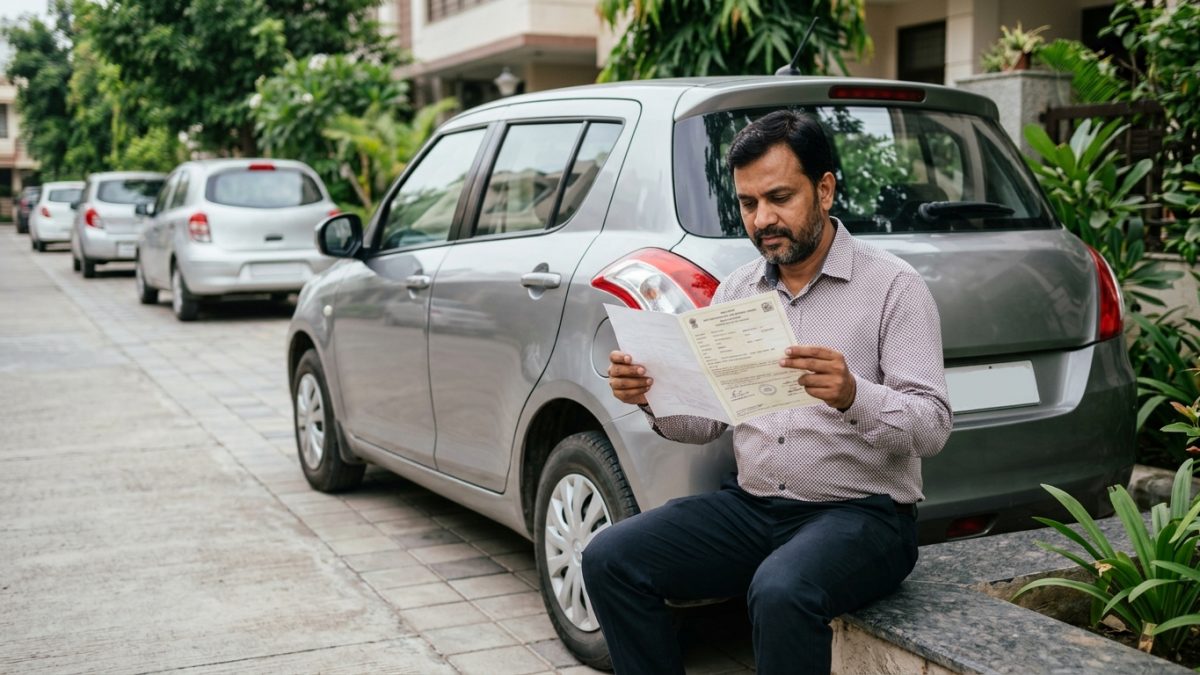
Vehicle owners can carry out how to update mobile number in rc online using the dedicated Vahan 4.0 citizen gateway. Follow these step-by-step instructions to link your active phone number to your vehicle registration certificate:
- Visit the portal: Open your browser and navigate directly to the official Vahan update link at vahan.parivahan.gov.in/mobileupdate/ or visit parivahan.gov.in, choose "Online Services", and click "Vehicle Related Services".
- Select your state: Choose your vehicle's registration state from the drop-down menu, enter your vehicle registration number, and click proceed.
- Select the service: Under the main vehicle services dashboard, click on the service titled "Update Mobile Number (Aadhaar based)".
- Enter vehicle credentials: Provide the full Chassis Number, full Engine Number, Registration Date, and Fitness/Registration Valid Upto Date, then click "Validate".
- Perform Aadhaar e-KYC verification: Enter your 12-digit Aadhaar number or 16-digit Virtual ID alongside your full name as printed on the Aadhaar card. Check the consent declaration box and click "Generate Aadhaar OTP".
- Validate UIDAI OTP: Type the 6-digit verification code received on your Aadhaar-linked mobile number and click "Validate OTP".
- Submit new mobile number: Review your vehicle and demographic records shown on screen. Enter your new 10-digit mobile number, click "Generate OTP", enter the code delivered to your new SIM, and confirm the submission.
Once validated, the portal returns an instant confirmation: "Mobile number has been updated successfully." The updated contact details reflect across the centralized national vehicle register in real time.
Note: MoRTH does not charge any administrative fee for updating vehicle contact records online. Never pay unauthorized intermediaries or third-party portals for this free service.
Change Mobile Number in Driving Licence Online (Sarathi Portal)
Drivers holding a Learner's Licence, permanent Driving Licence, or Conductor Licence must use Sarathi to change mobile number in driving licence online. This ensures you receive renewal alerts and test appointment confirmations without disruption.
- Access Sarathi portal: Go directly to sarathi.parivahan.gov.in/sarathiservice/mobNumUpdpub.do or select "Driving Licence Related Services" from the Parivahan home page.
- Choose your state: Pick the state where your driving licence was originally issued or where it is currently active.
- Open mobile update tool: In the top navigation bar, click the "Others" menu and select the "Update Mobile Number" option.
- Select licence category: Mark the radio button corresponding to your licence type: "Driving Licence", "Learner Licence", or "Conductor Licence".
- Input licence credentials: Enter your standardized Driving Licence Number and Date of Birth matching transport department files, then click "Submit".
- Authenticate using Aadhaar: Enter your 12-digit Aadhaar number, accept the consent terms, and click "Generate OTP". Enter the verification code sent to your UIDAI-registered phone and click "Authenticate".
- Provide new phone number: Review your displayed licence profile. Enter the new 10-digit mobile number, re-enter it to confirm, pick your reason for change from the drop-down list, and verify the SMS OTP sent to the new number.
- Save acknowledgement: Click "Proceed" to finalize. The portal generates an electronic confirmation receipt displaying your updated phone number linked to your licence record.
Drivers who have pending challans tied directly to their licence details should read our guide on how to pay traffic fine online to clear records after completing their contact update.
State-Wise Variations: Centralized Parivahan vs Telangana

Over 33 states and Union Territories across India run on the centralized Vahan and Sarathi 4.0 architecture. This includes Maharashtra, Uttar Pradesh, Rajasthan, Karnataka, Tamil Nadu, Delhi, Bihar, Assam, Gujarat, and Madhya Pradesh, where the Aadhaar e-KYC flow is identical.
However, state-level nuances exist when it comes to demographic validation rules, legacy database migrations, and independent regional IT setups.
| Jurisdiction | Portal Used | Authentication Architecture | Special Conditions |
|---|
| Parivahan 4.0 States (33+ States/UTs) | parivahan.gov.in | Aadhaar OTP e-KYC (Centralized) | Strict character matching with Aadhaar |
| Telangana | transport.telangana.gov.in | State Transport & T-App Folio | Uses Chassis/DL validation without UIDAI mandate |
| Vehicles Under Hypothecation | parivahan.gov.in | Aadhaar OTP + Record Clearance Check | Outstanding tax/fitness dues may restrict edits |
| Legacy Paper Licences | parivahan.gov.in | Standardized 16-character Sarathi format | Manual records must be digitized by local RTO |
Vehicle owners registered in Telangana must access the state portal at transport.telangana.gov.in. Navigate to "Online Transactions", select "Update Mobile Number", choose either vehicle or licence mode, and complete SMS OTP verification.
In states with strict name matching, such as Delhi, Maharashtra, and Karnataka, your name on the RC or DL must match your Aadhaar card letter-for-letter. If there are spelling mismatches or expanded initials, the online automated match fails.
Warning: If your automated online Aadhaar authentication fails due to mismatched demographic data, you must submit a physical data correction request at your local RTO office.
Troubleshooting Common Errors During Parivahan Mobile Update
Technical errors during an online update can occur due to data mismatches or connectivity drops with external servers. Understanding these issues helps you resolve them quickly.
1. Aadhaar-Linked Mobile Disconnected
The most common issue occurs when a citizen tries to update phone number in vahan sewa, but their Aadhaar profile contains an obsolete phone number. Because the initial e-KYC security token is routed strictly through UIDAI, you cannot bypass this step.
UIDAI does not permit updating an Aadhaar mobile number online. You must visit a physical Aadhaar Seva Kendra (ASK) to complete biometric authentication and update your number. The revised number activates within 24 to 48 hours, after which you can return to the Parivahan portal.
Holders of manual paper licences issued prior to nationwide digitization often receive a "Licence Details Not Found" alert. Sarathi searches only standardized 16-character alphanumeric licence formats.
Convert your legacy licence number into the standard national format: two-letter state code, two-digit RTO code, space, four-digit issue year, followed by your seven-digit serial number (for example, MH02 20050012345). If the record remains untraceable, you must apply to digitize your legacy licence at your regional transport office.
3. Vehicle Chassis and Engine Number Mismatch
When executing a vahan portal mobile number update, entering incorrect vehicle credentials triggers an immediate "Vehicle Details Not Matched" error. The portal's validation engine is case-sensitive and rejects mismatched character lengths.
Double-check whether the form field asks for your complete 17-digit Chassis Number or only the last five digits. You can verify your exact recorded chassis string by checking your physical registration card or reviewing your details via the online vehicle RC search.
4. Commercial Permits and Active Financing Holds
Commercial transport vehicles with lapsed permit fees or fitness certificates may experience validation restrictions. The Vahan portal requires all outstanding statutory tax dues to be resolved before processing contact edits for commercial fleet profiles.
Conclusion
Taking a few minutes to update mobile number in parivahan keeps your vehicle records secure, avoids missed legal notices, and gives you instant access to faceless RTO services. Keep your Aadhaar credentials and vehicle documents ready so you can complete the online authentication seamlessly.
To confirm that your registration record is fully updated and clear of technical holds, run a quick check on your RC details and vehicle registration status today.