Key Takeaways
- Sarathi Parivahan provides state-specific online driving licence services directly without needing middlemen or physical agents.
- Aadhaar e-KYC enables 100% contactless processing for learner licences, renewals, duplicate licences, and address changes.
- Booking a driving skill test slot requires an active application number, with rescheduling requiring prior cancellation.
- Stuck payments should be reconciled using the Verify Payment Status tool instead of issuing immediate duplicate transactions.
- Renewing a driving licence past one year of expiry requires a mandatory competence re-test and statutory late fees.
The Sarathi Parivahan portal is India's centralised platform for all driving licence transactions, developed by the National Informatics Centre (NIC) for the Ministry of Road Transport and Highways (MoRTH). It allows citizens to apply for learner licences, schedule driving tests, renew expired licences, and update personal details from home. Before applying for services, you can verify your active credentials by performing a quick driving licence status check online to confirm your records are up to date as of September 2026.
| Service Feature | Details |
|---|
| Official Portal | sarathi.parivahan.gov.in |
| Operating Model | State-specific dynamic workflows |
| Authentication Modes | Aadhaar e-KYC (Contactless) or Non-Aadhaar (RTO visit) |
| Test Booking Requirements | Application number & Date of Birth |
| Payment Verification Window | Immediate to 72 hours for auto-reconciliation |
How to Use Sarathi Parivahan Portal: Architecture & Setup
Accessing services begins by visiting the primary official portal at sarathi.parivahan.gov.in or through the central transport portal at parivahan.gov.in under the "Online Services" menu. The architecture relies entirely on a state-specific workflow model. Because regional transport rules vary, your first step is always selecting your home state from the landing dropdown menu.
Once your state is selected, the portal loads dynamic backend modules configured for that specific transport department. This determines whether your state supports home-based automated tests or requires in-person biometric scanning at a local RTO counter. You can cross-reference local branch guidelines using our guide to find your RTO office address and code.
Warning: Always ensure you are on an official gov.in domain. The portal will never ask for bank account PINs or passwords during demographic updates.
Under MoRTH Notification S.O. 4353(E) dated 16 September 2022, 58 citizen-centric transport services were brought under a completely contactless framework via voluntary Aadhaar-based authentication. If you choose Aadhaar authentication, your demographic identity and address are verified automatically without visiting an RTO counter.
| Service Category | Aadhaar Contactless Available? | In-Person RTO Visit Required? |
|---|
| Learner Licence (LL) Issue | Yes (in participating states) | No (taken via home webcam) |
| Driving Licence Renewal ( | Yes | No |
| Issue of Duplicate DL | Yes | No |
| Change of Address in DL | Yes | No |
| Mobile Number Update | Yes | No |
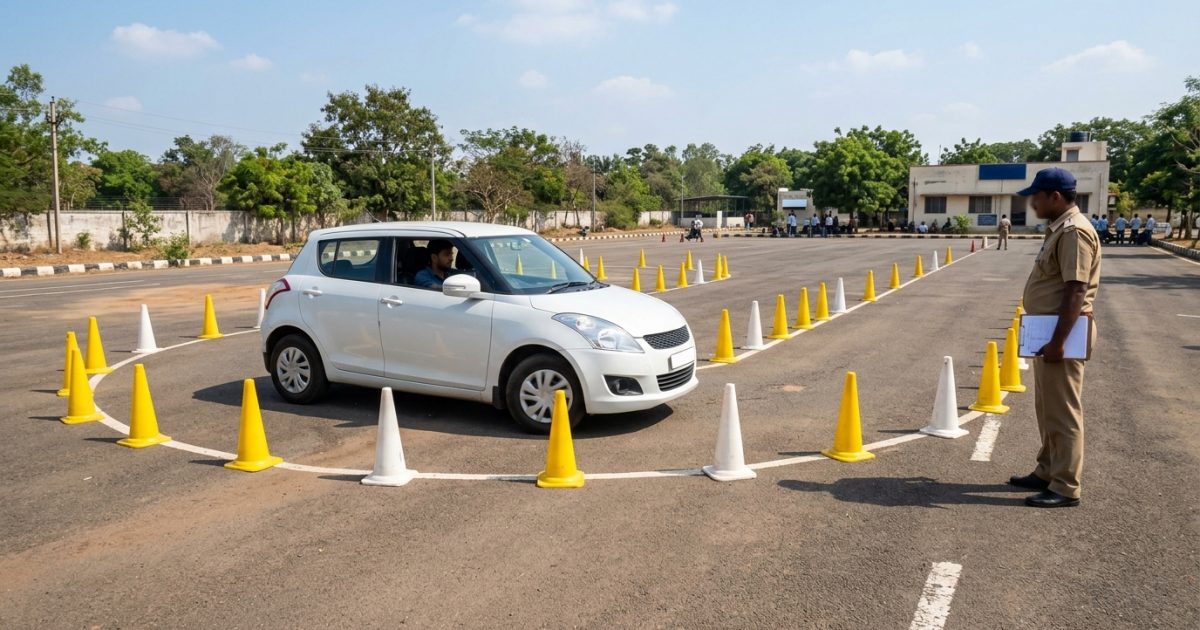
| Permanent DL Skill Test | No | Yes (track evaluation) |
| Addition of Vehicle Class (AEDL) | No | Yes (competence test) |
| Late DL Renewal (> 1 yr expiry) | No | Yes (re-test mandatory) |
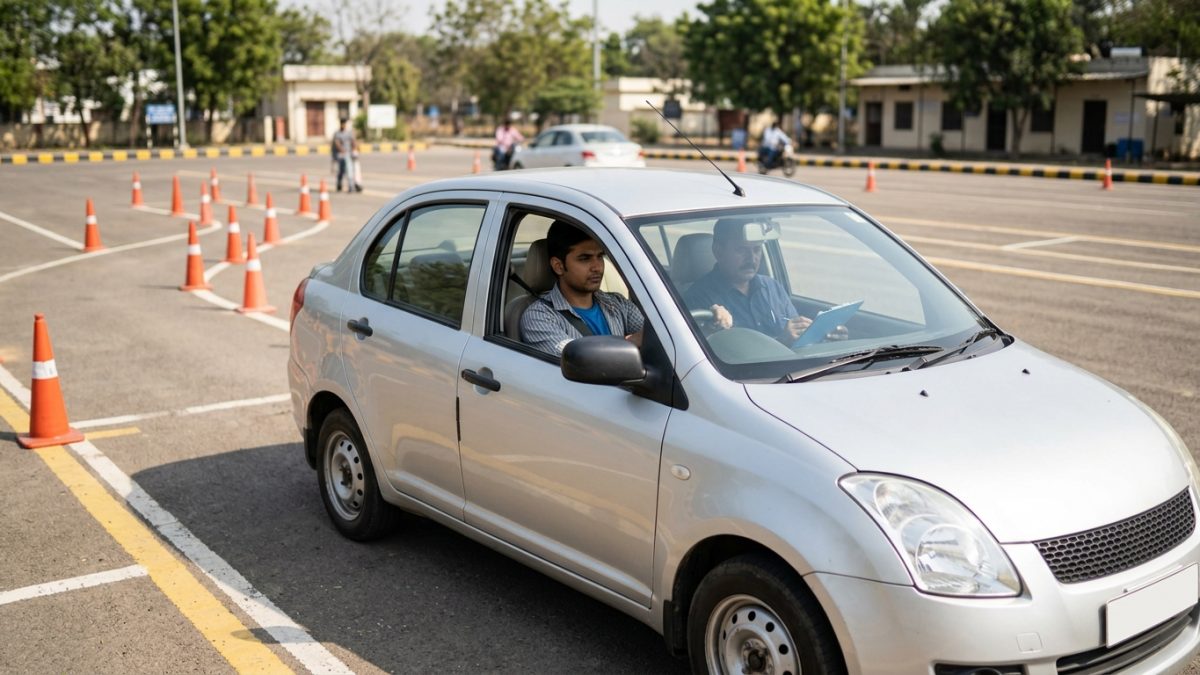
Physical visits remain mandatory whenever a driving skill competence evaluation is required. This applies to initial permanent driving licences, commercial transport vehicle endorsements, and licences expired for more than a year.
Sarathi Parivahan Online Application: Step-by-Step Submission
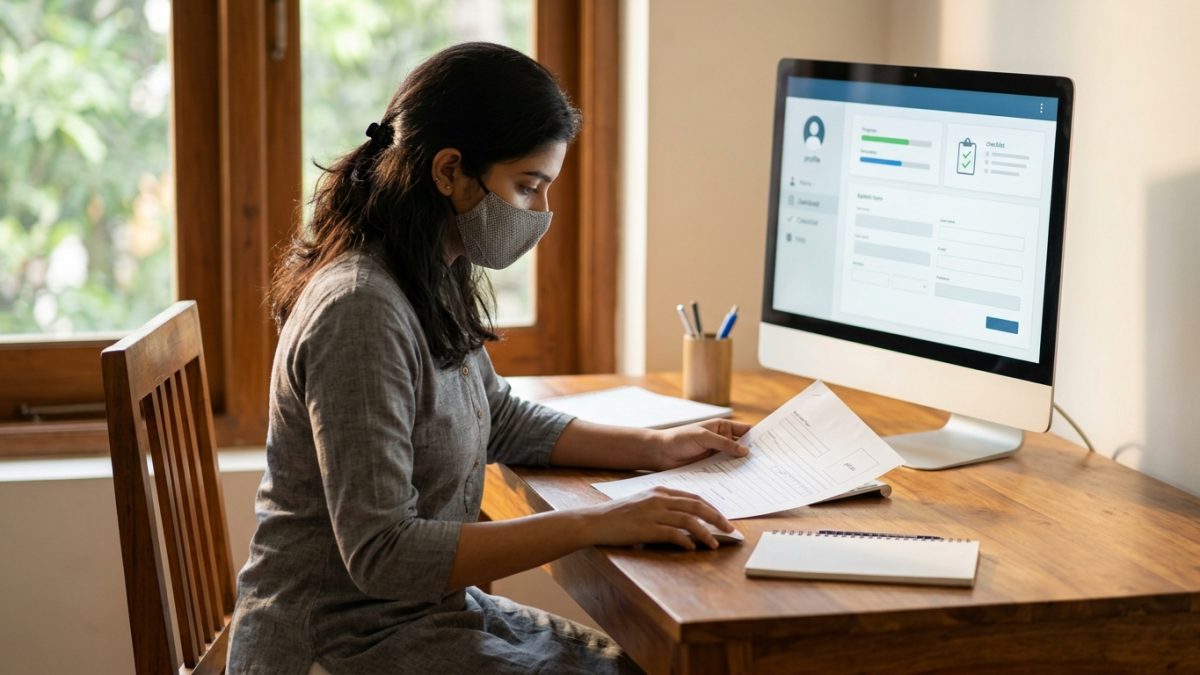
Completing a sarathi parivahan online application is straightforward if you prepare your digital documents beforehand. Follow this standard sequence to register any primary licence service:
- Select your state: Open the official Sarathi portal and pick your state from the primary selection screen.
- Choose your application type: From the main dashboard, click on your required service, such as "Apply for Learner Licence" or "Apply for Driving Licence".
- Pick your authentication route: Choose "Submit via Aadhaar Authentication" for faceless processing, or "Submit without Aadhaar Authentication" if your mobile number is not seeded with UIDAI.
- Fill Form 2 details: Enter personal details, educational qualifications, blood group, and your address.
- Upload scanned documents: Attach age, identity, and medical certificates if using the non-Aadhaar route.
- Complete fee payment: Pay the statutory charges through the integrated payment gateway and download the fee receipt along with the Form 2 acknowledgement slip.
Tip: Keep a record of your generated 10-digit application number immediately; this number is required for all slot bookings, status queries, and document re-uploads.
Required Documents and Technical Upload Specifications
Document rejections happen frequently when scanned files do not meet backend technical criteria. If you submit via the non-Aadhaar route, you must submit valid proofs manually:
- Identity and Address Proof: Voter ID, Passport, LIC Policy, State/Central Government ID, Electricity Bill, or Ration Card.
- Age Proof: Birth Certificate, School Leaving Certificate, Passport, or PAN Card.
- Medical Declarations: Self-declaration Form 1 for non-transport applicants under 40 years of age; registered practitioner Form 1A for transport applicants or anyone aged 40 years and older.
- Existing Learner Licence: Must be at least 30 days old and less than 180 days old when applying for a permanent DL.
Adhere strictly to the portal's upload limits to prevent document upload errors:
- Document files (PDF or JPEG) must be sized between 10 KB and 200 KB.
- Applicant photo and signature (JPEG/JPG) must be sized between 10 KB and 20 KB, with recommended dimensions of 3.5 cm x 4.5 cm.
- Ensure files are not password-protected; protected PDFs will cause immediate automated scrutiny rejections.
Sarathi Parivahan Slot Booking & Reschedule Process
Booking a driving skill test slot requires an active application linked to a valid learner's licence. The automated scheduling engine manages slots according to specific calendar availability rules.
- Access slot booking: Navigate to the top navigation bar, select "Appointments", choose "Slot Booking", and click on "DL Test Slot Booking".
- Authenticate your file: Enter your Application Number (or Learner Licence number) and Date of Birth, input the verification captcha, and submit.
- Select vehicle class: Tick the vehicle categories you are testing for (such as MCWG or LMV) and click "Proceed to Book".
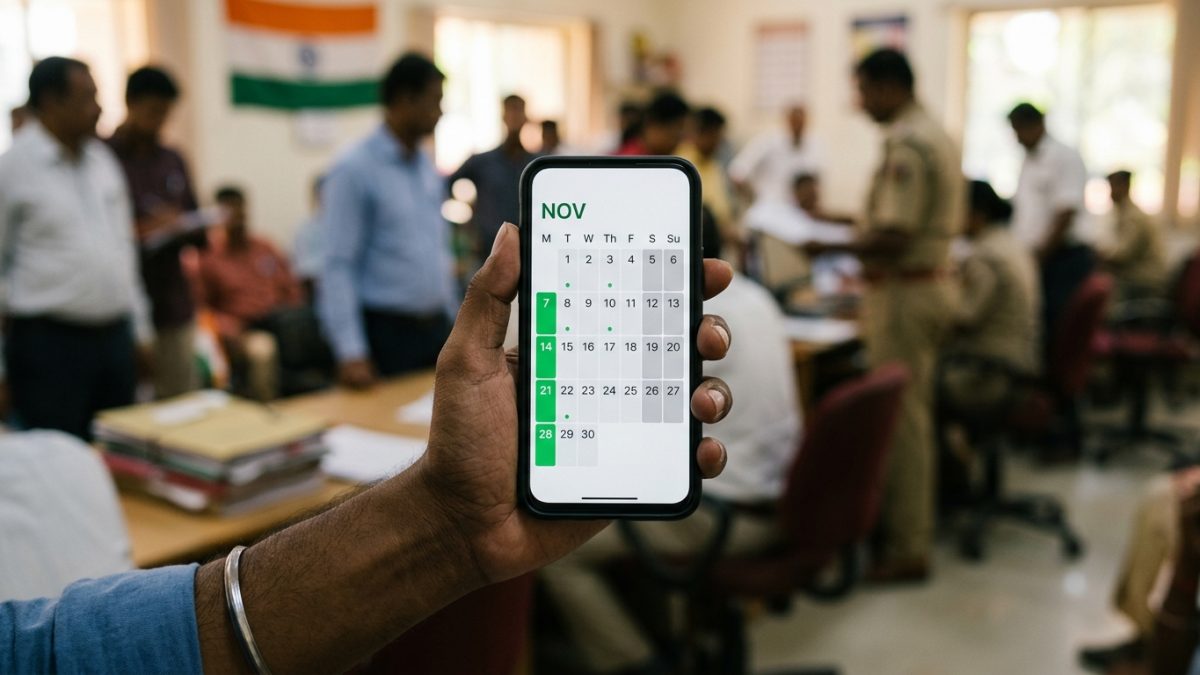
- Read the calendar indicators: Green indicates available slots, Red represents exhausted quotas, Blue indicates gazetted holidays, and Grey indicates non-working RTO test days.
- Lock the slot: Choose an available green date, pick your preferred time window, confirm with the security OTP sent to your phone, and download the Slot Confirmation Slip.
Sarathi Parivahan Appointment Cancel and Reschedule Rules
The Sarathi scheduling engine strictly prevents booking an overlapping slot while an active appointment exists. If you need to change your test date, you must execute a formal cancellation first.
- Cancel active slot: Go to "Appointments" > "Cancel Appointment" > "Cancel DL Test Slot".
- Confirm cancellation: Enter your application credentials, request an OTP, and confirm cancellation of the current date.
- Re-book test date: Return immediately to "DL Test Slot Booking" and select a newly available date from the calendar.
Notice: Cancelling and rescheduling prior to your appointment date carries no statutory penalty. However, if you are marked absent on test day, you must pay a ₹300 retest fee before the system permits re-booking.
Official Fees and CMVR Rule 32 Penalties
Licence service charges are regulated nationally under Rule 32 of the Central Motor Vehicles Rules (CMVR), though state transport departments may append postal dispatch (typically ₹50) and local smart card production expenses.
| Service Description | CMVR Rule 32 Base Fee | Statutory Form / Retest Surcharge |
|---|
| Learner Licence (LL) Issue | ₹150 per class | — |
| LL Online/Offline Test Fee | ₹50 | ₹50 for repeat attempt |
| Permanent DL Skill Test | ₹300 per class | ₹300 per repeat attempt |
| Issue of Driving Licence | ₹200 | + ₹200 for Smart Card (Form 7) |
| Renewal of Driving Licence | ₹200 | + ₹200 for Smart Card (Form 7) |
| Late DL Renewal (> 1 yr expired) | ₹300 base fee | + ₹1,000 per year delay + ₹300 retest |
| Issue of Duplicate DL | ₹200 | + ₹200 for Smart Card (Form 7) |
| Addition of Vehicle Class (AEDL) | ₹500 | + ₹300 driving skill test fee |
| Change of Address / Particulars | ₹200 | + ₹200 if smart card reprinted |
| International Driving Permit (IDP) | ₹1,000 | + ₹2,000 if processed via Mission abroad |
Under the CMVR Rule 32 amendment, applying for driving licence renewal more than one year after expiry triggers an aggressive late penalty of ₹1,000 per year or part thereof, alongside a compulsory physical driving re-test. Keeping track of renewal dates is essential to avoid these steep fines. For broader compliance updates, review our analysis of new RTO rules for driving licence and fitness.
Sarathi Parivahan Application Status Check & Troubleshooting
You can monitor processing milestones using the sarathi parivahan application status check tool on the homepage. Enter your application number and date of birth to reveal officer-level approvals, scrutiny stages, and postal tracking numbers.
Resolving Stuck Fee Payments
If money was debited from your bank account but the Sarathi portal displays "Pending Payment", never issue a second payment immediately. Duplicate payments require manual treasury reconciliation at local offices. Instead, follow the official payment verification workflow:
- Open payment services: Visit Sarathi Fee Payment from the top navigation menu.
- Run verification: Select "E-Payment" from the dropdown options and click "Verify Payment Status".
- Submit transaction details: Enter your Application Number, Date of Birth, and the captcha verification code.
- Trigger gateway reconciliation: Click "Verify". The system sends an automated server request to Bharatkosh or your state treasury gateway, changing validated payments to "Success" and generating the e-Receipt.
If the verification query does not clear the payment, wait 24 to 72 hours for inter-bank clearing before raising a ticket through the Parivahan helpdesk.
Recovering a Lost Application Number
If you deleted your confirmation SMS or lost your application slip, use the recovery engine under the "Others" menu:
- Open recovery window: On the state-specific homepage, click the "Others" tab and select "Find Application Number".
- Enter applicant details: Input the registered state, RTO office, applicant name, date of birth, and registered mobile number.
- Verify OTP: Submit the credentials and type the OTP sent to your phone to view all active application numbers and reprint acknowledgement forms.
Sarathi Parivahan Mobile Number Update
Keeping an updated mobile number is mandatory to receive slot OTPs, application alerts, and dispatch numbers. MoRTH provides a direct Aadhaar-linked update tool via Sarathi Mobile Number Update.
Select your state, choose "Driving Licence", enter your licence number and date of birth, and verify your Aadhaar e-KYC. The new mobile number is mapped instantly across the national registry without requiring an RTO counter visit. If you own vehicles, remember that your vehicle RC should also be checked periodically on the central registry via RC details search to ensure your registered contact information matches.
Conclusion
Using Sarathi Parivahan empowers Indian motorists to manage all driving licence services transparently, avoiding unauthorised agents and unnecessary RTO queues. Whether booking driving test slots, updating contact records, or filing for duplicate credentials, adhering to official file standards and Aadhaar verification ensures fast approvals.
Before scheduling new transactions or driving tests, verify your active credentials through a quick driving licence check to confirm that your existing records and endorsements are fully synchronised across the national registry.