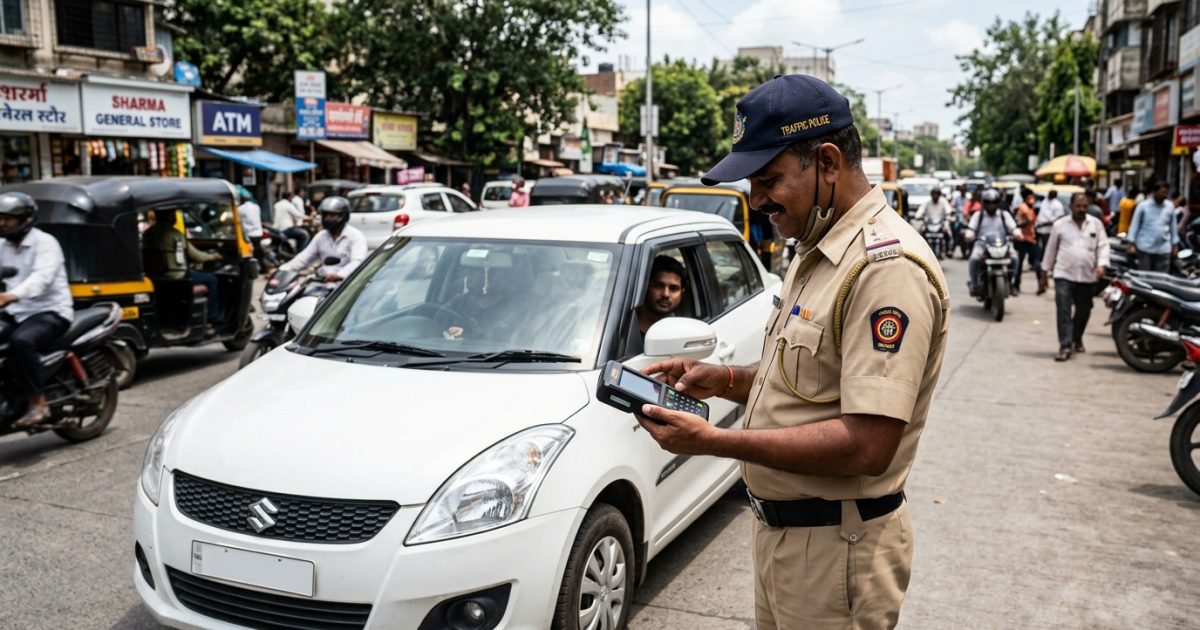
A fake challan sms is a fraudulent message sent by cybercriminals impersonating traffic police or Parivahan Sewa to steal your banking details or install malicious software. You can spot these scams by checking for ordinary 10-digit mobile sender numbers, deceptive non-government URLs, and vague vehicle details. To avoid falling victim, never click unverified links and always verify fines directly through official transport portals.
Vehicle owners across India are frequently targeted by scam messages demanding immediate payment for traffic violations. If you receive an unexpected violation notice, you can verify whether it is genuine by using a secure challan check by vehicle number before entering any financial details online.
Key Takeaways
- Legitimate traffic alerts originate only from registered alphanumeric government headers, never from 10-digit phone numbers.
- Genuine central e-challans use the official domain echallan.parivahan.gov.in and never link to third-party commercial domains.
- Government agencies never send installable Android Package Kits (.apk files) or direct payment links via WhatsApp.
- Fraudulent notices often employ aggressive arrest threats or deceptive "₹1 verification fees" to compromise bank accounts.
- If you suspect fraud, disconnect your device immediately, alert your bank, and call the national helpline 1930.
| Verification Parameter | Genuine Traffic Police Challan | Fraudulent / Scam Challan |
|---|
| Sender ID | 6-character DLT alpha header (e.g., VK-VAAHAN) | 10-digit mobile number or VOIP (+92, +1) |
| Website Domain | Ends strictly in .gov.in or .nic.in | Ends in .in, .com, .top, .vip, or short links |
| File Attachments | No APKs; optional link to web portal | Contains .apk files (e.g., e-Challan.apk) |
| Payment Gateways | Official multi-option aggregators (Treasury, SBI) | Restricted card capture or fraudulent UPI popups |
| Vehicle Details | Exact registration, engine/chassis verification | Vague notice omitting specific vehicle data |
How to Identify a Fake Challan SMS: Key Red Flags
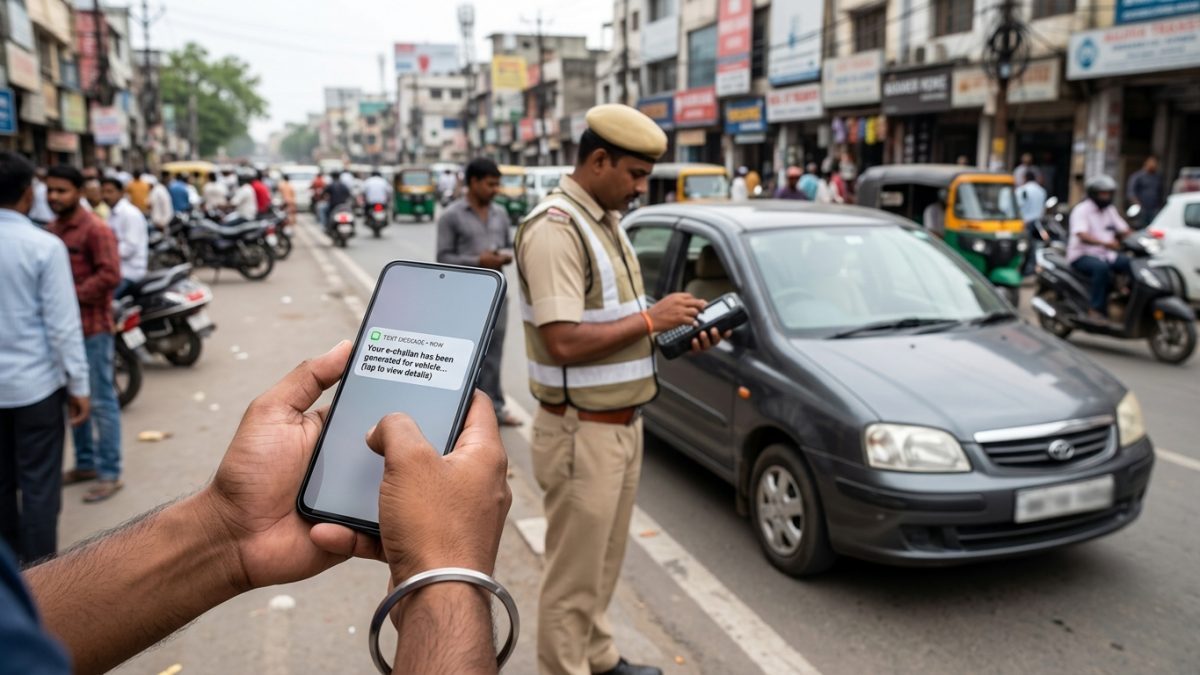
Cybercrime syndicates continuously refine their tactics to deceive motorists. Identifying a fake traffic challan message requires careful inspection of the message sender, the embedded web address, and the payment mechanism requested.
Under Telecom Regulatory Authority of India (TRAI) Distributed Ledger Technology (DLT) regulations, government and enterprise transactional messages must use pre-registered alphanumeric sender headers. Legitimate traffic challan alerts never arrive from standard 10-digit mobile numbers (+91 9xxxx xxxxx), private virtual VOIP numbers, or foreign country prefixes like +92, +1, or +44.
Warning: Any traffic violation notice arriving from a standard 10-digit consumer phone number is an unauthorized fraudulent attempt. Disregard it immediately.
2. Inspect the Website URL Carefully
Genuine central government notices direct drivers solely to portals ending in .gov.in, primarily the central Parivahan platform. Fraudulent networks deploy lookalike domains that mimic genuine layouts using alternate domain extensions such as .in, .com, .top, .online, .vip, or .xyz.
Additionally, scammers frequently obscure fraudulent web destinations behind link-shortening services such as bit.ly, tinyurl, or is.gd to prevent immediate inspection. Genuine traffic departments do not mask their official URLs in this manner.
3. Look for Specific Vehicle Details
When state traffic authorities log a genuine violation via automatic number plate recognition (ANPR) or handheld cameras, the system generates a comprehensive record. A genuine SMS explicitly mentions your complete vehicle registration number, challan reference number, date, exact timestamp, and the specific road location where the violation occurred. In contrast, scam notifications tend to be generic, claiming that "your vehicle" has an outstanding fine without citing verifiable registration details.
4. Watch Out for the "₹1 Verification Fee" Trap
A widespread financial tactic used by scammers involves claiming that the pending fine is merely ₹1 to ₹500, or asking for a ₹1 processing payment to confirm your chassis number. This psychological trick lowers your defenses. In reality, proceeding triggers an unauthorized recurring UPI auto-debit mandate or captures OTPs that authorise high-value bank withdrawals, often ranging from ₹20,000 to over ₹1,00,000.
| Issuing Authority | Registered TRAI DLT Sender Header | Unauthorized Fraudulent Examples |
|---|
| Central MoRTH / NIC | VM-PARIVAHAN, VK-VAAHAN, TD-VAAHAN | +91 98765 43210, +92 300 1234567 |
| Delhi Traffic Police | DL-TRAFIC, AD-DELPOL | Notice-Traffic, ChallanAlert |
| Maharashtra Police | MH-MTPPOL, VM-MUMPOL | M-Challan-Pay, MumbaiPoliceSMS |
| Karnataka Police | KA-BTPTRF, VM-KRNPOL | BlrTrafficPay, Info-Challan |
| Telangana Police | TG-HYDTRF, TS-ECHALN | HydTraffic-Notice, TS-FinePay |
The Dangerous RTO Challan APK Scam Explained
The rto challan apk scam represents a major shift from passive credential harvesting to active device compromise. Instead of merely collecting payment card details on a web form, cybercriminals trick motorists into downloading malicious Android application files.
How Malicious Challan APKs Compromise Devices
In this attack vector, the text message or WhatsApp notice instructs the motorist to download an update file labeled RTO-Challan.apk, e-Challan.apk, or eparivahan.apk to view CCTV violation photos. Once installed by bypassing standard Android security warnings, the file deploys a remote-access Trojan (RAT).
This malware requests high-level Android Accessibility Service and Notification Listener permissions. Once granted, it runs silently in the background, intercepting incoming SMS messages and two-factor authentication (2FA) one-time passwords (OTPs) without waking the screen. The attackers can then drain linked bank accounts while the victim remains unaware.
Common Mistake: Never enable "Install unknown apps" or sideload .apk files received via SMS or messaging apps. Official government apps are distributed exclusively through registered app stores.
Recent Police and Cyber Cell Advisories
Law enforcement agencies across the country have issued urgent alerts regarding this growing malware vector:
- Kerala Police (September 25, 2026): Warned motorists across the state against deceptive SMS notifications pushing APK downloads disguised as e-challan notifications.
- Navsari & Gujarat Cyber Police (August 2026): Uncovered a worm-like propagation mechanism where installed challan malware hijacked victim WhatsApp sessions to broadcast the malicious file to all saved contacts.
- Telangana Cyber Security Bureau (TGCSB): Reported targeted evening campaigns using RTO Traffic Challan.apk, engineered to exploit late-night hours when victims are less likely to monitor banking alerts.
- Gangtok & Sikkim Traffic Police (July 2026): Cautioned the public against WhatsApp messages displaying official state insignia that directed motorists to credential-harvesting pages.
- Jammu & Kashmir Crime Branch: Clarified that neither police departments nor transport offices ever distribute executable .apk files to settle motor vehicle fines.
How to Check Challan Online Safe on Parivahan Portals
To safely verify your record without risking malware exposure, avoid tapping links inside SMS messages entirely. Perform an independent echallan parivahan status check directly through verified government servers.
Step-by-Step Echallan Parivahan Status Check
Follow this procedure using a standard web browser on your computer or smartphone:
- Open the official portal: Manually type the address https://echallan.parivahan.gov.in into your browser navigation bar to bypass spoofed redirects.
- Access status options: Select the Check Challan Status tab on the homepage interface.
- Select an input parameter: Choose whether to search by Challan Number, Vehicle Number, or DL (Driving Licence) Number.
- Enter authentication details: If searching by vehicle number, enter your registration mark along with either the last 5 digits of your Chassis Number or Engine Number for identity verification.
- Submit security captcha: Type the displayed alphanumeric captcha characters exactly as shown and click Get Detail.
- Examine the violation history: Review any matching records, including photographic camera evidence, timestamp, and applicable legal sections.
If the search returns "Challan Not Found," the message you received was fraudulent. When settling genuine violations, you can review our practical guide on traffic challan payment methods to ensure secure processing.
State-Specific Portals for Traffic Challan Check Online
While most Indian states integrate directly with the central MoRTH Parivahan database, certain metropolitan and state traffic departments maintain standalone platforms. Knowing the legitimate digital portal for your state ensures you carry out a safe traffic challan check online without landing on a parivahan fraud payment link.
| State / Jurisdiction | Primary Verification Portal | Integration Model |
|---|
| Central / Multi-State | echallan.parivahan.gov.in | National central repository |
| Delhi | delhitrafficpolice.nic.in | Dual integration (Central Parivahan & State) |
| Telangana | echallan.tspolice.gov.in | State-managed police traffic portal |
| Tamil Nadu | eservices.tn.gov.in | State portal alongside Parivahan |
| Andhra Pradesh | apechallan.org | Dedicated AP traffic enforcement system |
| Kerala | smartweb.keralamvd.gov.in | State MVD and police systems |
Motorists driving through independent jurisdictions can cross-verify their vehicle records across both the regional platform and central systems. If you need to verify whether your vehicle documents are up to date alongside your challan status, you can check your registered vehicle details through a verified RC status check online.
Social Engineering Tactics: Why Drivers Fall for the Scam
The success of the fake echallan sms relies on calculated psychological manipulation rather than advanced software exploitation alone. Fraud syndicates structure their communications to create urgency and panic.
Manufactured Legal Urgency
Fraudulent messages regularly feature alarming phrasing, such as "Court summons active," "Vehicle impound notice," or "Arrest warrant issued under Section 133/177 MV Act within 24 hours." Genuine government notifications do not issue summary arrest threats over text messages; they simply inform the vehicle owner of the recorded violation and outline statutory response timelines.
Tip: Official traffic enforcement communications remain neutral and factual. Threatening language demanding immediate settlement within hours is a clear signature of social engineering.
Targeted Timing
Cybercrime units have noted that many fraudulent campaigns roll out during late evening hours or over weekends. Scammers take advantage of times when bank branches are closed, customer service lines are slower, and victims may be tired or distracted, increasing the likelihood that they click without checking.
What to Do If You Clicked a Fake E-Challan Link or Installed an APK
If you interacted with a suspicious link or authorized an APK installation, prompt action can prevent or limit financial losses. Implementing response measures during the first 60 minutes is critical to securing your accounts.
1. Execute the "Golden Hour" Emergency Steps
- Sever network connectivity immediately: Turn on Airplane Mode and disconnect both Wi-Fi and mobile data to cut off communication between the malware and external servers.
- Freeze banking channels: Using a secondary, secure device, access your mobile banking application or phone your bank to block debit/credit cards, freeze UPI facilities, and suspend net banking.
- Call the National Helpline: Dial 1930 right away to log the incident with the National Cyber Crime Reporting Portal. Fast reporting allows authorities to freeze fraudulent transactions before money leaves the banking system.
2. Clean and Sanitize Your Mobile Device
Malware installed via an APK usually hides its application launcher icon or masquerades under mundane system labels such as "Settings," "System Update," or "Vahan."
- Reboot your Android phone into Safe Mode to prevent third-party applications from executing on startup.
- Open Settings > Apps > Special App Access > Device Admin Apps. If an unfamiliar application holds administrator privileges, revoke those rights immediately.
- Navigate to your standard installed apps list and uninstall the offending file.
- If you suspect deeply embedded malware, conduct a complete Factory Data Reset after backing up necessary personal media files (excluding unverified application packages).
- Open WhatsApp, select Linked Devices, and instantly log out of all active web and desktop connections.
3. Reset Passwords and File Official Reports
From a separate, uncompromised computer or phone, reset credentials for your primary email accounts, net banking portals, and UPI profiles. Finally, file a formal complaint at https://cybercrime.gov.in and submit the fraudulent sender number to the Department of Telecommunications via the Chakshu facility on sancharsaathi.gov.in.
Conclusion
Protecting yourself against a fake challan sms requires adopting a zero-trust approach toward unsolicited traffic alerts containing clickable links or file downloads. Traffic authorities will never send .apk packages, demand instant payments via WhatsApp, or restrict settlement to dubious third-party links.
Whenever you receive a message regarding traffic violations, safeguard your personal and financial security by verifying your details independently on a reliable platform. Use a secure challan check by vehicle number or visit the central Parivahan portal directly to confirm any genuine penalties.