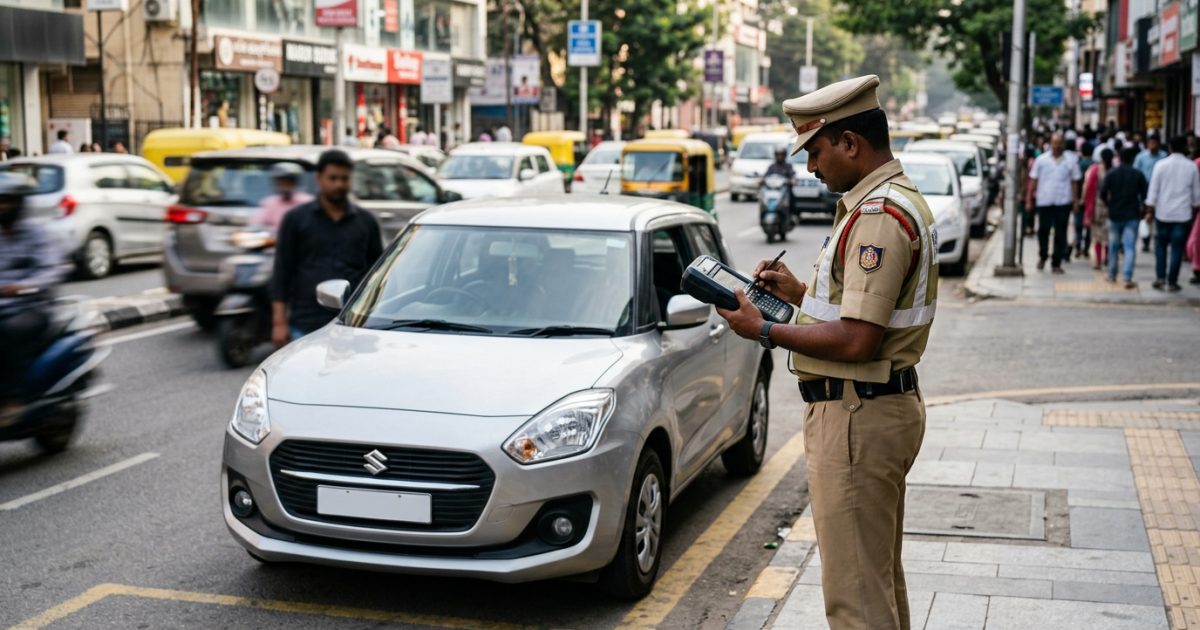
Checking your e challan status online allows you to identify unpaid traffic fines, verify if your registration certificate is blacklisted on VAHAN, and clear penalties before transport authorities suspend services. You can easily inspect your records on the official portal or through the VahanX e-challan check tool using your vehicle number, chassis details, or notice reference.
Key Takeaways
- Unpaid traffic fines exceeding 45 to 90 days trigger automatic vehicle blacklisting on central databases.
- Blacklisted vehicles cannot undergo ownership transfer, fitness renewal, or duplicate RC issuance.
- The Supreme Court reviewed ₹20,000 crore in outstanding fines on 28 September 2026 to push stricter digital lockouts.
- Direct settlement via Parivahan or Virtual Courts clears digital blacklists automatically within 24 to 72 hours.
- Always verify pending challans before purchasing a pre-owned vehicle to avoid inherited liabilities.
| Feature | Details | Official Source |
|---|
| Primary Portal | NextGen e-Challan & VAHAN | echallan.parivahan.gov.in |
| Blacklist Flag | "Not to be Transacted" | vahan.parivahan.gov.in |
| Statutory Law | Rule 167 of CMVR, 1989 | Ministry of Road Transport (MoRTH) |
| Court Settlement | Department of Justice Virtual Courts | vcourts.gov.in |
| Sync Window | 24 to 72 Hours Post-Payment | Central VAHAN Database |
Supreme Court Directives: Why E Challan Status Matters Now
Ignoring electronic traffic notices has become significantly riskier for vehicle owners across India. On 28 September 2026, a Supreme Court bench comprising Justice J.B. Pardiwala and Justice K.V. Viswanathan reviewed the nationwide implementation of electronic traffic enforcement in S. Rajaseekaran v. Union of India.
The apex court was notified of massive revenue leakage: out of nearly ₹45,000 crore worth of e-challans issued across States and Union Territories, only about ₹25,000 crore has been recovered. This leaves an enormous outstanding balance of approximately ₹20,000 crore in uncollected penalties.
To plug this compliance gap, the Supreme Court evaluated stringent enforcement measures. These actions extend beyond standard financial compounding into complete administrative shutdowns for defaulting vehicle owners.
- Digital Service Freezes: Blocking registration certificate (RC) renewals, halting duplicate RC processing, and rejecting change of ownership requests.
- VAHAN Flagging: Placing vehicles directly under the "Not to be Transacted" category on the central database.
- Withholding Mandatory Certifications: Pausing fitness certificate renewals for commercial and private vehicles, alongside Pollution Under Control (PUC) issuance.
- Licence Sanctions: Restricting driving licence renewals and suspending licences for habitual violators recording 5 or more violations in a year.
- Utility Linkage: Justice Pardiwala mooted connecting unpaid traffic penalties directly to defaulting owners' electricity bills to eliminate willful evasion through power disconnection risks.
- Impounding Drives: Directing on-ground traffic enforcement teams to impound flagged vehicles during roadside spot-checks.
Warning: Vehicles carrying prolonged unpaid penalties are being systematically flagged on the national VAHAN register, blocking all routine transport department workflows until dues are cleared.
How to Check Your E Challan Status Online
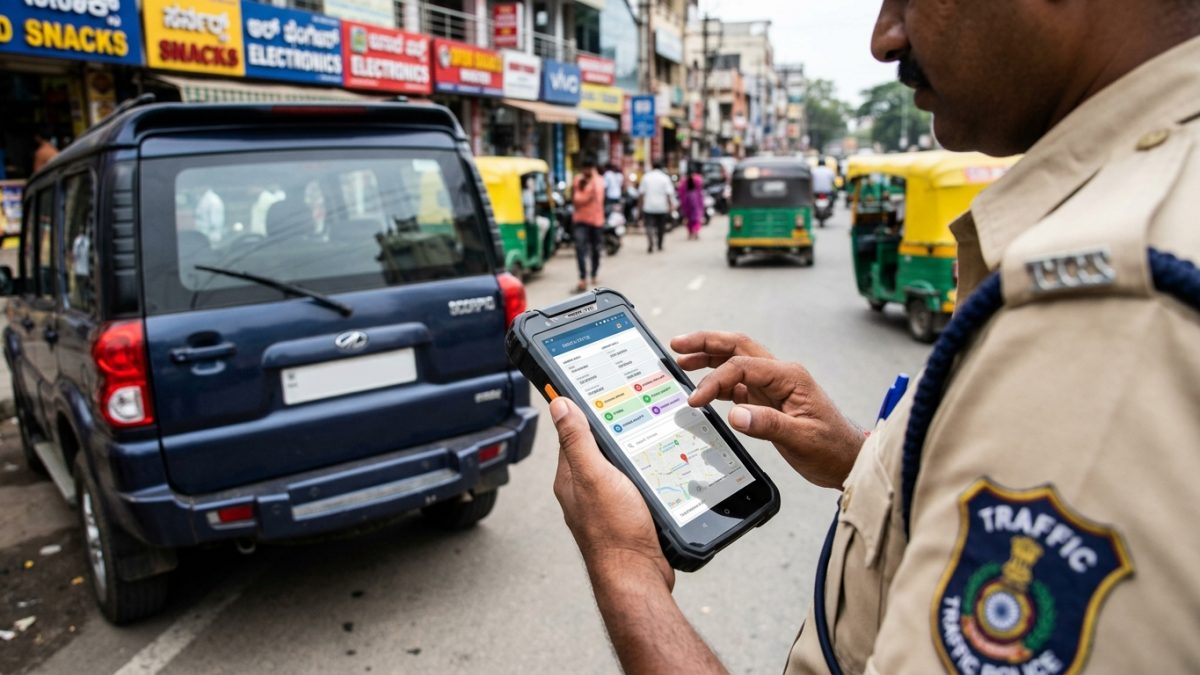
Vehicle owners can verify pending violations and photographic evidence through the central transport portal in a few simple steps. Conducting regular checks helps you spot accidental breaches before cases escalate to judicial magistrates.
Use this simple process to complete your echallan parivahan status check online:
- Open the portal: Navigate to the official Ministry website at echallan.parivahan.gov.in.
- Select check status: Click on the "Check Challan Status" button prominently displayed in the primary menu.
- Choose search parameter: Select either "Challan Number", "Vehicle Number", or "DL Number". If searching by vehicle number, enter the last 5 characters of your chassis number or engine number for security verification.
- Complete verification: Enter the on-screen captcha code accurately and click on "Get Details".
- Review violations: The screen displays the full violation history, including offence date, location, circular circle, fine amount in rupees, CCTV evidence snapshot, and disposal status.
You can also quickly check traffic fine by vehicle number on VahanX to inspect pending enforcement summaries across national registries.
VAHAN Blacklist Check Online: Is Your Vehicle Blocked?
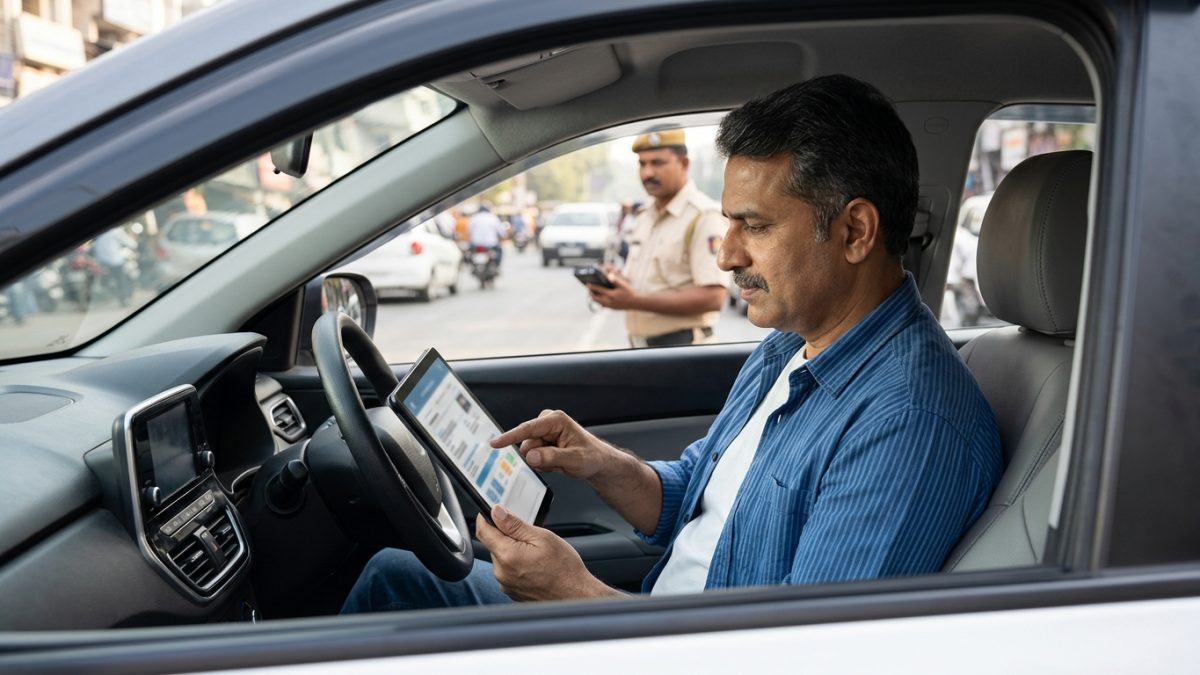
When fines remain unaddressed, transport authorities place the asset on the "Not to be Transacted" registry. Checking your vahan blacklist check online status ensures you are not caught off guard during an urgent transaction.
To view your pending challan blacklist details, follow this verification flow:
- Access citizen portal: Visit the official VAHAN portal at vahan.parivahan.gov.in or launch the mParivahan mobile app.
- Open vehicle inquiry: Under the "Citizen Services" directory, choose "Know Your Vehicle Details" or click on "Blacklist Jankari / Check Pending eChallan/Blacklist Details".
- Authenticate login: Sign in using your registered mobile number and verify the account with the received OTP.
- Submit registration data: Enter your complete vehicle registration number along with the security captcha image.
- Inspect vehicle status: Look directly at the "Vehicle Status / Blacklist Status" row on the dashboard.
If your vehicle is in good standing, the status field displays "ACTIVE" or "No Blacklist". If restricted by an enforcement agency, it marks the asset as "Not to be Transacted" or "Blacklisted", showing the issuing RTO code and violation notice ID.
Tip: If your contact number has changed, follow our guide to update mobile number in Parivahan so you never miss critical enforcement text alerts.
Rule 167 CMVR & Unpaid Traffic Challan Consequences
The operational framework for administrative vehicle locking is anchored in Rule 167 of the Central Motor Vehicles Rules (CMVR), 1989, supported by MoRTH memorandum No. RT-11036/09/2023-MVL. Understanding these timelines helps prevent unexpected service disruptions.
| Enforcement Stage | Timeline | Legal Action | RTO Impact |
|---|
| Compounding Stage | Days 1 to 45 | Direct online payment via portal | All RTO services remain accessible |
| Show-Cause Window | Days 46 to 90 | Final settlement notice issued | Routine processing warnings active |
| Rule 167 Blacklist | Beyond 90 Days + 10 Days Notice | Flagged as "Not to be Transacted" | Complete freeze on non-tax RTO services |
| Judicial Escalation | Post-Compounding Window | Transferred to Virtual Courts | Summons and potential vehicle impounding |
The legal consequences of unpaid traffic challans directly paralyze your ability to manage your vehicle at transport offices. Once a vehicle carries the blacklisted marker, the central software automatically prohibits specific transactions.
- Ownership Transfers: You cannot execute a vehicle sale or transfer ownership via Form 29 and Form 30.
- Fitness Certificates: Mandatory fitness test scheduling and validity extension for commercial and private vehicles are blocked.
- RC Renewals & Duplicates: Processing duplicate registration cards or applying for RC renewal is completely denied.
- NOC Issuance: Transport offices cannot process a No Objection Certificate (NOC) required for interstate transfers.
- Hypothecation Changes: Adding, continuing, or removing loan hypothecation endorsements is rejected by the system.
- Address Changes: Updating registered residential or business addresses is locked out.
Road tax collection applications are generally exempted from this lockout to ensure owners do not inadvertently fall into tax default.
How to Pay Fines and Complete RTO Vehicle Blacklist Removal
Resolving your pending dues automatically restores standard administrative functionality to your registration record. Depending on whether your case is at the compounding stage or referred to the judiciary, select the appropriate settlement route.
| Settlement Channel | Portal / Venue | Eligibility | Clearing Time |
|---|
| NextGen Portal | echallan.parivahan.gov.in | Active pending compounding fines | 24 to 72 Hours (Auto) |
| Virtual Court | vcourts.gov.in | Notices transferred to magistrate | 24 to 48 Hours (Auto) |
| Lok Adalat | NALSA / District Court Premises | Contested or heavily accumulated dues | Manual submission at RTO |
To perform an rto vehicle blacklist removal, execute these practical steps:
- Settle pending portal fines: If the challan remains in "Pending" status on the e-Challan portal, click "Pay Now", confirm through mobile OTP, complete digital payment via Bharatkosh, and download your receipt.
- Resolve court-referred challans: If flagged as "Sent to Virtual Court", visit vcourts.gov.in, select your state, locate the record via vehicle number, agree to the proposed fine, and save the disposal slip.
- Participate in Lok Adalat: For accumulated or disputed violations, register during quarterly National Lok Adalats organized by NALSA to settle penalties at structured concessions.
- Allow system synchronization: Once payment succeeds online, central VAHAN servers automatically clear the "Not to be Transacted" flag within 24 to 72 hours.
- Manual RTO clearance: If technical mismatches keep the vehicle blacklisted past 72 hours, submit copies of your payment receipts to your local RTO or Traffic Police challan desk to unfreeze the record manually.
Note: Automated clearing requires no office visits in most states as long as your transaction status registers as a confirmed success on the central gateway.
Common Challan Grievances and Payment Glitches
Vehicle owners frequently encounter technical errors while tracking or clearing traffic penalties. Knowing how to handle these issues prevents duplicate expenditure and unnecessary disputes.
Payment Deducted but Status Remains Pending
Banking gateway timeouts frequently cause payment receipts to stall. The portal may show the challan as pending even when money leaves your bank account.
Never initiate an immediate second payment. Banking verification networks require 48 to 72 hours to reconcile transactions. Check the "Check Failed/Pending Transaction" tab on the portal to confirm settlement status before attempting another payment.
Wrong Challan Tagging and Cloned Plates
High-speed ANPR cameras occasionally misread character sequences on damaged or dirty registration plates, sending violations to completely uninvolved vehicle owners. If you receive an erroneous penalty, do not pay it blindly.
File a formal online dispute through the official grievance desk at echallan.parivahan.gov.in/gstn/. Upload your vehicle's physical photographs showing visual make, model, and registration plate details to facilitate review and cancellation.
Used Car Buyers: Checking Blacklist and Pending Challans
Buying a pre-owned car or two-wheeler without inspecting its violation history poses severe financial and legal risks. Unpaid challans remain attached to the vehicle asset rather than the individual driver who committed the offence.
If you purchase a car carrying unresolved fines, the transport department will reject your ownership transfer application under Form 29 and Form 30 rules. The software locks the transfer until all historical penalties are settled, forcing you to pay the previous owner's liabilities.
Before signing an agreement or transferring funds, perform an exhaustive RC status and owner verification on VahanX. Confirm that the vehicle status reads active and that no pending prosecution slips are tied to the chassis number.
Remember that state-specific systems, such as localized traffic portals in Karnataka, Telangana, and Tamil Nadu, can take several business days to synchronize with the central Parivahan system. Always verify clearance across both state traffic portals and central registries before concluding a vehicle purchase.
Stay proactive by tracking your records on the VahanX vehicle fine check dashboard periodically. Settling violations promptly protects your driving credentials and guarantees uninterrupted transport services across India.
Conclusion
Regularly reviewing your e challan status protects you from unexpected administrative blacklists, court summons, and expensive vehicle transfer delays. With transport authorities and courts enforcing stricter accountability through central databases, staying updated on your vehicle records is essential.
Take a minute to verify your vehicle registration and clear outstanding penalties before your transport services are restricted. Inspect your vehicle details today using our direct challan search tool on VahanX to ensure your road records stay completely clean.