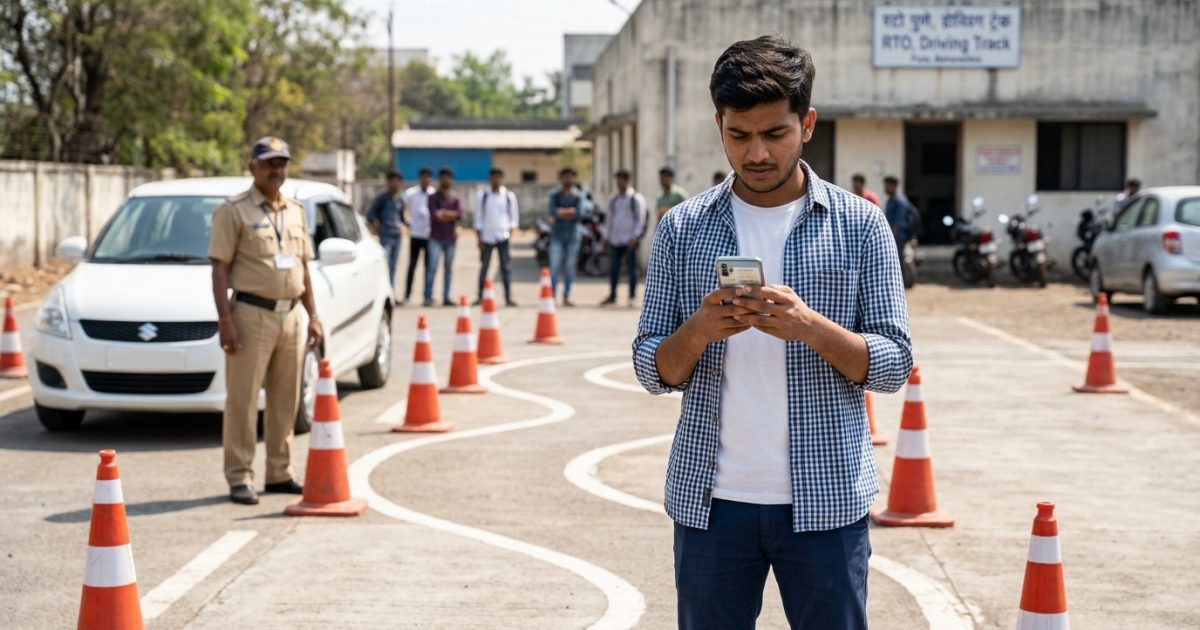
To check your driving licence status online, open the official Sarathi Parivahan portal, select your state, and click Application Status. Enter your application number and date of birth to track your test result, RTO verification desk, smart card printing queue, and India Post Speed Post parcel tracking number.
Whether you applied for a new licence, completed a renewal, or requested a duplicate card, you can verify your records instantly using the driving licence status search tool before checking postal dispatch details.
Key Takeaways
- Check application progress anytime on Sarathi Parivahan using your application number and date of birth.
- Digital licences appear on DigiLocker within 24 to 48 hours of driving test approval.
- Speed Post tracking codes appear on your Sarathi dashboard once smart cards enter the dispatch queue.
- Physical card delivery generally requires 7 to 30 days depending on local RTO card printing stock.
- Digital driving licences carry full legal validity across India under Rule 139 of the CMVR.
| Feature | Details |
|---|
| Official Portal | sarathi.parivahan.gov.in |
| Information Required | Application Number, Date of Birth |
| Online Tracking Fee | ₹0 (Completely Free) |
| Digital DL Issuance | 24 to 48 hours post-approval |
| Physical Delivery Mode | India Post Speed Post |
| Physical Delivery Timeline | 7 to 30 working days |
How to Complete a Driving Licence Status Check on Sarathi
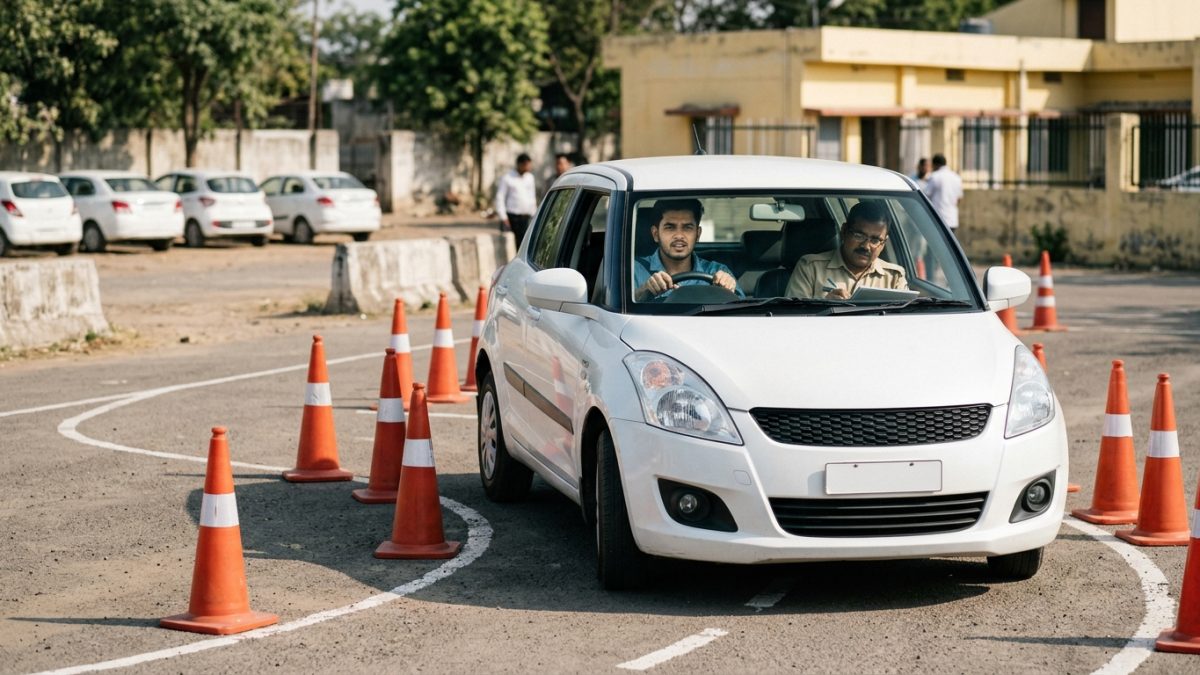
The Ministry of Road Transport and Highways (MoRTH) manages all licensing services through the centralised Sarathi portal. You can perform a driving licence status check from any state without visiting your local RTO counter.
- Visit the official portal: Navigate to the Sarathi Parivahan portal or enter via the main MoRTH Parivahan website by choosing Driving Licence Related Services under Online Services.
- Select your state: Choose the state where you submitted your driving licence application from the drop-down menu.
- Open the status module: Click on the Application Status button positioned on the top-right toolbar of the portal banner.
- Submit your credentials: Enter your Application Number, Date of Birth in DD-MM-YYYY format, and the security captcha code shown on the screen.
- Review the workflow timeline: Click Submit to view the comprehensive activity log divided into completed stages and pending verification actions.
Always verify that your date of birth matches the format on your application receipt exactly. A single typo will prevent the portal from retrieving your records.
Understanding Driving Licence Application Status Stages
When you check your sarathi parivahan application status, the dashboard displays sequential milestones. Knowing which desk handles your file helps you identify whether your application is proceeding on schedule.
| Workflow Stage | Processing Authority | Standard Timeline |
|---|
| Document Scrutiny | RTO Clerical Desk | 1 to 3 working days |
| Biometrics & Photo | RTO Desk / Aadhaar e-KYC | Same day or instant |
| Skill Test Endorsement | Motor Vehicles Inspector (MVI) | Same day to 48 hours |
| Licence Approval | Licensing Authority (LA) | 2 to 7 working days |
| Smart Card Printing | Card Personalisation Vendor | 3 to 15 working days |
| Postal Dispatch | India Post Booking Hub | 3 to 7 working days |
1. Scrutiny and Document Verification
RTO staff members review your submitted identity proof, address proof, and Form 1 medical declarations. In jurisdictions with Aadhaar-based faceless services, automated verification completes this stage quickly.
After you take your practical test on the track, the inspecting officer records your score. A successful result updates your record to show a verified dl test pass status check.
3. Approval and DL Number Generation
Once the Licensing Authority digitally approves the test pass sheet, Sarathi generates your permanent 16-character alphanumeric DL number. Your digital licence becomes active in government databases immediately at this point.
Your record queues for physical PVC card printing or microprocessor chip encoding. Card personalization timelines vary depending on machine capacity and blank card inventory at your local RTO.
5. Postal Dispatch
The RTO bundles completed smart cards into consignments and hands them over to the postal department for final door delivery.
How to Track DL Delivery Speed Post Consignment
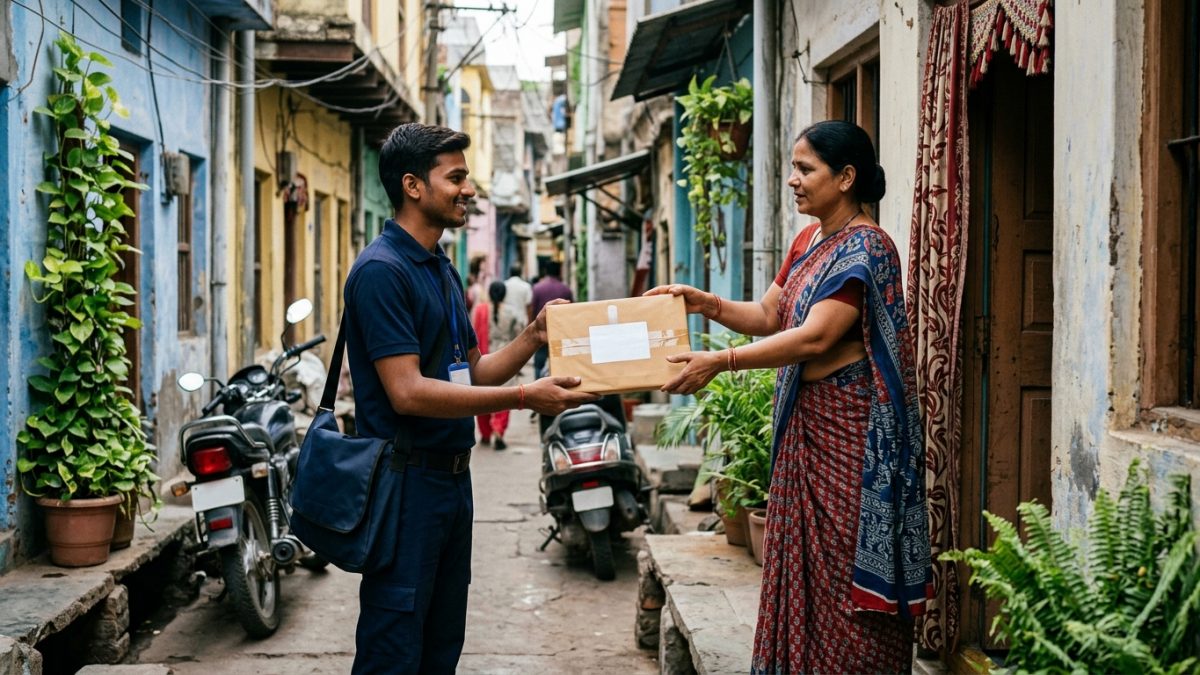
Once your smart card completes the printing stage, you can track dl delivery speed post movement directly to your doorstep. You do not need to visit your local RTO to collect the card unless delivery fails.
- Locate the consignment number: Log into the Sarathi application status page and navigate downward to the Postal Details or Dispatch of Driving Licence row.
- Copy the tracking code: Note down the 13-character consignment code ending in IN, such as EA123456789IN or JA123456789IN.
- Open the postal tracking system: Go to the official India Post Consignment Tracking page.
- Track parcel movement: Enter your 13-digit consignment code, solve the numeric calculation captcha, and click Search to review the dispatch trail.
Speed Post barcodes are often generated in electronic manifests 24 to 72 hours before physical parcel crates reach the post office. If India Post shows Consignment Details Not Found, check again after 2 to 3 working days.
Keep your government photo identity proof accessible at your registered home address. Speed post articles containing high-value driving licence cards often require an in-person signature or OTP verification upon delivery.
Why Is Your Driving Licence Application Status Under Processing at RTO Level?
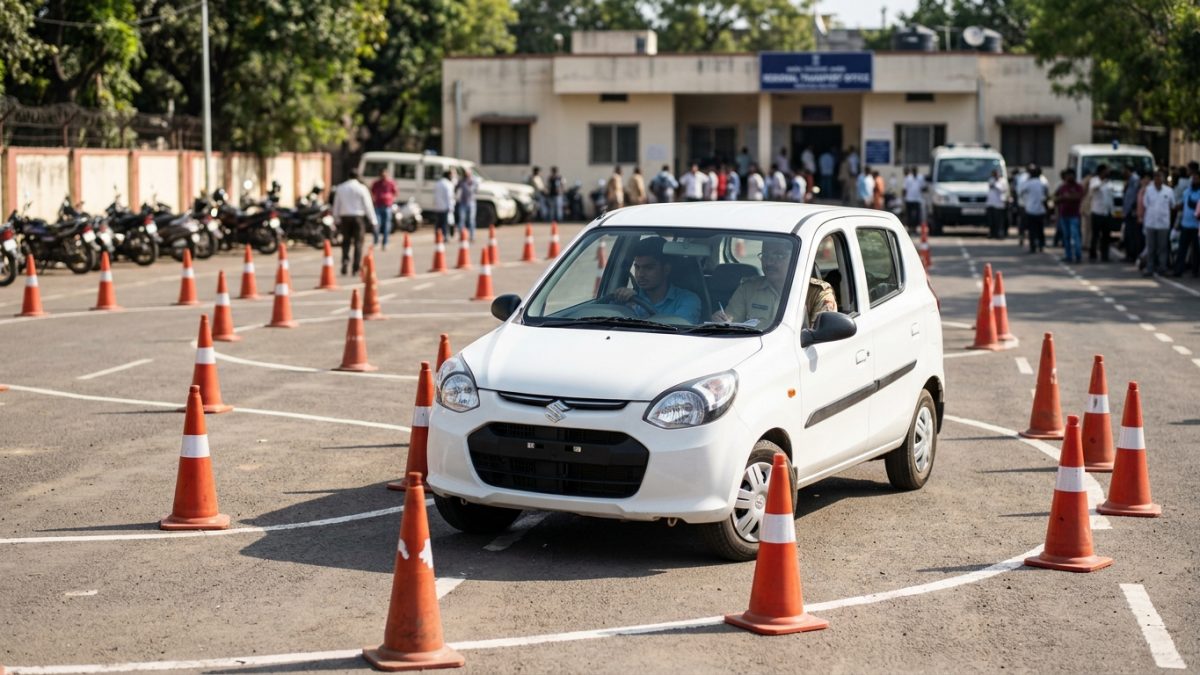
A common notification during a driving licence application status inquiry is the message stating that your file is under processing at RTO level. This notification simply indicates that administrative action is pending at an internal desk.
Stuck at Scrutiny Desk
If processing stalls at document scrutiny, inspect the Remarks column on Sarathi. Unclear document scans, address discrepancies, or missing signatures cause officers to put files on hold. You can upload corrected files through the Upload Document module on Sarathi.
Stuck After Driving Test
If you passed the physical test but the status does not show approval, the Motor Vehicles Inspector may not have uploaded the batch evaluation sheet yet. Approvals generally clear within 2 to 7 working days once inspectors upload results.
Stuck at Printing and Chip Personalisation
Extended pauses at card printing frequently stem from national supply constraints. Several transport departments, including those in Karnataka, Maharashtra, Punjab, and Jammu & Kashmir, periodically face shortages of blank PVC cards and semiconductor chips. While your physical card awaits printing, your driving licence remains legally valid in electronic form.
Stuck at Postal Dispatch
If your card remains at dispatch for weeks, verify your residential address details. Returned parcels marked with Door Locked, Incomplete Address, or Insufficient Details return to the custody of the issuing RTO. You can verify your designated jurisdiction using the RTO office directory to retrieve undelivered cards.
If your card returns undelivered to the RTO, visit the local transport counter with your original application receipt and proof of address to collect it by hand.
Driving Licence Statutory Fees and Charges
Under Rule 32 of the Central Motor Vehicles Rules (CMVR), 1989, statutory fees remain standardised for licensing services across India. Tracking your application online is completely free of charge.
| Licence Service (CMVR Rule 32) | Government Fee | Smart Card Form 7 Fee | Total Standard Fee |
|---|
| Learner Licence (LL) per class | ₹150 | — | ₹150 |
| LL Test / Re-test Fee | ₹50 | — | ₹50 |
| Driving Skill Test Fee | ₹300 | — | ₹300 |
| Fresh Permanent DL Issue | ₹200 | ₹200 | ₹400 |
| DL Renewal (Grace Period) | ₹200 | ₹200 | ₹400 |
| Late DL Renewal (After 1 Year) | ₹300 + penalty | ₹200 | ₹500 + penalty |
| Duplicate DL / Address Update | ₹200 | ₹200 | ₹400 |
Individual state transport departments often add a nominal Speed Post dispatch fee of around ₹50 and an online portal facilitation fee between ₹30 and ₹50. Confirm final state-specific totals on Sarathi before completing digital payments.
State-Wise Delivery Policies and Digital Licence Validity
Physical card handling procedures vary by state transport department, even though Sarathi manages records centrally across India.
- Tamil Nadu: The transport department discontinued issuing physical smart cards for licences, providing applicants with a digitally signed QR-coded digital copy on the day of test completion.
- Delhi and Maharashtra: Contactless licensing workflows allow applicants to process renewals and duplicates purely via Aadhaar e-KYC, with cards delivered via Speed Post.
- Karnataka and Punjab: When vendor supply cycles delay smart card printing, authorities encourage drivers to present digital credentials on DigiLocker or mParivahan.
Digital driving licences stored inside DigiLocker or mParivahan carry equal legal standing to physical PVC cards under Rule 139 of the CMVR, 1989, and Section 9A of the Information Technology Act, 2000. Traffic enforcement officers must accept these digital credentials during road inspections. You can review official regulatory policies on the MoRTH licensing guidelines page.
Maintaining an active licence also protects you during regular roadside checks. If you suspect an officer issued an electronic ticket during verification, review your records through the e-challan status checker or read our guide on checking e-challan photo proofs online.
How to Check Driving Licence Application Status Without Application Number
If you lost your acknowledgment slip or misplaced your SMS alert, you can recover your details directly on the portal to check dl status online without visiting an RTO office.
- Open Sarathi services: Access the Sarathi portal, select your home state, and navigate to the top horizontal navigation bar.
- Choose application recovery: Click on the Others drop-down menu and select the Find Application Number option.
- Input personal records: Select your State and local RTO, then enter your First Name, Date of Birth, and registered Mobile Number.
- Verify with OTP: Enter the security captcha, click Submit, and type in the one-time password received on your phone.
- Retrieve your number: The portal will display all application numbers linked to your profile, enabling you to check your processing stage immediately.
Always register your active mobile number on Sarathi. Every critical OTP verification and Speed Post dispatch update relies entirely on this number.
After your permanent licence number is generated, you can inspect your active vehicle records, licence validity dates, and authorized vehicle categories using our online driving licence status verification platform.
Conclusion
Monitoring your driving licence status online takes the guesswork out of RTO approvals, test endorsements, and smart card printing queues. By referencing your Sarathi application number and postal consignment code, you can follow your document journey from the driving track directly to your doorstep.
If physical card printing faces local supplier backlogs, download your digital licence to DigiLocker immediately to drive legally and check your updated credentials through our quick verification tools.