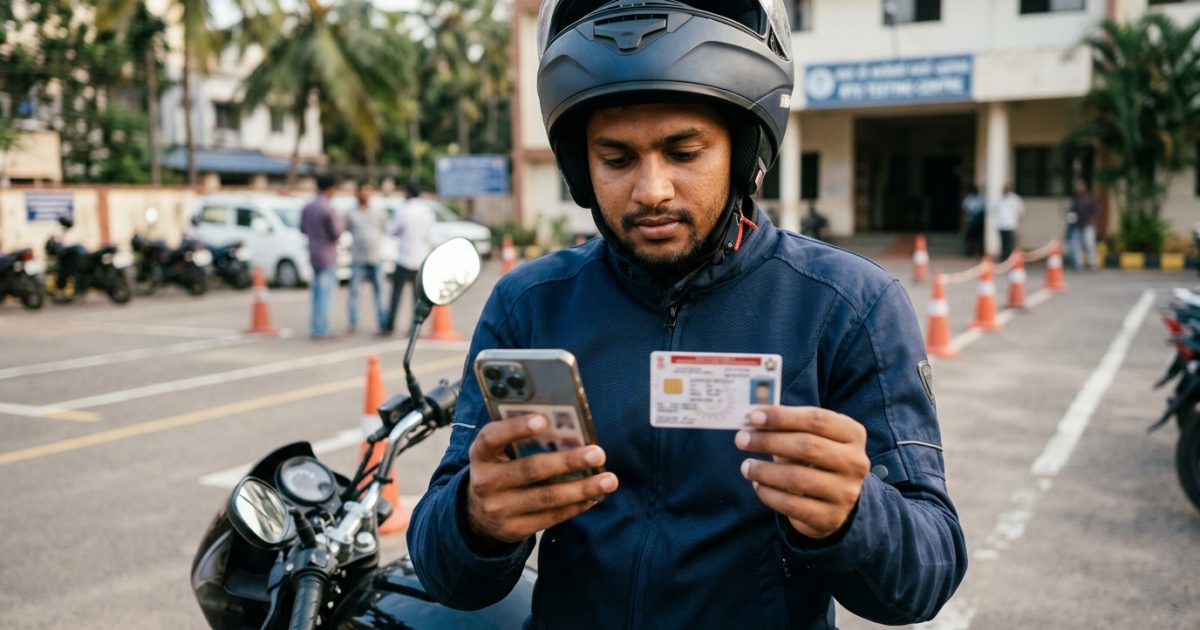
To complete a driving licence check online, visit the official Parivahan Sewa portal at parivahan.gov.in and select "Know your License Details". Enter your 15-character driving licence number, date of birth, and captcha to instantly check your licence validity, active status, and endorsed vehicle classes. You can also run an instant verification using the VahanX driving licence status search.
Key Takeaways
- Check DL validity using just your licence number and date of birth on Parivahan.
- Driving on an expired or fake licence attracts a ₹5,000 fine under Section 181.
- Commercial licences are valid for 5 years, while private licences depend on age tiers.
- Legacy paper booklets must undergo RTO backlog entry to appear on Sarathi.
- Virtual DLs stored in DigiLocker or mParivahan carry legal validity under Rule 139 CMVR.
| Verification Parameter | Official Details |
|---|
| Official Government Portal | sarathi.parivahan.gov.in / Parivahan Sewa |
| Mandatory Input Credentials | DL Number and Date of Birth (DD-MM-YYYY) |
| Official Verification Fee | Free (₹0 on Parivahan and mParivahan) |
| Information Retrieved | Holder Name, Validity, Active Status, Vehicle Categories (COV) |
| Legal Penalty for Invalid DL | ₹5,000 fine and up to 3 months imprisonment (Section 181) |
Why You Must Do a Driving Licence Check Online
Verifying your driving licence status is no longer just a routine check before renewal. Under the Motor Vehicles (Amendment) Act, enforcement is strict and automated across Indian roadways.
Driving with an invalid, expired, or counterfeit licence attracts a mandatory ₹5,000 fine under Section 181, along with potential community service or up to three months of imprisonment. Commercial fleet operators and vehicle owners face an identical ₹5,000 penalty under Section 180 for allowing unauthorized individuals to drive their vehicles.
Regular verification also protects your motor insurance policy. If an accident occurs while you operate a vehicle with an expired licence or unendorsed vehicle category, insurance providers can repudiate both own-damage and third-party liability claims. You can also cross-verify any pending penalties on your vehicle using our e-challan status search.
Warning: Allowing an unlicensed driver or juvenile to operate your vehicle invites severe penalties, including a ₹25,000 fine and cancellation of vehicle registration for one year under Section 199A.
How to Check DL Validity Online: Step-by-Step Portal Guide

The Ministry of Road Transport and Highways (MoRTH) provides three secure ways to complete a driving licence verification online. Motorists, fleet managers, and employers can use any of these methods without paying an agency fee.
- Open the official portal: Go to the official MoRTH portal at parivahan.gov.in/rcdlstatus.
- Input your credentials: Type your complete Driving Licence Number without unnecessary spaces or slashes.
- Enter your date of birth: Select or enter your birth date matching RTO records in standard DD-MM-YYYY format.
- Complete the captcha: Type the displayed alphanumeric verification code accurately.
- Submit the query: Click on Check Status to fetch your real-time validity, active state, and vehicle endorsements.
Option B: Sarathi Parivahan DL Check by State
- Access Sarathi: Open sarathi.parivahan.gov.in in your web browser.
- Select your state: Choose the state where your licence was issued or where you currently reside.
- Navigate to services: Hover over the Driving Licence menu and select Services on DL.
- Enter verification details: Submit your DL number and date of birth, then select your registered RTO jurisdiction.
- Review the digital register: Click Get DL Details to see your central record, registered photo, and expiry dates.
Option C: NextGen mParivahan App
- Install the application: Download the NextGen mParivahan app published by the National Informatics Centre (NIC).
- Sign in securely: Register using your active mobile number and create a 6-digit MPIN.
- Create a virtual DL: Navigate to the DL Dashboard, enter your DL number and date of birth, and tap search.
- View the digital card: Save the Virtual DL to access an encrypted QR code recognized under Rule 139 of the CMVR.
Tip: You do not need an OTP or Aadhaar authentication to check basic licence status. This allows employers to verify potential commercial drivers instantly.
In the past, regional RTOs issued physical booklets and cards with arbitrary regional numbering schemes. Today, NIC operates a unified 15 to 16-character alphanumeric architecture across the central Sarathi database.
Understanding this structure ensures you enter the exact characters during a check dl details with date of birth query:
| Character Segment | Format Example | Administrative Significance |
|---|
| Characters 1–2 | DL, MH, KA, UP | Two-letter state jurisdiction code |
| Characters 3–4 | 01, 14, 03 | Issuing Regional Transport Office (RTO) code |
| Characters 5–8 | 2018, 2022 | Four-digit year of original licence issuance |
| Characters 9–15 | 0045678 | Seven-digit sequential issuance number padded with zeros |
If you hold a legacy licence carrying old notations such as "1234/BXR/03", your RTO assigns a mapped 15-character equivalent during digitization. Entering outdated slashes often causes verification errors.
Driving Licence Active or Suspended Check: Validity Rules
When running a driving licence active or suspended check, the system outputs your status as Active, Inactive, Suspended, or Cancelled. Understanding statutory validity intervals helps you avoid driving on a lapsed permit.
As updated under the Motor Vehicles (Amendment) Act, validity rules depend strictly on your age and vehicle category:
| Licence Category | Holder Age at Issue / Renewal | Statutory Validity Duration |
|---|
| Non-Transport (Private) | Below 30 Years | 20 years or until reaching 40 years of age (whichever is earlier) |
| Non-Transport (Private) | 30 to 50 Years | 10 years |
| Non-Transport (Private) | 50 to 55 Years | Valid until the holder reaches 60 years of age |
| Non-Transport (Private) | Above 55 Years | 5 years |
| Transport (Commercial) | Any Eligible Age | 5 years |
| Hazardous Goods Transport | Certified Commercial Drivers | 3 years (requires mandatory refresher training) |
Under Rule 32 of the Central Motor Vehicles Rules, you can apply for renewal up to one year before expiry and up to one year after. If your licence remains expired beyond one year, Section 9(3) mandates that you pass a fresh driving competence test at the RTO. If your renewal application is already in progress, track it via our guide on driving licence application tracking.
Important: Renewing a licence more than one year after expiry incurs an additional late penalty of ₹1,000 per year or part thereof, on top of the standard renewal fee.
Decoding Vehicle Categories: Class of Vehicle (COV) Endorsements
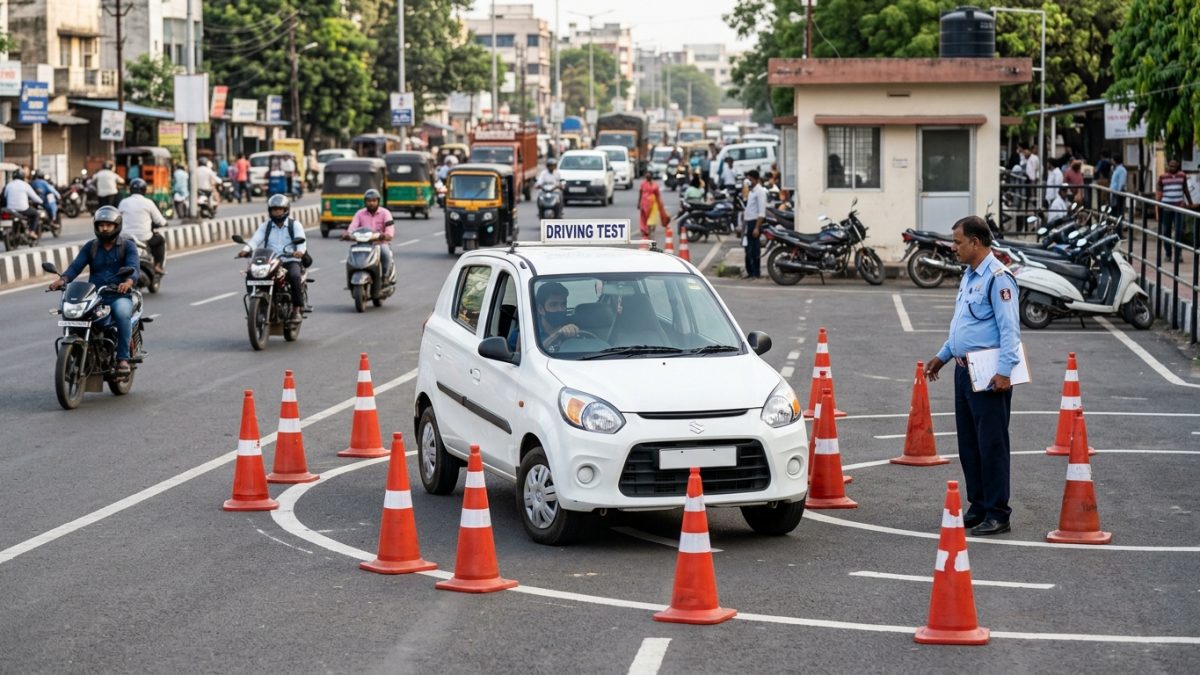
A driving licence is only valid for the specific vehicle classes endorsed on it. When running a verification check on Parivahan, review the Class of Vehicles (COV) section carefully.
| COV Category Code | Official Description | Permissible Vehicles to Drive |
|---|
| MCWOG | Motorcycle Without Gear | Two-wheelers up to 50cc or gearless scooters (e.g., Activa, Jupiter) |
| MCWG | Motorcycle With Gear | All geared two-wheelers, motorcycles, and scooters of any engine size |
| LMV | Light Motor Vehicle | Private passenger cars, sedans, hatchbacks, and SUVs under 7,500 kg unladen weight |
| TRANS / LMV-TR | Transport Vehicle | Commercial delivery vans, taxis, passenger buses, and heavy trucks |
| 3W-NT / 3W-TR | Three-Wheeler (Private / Commercial) | Auto-rickshaws, e-rickshaws, and three-wheeled cargo delivery carriages |
| HAZ / HAZMAT | Hazardous Goods Carriage | Fuel tankers and trucks carrying dangerous or flammable industrial goods |
| SPEC | Special Construction Equipment | Forklifts, cranes, excavators, road rollers, and heavy machinery |
Operating a vehicle outside your endorsed categories constitutes driving without a valid licence under Section 3 of the Motor Vehicles Act. You can find contact details for your licensing authority on our RTO office directory.
Check Driving Licence Authenticity Parivahan: How to Spot Fake Licences
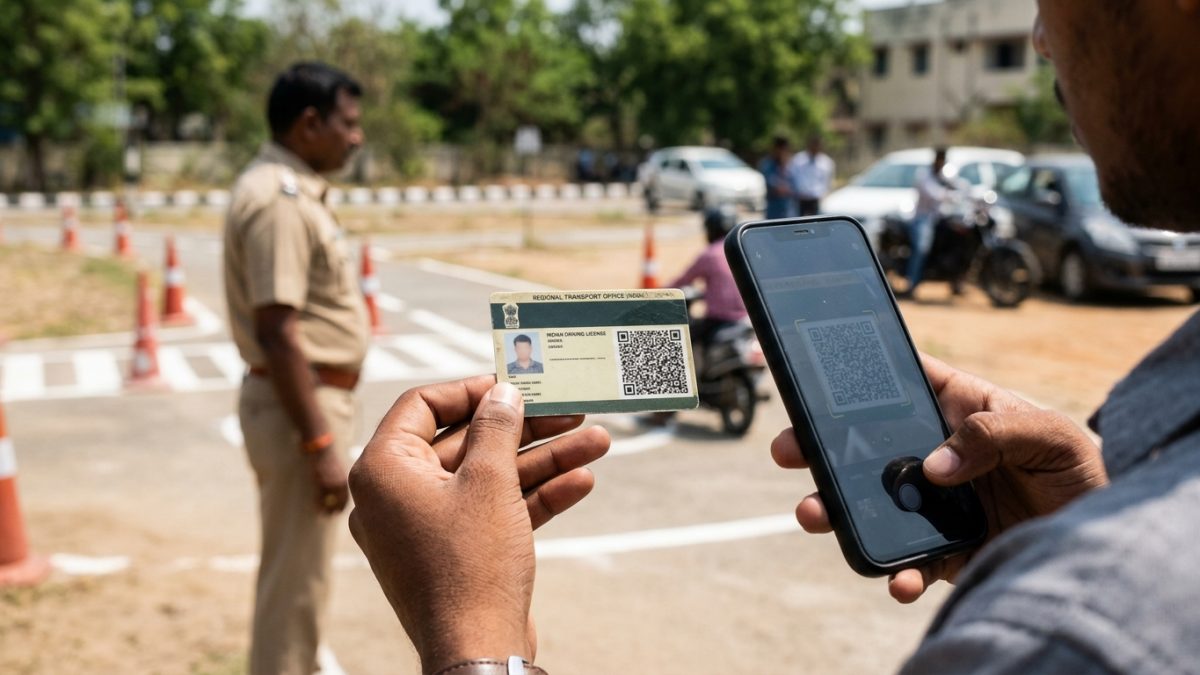
Counterfeit driving licences procured through unauthorized middlemen remain a widespread risk. Employers, vehicle rental providers, and drivers should take four definitive steps to verify licence authenticity:
1. The Central Database Query
Run a check driving licence authenticity parivahan search via the national portal. A genuine licence always displays corresponding holder details on the Sarathi database. If the portal repeatedly returns "Record Not Found" despite correct inputs, the document is either un-digitized or fake.
2. Digital QR Code Scanning
Authentic PVC smart card licences feature an encrypted 2D QR code on the front or rear face. Scanning this code with the scanner inside the NextGen mParivahan app reveals cryptographically signed details, including the driver name, licence number, and authorized COV categories.
3. DigiLocker Document Fetching
Log in to DigiLocker using your Aadhaar credentials and pull your digital driving licence from the Ministry of Road Transport and Highways. DigiLocker pulls documents directly from MoRTH servers. If the system cannot locate your record, your licence is not linked to the National Register.
4. Physical Security Characteristics
Genuine smart cards issued by state transport departments incorporate micro-printed security borders, holographic state emblems, laser-etched serial codes, and secondary faint ghost photographs that common card printers cannot replicate.
Why Are My Licence Details Not Showing on Sarathi Parivahan?
If your sarathi parivahan dl check returns an error or empty result, several operational reasons could be responsible:
- Un-digitized Legacy Licence: Licences issued as paper booklets or laminated sheets prior to RTO computerization exist only in manual registers and have not been uploaded to Sarathi.
- Formatting Discrepancies: Older licences often contain hyphens, slashes, or legacy district codes that do not align with the standard 15-character scheme.
- Date of Birth Mismatch: Clerical errors during historical data entry may have caused a discrepancy between your actual birth date and RTO records.
- Licence Suspension: Licences suspended or revoked by an RTO due to repeated violations, judicial orders, or medical conditions may be restricted from public view.
- Bogus Document: Licences purchased from unauthorized touts without official biometrics and RTO testing do not exist on government servers.
Mistake to Avoid: Never pay agents who promise to "activate" missing licences online without an RTO visit. Digitization requires physical verification against original manual records.
How to Fix Missing Records: DL Backlog Data Entry
If your older licence is genuine but missing from the central Sarathi system, you must complete the DL Backlog Data Entry process. This updates your record from the RTO manual register (known as the Chitta or Matric) into the central database.
- Check online backlog availability: Visit sarathi.parivahan.gov.in, choose your state, and look for "DL Backlog Data Entry" under driving licence services.
- Submit paper details: Enter your historical licence number, original issue date, issuing authority, and endorsed vehicle categories.
- Upload supporting records: Upload scanned copies of your original paper licence, identity proof, address proof, and recent photograph.
- Visit the issuing RTO: If your state does not support citizen backlog requests online, carry your physical licence booklet and self-attested Aadhaar card to the original issuing RTO counter.
- Receive your smart card: Once the RTO clerk verifies the entry against the manual register, a new 15-character DL number is assigned and a modern smart card is issued.
Conclusion
Running a regular driving licence check online ensures your legal authorization remains active, prevents heavy traffic fines, and protects your motor insurance claims. Verify your documents on Sarathi Parivahan today or use the VahanX driving licence status tool to check your validity and vehicle endorsements in seconds.