Key Takeaways
- To check vehicle history India, verify the Owner Serial Number and hypothecation status on the Parivahan portal.
- A vehicle showing an active bank hypothecation cannot be transferred without Form 35 and a lender NOC.
- Pending challans or police FIRs lock the vehicle file, blocking all RTO ownership transfer services.
- Cross-check insurance No Claim Bonus (NCB) and dealer service logs to detect unlisted accident repairs.
- Inspect structural aprons, factory spot welds, and OBD-II electronic modules to uncover hidden crash damage or odometer tampering.
To check vehicle history India before purchasing a used car or two-wheeler, verify the registration status and owner serial number on the official Parivahan portal, audit pending e-challans, inspect insurance claim records via dealer service logs, and perform a physical check of the chassis aprons and electronic control modules.
Before you hand over a token deposit, start with an instant online background check. You can easily check RC and vehicle owner details to confirm the vehicle class, registration validity, and whether an active bank loan remains attached to the registration certificate (RC).
| Verification Check | Platform / Source | Primary Information Verified | Estimated Cost / Timeline |
|---|
| Owner Count & RC Status | Parivahan / mParivahan | Owner Serial Number, RC status, fitness, tax expiry | Free (Instant) |
| RC Particulars (Form 24) | VAHAN Citizen Portal | Unmasked engine/chassis numbers, full financier logs | ₹50 - ₹100 (Instant download) |
| Blacklist & Challans | MoRTH e-Challan Portal | Unpaid fines, police FIRs, court notices | Free (Instant) |
| Accident & Service Logs | Brand Dealer DMS & Insurance | NCB status, major body panel replacements, mileage logs | Free with owner consent |
How to Check Vehicle Ownership History Parivahan and RTO Records
The Ministry of Road Transport and Highways (MoRTH) maintains centralized vehicle databases across India through the VAHAN network. Performing an initial used car background check India begins with examining the Owner Serial Number on the RC.
Understanding the Owner Serial Number (Owner Sr. No.)
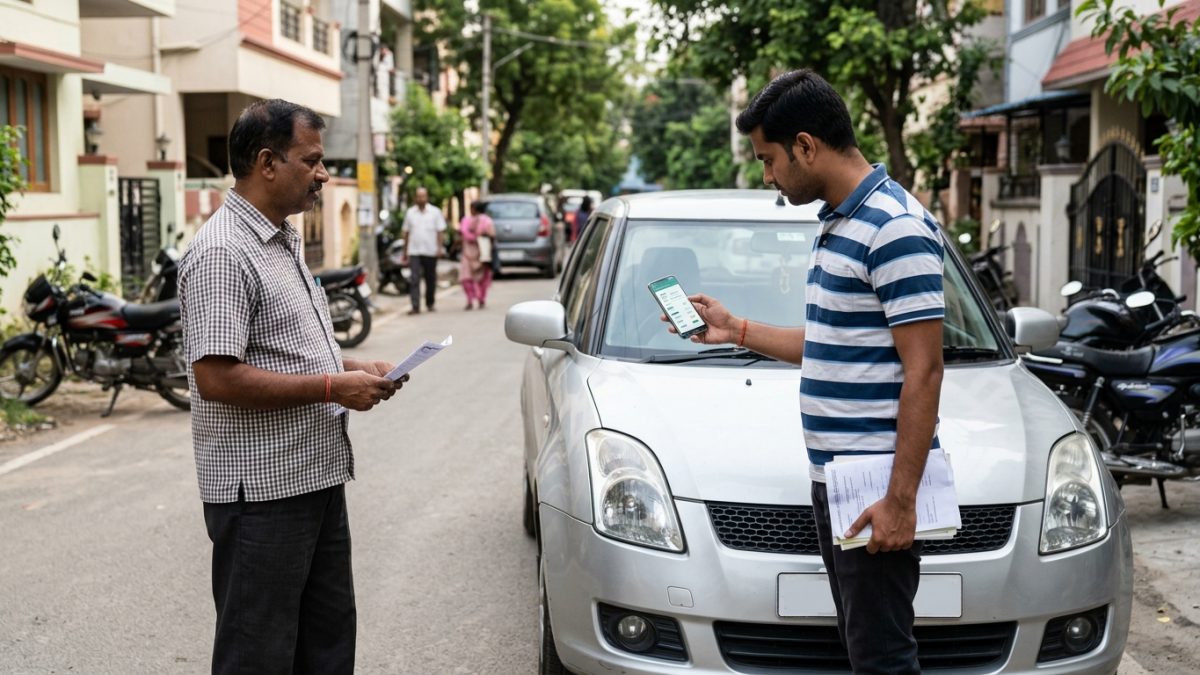
The Owner Serial Number defines the exact legal ownership hierarchy of the automobile. If the RC displays 1, the current seller is the original owner. If the portal lists 2, the current seller acquired it used, meaning your purchase will make you the third legal owner.
To protect privacy and prevent automated identity scraping, public government portals partially mask personal names (such as R*** S***). However, key fields like the Owner Serial Number, vehicle class, registration date, and issuing RTO remain fully readable.
Step-by-Step Portal Verification
- Visit the portal: Open the official MoRTH website at parivahan.gov.in.
- Navigate to vehicle search: Under Informational Services, select Know Your Vehicle Details.
- Log in: Sign in using your registered mobile number and OTP.
- Query registration: Enter the vehicle registration number without spaces and solve the security captcha.
- Review the record: Check the RC Status (Active, Suspended, or Cancelled), Owner Serial Number, fuel type, emission norms, and fitness validity.
Warning: Always ensure the seller's identification matches the unmasked name on the physical RC card before exchanging any purchase funds.
A frequent trap when buying a used car or bike is discovering an outstanding bank or NBFC loan after paying the seller. An active hypothecation legally prevents the RTO from transferring ownership to your name.
Spotting Hypothecation Online
When you perform an online vehicle RC check, look directly at the field labeled Hypothecated to. If a financial institution (such as HDFC Bank Ltd or Kotak Mahindra Prime) is listed, the loan remains active in RTO systems.
If the seller claims the loan has been cleared, you must insist on three mandatory documents before signing a sale agreement:
- Original Bank Loan Closure / No Objection Certificate (NOC).
- Two physical copies of Form 35 signed and stamped by the financier.
- Proof that an application for hypothecation termination has been submitted to the RTO. For full procedures, read our guide on hypothecation removal online via Parivahan.
To inspect unmasked engine and chassis numbers alongside full hypothecation records, you can order a certified RC Extract online:
- Access VAHAN services: Go to vahan.parivahan.gov.in/vahanservice/ and choose your state and RTO.
- Select RC service: Click on RC Services and select RC Particulars / Vehicle Particulars.
- Enter identifiers: Input the vehicle registration number and the last 5 characters of the chassis number.
- Authenticate: Verify identity using mobile OTP or Aadhaar authentication.
- Pay the statutory fee: Pay the required fee (as of October 2026, typically ₹50 in Delhi/UP and up to ₹100 in states like Maharashtra or Karnataka, plus portal charges).
- Download extract: Save the digitally signed PDF containing the official RTO QR code.
Vehicle Blacklist and Pending Challan Check
An RTO blacklist stops all administrative transactions immediately. If a vehicle is blacklisted, the RTO software locks the file, making it impossible to transfer ownership, obtain an NOC, or renew fitness certificates.
Why Do Vehicles Get Blacklisted?
- Crime & Theft: Active police investigations, hit-and-run incidents, or theft reports logged via the National Crime Records Bureau (NCRB).
- Unpaid E-Challans: Accumulation of serious traffic violations or matters referred to virtual courts.
- Loan Defaults: Financier repossessions or willful default notices issued to the transport department.
- Tax & Fitness Defaults: Non-payment of commercial road tax or expired roadworthiness certificates.
How to Check Blacklist and Challan Status
You can check the e-challan and blacklisting records in two easy ways:
- Open e-Challan portal: Navigate to echallan.parivahan.gov.in.
- Search by registration: Click on Check Challan Status, provide the registration number, and add the last 5 characters of the chassis or engine number.
- Review the ledger: Inspect unpaid penalties and check if any notice has been sent to a virtual court. You can also monitor pending fines directly using our e-challan status search tool.
- Cross-verify on VAHAN: Visit the VAHAN citizen portal and select Know Your Pending eChallan / Blacklist Details to verify whether any transport office has placed a restriction flag.
Note: Make sure the seller clears all pending virtual court challans before proceeding with ownership transfer, as standard police portals may display zero fines while VAHAN systems block transfer actions.
How to Check Car Accident History in India Using Insurance and Dealer Records
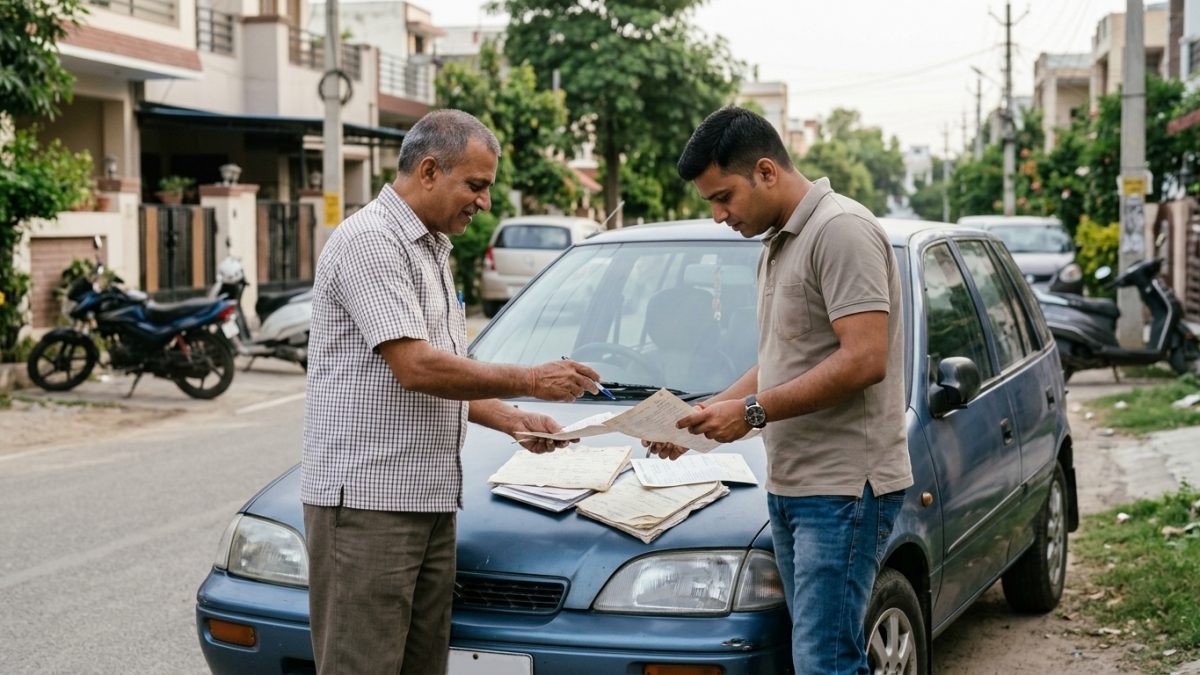
India does not currently offer an open-access, public single-click accident ledger like Carfax. The Insurance Information Bureau of India (iib.gov.in) does not supply line-item repair histories to retail buyers. However, you can accurately track accident repairs using two reliable methods.
Method 1: Audit the Insurance Policy Schedule and NCB
Ask the seller for the latest Comprehensive or Own Damage (OD) insurance policy document. Examine the No Claim Bonus (NCB) percentage:
| Claim-Free Period | Applicable NCB Percentage | Implication for Buyers |
|---|
| 1 Year Claim-Free | 20% | Standard renewal discount after 1 year |
| 2 Consecutive Years | 25% | Vehicle had no recorded OD claim for 2 years |
| 3 Consecutive Years | 35% | Vehicle remained claim-free for 3 years |
| 4 Consecutive Years | 45% | Consistent claim-free driving history |
| 5 Consecutive Years | 50% | Maximum NCB reward; spotless claim history |
If a 4-year-old vehicle reflects an NCB of 0%, an insurance claim was settled during the preceding policy year. Ask the owner for the repair invoice or surveyor sheet to see whether cosmetic or structural parts were replaced.
Method 2: Authorized Brand Workshop History (DMS Scan)
Major manufacturers—including Maruti Suzuki, Hyundai, Tata Motors, Mahindra, Toyota, Honda, and Volkswagen/Skoda—maintain central Dealer Management Systems (DMS) tied to the Vehicle Identification Number (VIN).
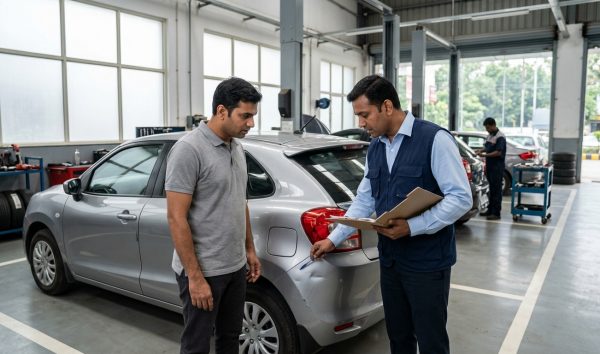
- Obtain seller permission: Accompany the seller to an authorized brand service center.
- Pull the DMS log: Request the service advisor to open the national job-card ledger using the VIN.
- Review body shop invoices: Check for replaced structural elements, bumper and fender repairs, apron alignments, or deployed airbag replacements.
Detecting Odometer Tampering and Fake Service Invoices
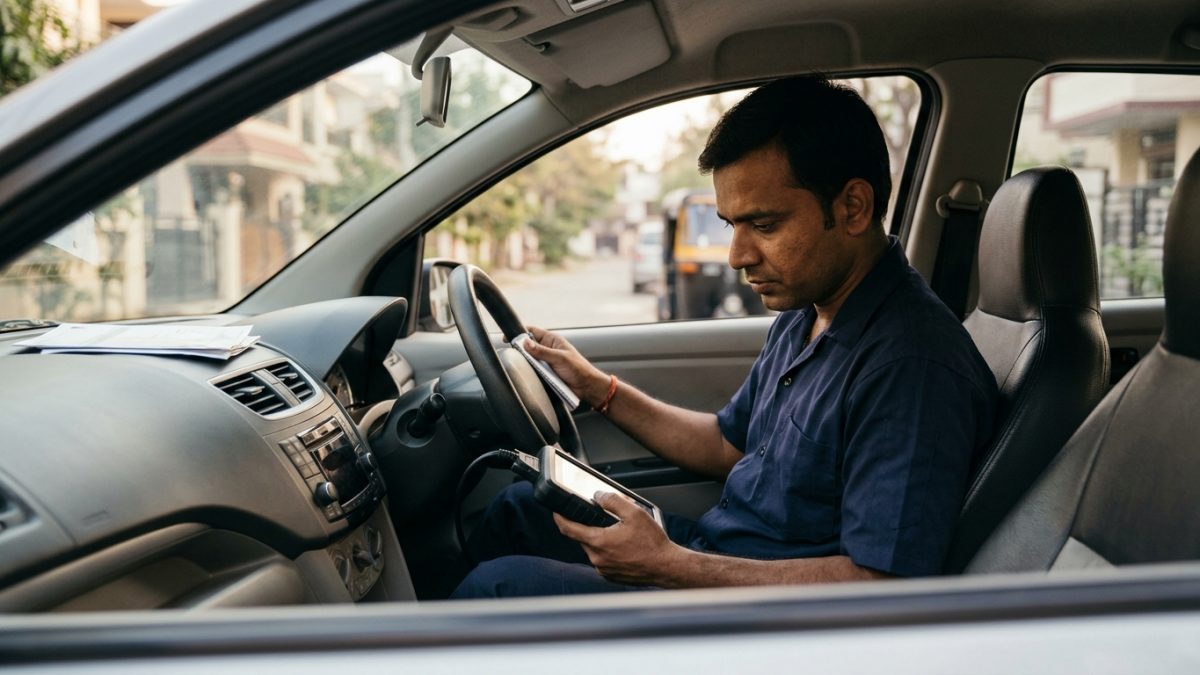
Rolling back digital odometers is commonly done using cheap OBD-II tools that overwrite cluster EEPROM chips. Under Indian law, rolling back mileage to extract financial gain is treated as fraud under Section 318(4) of the Bharatiya Nyaya Sanhita (BNS).
Physical Wear vs. Stated Mileage
- Pedal Rubbers: Rubber covers on the clutch and brake pedals wear down past 70,000 to 80,000 km. A car claiming 25,000 km with worn-down pedal metal is an immediate red flag.
- Steering & Gear Knob: Factory leather or polyurethane grain erodes slowly. Smooth, shiny sections at the 10-and-2 hand positions indicate extensive usage.
- Tyre DOT Codes: Factory tyres generally last between 40,000 and 50,000 km. Check the 4-digit DOT date on the tyre wall (e.g., 2422 means the 24th week of 2022). A vehicle showing 20,000 km with new tyres from 2025 warrants a deeper look.
- Brake Rotor Edge: Feel the outer perimeter of the front brake discs. A pronounced ridge of 1.5 to 2 mm points to 50,000+ km of driving.
Electronic Mileage Verification
Odometers are frequently reset at the display cluster without modifying the electronic engine records. A technician using an advanced OBD-II diagnostic scanner can uncover actual mileage by checking secondary modules:
- Scan the ECU/PCM: Review recorded engine run hours and total operational mileage.
- Query the ABS/ESP module: Read secondary distance figures calculated via wheel speed pulses.
- Scan automatic transmission units: Inspect the Transmission Control Module (TCM), which frequently preserves its own independent distance tracker.
Tip: Always compare the odometer reading against past Pollution Under Control (PUC) certificates, where technicians record physical dashboard numbers into the central Parivahan database.
Spotting Structural Frame Damage and Flood Inundation
Cosmetic paint damage is common, but structural accident damage permanently weakens a vehicle's frame. Take the time to inspect key chassis areas carefully.
Suspension Aprons and Strut Towers
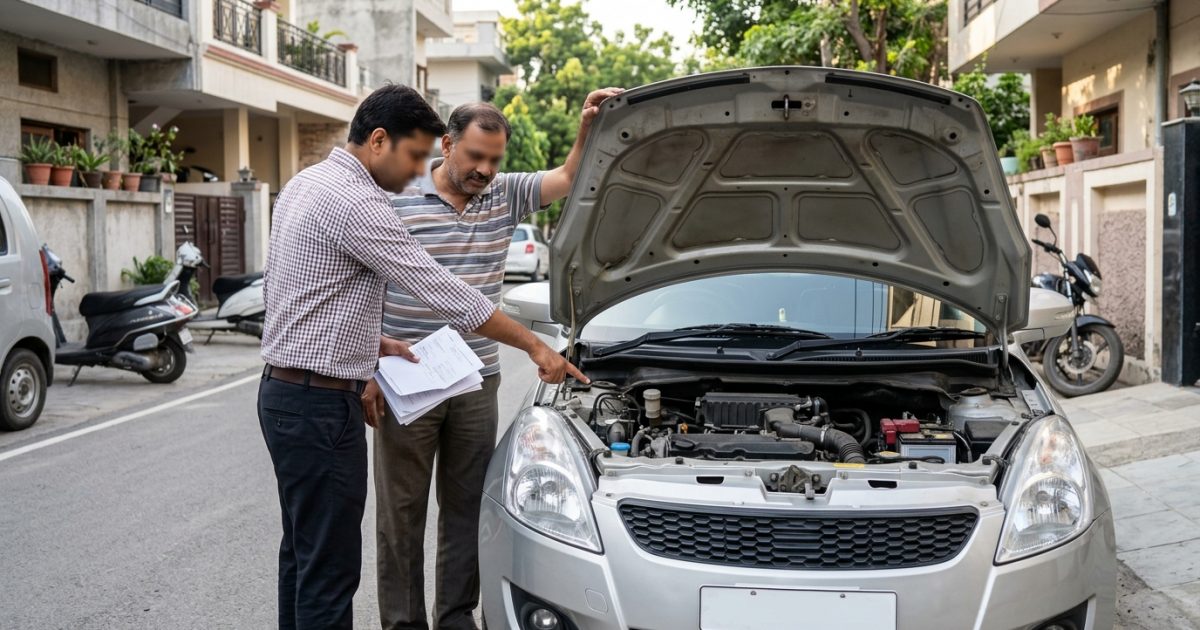
Open the bonnet and look closely at the suspension aprons along the inner wings. Factory seam sealant is applied by automated robots in smooth, clean lines. Wavy sealant, hand-spread silicone, or fresh paint over wrinkled metal indicates that the car has suffered a front collision.
Pillars and Spot Welds
Carefully pull down the rubber weatherstrips along the A, B, and C pillars. Factory spot welds appear as uniform, shallow, machine-pressed dimples. If the underlying frame is completely smooth with body filler, shows manual weld joins, or looks wavy, the car may have undergone a major collision repair or roll-over rebuild.
Paint Depth Gauge (Elcometer) Verification
| Paint Thickness (Microns) | Condition | Action Needed |
|---|
| 80 – 130 µm | Factory Original Finish | Acceptable OEM paint thickness |
| 180 – 350 µm | Repainted / Clear Coat Applied | Inquire about cosmetic scuffs or minor fender benders |
| 500 – 1,000+ µm | Heavy Body Filler (Bondo) | High probability of structural collision impact beneath |
Checking for Flood Damage
Flood-damaged cars can suffer chronic electrical and mechanical failures. Always check for these telltale signs:
- A damp, musty smell inside a vehicle that has been parked in the sun with the windows closed.
- Powdery brown rust along the seat mounting bolts and under the seat tracks.
- Fine sand, dried mud, or silt sitting inside the lower door sill wiring channels.
- Uncharacteristic rust on bare metal brackets mounted beneath the dashboard steering column.
State-Specific Used Vehicle Rules and Pitfalls
Regulations vary across state transport departments. Review the table below to avoid unexpected legal issues before closing a deal.
| State / Jurisdiction | Key Transport Regulation | Purchase Consideration |
|---|
| Delhi-NCR | CAQM/NGT ban on diesel vehicles >10 years and petrol >15 years | RC will be deregistered and cannot be driven or transferred in the NCR zone |
| Interstate Purchases | Mandatory Form 28 (NOC) and lifetime road tax payment in new state | Do not pay in full until the seller provides an RTO Form 28 clearance certificate |
| Telangana & Andhra Pradesh | Historical portal integration nuances with centralized VAHAN 4.0 | Always cross-verify older vehicle hypothecation details on state portals directly |
For a thorough list of legal forms required during the transfer process, refer to our comprehensive guide on the used car documents checklist.
Conclusion
Taking the time to check vehicle history India before paying a deposit protects you from financial fraud, structural safety hazards, and unexpected RTO transfer blocks. Always combine official Parivahan database checks with hands-on physical inspections and dealer service log reviews.
Before you finalize your purchase, run the registration number on VahanX RC Search to confirm ownership records, loan status, and insurance validity with ease.