To complete your learner licence apply online application, visit the official Sarathi Parivahan portal, choose Aadhaar authentication for a faceless process, complete Form 1, pay the statutory fee, and pass the online STALL test from home. This eliminates physical RTO visits and issues your Form 3 permit instantly.
Before you get behind the wheel or apply for your permanent licence, you can use the VahanX portal to check your driving licence status or verify application progress. Under the Motor Vehicles Act, 1988, having a valid learner licence is mandatory before driving on public roads in India.
Key Takeaways
- Aadhaar-based verification enables a completely faceless application without visiting an RTO counter.
- The standard fee is ₹200 for one vehicle class and ₹350 for two classes.
- A mandatory 10 to 15 minute road safety tutorial must be watched before taking the STALL test.
- The online STALL exam requires a 60% passing mark under automated webcam proctoring.
- Learner Licence Form 3 is valid for 6 months (180 days) across all Indian states.
| Feature | Aadhaar Route (Faceless) | Non-Aadhaar Route |
|---|
| Physical RTO Visit | Not Required | Mandatory |
| Test Mode | Online STALL test from home | In-person test at RTO center |
| Standard Single Class Fee | ₹200 | ₹200 |
| Processing Time | Instant (upon clearing test) | 3 to 7 working days |
| Validity Period | 6 Months (180 Days) | 6 Months (180 Days) |
Eligibility Criteria for a Learner's Licence in India
Eligibility rules for obtaining a learner's permit are governed by Section 7 and Section 8 of the Motor Vehicles Act, 1988. Criteria depend on the applicant's age and the category of vehicle chosen.
- Age 16 Years: Eligible only for a motorcycle without gear with an engine capacity not exceeding 50cc. A signed declaration of consent from a parent or guardian is mandatory.
- Age 18 Years: Eligible for Motor Cycle with Gear (MCWG) and Light Motor Vehicle (LMV-NT), which covers private cars, jeeps, and hatchbacks.
- Age 20 Years: Eligible for transport and commercial vehicles. Applicants must have held a permanent LMV licence for at least one continuous year.
Medical fitness requirements vary by age and vehicle class. Applicants under 40 years applying for private non-transport categories only need to submit a digital self-declaration via Form 1 on the portal.
Note: Applicants aged 40 years or above, or those applying for commercial transport classes, must upload Form 1A signed by a registered MBBS medical practitioner.
Documents Required for Learning Licence: Aadhaar vs Non-Aadhaar Route
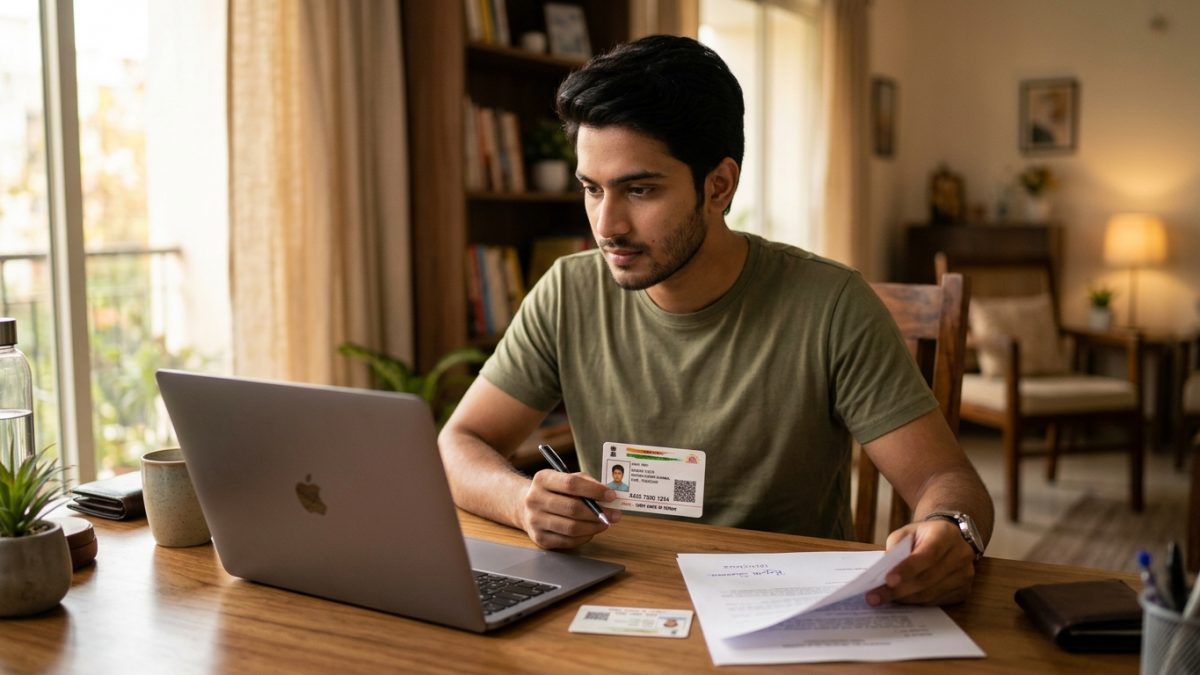
Knowing the exact documents required for learning licence verification saves time and avoids application rejections. The Ministry of Road Transport and Highways (MoRTH) offers two distinct paths on the portal.
Route A: Aadhaar Authentication (Faceless Service)
If your mobile number is linked with your Aadhaar card, you can complete the entire application without uploading identity or address proofs. Demographic details, photo, and address are verified directly from UIDAI.
- Aadhaar card number or Virtual ID for OTP e-KYC.
- Scanned copy of applicant signature (JPEG or JPG format, file size between 10 KB and 20 KB).
- Digitally completed Form 1 (Self-declaration of physical fitness).
- Form 1A medical certificate (only if aged 40 or above).
- Signed parental consent form (only for applicants aged 16 to 18).
Route B: Non-Aadhaar Route (Physical Counter Verification)
If your Aadhaar is not linked to an active mobile number or you choose manual verification, you must book an appointment at your local transport office. You can search your RTO office address and code to identify the right office.
- Proof of Age: 10th standard marksheet, birth certificate, passport, or PAN card.
- Proof of Address: Voter ID card, passport, utility bill, or registered rent agreement.
- Photographs: Recent passport-sized physical photographs along with a scanned signature.
- Physical Forms: Duly filled and signed Form 1 or Form 1A.
| Document Type | Aadhaar Route | Non-Aadhaar Route |
|---|
| Age Proof | Auto-verified via UIDAI | 10th Marksheet, Birth Certificate, Passport |
| Address Proof | Auto-verified via UIDAI | Voter ID, Utility Bill, Rent Agreement |
| Photograph | Fetched from Aadhaar | Physical / Uploaded passport photo |
| Signature | Scanned upload (10–20 KB) | Physical / Uploaded signature |
Learning Licence Fees Breakdown (CMVR Rule 32)
Statutory learning licence fees are regulated centrally under Rule 32 of the Central Motor Vehicles Rules (CMVR), 1989. However, individual states may collect minor facilitation or e-governance service surcharges.
As of September 2026, the national base fees on the Parivahan Sewa portal follow this structure:
| Service Component | Statutory CMVR Fee | Notes |
|---|
| Issue of Learner's Licence (Form 3) | ₹150 | Per vehicle class (e.g., MCWG or LMV) |
| Online STALL Test Fee | ₹50 | Flat fee per application |
| Total for Single Class (Car or Bike) | ₹200 | ₹150 licence fee + ₹50 test fee |
| Total for Two Classes (Bike + Car) | ₹350 | ₹150 + ₹150 + ₹50 test fee |
| Re-test Fee (if applicant fails) | ₹50 | Applicable per failed attempt |
Fee Check: States such as Maharashtra, Delhi, and Uttar Pradesh levy an additional online facilitation charge of ₹30 to ₹60. Always verify the final breakdown at the payment checkout screen.
Step-by-Step Guide: Learner Licence Apply Online via Sarathi Parivahan

If you are wondering about the exact process for learning licence kaise banaye from home, the step-by-step workflow on the national portal makes it simple.
- Access the official website: Open the official Sarathi Parivahan portal in your browser and choose your state of residence from the drop-down menu.
- Select the service: On the state transport dashboard, click on "Apply for Learner Licence" from the list of driving licence services.
- Choose authentication mode: Select "Submit via Aadhaar Authentication". Enter your Aadhaar number or Virtual ID and input the OTP sent to your linked mobile number to complete e-KYC.
- Fill in the application form: The system automatically populates your name, date of birth, photo, and address. Select your vehicle class (such as MCWG for motorcycle or LMV-NT for a private car) and complete the digital Form 1 fitness declaration.
- Upload signature: Upload a clear image of your signature on white paper keeping file size between 10 KB and 20 KB.
- Pay the required fee: Complete the payment using UPI, Net Banking, or a debit card, and save the payment receipt containing your application number.
- Watch the road safety tutorial: Watch the mandatory 10 to 15 minute road safety video on the portal. The online test unlock link will remain locked until this tutorial is completed.
- Receive test credentials: Once the tutorial finishes, the system sends an SMS to your registered mobile number containing your STALL exam password.
Warning: In the Aadhaar route, the portal automatically maps your application to the RTO handling your Aadhaar PIN code. If your address has changed, update UIDAI records first to avoid getting assigned to an inconvenient jurisdiction.
How to Clear the STALL Test Online Parivahan from Home
The stall test online parivahan system (Screen Test Aid for Learner Licence) assesses your understanding of basic road safety rules and traffic regulations. You can take this proctored test on a computer or Android smartphone with an active front camera.
Device and AI Proctoring Requirements
Before launching the test, the system performs an automated facial verification. The webcam captures your face and matches it against your Aadhaar photograph in real time.
- Ensure you sit in a well-lit room without bright backlighting behind you.
- Do not wear hats, sunglasses, or headphones during the test.
- Keep your eyes focused on the screen; looking away or switching browser tabs triggers an automatic test cancellation.
- Ensure no other individual is visible in the camera frame or speaking in the background.
Test Pattern, Syllabus, and Cutoff
The learner licence online test covers traffic signs, priority rules, overtaking regulations, parking restrictions, and basic emergency actions. The question format consists entirely of multiple-choice questions (MCQs).
| Test Parameter | Standard Format | State Variations (e.g., DL, UP, MH, KA) |
|---|
| Total Questions | 15 MCQs | 10 to 20 MCQs depending on state |
| Time Allowed per Question | 30 Seconds | Up to 60 seconds in select states |
| Minimum Passing Score | 60% (9 out of 15) | 60% across all state transport portals |
| Supported Languages | English, Hindi | Regional state languages available |
| Test Result | Instant on-screen confirmation | Immediate automated approval |
If you fail the test, you must wait through a state-mandated cooling period (generally 24 hours to 7 days) and pay a re-test fee of ₹50 on the portal before booking another attempt.
Once you pass the STALL exam, the system approves your application. In most faceless-enabled states, the transport authority digitally signs your licence, enabling instant form 3 download parivahan access.
- Navigate to print options: Visit the Sarathi Parivahan homepage, select your state, click on the "Learner License" menu, and select "Print Learner License (FORM 3)".
- Enter application details: Enter your Application Number and Date of Birth exactly as shown on your acknowledgement slip.
- Authenticate with OTP: Enter the one-time password sent to your registered mobile number.
- Save the PDF: Download the digitally signed Form 3 document and store a physical printout or a digital copy on your phone.
Rules for Driving with a Learner's Licence
Holding a Form 3 permit grants you legal permission to practice driving on public roads under specific statutory conditions:
- Display the 'L' sign: You must place a red letter "L" on a white background on both the front and rear of the vehicle.
- Accompanying driver: You must always be accompanied by an individual holding a valid, permanent driving licence for that vehicle class. On a two-wheeler, the licence holder must sit as the pillion rider.
- Validity window: Form 3 is valid for exactly 6 months (180 days) from the date of issue.
- Permanent licence eligibility: You can schedule your permanent driving licence road test after 30 days from your learner permit issuance date, but before the 180-day validity expires. Read our complete guide on how to apply for a driving license online to prepare for that stage.
Common Mistakes to Avoid During Online Application and STALL Test
Minor errors can lead to application delays or failed exam attempts on the portal. Keep these common issues in mind during the process:
- Inactive Aadhaar mobile number: If your mobile number is not updated in UIDAI records, you cannot receive the authentication OTP required to unlock the faceless flow.
- Facial mismatch errors: If your Aadhaar photo is very old, poor lighting or low webcam quality can cause facial recognition failures. Maintain clear, direct lighting on your face.
- Skipping the tutorial video: The Sarathi portal tracks video completion. Closing the browser window before the road safety tutorial finishes will block exam password generation.
- Exceeding question time limits: Each question must be answered within 30 seconds. If time runs out before you select an option, the system marks the question as incorrect.
After receiving your permit and practicing on road rules, keep your vehicle records updated. You can run an online RC check to verify your vehicle insurance and registration validity, or review any pending traffic violations using the e-challan search tool.
Conclusion
Completing your learner licence apply online journey is now fast, affordable, and accessible from home through the Sarathi Parivahan portal. By keeping your Aadhaar details updated and preparing for basic road safety signs, you can secure your Form 3 permit in a single afternoon without visiting a transport office.
Once your learner permit is generated, practice responsibly with an experienced driver and track your paperwork through our portal to check driving licence status before scheduling your permanent driving test after 30 days.