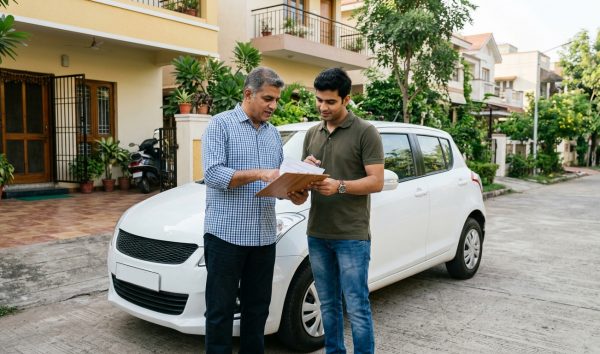
To complete your fastag kyc update online, log in to your issuer bank or the IHMCL portal using your registered mobile number, upload your vehicle Registration Certificate (RC), front and side photos of the car, and an officially valid identity proof. Completing KYC ensures your tag remains active and prevents automatic blacklisting at highway toll plazas.
Before initiating document submission, always verify your vehicle registration details on the VahanX RC search portal to confirm that your registered owner name and vehicle class precisely match the details on file. Discrepancies between your vehicle RC and tag records lead to instant verification rejections under current compliance protocols.
Key Takeaways
- Incomplete KYC or low balance leads to tag blacklisting and a mandatory 2x cash toll penalty.
- Under NPCI rules, tags aged 3 to 5 years require mandatory Re-KYC verification.
- FASTags issued against a chassis number must be linked to a vehicle number within 90 days.
- You can check your status online using your vehicle number, but document submission requires bank OTP login.
- Recharging a low-balance tag restores whitelist status across toll plazas within 10 to 60 minutes.
| Feature / Rule | Requirement / Specification | Authority / Standard |
|---|
| Applicable Vehicle Classes | VC-04 (Private Cars, Jeeps, Vans) and Commercial | NHAI / MoRTH |
| Mandatory Re-KYC Cycle | Every 3 years (Tags older than 5 years must be replaced) | NPCI Guidelines |
| Chassis to VRN Update Deadline | 90 days from tag issuance (Blacklisted after 90 days) | NPCI Directives |
| Toll Penalty for Invalid Tag | Double toll fee (2x standard toll in cash) | NH Fee Rules 2008 (Rule 8(3)) |
| Re-KYC Verification Timeline | 24 to 72 business hours | Issuer Banks / IHMCL |
Understanding FASTag KYC Regulations and Timeline
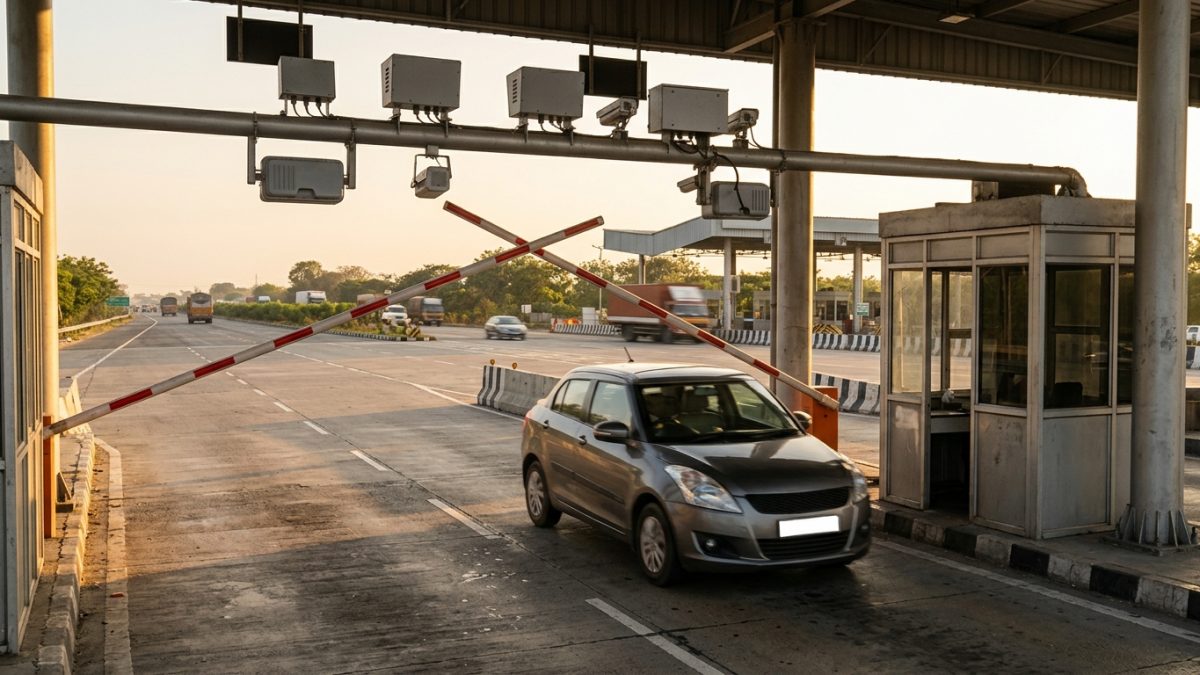
The Ministry of Road Transport and Highways (MoRTH), National Highways Authority of India (NHAI), and the National Payments Corporation of India (NPCI) mandate strict electronic toll compliance. FASTag relies on Radio Frequency Identification (RFID) technology linked directly to a prepaid wallet or bank account.
Under current regulatory directives, customer verification is not a one-time event. NPCI mandates that all FASTags between 3 and 5 years old must undergo periodic Re-KYC (Know Your Vehicle validation). FASTags older than 5 years reach the end of their operational lifecycle and must be decommissioned and replaced.
Compliance Alert: If your vehicle was purchased with a temporary chassis-linked FASTag, you must update it with your permanent vehicle registration number within 90 days to avoid permanent cancellation.
Vehicles operating on temporary registration tags face automatic hotlisting if the permanent vehicle registration number (VRN) is not submitted within 90 days. If the owner fails to rectify this within an additional 30-day grace window, the tag is permanently deactivated, forfeiting the issuance fee.
How to Check FASTag KYC Status Online

Vehicle owners can verify whether their tag is active, pending documentation, or blacklisted through national toll systems. Knowing how to check fastag kyc status in advance prevents unexpected stoppages at toll plazas.
There are multiple official platforms available to carry out a fastag kyc status check by vehicle number, ranging from central clearing houses to issuing bank applications.
Option 1: NPCI NETC Central Portal
- Visit the official portal: Go to the NPCI NETC FASTag Status Portal.
- Enter vehicle details: Type in your Vehicle Registration Number (VRN) or your 24-digit NETC FASTag ID.
- Complete security check: Enter the Captcha code shown on the screen.
- View status report: The system displays your tag identifier, issuing bank name, and current operational status (Active, Low Balance, or Blacklisted).
Option 2: IHMCL Customer Portal
- Access the service: Navigate to the IHMCL FASTag Portal for NHAI-issued tags.
- Authenticate login: Enter your registered mobile phone number and request an OTP.
- Check verification dashboard: Open the "My Profile" section and select "KYC Status" to see if your status is marked as "KYC Verified", "KYC Incomplete", or "Pending".
Option 3: Issuer Bank FASTag Portals & My FASTag App
Major lenders maintain their own dedicated customer management portals. Alternatively, you can download the NHAI My FASTag mobile application. Entering your vehicle registration number in the app displays a color-coded tag status: green confirms active compliance, whereas orange or red flags a low balance or blacklisted status.
| Display Indicator | System Meaning | Required User Action |
|---|
| Active (Green) | Fully KYC compliant with adequate balance | None; vehicle can pass toll lanes freely |
| Low Balance (Orange) | Wallet balance below minimum threshold | Recharge wallet immediately via UPI or netbanking |
| Blacklisted / Hotlisted (Red) | KYC expired, non-affixed, duplicate, or police flag | Submit documents or clear pending violations |
| Closed / Decommissioned | Tag crossed 5-year validity or manually cancelled | Apply for a replacement FASTag |
Mandatory FASTag KYC Documents Required
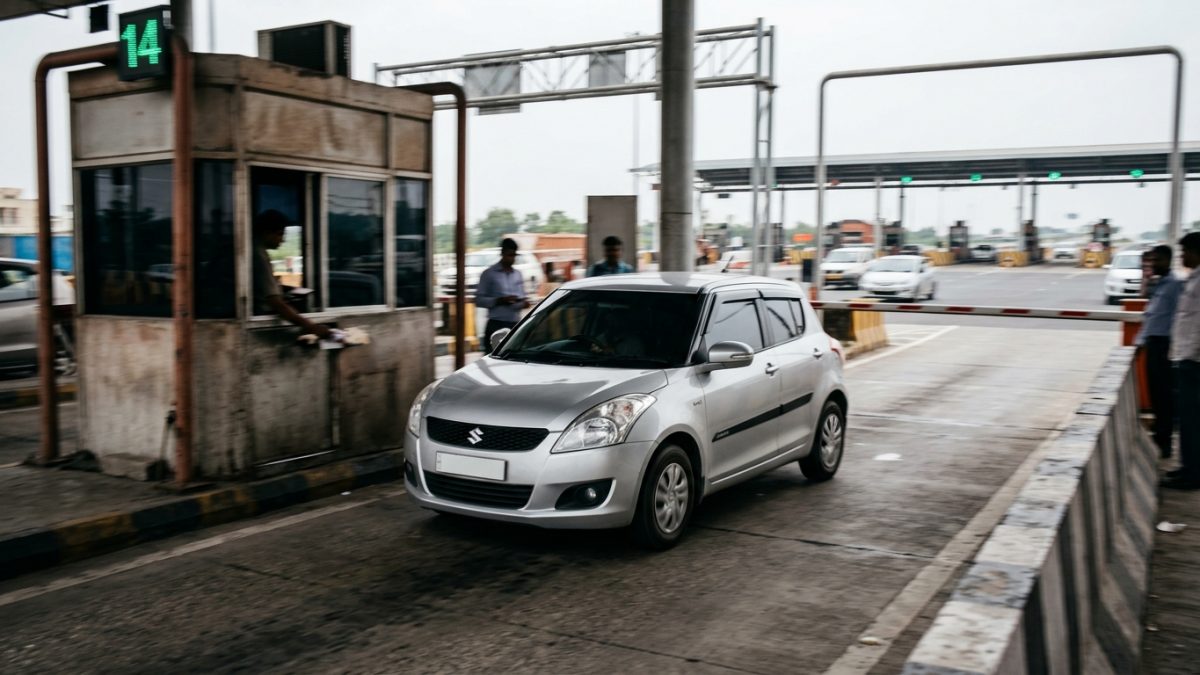
When preparing for your digital submission, ensure all scanned images and photographs are legible, well-lit, and uncropped. Incomplete or blurry uploads are the primary cause of rejected applications.
The specific fastag kyc documents required depend on whether the vehicle is registered to a private individual or a corporate entity.
Documents for Individual Vehicle Owners (VC-04 Class)
- Registration Certificate (RC): A clear, scanned copy of both the front and back sides of the vehicle RC.
- Vehicle Affixation Photograph: A front photo showing the tag affixed to the windshield with the registration plate clearly visible.
- Vehicle Profile Photograph: A side-angle photo displaying the wheels and axle configuration to verify vehicle class.
- Officially Valid Document (OVD): Any one valid identity and address proof of the registered owner (Aadhaar, PAN Card, Driving Licence, Voter ID, or Passport).
- Passport-size Photograph: A recent digital photo of the registered vehicle owner.
Documents for Commercial, Fleet, and Corporate Owners
- Certificate of Incorporation, Partnership Deed, or GST Registration Certificate.
- Permanent Account Number (PAN) card of the business entity.
- Authorised signatory identity proof (Aadhaar or Passport) along with a valid Board Resolution or Power of Attorney.
- Vehicle Registration Certificate (RC) along with valid commercial fitness and route permits.
Document Tip: Ensure the name on your identity document matches the owner name registered on your RC. If you recently bought a pre-owned car, transfer the RC at the RTO before submitting bank KYC.
Step-by-Step FASTag KYC Update Online Across Major Banks
The operational process to update your documentation varies depending on whether your tag was issued by NHAI/IHMCL or a commercial bank. The steps below guide you through the process.
Option A: Updating KYC on the IHMCL FASTag Portal
- Log in to the dashboard: Visit the official IHMCL FASTag Portal and authenticate using your registered mobile number and OTP.
- Navigate to profile: Select "My Profile" from the left navigation panel and click on "KYC Status".
- Specify customer category: Choose "Individual" or "Corporate" based on your vehicle ownership type.
- Fill identity details: Enter your address and select your identity document type (Aadhaar, Voter ID, or Passport).
- Upload vehicle and ID proofs: Upload scanned files of your vehicle RC, front photo, side-profile photo, and identity document.
- Submit application: Review the entered details, click submit, and save the service request reference number for tracking.
Option B: SBI FASTag KYC Update
- Access SBI FASTag portal: Visit the SBI FASTag web page and click on customer login.
- Authenticate user: Enter your mobile number, vehicle number, and the OTP sent to your registered phone.
- Open KYC verification tab: Navigate to "Manage FASTag" and select the sbi fastag kyc update section.
- Confirm vehicle registration: Verify that your registration number matches your physical RC card.
- Complete e-KYC: Complete Aadhaar-based OTP verification or upload scanned identity and vehicle documents.
- Track processing: Verification takes 24 to 72 business hours. SBI notifies the user via SMS once approved.
Option C: ICICI FASTag KYC Update Online
- Log in to ICICI FASTag: Go to the ICICI Bank FASTag portal and log in using your Customer ID or registered mobile credentials.
- Go to vehicle management: Click on "Vehicle Details" and select the icici fastag kyc update online workflow.
- Upload files: Attach clean copies of the vehicle RC (front and back), owner identity proof, and vehicle windshield photos.
- Confirm submission: Click submit to generate an acknowledgement receipt. Your tag profile reflects compliant status within 2 to 3 working days.
The "One Vehicle, One FASTag" Initiative Explained
NHAI rolled out the one vehicle one fastag kyc initiative to eliminate widespread non-compliance where multiple tags were linked to a single vehicle or a single tag was swapped across different cars.
Under these enforcement rules, issuing banks identify and systematically deactivate older duplicate tags. Only the latest active FASTag linked to a Vehicle Registration Number remains functional in the central mapper.
Warning: If you keep multiple tags inside your car, toll scanners may read an inactive tag and trigger a lane barrier stoppage, forcing a 2x toll cash payment.
If you have previously owned multiple tags for the same car across different banks, you must contact the older issuer banks to officially close those accounts and reclaim your refundable security deposits.
FASTag Blacklist Status Check & How to Unblacklist Your Tag
Encountering a blacklisted tag at a highway toll lane causes unnecessary delays. Running a regular fastag blacklist status check helps identify problems before you start your journey.
Understanding how to unblacklist fastag depends entirely on the root cause that triggered the hotlisting in the central clearing mapper.
| Blacklist Reason | Primary Trigger | Resolution Method | Reactivation Time |
|---|
| Low / Negative Balance | Balance below mandatory threshold | Recharge wallet balance via UPI or netbanking | 10 to 60 minutes |
| Incomplete / Expired KYC | Failure to upload RC or identity proof | Submit mandatory documents on issuer portal | 24 to 72 hours |
| Duplicate Tags Linked | Multiple tags issued to single vehicle | Close older tags and retain latest active tag | 24 to 48 hours |
| Un-updated Chassis Tag | Temporary tag not updated within 90 days | Upload permanent RC card on bank portal | 24 to 72 hours |
| Police / Legal Directive | Pending court matters or flagged theft | Clear flags and settle traffic violations | Bank review required |
| Vehicle Class Mismatch | Car tag used on commercial vehicle | Surrender tag and obtain correct class tag | Fresh tag issuance |
Step-by-Step Reactivation Protocols
- Reactivate from low balance: Add funds to your prepaid wallet immediately using your banking app or UPI. Under the ICD 2.5 protocol implemented at National Highway toll plazas, your tag is whitelisted across all toll plazas within 10 to 60 minutes.
- Reactivate from KYC non-compliance: Log in to your issuer bank portal, navigate to document management, upload your RC and ID proofs, and submit. The tag is unblacklisted once backend bank officers verify the documents.
- Reactivate from duplicate tag deactivation: Check your active tags on the NPCI central mapper. Submit a tag closure request for all dormant tags with previous providers. Once older tags are terminated, your primary tag operates normally.
- Reactivate from enforcement flags: If law enforcement agencies have placed a freeze due to pending court matters or unpaid challans, resolve your pending matters. Check outstanding legal violations on the official Parivahan e-Challan Portal or through VahanX e-challan tracking, clear the dues, and submit receipts to your bank.
Highway toll collection in India operates under strict statutory mandates. Rule 8(3) of the National Highways Fee (Determination of Rates and Collection) Rules, 2008, governs non-compliant tag operations across all national highways.
According to the official MoRTH Notification on Fee Rules, any vehicle entering an electronic toll collection lane with an invalid, low-balance, or blacklisted FASTag must pay a cash penalty equal to twice the applicable fee.
Affixation SOP: Under NHAI Affixation Guidelines, your tag must be permanently glued to the upper-center front windshield behind the rear-view mirror. Holding a tag by hand attracts double toll charges.
National vs. State Highway Regulations
On National Highways, 100% of toll lanes are dedicated FASTag lanes. Cash lanes are non-existent, and toll staff strictly enforce the 2x penalty fee. While certain state highway plazas (such as local municipal or regional toll gates) may still offer manual cash windows, these agencies are transitioning toward unified NHAI enforcement rules.
Furthermore, local resident monthly toll concessions (applicable to personal vehicles registered within a 20 km radius of a fee plaza) require a fully KYC-compliant tag registered to the local residential address. If your tag is blacklisted, your local discount privileges are suspended.
Before planning an inter-city highway trip, take a moment to confirm your vehicle's roadworthiness and documentation on the VahanX vehicle information portal, ensuring your registration, fitness, and FASTag details are fully up to date.
Conclusion
Completing your fastag kyc update online is a necessary step to maintain uninterrupted highway travel and protect yourself against paying steep double toll penalties. Checking your verification status takes only a few minutes, whether through the NPCI central tracking tool or your issuer bank portal.
Keep your vehicle documents, registration certificates, and owner profiles aligned with regulatory norms. Verify your current vehicle details on VahanX RC check, update any pending KYC records with your issuing bank, and enjoy seamless transit across India's national highways.