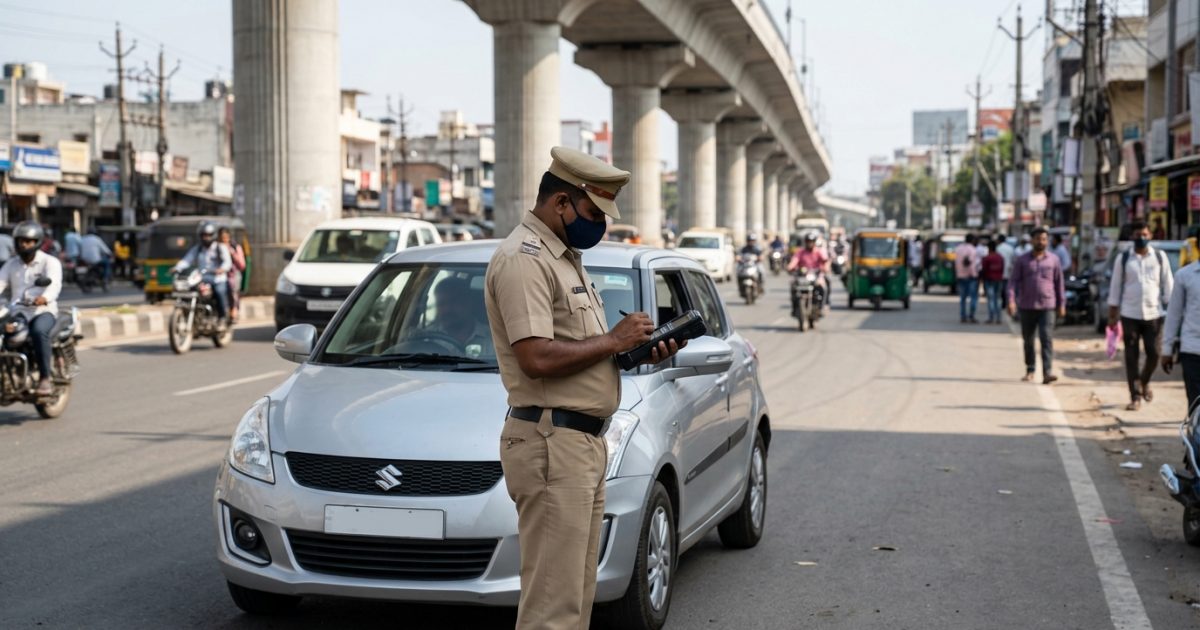
To perform an authentic challan check by vehicle number, visit the official Parivahan eChallan portal at echallan.parivahan.gov.in, enter your vehicle registration number alongside the last five digits of your chassis or engine number, enter the security captcha, and view your pending fines immediately. You can quickly run a challan check by vehicle number on VahanX to track your pending traffic fines before making any payments.
Key Takeaways
- You must enter the last 5 digits of your chassis or engine number on the central Parivahan portal to query by vehicle plate.
- Automated fines issued by speed radars and red-light cameras include downloadable photographic proof with GPS and timestamp metadata.
- If an incorrect fine is generated due to camera reading errors, file an online dispute ticket through the Parivahan grievance system.
- Unpaid fines are transferred to Virtual Courts after 60 to 90 days, or 45 days in Delhi.
- Genuine government traffic fine alerts come from official SMS headers and lead strictly to portals ending in gov.in.
| Feature | Central Parivahan Portal | State Traffic Portals | Virtual Court (vCourts) |
|---|
| Primary Portal | echallan.parivahan.gov.in | traffic.delhipolice.gov.in / mahatrafficechallan.gov.in | vcourts.gov.in |
| Lookup Credentials | Plate + Last 5 Chassis/Engine digits | Vehicle Number + Captcha (select states) | CNR, Challan Number, or Vehicle Number |
| Payment Mode | UPI, Cards, Net Banking (Treasury Gateway) | State Treasury / Payment Gateway | Court Gateway (SBI ePay / Bharatkosh) |
| Resolution Window | Standard 60 to 90 days (45 days in Delhi) | Varies by regional traffic jurisdiction | Until disposed of by magistrate |
How to Complete a Challan Check by Vehicle Number Online
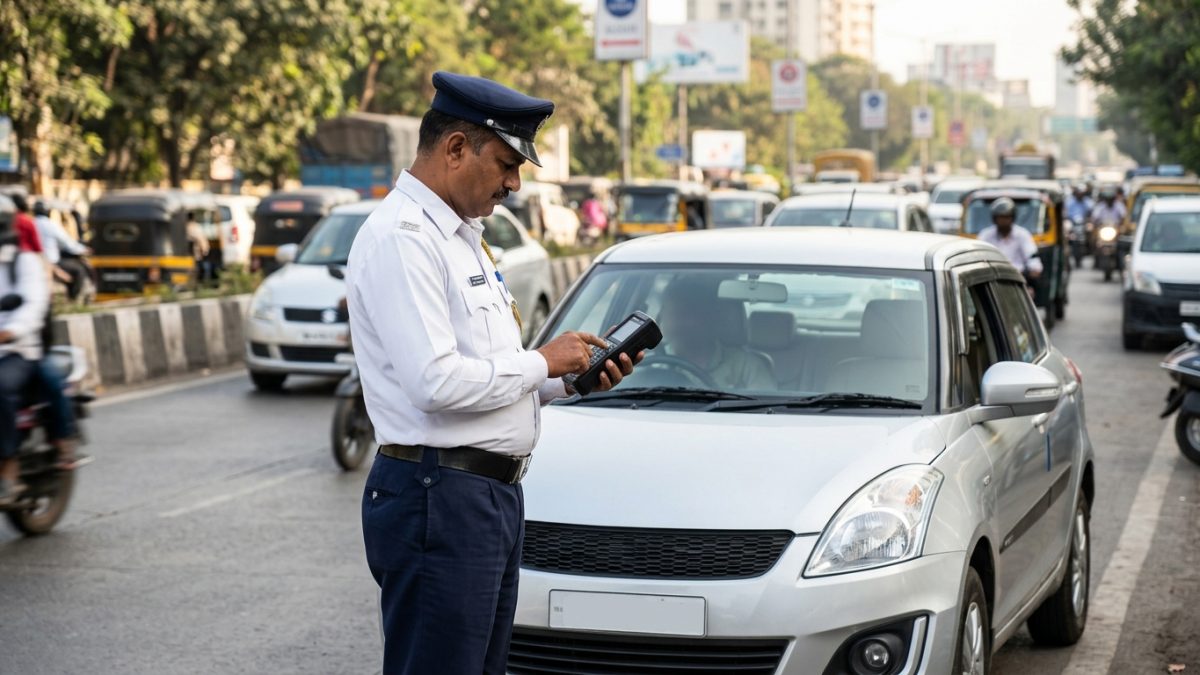
The Ministry of Road Transport and Highways (MoRTH) operates the centralised NextGen eChallan database in coordination with the National Informatics Centre (NIC). Conducting an e challan status check online ensures you settle compoundable penalties before they escalate into formal court summons.
You can verify any outstanding ticket across commercial or private vehicles by accessing the echallan parivahan gov in status search engine. Keeping your vehicle records verified via an online RC check helps ensure your registered mobile number is always up to date for official alerts.
Step-by-Step Guide on the Parivahan Portal
- Open the official portal: Navigate to echallan.parivahan.gov.in and click on the Check Pending Challan Status navigation tab.
- Select the Vehicle Number query: Pick the Vehicle Number option from the three radio buttons presented on screen.
- Provide security validation digits: Input your complete vehicle registration mark without hyphens or spaces, followed by the last 5 digits of your Chassis Number or Engine Number.
- Solve the Captcha: Enter the dynamic security alphanumeric captcha accurately and click on Get Detail.
- Examine the violation summary: The dashboard will retrieve every pending, paid, or disposed violation linked to your vehicle, showing the offence date, specific traffic circle, legal section, and compoundable fine.
- Initiate digital settlement: If you wish to clear a pending fine, select Pay Now, verify your identity via the OTP sent to your RTO-registered mobile number, and complete the transaction.
Always download and store the digital clearance receipt after finishing the transaction. This PDF contains your payment transaction ID, which serves as legal proof during roadside police inspections.
Can You Check Pending Challan for Car or Bike Without Chassis Number?
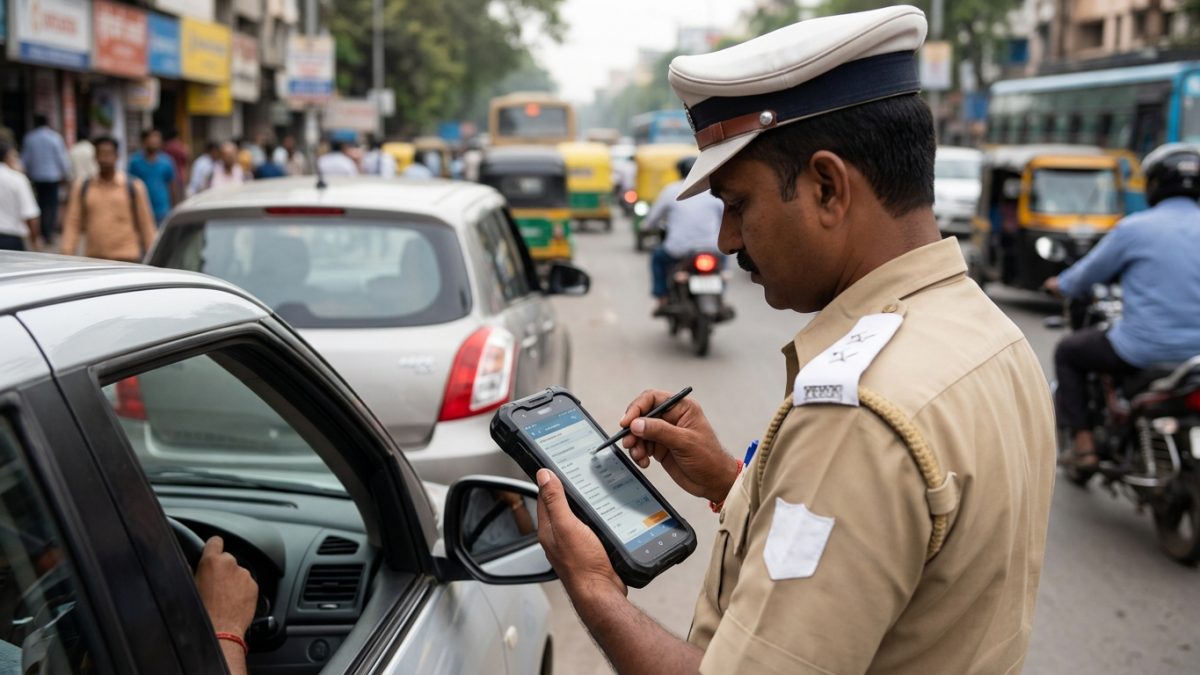
Many motorists wonder if they can check pending challan car bike records using only their registration number plate. On the central MoRTH portal, querying purely by registration number without chassis or engine digits is disabled to protect citizen privacy.
Because number plates are openly displayed in public spaces, requiring the last five digits of the chassis or engine number prevents unauthorised third parties and bad actors from tracking a citizen's travel movements, fine history, and daily commuting patterns.
| Platform / Method | Chassis / Engine Digits Required? | Alternative Verification Needed |
|---|
| Parivahan Portal (Vehicle Search) | Yes (Mandatory last 5 digits) | Captcha code |
| Parivahan Portal (Challan Search) | No | Unique Challan Number from SMS + Captcha |
| Parivahan Portal (DL Search) | No | Driving Licence Number + Captcha |
| State Police Portals (e.g., Delhi, Mumbai) | No (in select states) | Vehicle Plate Number + Captcha / OTP |
| mParivahan / DigiLocker App | No (after initial profile setup) | Aadhaar OTP verification during initial setup |
If you do not have your physical registration certificate (RC) nearby, you can find the required digits on your motor insurance policy schedule or run a search using your licence details via the online driving licence check.
How to Verify Camera Evidence and Photographic Proof
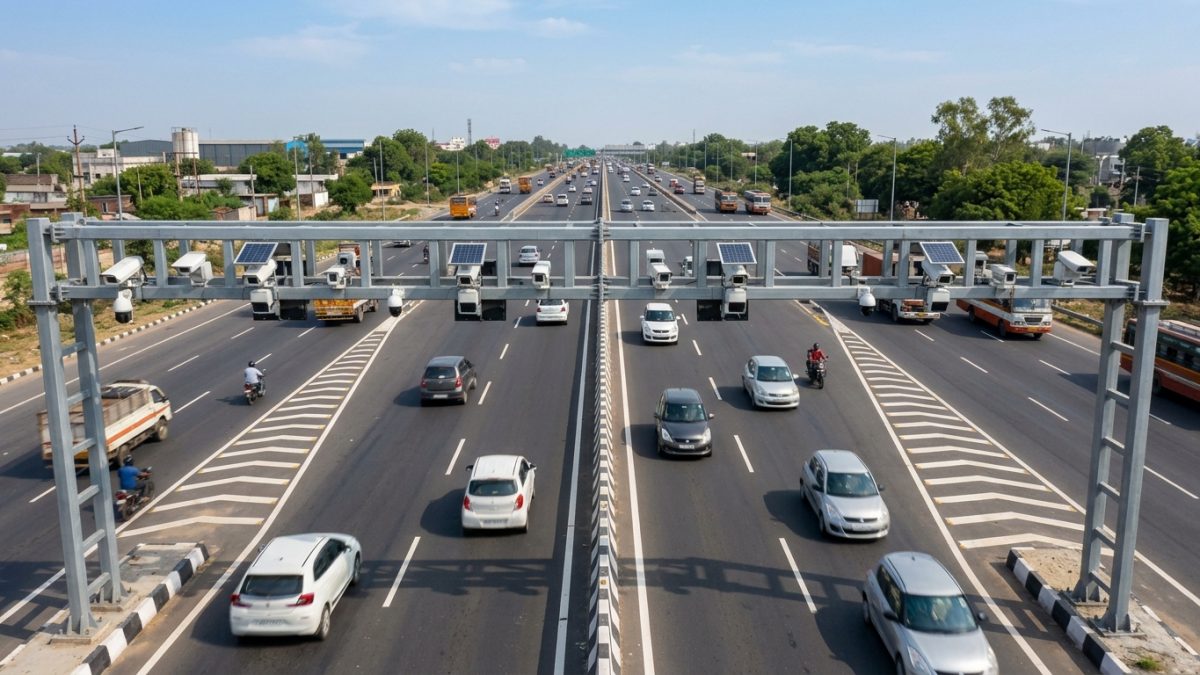
Modern Indian traffic enforcement relies heavily on automated digital surveillance systems. Automated Number Plate Recognition (ANPR) cameras, Speed Detection Radars, and Red Light Violation Detection (RLVD) systems capture infractions automatically without human intervention.
Before paying any ticket discovered during a traffic challan check online, you have the statutory right to examine the photographic evidence registered against your vehicle. Reviewing this visual record ensures that you are not paying for an infraction you did not commit.
Accessing Photographic Evidence on Parivahan
When reviewing the ticket list on the official portal, look for the violation row and click on the Camera Icon or the View Image button. The system generates an evidence dossier containing detailed captures of the incident:
- A cropped, high-resolution zoom showing the vehicle registration plate.
- A wide-angle context image demonstrating the vehicle exceeding the stop line, changing lanes illegally, or carrying unhelmeted riders.
- A cryptographic timestamp watermark displaying the precise date, time down to the second, GPS latitude and longitude coordinates, and recorded vehicle speed versus the permissible limit.
State-specific traffic police portals such as those in Delhi, Bengaluru, and Hyderabad often provide sequential high-definition snapshots or short surveillance video clips under the Evidence tab.
How to Check Wrong Challan and File a Parivahan Dispute
Technological errors occasionally lead to incorrect tickets being issued. An unexpected ticket can be generated if an automated camera misreads a dirty or stylized number plate, if a vehicle clone is circulating on the road, or if an enforcement officer inputs an incorrect offence code.
Knowing how to check wrong challan parivahan records allows you to rectify legal records without paying arbitrary fines. You do not need to visit a police station in person to register your objection.
Step-by-Step Parivahan eChallan Grievance Dispute
- Access the Grievance Subsystem: Visit the official MoRTH grievance portal at echallan.parivahan.gov.in/gsticket/.
- Enter your ticket details: Provide your Name, Mobile Number, and the disputed Challan Number, then complete the OTP verification.
- Select the grievance category: Choose the appropriate issue from the drop-down menu, such as Incorrect Vehicle Number, Vehicle Not at Location, or Wrong Offence Code.
- Attach supporting evidence: Upload relevant proof in PDF or JPEG format (maximum file size 2 MB). Relevant proofs include photographs of your genuine vehicle showing make and colour, FASTag toll statements proving your vehicle was in another city, or dashcam recordings.
- Submit and track: Submit your dispute to receive an electronic ticket reference number (e.g., GS-XXXXX) to monitor your claim until resolution.
If your vehicle was previously sold but the registration transfer is pending at the RTO, the legal owner on record remains accountable until the records are formally updated in the regional database.
What Does E-Challan Sent to Court Mean and What Are the Next Steps?
When checking your record, seeing the status marked as Sent to Court or Pending at Virtual Court can cause worry. Understanding the e challan sent to court meaning helps you navigate the formal legal process calmly.
Under the Motor Vehicles Act, motorists have a defined statutory period—typically 60 to 90 days across most Indian states, and 45 days in Delhi—to pay compoundable fines directly on transport department portals. Once this window lapses without payment, the enforcement system automatically packages the electronic charge sheet and transmits it to the judiciary.
Resolving Fines Through Virtual Courts (vcourts.gov.in)
To eliminate the need for physical appearances for routine summary offences, the Supreme Court of India initiated the Virtual Courts project, hosted at vcourts.gov.in. Once transferred, payments cannot be accepted on the central Parivahan web page.
- Log on to the Virtual Court Portal: Navigate to vcourts.gov.in and select the state and department where the traffic violation occurred.
- Locate the case: Search using your Challan Number, Vehicle Number, or Mobile Number to pull up the electronic docket.
- Choose your legal plea: The Virtual Court interface presents two primary pathways to dispose of the matter:
- Plead Guilty: You accept the fine as formulated by the magistrate, settle the penalty through the integrated payment gateway, and receive a formal court disposal order.
- Plead Not Guilty (Contest): You decline the summary fine and request a regular judicial hearing. The Virtual Court transfers the docket to the jurisdictional physical court, which will issue a formal summons for appearance.
Ignoring a court summons can lead to severe consequences: magistrates can issue warrants, order the RTO to blacklist the vehicle on the central Vahan database, or impound your driving licence.
How to Identify Fake Challan SMS Links and Avoid Phishing
Cybercriminals frequently exploit the fear of traffic penalties by launching phishing attacks via SMS and instant messaging apps. It is critical to carefully identify fake challan sms link schemes before entering payment details or banking credentials online.
Fraudulent messages routinely claim that your driving licence will be cancelled within 24 hours unless an immediate fee is submitted through a shortened web link. Legitimate government enforcement departments never use coercive deadlines or unverified domains.
| Verification Parameter | Legitimate Government Notice | Fraudulent Phishing SMS / Scam |
|---|
| Sender Identification | Official alphanumeric header (e.g., TD-PARIVHN, DLTRFC) | Standard 10-digit mobile number or VoIP (+92, +1) WhatsApp |
| Web Domain | Strictly ends with .gov.in or .nic.in | Suspicious lookalike domains ending in .top, .site, .apk, .in |
| Payment Destination | Bharatkosh, State Treasury, or SBI ePay | Direct third-party UPI handles or cloned payment gateways |
| Software Downloads | Never requests file or application downloads | Prompts downloading an APK file (malware that steals OTPs) |
| Database Validation | Requires chassis digits to protect RC privacy | Displays static payment demands without vehicle verification |
If you inadvertently fall victim to a fraudulent payment transfer, immediately register a complaint on the National Cybercrime Reporting Portal at cybercrime.gov.in or dial the national cyber financial helpline at 1930 within the golden hour to freeze the transaction.
Common Traffic Violations and Penalties Under Motor Vehicles Act
The Motor Vehicles (Amendment) Act lays out standard baseline financial penalties across India to deter unsafe driving practices. While individual state governments have powers to notify specific compounding fees for certain offences, baseline penalties provide a useful benchmark nationwide.
Understanding these standard statutory charges helps vehicle owners verify whether a pending demand aligns with the legal framework as of September 2026. For a complete look at clearing dues, read our detailed guide on how to pay e-challan online.
| Traffic Violation | Statutory Legal Section | Compoundable Baseline Penalty |
|---|
| Driving Without Valid DL | Section 181 | ₹5,000 |
| Driving Without Third-Party Insurance | Section 196 | ₹2,000 (1st offence), ₹4,000 (subsequent) |
| Riding Two-Wheeler Without Helmet | Section 194D | ₹1,000 + 3-month DL disqualification |
| Driving Without Seatbelt | Section 194B | ₹1,000 |
| Overspeeding (Light Motor Vehicles) | Section 183 | ₹1,000 to ₹2,000 |
| Signal Jumping / Dangerous Driving | Section 184 | ₹1,000 to ₹5,000 |
| Using Mobile Phone While Driving | Section 184 | ₹1,000 to ₹5,000 |
| Drunk Driving | Section 185 | Up to ₹10,000 and/or 6 months jail (Court only) |
Certain critical violations—such as driving under the influence of alcohol or narcotics (Section 185)—are categorized as non-compoundable. These violations cannot be settled online on Parivahan and require an in-person appearance before a magistrate.
Best Practices to Avoid Traffic Violations and Manage E-Challans
Managing your vehicle's compliance record requires periodic monitoring rather than waiting for an unexpected SMS or physical notice. Because automated systems rely entirely on digital imaging, keeping your hardware and paperwork compliant is the best defence against errors.
Vehicle owners should install standard High Security Registration Plates (HSRP) without stylized fonts, keep safety belts fastened, ensure pillion riders wear certified helmets, and run a routine digital check on vehicle compliance every few months.
Maintaining Your Digital Compliance Routine
- Perform a routine quarterly audit of your vehicle profile using the VahanX challan search tool to catch unattended violations before they are sent to court.
- Ensure your active mobile number is permanently tied to your registration certificate on the Vahan portal so you receive genuine, immediate system alerts.
- Keep your pollution under control (PUC) certificate, vehicle fitness, and motor insurance active to avoid compounding automated fines logged by highway surveillance cameras.
- If you plan to sell your vehicle, ensure the buyer completes the formal RC transfer at the RTO promptly so future infractions are not linked to your name.
Conclusion
Running a regular challan check by vehicle number is essential to keep your driving record clean, avoid unexpected court summons, and stay safe from cyber scams. Whether you are driving a daily commuter bike or managing a family car, checking the Parivahan portal keeps you informed of any pending fines before deadlines lapse.
Take two minutes today to review your vehicle's status on the official portal or run a quick search on VahanX, clear compoundable dues promptly, and drive with complete peace of mind across Indian roads.